Reaktor Product Atlas — Living Graph Super-IDE
Build, compose and debug a whole software system through one programmable Living Graph. Reaktor's super-IDE brings source, typed Blueprints, product previews, data, runtime state and agents into a persistent editor workspace. The Living Graph foundation defines one heterogeneous, nested, multilayer logical port graph across source, build and runtime; its layers and editors share identities without imposing one scheduler or central object heap. Open the documents needed for a change, keep them visible together, run the system and follow a failure back to the exact code or contract that explains it.
Unreal Engine inspires the integration of engine mechanisms, expressive authoring, runtime debugging and extensible tools. IntelliJ inspires the developer's working model: projects and symbols, editable documents, refactoring, run configurations, diagnostics and docked tools. Reaktor's contribution is to connect those facilities across application clients, services, actors, protocols, native boundaries and infrastructure. Claude and Codex work inside that environment through Conductor.
A new application and an existing repository enter the same project workspace. A developer can start with source, a Blueprint, an engine module, a product design or an agent task. Creation remains a central capability; it produces a normal project that can continue growing through direct programming and composition.
Design revision: 8 September 2026. Source: modules/reaktor.pen. These are authored design specifications. Runtime implementation and release qualification remain separately recorded below.
Graph substrate proposal — updated 9 September: Data-oriented Substrate and Typed Maps supplies the proposed HLD, Kotlin contracts and migration/acceptance gates behind the whole-system map: one semantic identity model, typed overlays and owned execution. The complete integration matrix covers all 34 framework module/build directories, 13 desktop modes and 74 authored subpanes, including the Workbench's own documents, selections, agent sessions and operations. It refines the architecture without marking these boards implemented or changing their authored visuals.
Current quality review: UI/UX audit — fixed defects, remaining issues and acceptance journeys. The audit retains the original 122-board census and distinguishes design coverage from native interaction qualification. Its distance-to-vision assessment records the current desktop as a useful inspection alpha: all seven broad developer journeys still have blocking operational or qualification gaps.
Reading paths: Current implementation · BestBuds application topology · Follow a selection across tools · World map · Inspect UI into system · Route orchestration · Headless orchestration · Living Graph detail · Continuous zoom and flow guide · Local Blueprint editor · Source and product preview · Connected value chain · Persistent shell · Actor debugger · Conductor with code · Programmable workbench · Catalog · Retained references.
The system map: one viewport, four scales
The map is the primary instrument of this iteration. One tokenized viewport instrument (Map / Viewport Instrument, Map / Scale Bar, Map / Road Legend in the map instrument library) underlies four states that share the Fieldwork fixture (definition G42, recorded activation local/7, route R-CAP · capture → publish) and the same port identifiers from p40 to p141. The fixture and identity ledger lists them; the decision table records the encodings every board now shares. Districts and corridors are projections of one graph, roads keep their class at every scale, and a route is drawn as declared, candidate, simulated or correlated. Nothing here is a live connection: cloud segments are declared from configuration, local/7 covers p40 → p44 only, and every "designed" mark means the code does not exist yet.
System map · estate
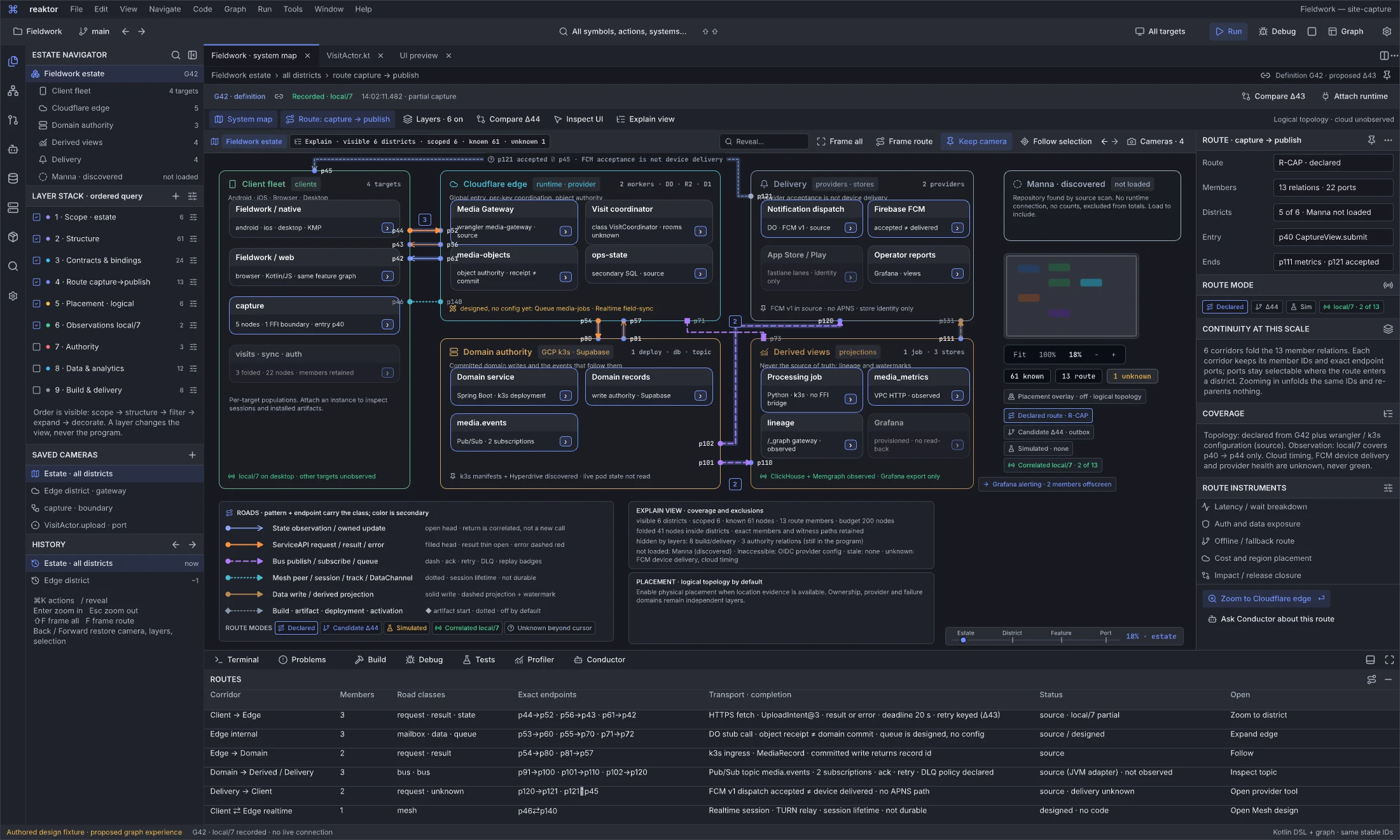
Design reference: ZCxzu · Whole-estate map state, revised in place.
Adaptive disclosure contract: measured landscape/square graph canvases expand the hierarchy to the right; portrait canvases expand below. Use the canvas after surrounding docks and toolbars, preserve exact selection and scope identities, and balance measured dense subtrees so expansion does not produce an extreme strip. This contract also applies to the mounted client graph; it does not establish that the distributed estate in this fixture is connected.
Question: How do I see the whole distributed application at once, keep the flow I am following, and know what the picture leaves out?
Six districts lay out the estate as logical topology: the client fleet (Fieldwork native and web with the folded capture feature), the Cloudflare edge (Media Gateway Worker, Visit coordinator Durable Object namespace, R2, D1, and the designed Queue and Realtime members marked as such), the domain authority (Spring Boot on k3s, Postgres write authority, the Pub/Sub topic), derived views (Python job, ClickHouse, Memgraph, Grafana), delivery (notification dispatch, FCM, stores, operator reports) and an unloaded Manna domain that is excluded from every count. Corridors between districts are bundles with a member count; their exact endpoint ports (p44, p52, p54, p80, p101, p110, p120, p121, p45 …) sit on the district boundaries and stay selectable. The selected route is highlighted through client → edge → domain → derived/delivery → client, with FCM acceptance drawn as unknown beyond p121 rather than as delivery.
The viewport instrument carries the breadcrumb, the explain chip (visible 6 · scoped 6 · known 61 · unknown 1), reveal, frame and camera commands, history and saved cameras; the scale bar, minimap and canvas stats sit in the right column beside the route-mode chips. The explain panel lists what is folded, hidden by layers, not loaded, inaccessible or unknown, and the placement note states that physical geography is an optional overlay needing location evidence. The corridors dock names every corridor's members, road classes, exact endpoints, transport and completion contract, and status (source, designed, unobserved).
Next action and handoff. Press Enter on the Cloudflare edge or use the inspector's zoom action to open the district state; the camera moves only for that deliberate command. Layers change the view, never the program. Failure states shown: unknown device delivery, designed-only members, an unloaded domain. Implementation owner: reaktor-flow for scene, districts, bundles and portals; BestBuds engine for the shell, navigator and docks. Acceptance: scenario 19, whole system to exact port.
System map · runtime district
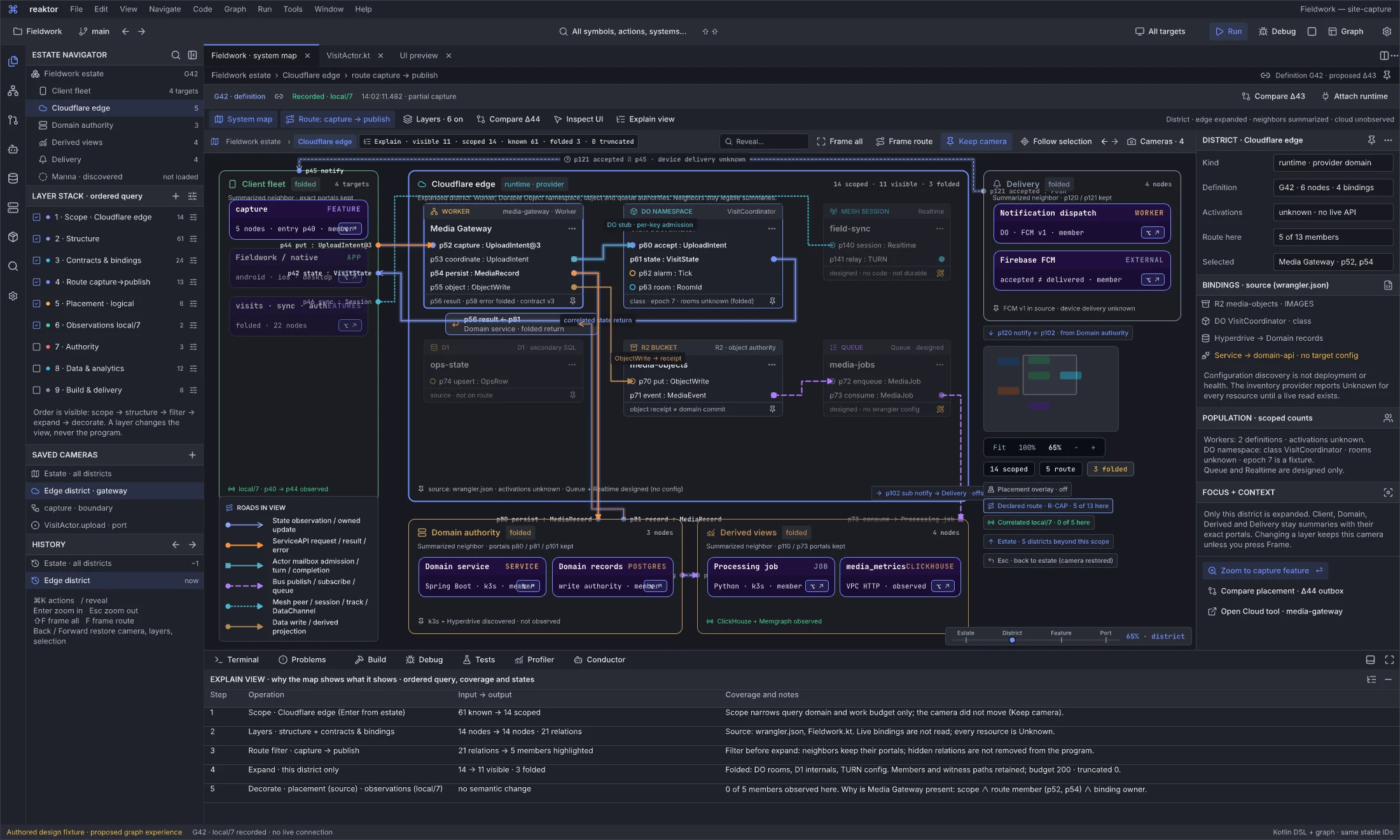
Design reference: DBc14 · District state of the same map (focus plus context).
Question: How do I expand one runtime or provider domain without exploding the rest of the estate?
The Cloudflare edge is expanded into typed nodes — Media Gateway with p52/p53/p54/p55, the Visit coordinator namespace with p60–p63, R2, D1, and the designed media-jobs queue and field-sync Realtime session drawn dimmed with a pencil-ruler mark — while the client fleet, domain authority, derived views and delivery remain summaries with their portals (p44, p42, p46, p80, p81, p101, p110, p73, p121). The DO stub admission, the object write with its receipt, the designed queue hop and the correlated state return are drawn as different road classes; a folded return portal keeps p56 ← p81 reachable. The inspector lists the district's source bindings from wrangler.json, including a service binding with no target configuration, and states that activations are unknown because there is no live provider read.
The dock is the explain view: the ordered query stack (scope → layers → route filter → expand → decorate) with input and output counts for each step, the three folded members and their retention, the budget and truncation, and the reason Media Gateway is present. Filtering before expansion is shown as a distinct step from expanding before filtering.
Next action and handoff. Enter on the folded capture summary opens the feature state; Esc returns to the estate with the camera restored. Failure states: designed members, unknown activations, dangling binding. Owner: reaktor-flow for scope-local expansion and portals; reaktor-cloud for binding discovery status. Acceptance: scenario 20, focus with context.
System map · feature and its boundary
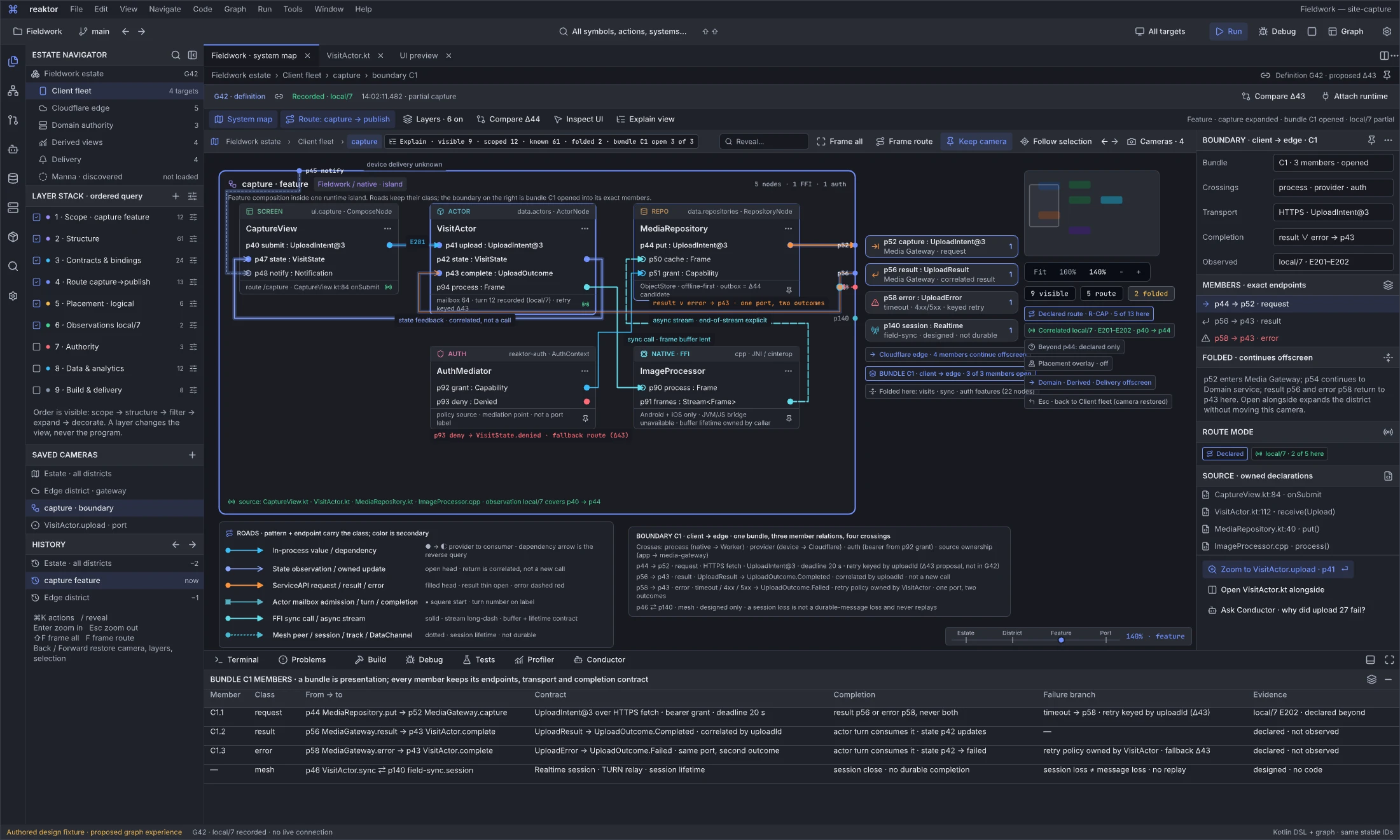
Design reference: pxsmW · Feature state with bundle C1 opened into its members.
Question: What exactly crosses the boundary when this feature calls the edge, and where do the result and the failure come back?
Inside the Fieldwork native island, CaptureView, VisitActor, MediaRepository, the C++ ImageProcessor behind an FFI boundary and the AuthMediator are drawn with their real port kinds: a value road from p40 to the mailbox p41, an open-headed state feedback from p42 to p47, a synchronous FFI call and an asynchronous frame stream, and the auth grant into the repository. On the right, bundle C1 is opened: p44 → p52 (request), p56 → p43 (result) and p58 → p43 (error) each end on a portal card that names the offscreen endpoint and its transport contract; the error branch joins the result at a marked branch point because one port receives two outcomes. The designed Mesh session portal is present and marked designed.
The boundary panel lists the four crossings (process, provider, auth, source ownership) and the contract of each member; the dock repeats them as exact endpoints with completion, failure branch and evidence (local/7 E202 for the request, declared for the returns). Folded neighbours are named with their node counts.
Next action and handoff. Enter on p41 opens the port state; "Open alongside" expands the district without moving this camera. Failure states: the error branch and the auth deny fallback (Δ43). Owner: reaktor-flow for bundles, portals and branch points; reaktor-graph for port contracts. Acceptance: scenario 21, boundary crossing.
System map · exact port and selected execution
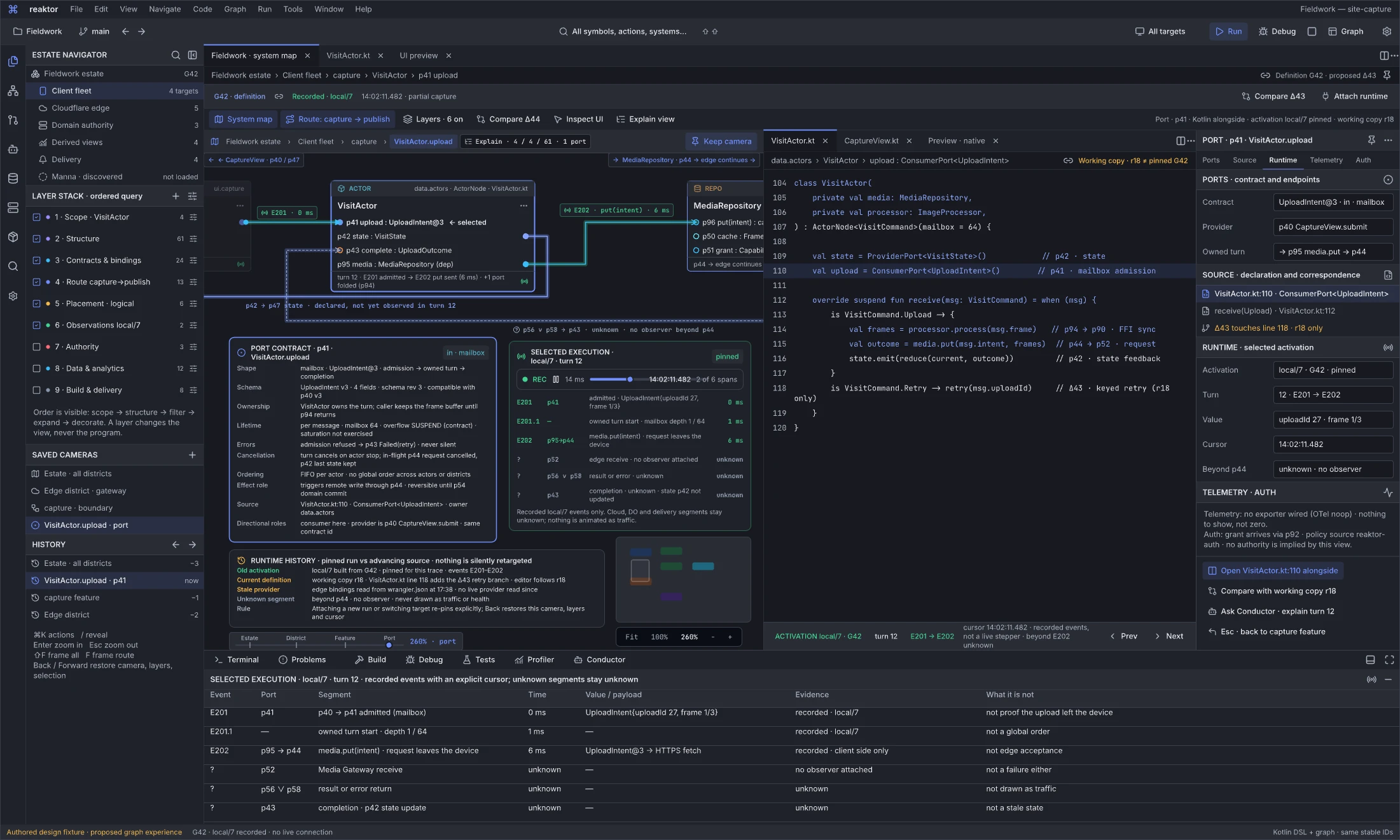
Design reference: Pu9Sf · Port state with Kotlin open alongside and a pinned activation.
Question: What is this port's contract, where is it declared, and what did the recorded run actually do here?
VisitActor.upload (p41) is selected; its contract card states shape (mailbox admission → owned turn → completion), schema revision, ownership, lifetime and overflow policy, errors, cancellation, ordering, effect role and directional roles. The Kotlin editor group shows the declaration at line 110 and the receive handler, with a breadcrumb that says the working copy r18 differs from the pinned G42 definition. The selected-execution card and the dock list the recorded events E201–E202 with the cursor, values and evidence, and mark every segment beyond p44 unknown; the correlated roads are green up to the cursor and unknown after it. The runtime-history panel separates the old activation, the current definition, the stale provider read and the unknown segment, and states that re-pinning is explicit.
The inspector's Ports, Source, Runtime, Telemetry and Auth sections answer different questions: telemetry says no exporter is wired rather than showing zero, and auth says no authority is implied by the view.
Next action and handoff. Open the source alongside, compare with r18, ask Conductor to explain turn 12, or Esc back to the feature. Failure states: unknown beyond E202, stale provider. Owner: BestBuds engine for the linked editor group and inspector; reaktor-flow for the observation cursor. Acceptance: scenario 23, runtime history.
System map · realtime session versus durable delivery
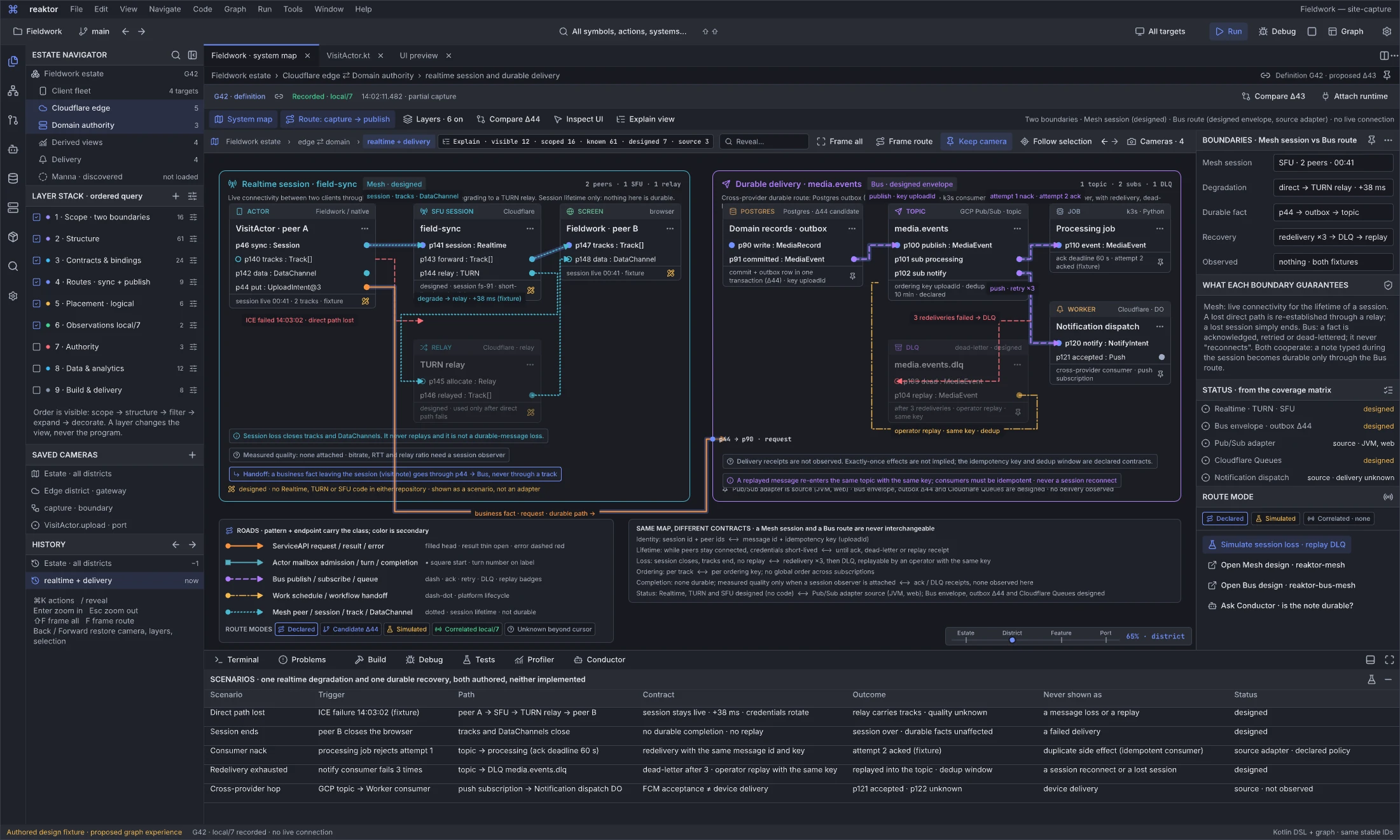
Design reference: W9V37c · Two boundaries at district scale, both authored, neither implemented.
Question: How does the map keep a live session and a durable message apart, and what happens when each degrades?
The left district is a Mesh session (field-sync) between two Fieldwork peers through the Cloudflare Realtime SFU, with a dashed failure road for a lost direct path and a dotted relay road through TURN; the session stays live over the relay and simply ends when a peer leaves. The right district is a cross-provider durable route: a Postgres outbox (the Δ44 candidate) publishes to the Pub/Sub topic, a k3s consumer nacks and is redelivered, a Cloudflare Worker consumer fails three times and the message is dead-lettered, and an operator replay re-enters the topic with the same key. A business fact leaving the session travels through p44 and the Bus route, never through a track. Every Realtime, TURN, SFU, Bus-envelope, outbox and Queue element carries a designed mark; the Pub/Sub adapter is source; nothing is observed.
The comparison panel and the scenarios dock state the contracts side by side — identity, lifetime, loss, ordering, completion, status — and what each scenario must never be shown as (a session loss is not a message loss; a replay is not a reconnect). See Mesh and Bus.
Next action and handoff. Simulate the session loss and the DLQ replay, open the Mesh or Bus design, or ask Conductor whether the note is durable. Owner: future reaktor-mesh and Bus modules; reaktor-google for the Pub/Sub adapter. Acceptance: scenario 24, realtime plus durability.
Map viewport instruments
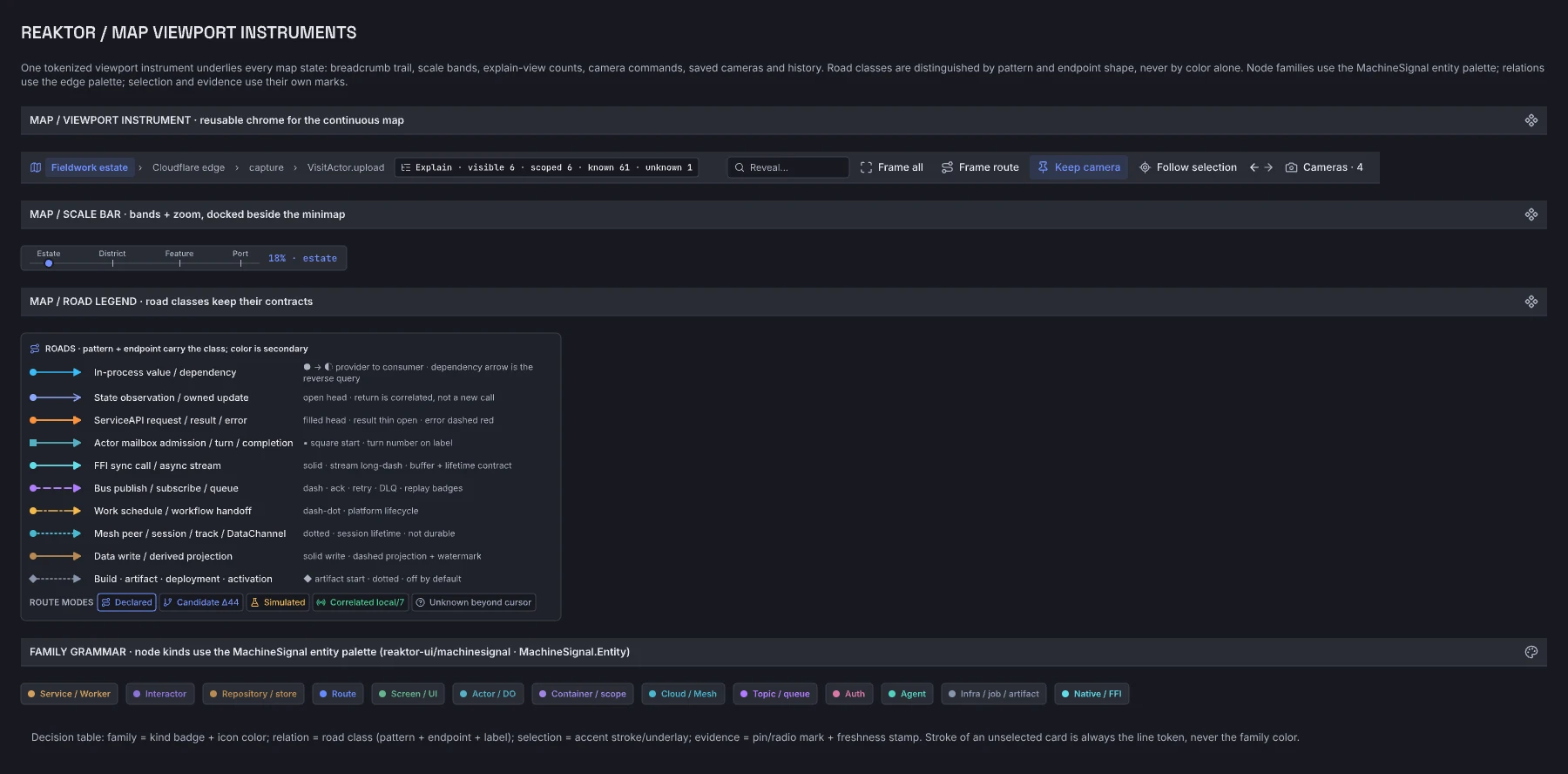
Design reference: Wgw9w · Component library for the map states (Map / Viewport Instrument, Map / Scale Bar, Map / Road Legend) and the family-grammar decision.
The viewport instrument is the shared top strip of every map state: breadcrumb trail, explain chip, reveal, frame and camera commands, history and saved cameras. The scale bar carries the four bands (estate, district, feature, port) and the current zoom, docked beside the minimap. The road legend reproduces the road grammar — pattern and endpoint shape carry the class — and the route modes. The family swatches are the MachineSignal entity palette that every typed node now uses; the decision table beneath them fixes family, relation, selection and evidence encodings. Instances override texts and enablement only, so a change to the component reaches all five map states. This is a design library, not runtime chrome; reaktor-flow and the BestBuds shell implement its anatomy from tokens.
The developer workbench
BestBuds — whole-application topology
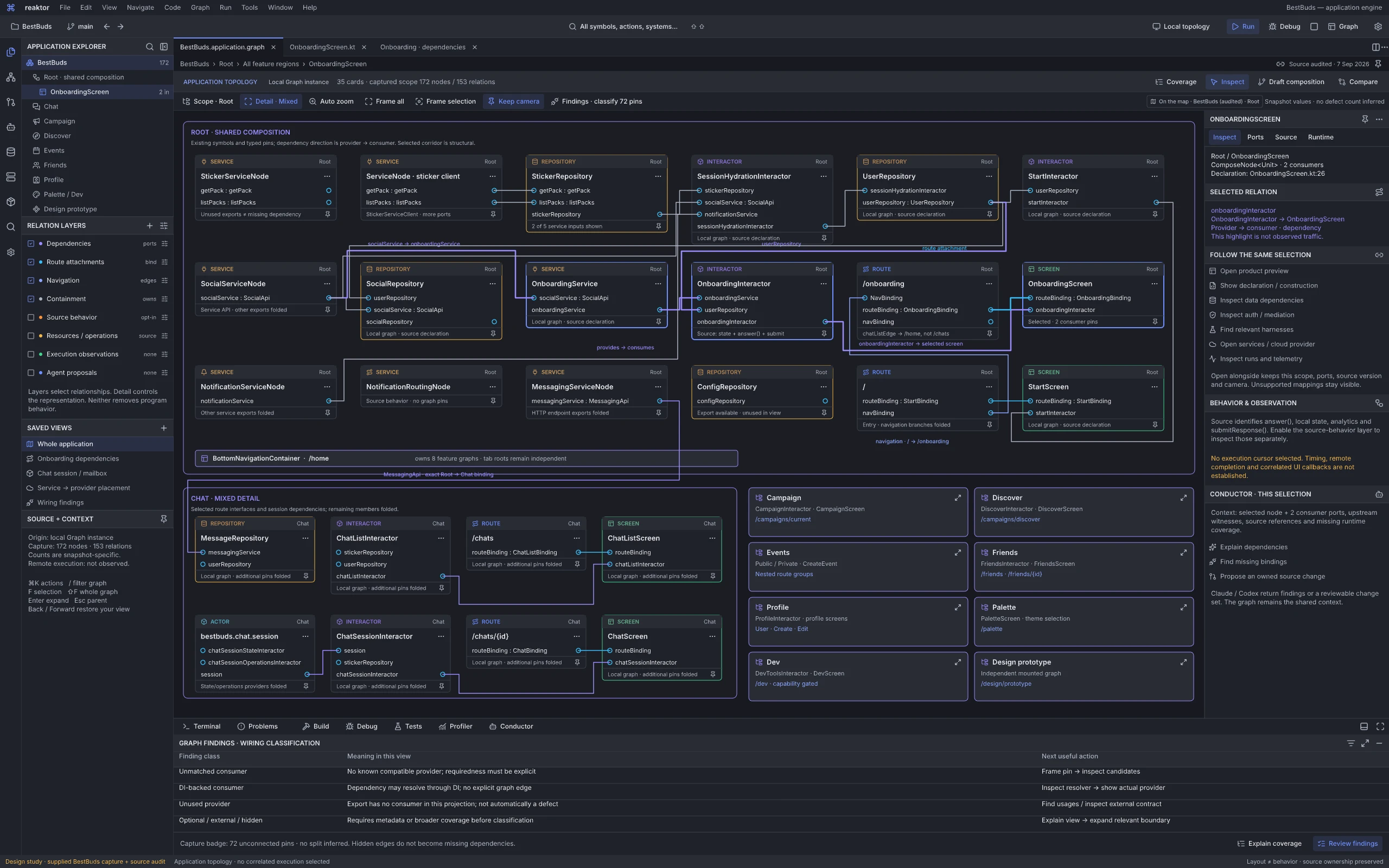
Design reference: FsQx4 · Actual-application topology workspace, designed from the running desktop capture and BestBuds source.
Question: How do I understand a substantial existing application, find the exact dependency I need and keep the rest of the system within reach?
This complements the distributed world map with the scale between a whole fleet and a small flow: an actual application. The supplied BestBuds Code/All capture contains 172 nodes, 153 relations and a badge counting 72 unconnected pins. The revised mixed-detail view presents 35 cards: shared Root composition, representative Chat internals and eight folded scope summaries. Those are distinct scope and presentation counts, not a claim that the whole application has only 35 nodes. Services, repositories, interactors, routes, screens and the chat session actor retain recognizable kinds and exact provider/consumer roles.
The selected onboarding dependency corridor remains readable while neighboring startup, service and Chat structure stays visible. SocialServiceNode → OnboardingService → OnboardingInteractor → OnboardingScreen, the UserRepository dependency and the /onboarding route attachment use real source relationships. The label chatListEdge resolves to /home in the audited construction; it must not be silently redrawn as a direct /chats navigation edge. Shared composition and feature ownership remain distinct from behavior and runtime placement.
A navigator and independent relation layers replace unexplained level toggles. Mixed detail expands relevant ports while retaining folded scopes; camera pinning, saved views, frame selection and coverage explanation make density manageable. The inspector follows the same node or pin into source, product preview, data, auth, harnesses, services/cloud, telemetry and Conductor. Hidden dependencies can be revealed without losing the selection. The wiring dock separates unmatched consumers, DI-resolvable consumers, unused providers and unresolved optional/external classifications. The capture's 72-pin badge is not a proven defect count, and a hidden edge does not become a missing dependency.
Next action and handoff. Select a consumer pin, inspect its provider and source owner, then open the related tool alongside the graph or isolate its corridor. Changes to layout remain view state; semantic edits require an owned source/graph proposal. This board is a design specification of real application structure, with no correlated execution selected. Its graph highlights establish dependency paths, not traffic, completion, timing or remote health.
BestBuds — follow a selection across tools
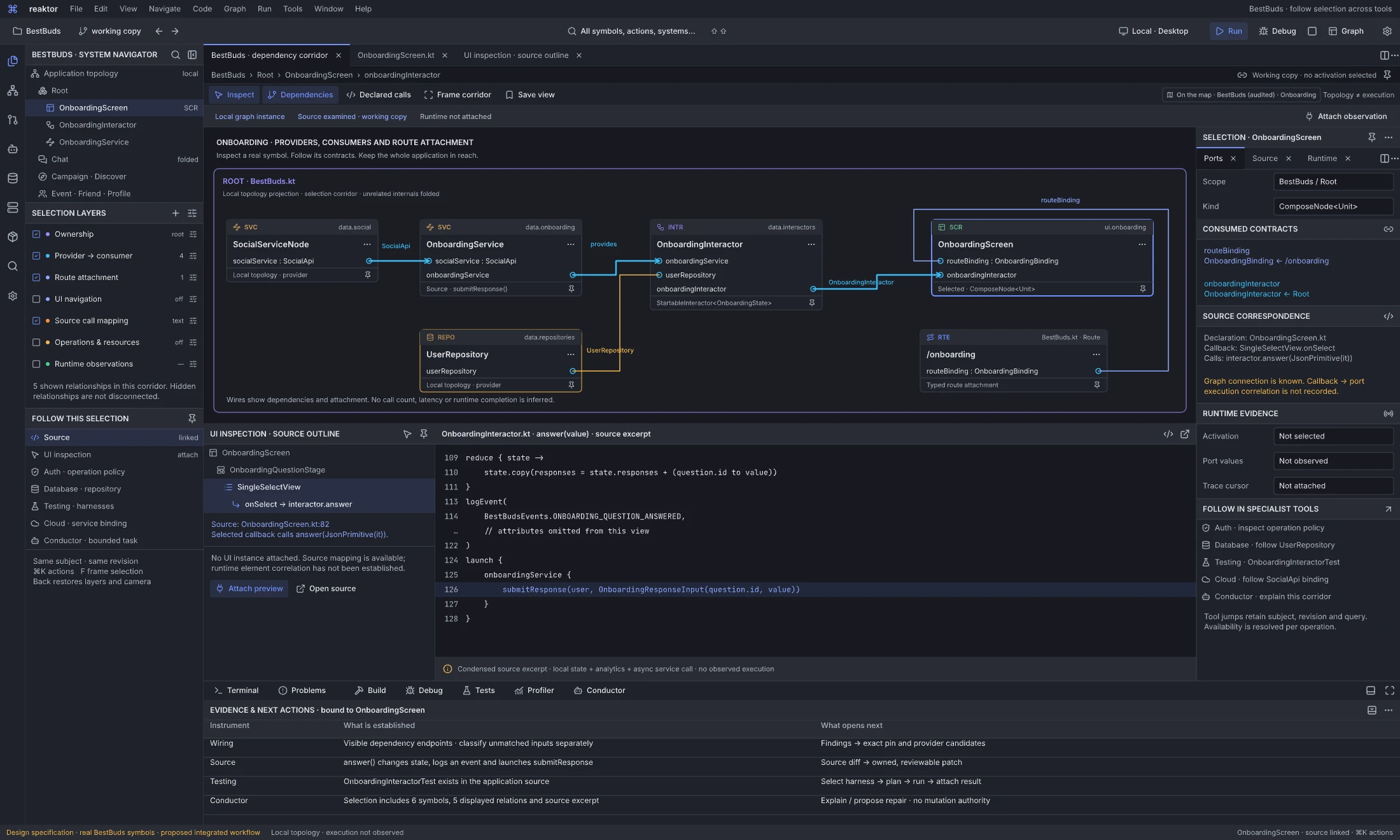
Design reference: LODux · Linked graph, source, UI inspection and evidence workspace.
Question: How do I move from one real product element to its dependencies, implementation, tests and agent work without rebuilding context in each tool?
The six-symbol onboarding corridor shows five provider/consumer and route-attachment relations. The lower split opens the actual SingleSelectView.onSelect source outline and a numbered, explicitly condensed excerpt of OnboardingInteractor.answer(value): update local responses, record an analytics event and launch submitResponse(). The code is inspected source; the outlined UI is not an attached runtime instance. Callback-to-port execution correlation remains unrecorded, and runtime values and trace cursor remain unobserved.
Ports, Source and Runtime have separate inspector roles. Auth opens the operation policy, Database follows UserRepository, Testing locates OnboardingInteractorTest, Cloud follows the SocialApi binding, and Conductor receives this bounded corridor with its source witnesses and missing evidence. The evidence dock states what each instrument establishes and the next useful operation. Opening a tool carries the same subject, source revision, scope and query, with Back restoring the graph layers and camera. Attaching a preview or observation adds an explicit instance/time context instead of relabelling source as live data.
Next action and handoff. Follow the selected callback into source, inspect a declared call, select a harness or ask Claude/Codex to explain or propose a repair. A proposed repair returns an owned change set with checks. Running a harness or activating a change is a separate operation with its own target and result. The application-topology contract specifies the implementation requirements behind both BestBuds boards.
From UI element to the whole system
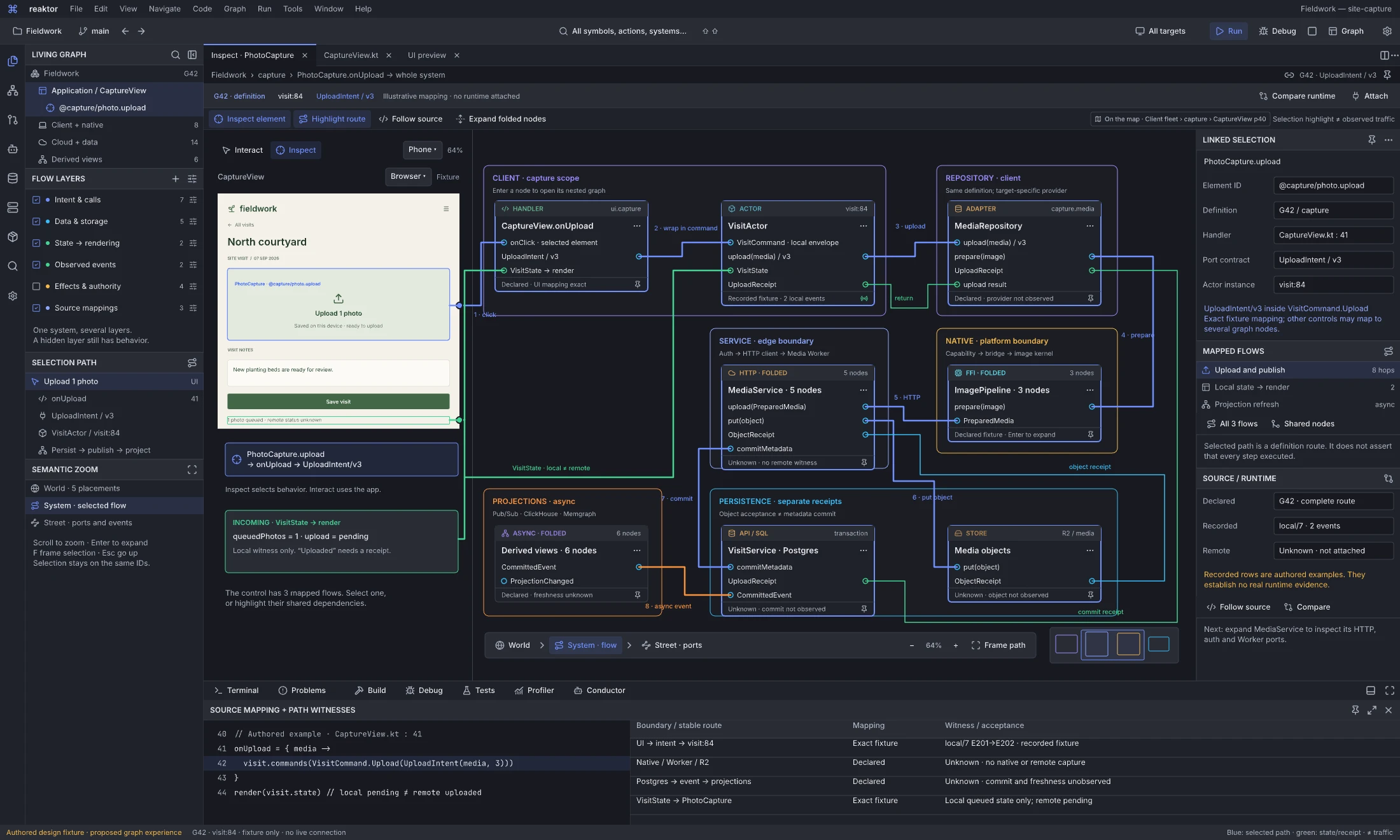
Design reference: ufhps · Product inspection workspace.
Question: What does this product control do across the application, and which source and runtime paths explain it?
The preview separates four controls: Interact / Inspect chooses how input behaves, Phone / Tablet / Desktop chooses viewport dimensions, Android / iOS / Browser / Desktop chooses runtime-target intent, and zoom changes presentation scale. The pictured Phone viewport and Browser target are independent choices. Fixture identifies this authored preview's provenance; choosing another target does not attach or execute that runtime. Inspection retains the selected preview instance, element and graph subject while these controls change.
The Fieldwork product preview is in Inspect mode with @capture/photo.upload / “Upload 1 photo” selected. Its source/binding witness highlights CaptureView.onUpload, VisitActor visit:84, MediaRepository, folded native/FFI image processing, the authenticated MediaService/Media Worker boundary, an R2 object receipt, the VisitService/PostgreSQL boundary and a separate event path to Pub/Sub/ClickHouse/Memgraph projections. UploadIntent/v3 is wrapped in the local VisitCommand.Upload envelope; separate object and commit receipts do not imply an atomic metadata-plus-Outbox implementation in G42. The separate commit-return and VisitState/render routes retain the difference between queued UI state and established remote publication. Both the selected upload control and the incoming queued-status row have port-connected outlines.
A multiple-flow picker offers Upload and publish, Local state → render and Projection refresh. The authored control has an exact mapping in this illustrative route; other controls can have several mappings or missing/opaque boundaries. The G42 / UploadIntent v3 route definition is complete for the pictured scenario, while only local/7 events E201–E202 are recorded fixture observations. Native, remote, commit and projection-freshness results are unknown. The preview and source witness specify intended mapping behavior rather than demonstrating an attached application.
Next action and handoff. Inspect without firing the action, select its relevant handler/flow, highlight the entire route and follow source or compare runtime. Expand a folded boundary or zoom from World through System to Street detail while preserving the selected element, endpoint and route; the minimap keeps wider context available. Attach that same product/source/graph/evidence selection to Conductor to change behavior, then review the corresponding source and graph delta. Interact mode is a separate choice, and the board has no live connection.
Route and orchestrate an end-to-end flow
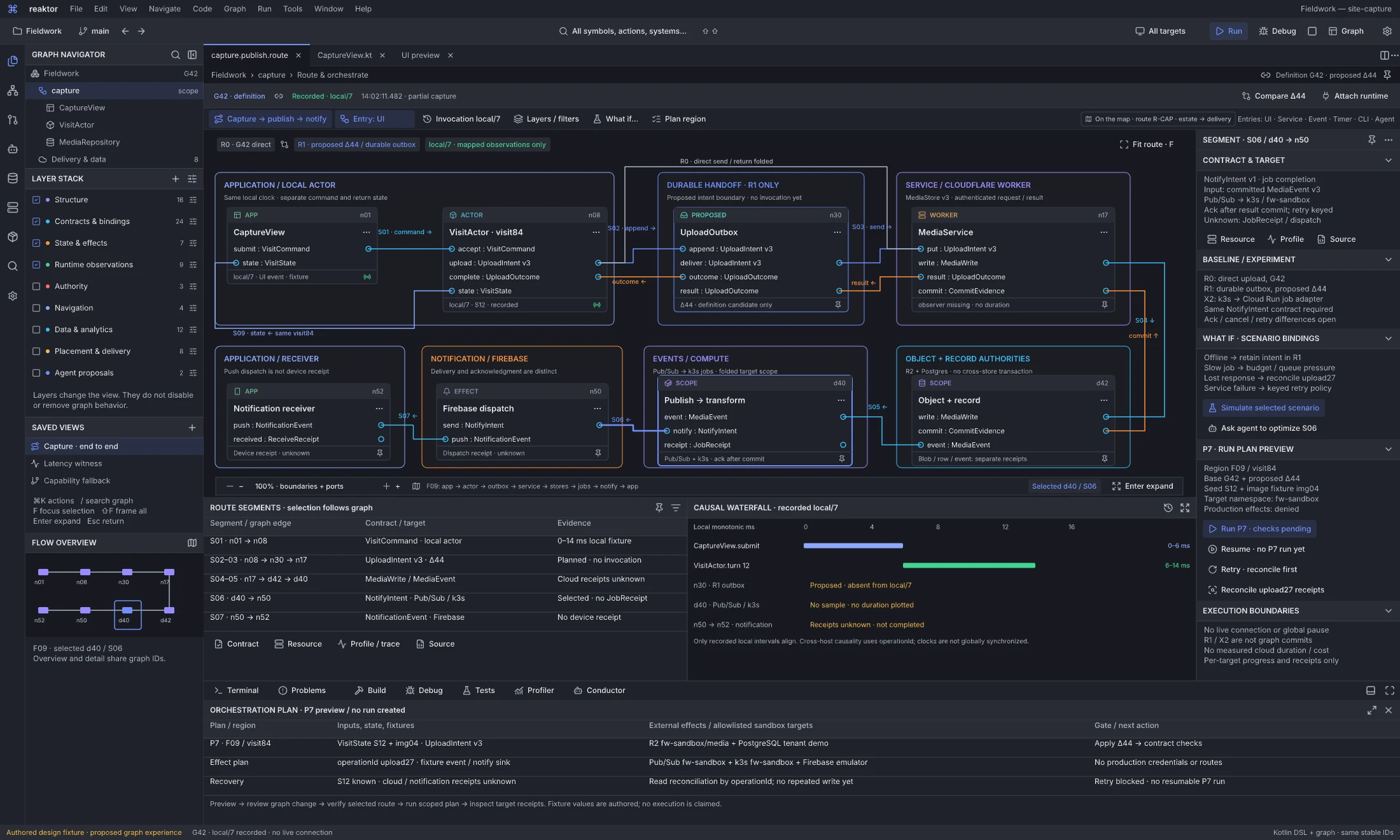
Design reference: nXDMm · End-to-end route workspace.
Question: How do I compose, compare and operate on one flow across clients, state, services, jobs and notifications?
This UI-origin route is one example of the general orchestration instrument; headless service, message, timer, device, operator and agent entries are equally supported design targets. Flow F09 follows Capture → publish → notify for visit84 and UploadIntent v3. R0 is the G42 direct-send route with its return folded; R1 is the proposed Δ44 durable Outbox alternative. The route exposes CaptureView, VisitActor, UploadOutbox, the MediaService Worker, folded R2/PostgreSQL authorities, Pub/Sub/k3s work, Firebase dispatch and the notification receiver, together with typed commit, outcome and state-return paths. Selecting S06/d40→n50 reveals NotifyIntent v1 derived from committed MediaEvent v3, its result-commit acknowledgement and keyed-retry contract. An uncommitted Cloud Run job-adapter experiment X2 must qualify the same contract and its ack/cancel/retry semantics before substitution.
The route table and causal waterfall share segment identities. Only the local fixture has timings: CaptureView 0–6 ms and actor turn 12 at 6–14 ms. The Outbox is planned; cloud, job and device receipts are unknown and have no invented durations. This lets a developer compare architecture, protocol and actual observation without replacing the flow with a generic success animation.
Next action and handoff. Inspect plan P7 with state/image seeds S12 and img04, namespace fw-sandbox, R2/PostgreSQL/Pub/Sub/k3s sandbox targets and a Firebase emulator. Production effects are denied by this plan. Run is blocked pending checks, no P7 run exists to resume, retry requires reconciliation, and Reconcile upload27 reads receipts first. Use the plan to exercise the selected route, qualify an alternative or follow a partial result back to its source. Per-profile execution and recovery remain distinct from global pause/drain; the board is an authored fixture with no live connection or created run.
Orchestrate from any event or intent
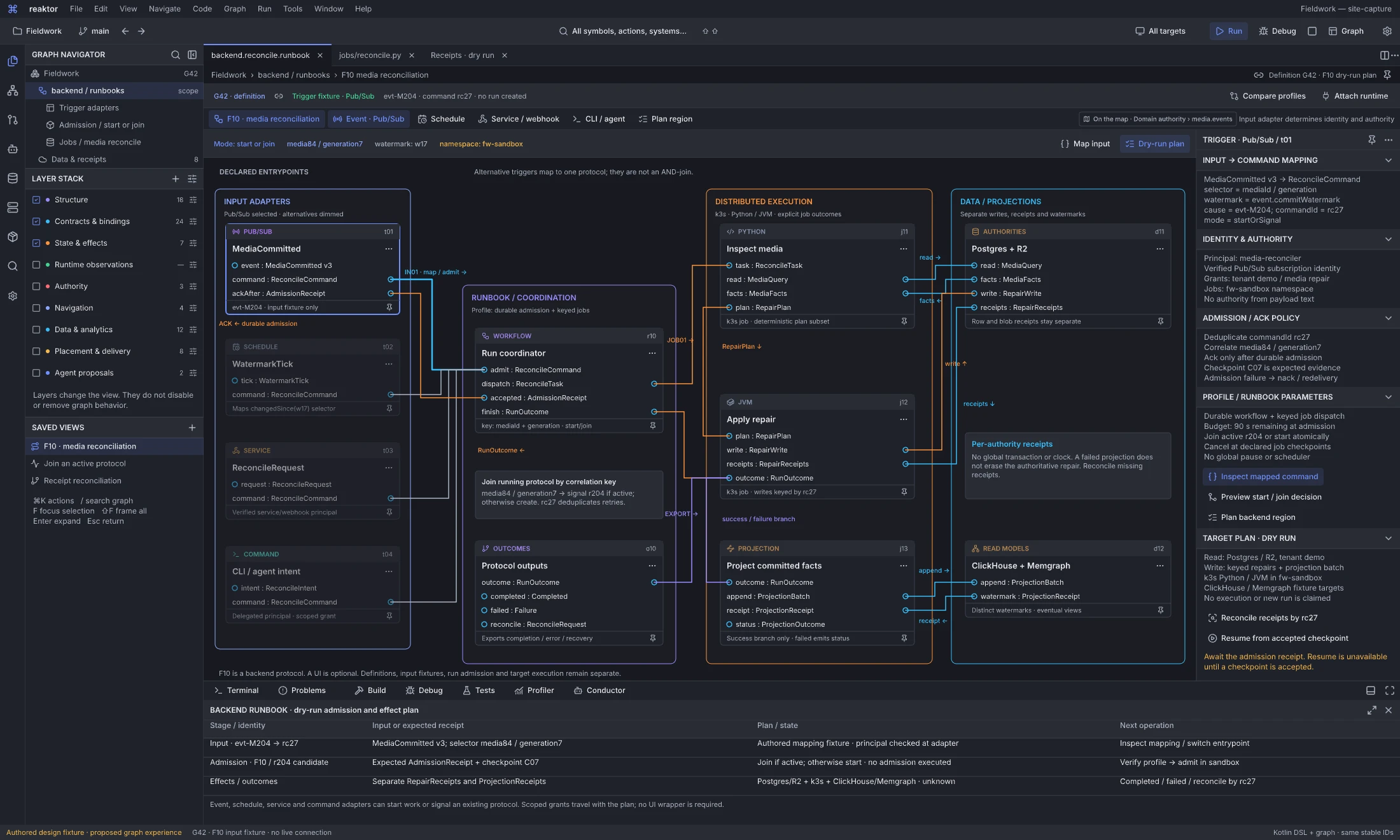
Design reference: C2Cd7K · Headless orchestration workspace.
Question: How do I start or join a distributed protocol from a service, event, timer or agent command, without inventing a UI entry point?
F10 media reconciliation exposes alternative Pub/Sub, schedule, service/webhook and CLI/agent adapters. They map MediaCommitted v3, WatermarkTick, ReconcileRequest or ReconcileIntent to a typed ReconcileCommand; they are alternative admissions, not an AND-join. Selected fixture evt-M204 maps to command rc27 and the media84/generation7 correlation key. The coordinator can start a protocol or signal candidate r204 if active, with deduplication and acknowledgement after durable admission. Checkpoint C07 is expected evidence, not an existing receipt.
The graph follows Python/k3s inspection into a JVM repair job, then separate PostgreSQL/R2 receipts and ClickHouse/Memgraph projection watermarks. Completion, failure and reconciliation remain explicit outcomes. An authoritative repair and a refreshed projection have different completion conditions; a failed projection does not undo the repair. Each adapter supplies its own identity, authority, acknowledgement and retry contract while joining the same graph and source context.
Next action and handoff. Inspect the input mapping, preview start/join, plan a backend region or reconcile receipts by rc27. The fw-sandbox dry-run plan names its read/write scope, keyed jobs, budgets and target namespace. No admission or execution is claimed, and resume is unavailable until a checkpoint is accepted. This is the same orchestration instrument used for interactive flows, with first-class headless entry points and profile-specific recovery. See the entry-point contract.
One living system
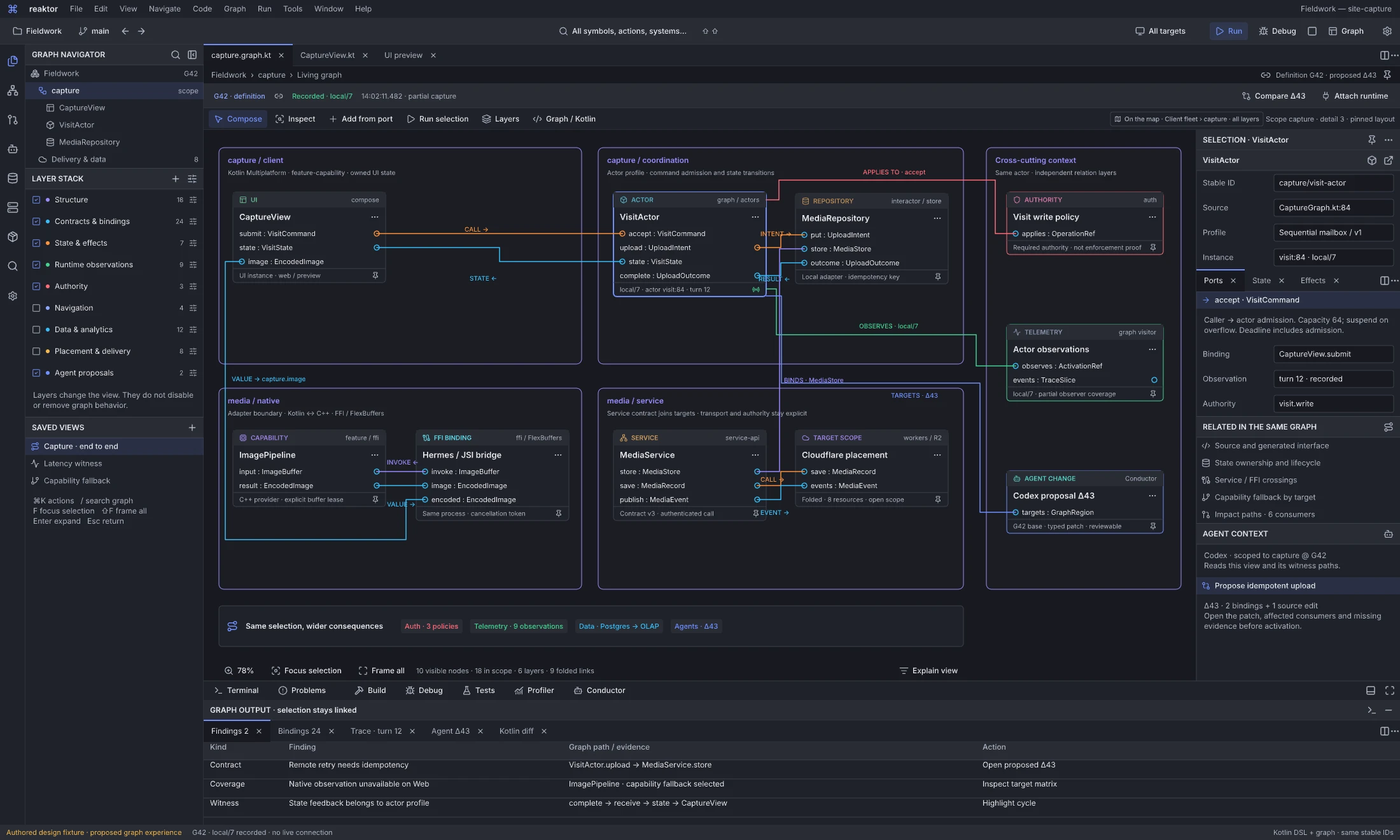
Design reference: IRQ5A · Living Graph flagship.
Question: How can I compose and investigate one feature across its code, state, runtime, native and cloud boundaries?
The Fieldwork capture scenario is an authored Living Graph fixture at definition G42, with recorded context local/7 and no live connection. CaptureView, VisitActor and MediaRepository connect typed command, intent, result and state feedback. Native image processing and its FFI binding, the MediaService contract and folded Cloudflare placement join that composition. Auth, telemetry and agent-proposal nodes make cross-cutting relationships selectable in the same logical graph. These are typed relations over one system, with independently owned definitions, runtime activations and observations.
The graph supports connected composition: create from a port, expose an interface, inspect a selected binding, follow state feedback or open a wider layer without discarding the current source/editor context. The layer stack combines Structure, Contracts, State/effects, Runtime, Authority, Navigation, Data/analytics, Placement/delivery and Agent proposals as needed. G42 is a definition revision; local/7 is a recorded activation context. Neither a graph line nor a fixture badge establishes a live provider, enforced auth or successful external write.
Next action and handoff. Select VisitActor or an exact boundary port, inspect its contract, owner, recorded turn and witness paths, then open proposed Δ43 for an idempotent upload/provider repair. Follow its source and binding delta, affected consumers and missing evidence before preparing activation. Source, typed composition, traces and Conductor remain open alongside the system. The Living Graph defines the shared semantics; the following workspaces expose creation, query, boundary, runtime and repair instruments.
Author through ports and Kotlin
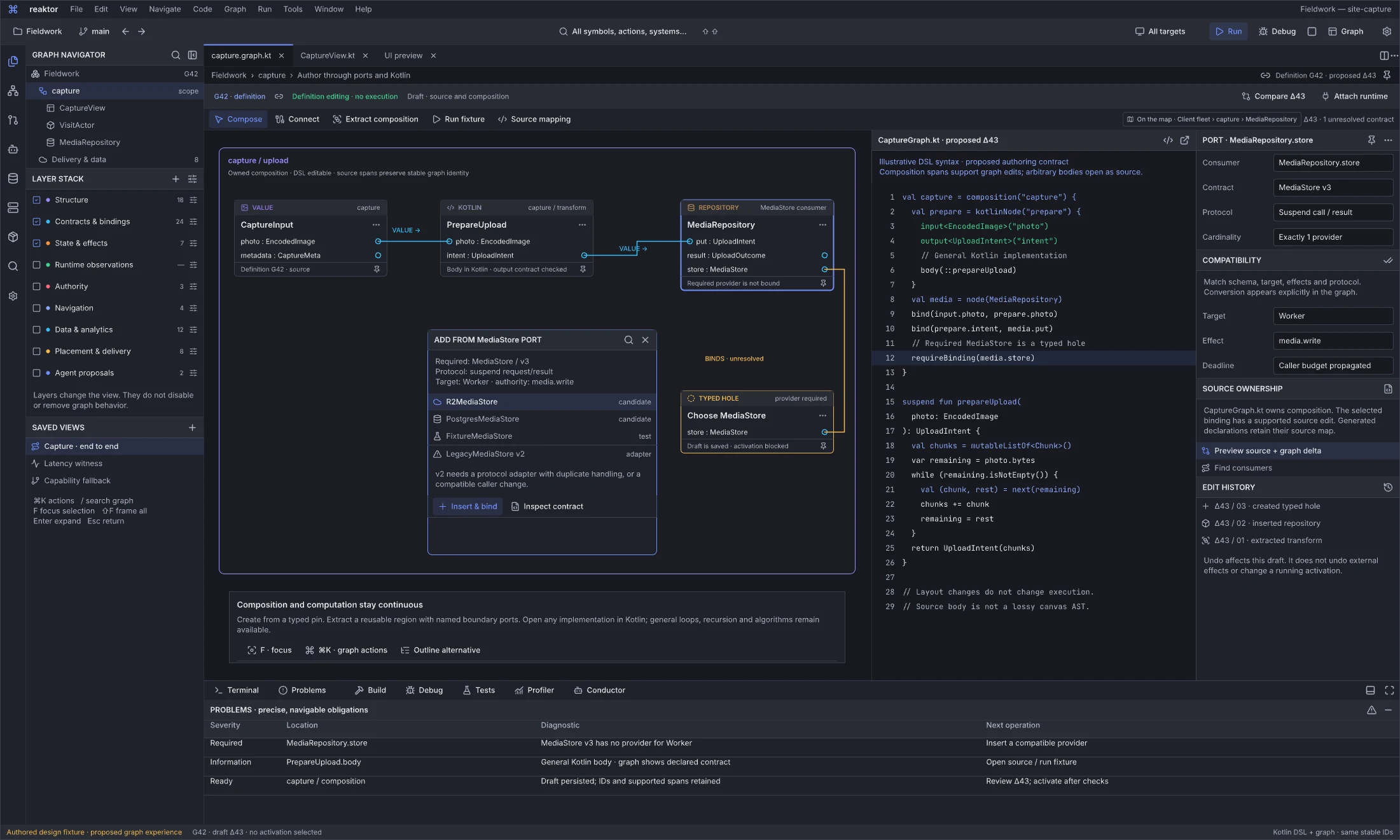
Design reference: aPU6J · Reaktor graph workspace.
Question: How do I construct a typed composition while keeping arbitrary implementation code?
The source-owned capture/upload composition shows CaptureInput, a Kotlin PrepareUpload operation and MediaRepository. A missing MediaStore v3 provider is a saved typed hole, so the draft remains inspectable while activation is blocked. Drag-from-port creation lists provider candidates and explains schema, target, effect and protocol requirements. A legacy provider needs an explicit protocol adapter and duplicate-handling behavior; a matching label alone is insufficient.
CaptureGraph.kt owns the supported composition edits. The illustrated DSL calls a normal Kotlin implementation whose loop and algorithm remain source code, not a promised lossless canvas AST. The code and graph are coordinated through declared interfaces and supported source mappings. Syntax and behavior shown are proposed authoring contracts, not a claim that the interpreter/compiler or arbitrary-source round-trip is shipped.
Next action and handoff. Inspect a candidate, insert and bind it as a source/graph change, or open the Kotlin body and run a fixture. Proposed Δ43 addresses the upload contract/provider repair; it does not activate a running system. Move/fold operations affect layout only. Extraction creates an explicit interface and caller delta; a graph connection must identify the real consumer/provider roles and actual binding.
Atlas orientation
Start here: the Reaktor product atlas
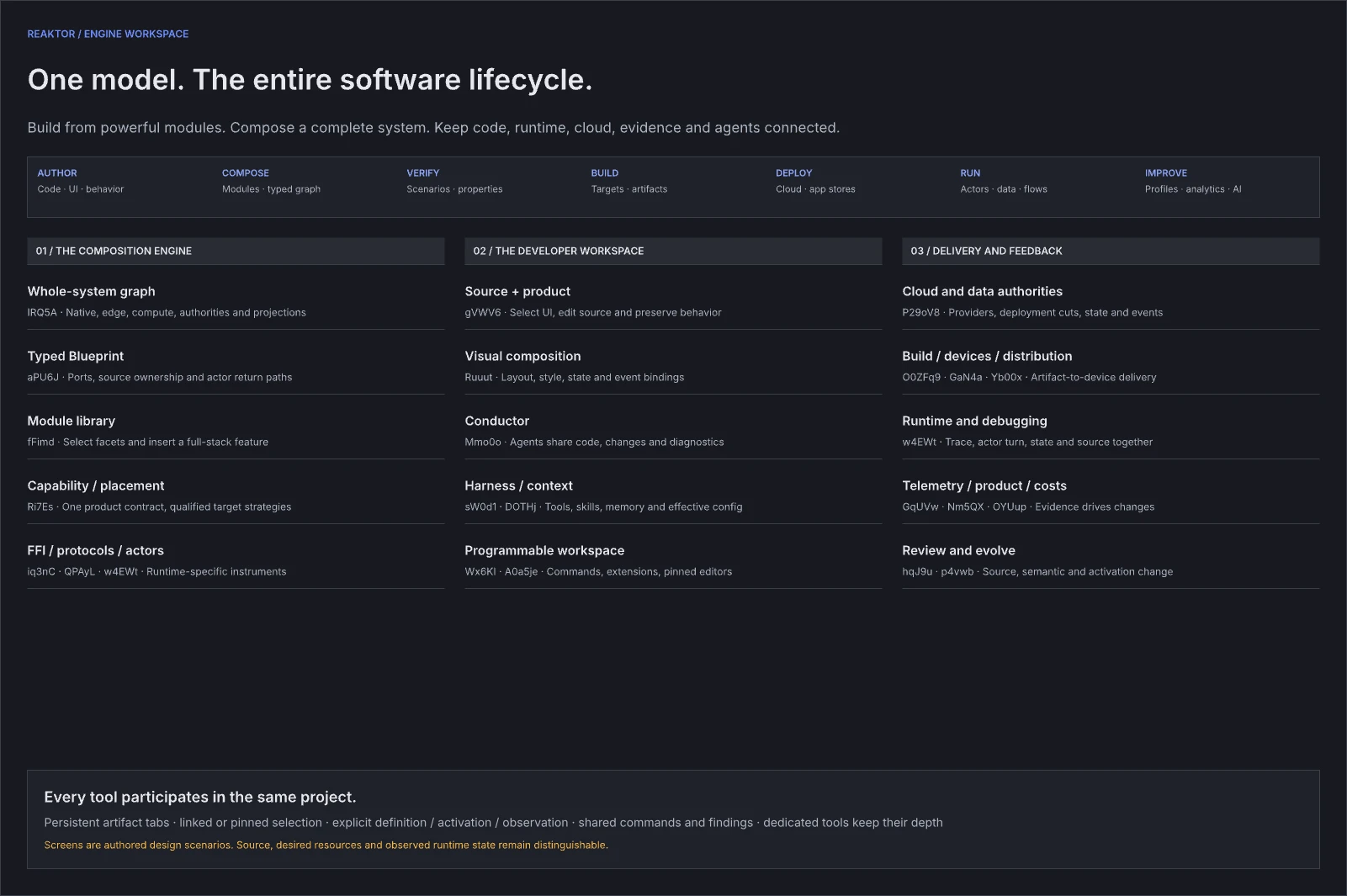
Design reference: yPKZB · Reaktor orientation.
The entrance is the navigation map for this design wave. Start with an idea or an existing project, inspect the Fieldwork Living Graph and creation-and-growth examples, then the retained BestBuds provider-placement reference, and open the specialist instrument that answers the current question. Chapter numbers organize reference material; tool categories and perspectives organize the persistent developer workspace.
Interaction guide
The unit of work is a project and its persistent editor session. Code, graph, preview, diff, schema and trace are documents that can remain open together. Project navigation, Details, Conductor, Build, Debug and Terminal are tools around those documents. A perspective arranges the tools for a task; it does not replace the project with another application page.
The Astra Plan and Roadmap owns the architectural north star and release scope. This atlas specifies the developer experience. It extends the Desktop Master Plan requirements for open-alongside, persistent context, pluggable editors and selection-aware tools, together with the authoring/compiler/debugger model in Visual Language. The Reaktor Essays explain the underlying engine ambition.
Use the Living Graph as a development instrument
Zoom through one whole-system map
Navigate the graph as one continuous place: application/fleet → runtime island → feature → node → port, like zooming from Earth to a city and its streets. The authored sequence is estate → district → feature and boundary → exact port and execution, with realtime session versus durable delivery as the boundary companion; all five share the map viewport instruments. At a wide scale, regions and route summaries expose the whole distributed application. Moving closer reveals components, typed interfaces and selected runtime detail. Source, graph and preview stay linked; zooming back out keeps the same route, selected identity, layers and time.
Practical detail bands decide what to render, not which graph exists. Scope controls query and work budget independently of zoom, so entering a nested region does not require another page. Folded boundaries preserve exact endpoint/member-edge mappings. A route crossing client, native processing, Worker, database and notification/analytics remains highlighted even when its internals are summarized. Off-screen, unloaded and unknown segments have different visible states.
Inspect the product, follow its behavior
Use Inspect on a DOM/Compose element without firing the product action. Choose its source binding or event handler, then highlight the corresponding operation, state/effect route, dependencies and resources across the whole graph. Reused components retain rendered-instance identity; multiple handlers, delegated events, generated mappings and missing/opaque mappings appear explicitly. Select a service result or state field in reverse to reveal the UI it affects.
Named graph routes can follow Capture intent, Send/upload, Completion/return, Notification and Analytics branches. A route definition selects typed relationships; a recorded/live route follows one invocation and its causal/correlation evidence. Static topology animation cannot substitute for that evidence. Different transports share navigation and instrumentation while retaining their own call, mailbox, stream, FFI, cancellation and completion contracts.
Operate on the selected end-to-end flow
Orchestration works from any admitted trigger, with no UI wrapper required. The entry picker includes HTTP/service/webhooks, queues/Pub/Sub/state changes, schedules/timers, device/sensor streams, CLI/operator commands, agent MCP/A2A adapters and lifecycle/protocol continuations, alongside UI events. All use the same graph, source, profile and command contracts.
An entry inspector exposes schema mapping, event/correlation identity, auth/grants, acknowledgement, ordering/backpressure and retry/deadline semantics. A versioned runbook/flow asset makes those bindings, targets, budgets, checks and recovery reusable. A flow may join an existing protocol or stream, have several entry points and produce multiple outcomes; it is not necessarily one finite start-to-finish DAG.
A route plan shows inputs, prerequisite work, fixtures, state/checkpoint origin, bindings/targets, grants, budgets and branch/completion criteria. Simulate an offline or lost-response scenario, execute supported segments, inspect output, then resume, drain, cancel or reconcile only where the selected profile supplies those controls. A resume preserves completed-effect identity; a non-resumable segment offers an explicit restart plan.
The same interface supports headless ETL/background settlement, incident-response runbooks, fleet coordination, deployment/migration and native scientific pipelines. It also supports substantial product changes:
- Inspect a failing capture button, choose an offline capability strategy, preview UI/source/state changes and run reconnect cases.
- Follow every declared entry-to-effect path to find an auth bypass, retain unknown coverage and exercise the repaired mediation.
- Locate latency across UI, mailbox, native transform and service; compare placement, privacy and cost before changing the implementation.
- Trace sensitive fields into downstream stores and analytics, then propose a redacted or on-device route.
- Compare the same journey across deployed revisions, reproduce a regression and follow the repair through tests, artifact and observed outcome.
The developer and Claude/Codex operate on the same element, route, source and evidence selection. See continuous graph navigation, UI-to-system mapping and route orchestration for the contracts behind these interactions.
Five controls vary independently: scope selects an owned region or bounded feature query; layers compose typed relationships and analyses; detail folds or expands the representation; revision/time selects the source, artifact, activation or recorded interval; mode chooses authoring, inspection, comparison, debug or a run plan. A source editor may follow current code while a graph or trace pins G42/local/7. Switching a default target must not silently retarget a pinned editor.
The layer/query stack can combine Structure, Contracts, State/effects, Runtime, Authority, Navigation, Data/analytics, Placement/delivery and Agent proposals. Its order is visible: filtering before impact expansion can produce different coverage from filtering afterward. “Explain view” exposes query scope, included relations, folded members, witness paths, limits and missing coverage. A folded bundle retains its exact endpoint/member IDs; hiding a layer does not remove its effects from the program.
| Developer operation | Connected result |
|---|---|
| Zoom world to port | Progressive detail over one graph, preserving route/member identities, layers, selected time and linked source. |
| Inspect product element | Exact or qualified handler/binding mappings into its complete state/effect/dependency/resource route. |
| Create from port | Compatible candidates, exact schema/protocol requirements and an owned source/graph proposal. |
| Group or fold | View metadata only; unchanged execution order and semantic identity. |
| Extract reusable composition | Named boundary ports, preserved mappings, updated callers and explicit obligations. |
| Query or run a visitor | Typed results and witnesses at a stated revision/time vector, with bounded work and coverage. |
| Run selection or route | Prerequisites, inputs, fixtures, state/checkpoint origin, target and effect plan; supported run/resume/drain/reconcile controls. |
| Inspect a concrete execution | Invocation, values, waits, state/effect outcomes and source correspondence for that selected run. |
| Review and commit | Source/graph delta, semantic conflict/rebase and validated definition revision; activation follows separately. |
Keyboard commands, context menus, source refactors and Claude/Codex use the same operation contracts and effective grants. Routine granted edits/checks proceed without an extra approval ceremony. Agents receive the selected graph/source/evidence context and can propose precise transformations; the same validation and runtime boundaries apply. The Living Graph foundation, Visual Language, Graph Navigation and Visitors specify these contracts.
The Fieldwork graph workspaces share an authored G42 fixture. The two BestBuds workspaces above instead use audited application symbols and explicitly unobserved execution context. Δ43 is the idempotent-upload/provider repair, Δ44 the Outbox insertion and stale-base review, and Δ45 the reusable extraction. These are separate proposals, not three names for one completed change. Their combination requires semantic rebase and validation; no fixture demonstrates a committed or activated release.
Persistent editor shell
The updated Reaktor workspace and state references share one compact developer shell: a 70 px menu/run toolbar, 40 px tool strip, 224 px Project explorer (or 280 px graph/layer navigator), persistent editor tabs and breadcrumbs, a 320–340 px graph inspector, and bottom tool windows/status. Those authored dimensions define the reference anatomy; tokenized layout, resizing and accessibility govern the implementation. Specialized content is hosted inside the same shell.
| Region | Responsibility and interaction |
|---|---|
| Menu and run toolbar | Project/workspace, branch and working state; commands for files, navigation, code/graph refactors and tools; selected run configuration, target/environment, Run/Debug/Stop and global search. Execution always names its configuration. |
| Project explorer | Files, symbols and system structure; modules/source sets, contracts, assets, tests and generated artifacts. Search, reveal, usages, multi-select and contextual creation share stable references with editors. |
| Editor dock | Persistent tabs and split editor groups for source, Blueprint, preview, schema, protocol, diff and trace documents. Open, pin, compare, move, maximize and restore documents without replacing the whole workspace. |
| Details | The selected component, symbol, port, actor, operation or artifact. Follow the active editor or pin an object. Expose editable properties, contracts, source and runtime evidence appropriate to the selection. |
| Tool windows | Terminal, Build, Problems, Run, Debug, Tests, Traces, Tasks, Version Control, Conductor, Engine Library, Data and Services/Fabric. Dock, resize, auto-hide, move or open alongside according to the task. |
| Status and context | Active document/run identity, target/environment, indexing or connection state, diagnostic progress and relevant freshness. Full context is inspectable without filling the editor with repeated metadata. |
Missions, Graph, Changes, Runs, Evidence and System are tool categories and saved perspectives, not six mutually exclusive full-page destinations. They organize familiar objects: mission/task work, composition, working changes, execution, verification and project tools. A developer can display objects from several categories at once.
Develop, Compose, Debug and Operate are useful perspective presets; users can save their own arrangements. Map, Trace, Validate and Act remain contextual commands. Legacy routes and shortcuts map to documents, tools or perspectives. This supersedes both historical four/twelve-mode primary navigation and the earlier Astra interpretation of six page homes.
New/Open Project belongs in the welcome screen, project switcher and File commands. Returning to a project restores its working session. The everyday editor should give its space to source, graph, preview and tools rather than repeated creation buttons or presentation-sized page headers.
One engine for the complete application
The workbench becomes powerful when selecting one feature or inspecting one product element reveals the real mechanisms that implement it across the complete distributed graph. “Capture a visit” can expand from its screen and interaction into a capability choice, interactor, owned actor state, image-processing boundary, authenticated service, stored records and background work. Source, product design, cloud resources and runtime observations become useful together because their declared relationships support editing, execution and investigation.
The whole-system graph is an authoring and debugging instrument. Nest a feature, expose its public ports, connect a compatible service, specialize an implementation, inspect its source, or propose a different placement. Keep ordinary algorithms in source editors and show the structural consequences in the graph. Node positions are view state; a connection or implementation change is an owned system change. Imported and unsupported regions retain their actual editing authority.
Modules contribute working mechanisms and their instruments
An engine module supplies more than a catalog tile or generated boilerplate. Its implementation participates in a shared composition model, and its tooling makes that behavior usable throughout development.
| Module contribution | What the developer can do with it |
|---|---|
| Typed contracts, ports and source mappings | Insert, bind, nest and specialize the mechanism; navigate to its implementation and inspect incompatible connections. |
| Behavior, ownership, effects and capability requirements | Understand who changes state, which work crosses a boundary, what the host must supply and which alternatives preserve the product's requirements. |
| Supported hosts, resources and deployment definitions | Place a qualified implementation, inspect generated bindings/resources and review its actual provider-specific plan. |
| Scenarios, probes, checks and migrations | Exercise failures, debug activations, profile costs, validate a change and evolve the module with its consumers. |
| Editor, Details and tool contributions | Inspect domain behavior using the right instrument while preserving common selection, source, run and authority contracts. |
| Feature recipes and product components | Compose an initial full-stack feature, then replace or extend its parts without losing source ownership. |
A media module can therefore contribute capture/upload alternatives, an owned transfer operation, an object-storage boundary, preview components, lifecycle probes and a retry scenario. An actor module adds state/turn/mailbox instruments; a protocol module adds roles and conversation diagnostics. These are compositions of reusable mechanisms. The generating basis and module contract define their semantics; the atlas specifies how a developer discovers and uses them.
Make the opinionated cloud visible
The reference cloud should appear as actual runtime islands and resource boundaries inside the feature, with provider semantics preserved. A client can invoke a Cloudflare Worker, coordinate compatible per-key work through a Durable Object, publish bytes to R2 and dispatch a Queue job. A heavier JVM/native service can run on GCP/k3s. PostgreSQL owns the selected domain records; Pub/Sub distributes declared events; ClickHouse and Memgraph derive analytics or connected-data projections. D1 can own a separately scoped control-plane or operational dataset. An application provisions only the services its composition needs.
Select a resource to inspect its owning configuration, source binding, required authority, intended placement, deployed artifact and available observations. Code defines a service; a definition revision describes the intended composition; an activation identifies a particular running instance. A disconnected provider does not make the intended resource disappear, and a configuration import does not establish that it is running.
Every datum has one named write authority. A Durable Object's coordination state and PostgreSQL's domain record may be different aggregates, but cannot silently become two owners of the same record. Projections expose their source, watermark, reducer version and rebuild path. A committed domain write, an accepted queue job, a published object and an updated analytics projection are different completion events. The graph shows those boundaries and causal links rather than painting the entire feature green at its first successful step. See the opinionated data/cloud stack and Unified System Graph.
Apply useful passes to the selected system
Graph power should be available directly from selection, context menus, the command palette and programmable tools. The developer chooses a feature, boundary or query scope and runs an operation with visible inputs and outputs.
| Instrument | Useful result |
|---|---|
| Capability | Explain eligible native, browser, local or remote implementations, rejected alternatives and the consequences of losing a permission or connection. |
| Effects and authority | Trace sensitive reads, state writes and external operations through the selected feature; reveal missing mediation or unknown coverage. |
| Placement and resources | Compare supported placements, deployment cuts, data movement and measured costs; produce a proposed change with its obligations. |
| Validation and scenarios | Check contracts and ownership, derive affected cases, simulate a stated failure and open a counterexample at its source. |
| Profiling and observations | Follow the selected operation across actor waits, FFI work, service calls, queues and queries with actual sampling and freshness limits. |
| Transformation | Preview a refactor, module substitution or instrumentation change as typed graph and source diffs against an exact base. |
These are reusable module/pass contributions over the common model, not separate manually maintained diagrams. Results remain bound to their inputs and invalidate when the relevant source, profile or assumption changes. Conductor uses the same selected context and operations: an agent can propose a typed graph change and its source diff, inspect diagnostics and run granted checks in the open workspace. A suggestion to add retries, move data or replace a module must also expose changed effects, ownership and failure behavior.
Complete one feature across the system
- Select the feature. Open Capture Visit with its product preview, source and Blueprint; expand the client, service and resource boundaries that participate in the journey.
- Inspect the design. Follow capability choices, actor ownership, FFI support, domain authority and background completion. Open a denied-camera or lost-response scenario alongside the current composition.
- Make the change. Compose a module, edit source or ask Conductor to propose the change. Review linked source and typed graph diffs; retain unrelated code, design and open documents.
- Check the affected behavior. Run the appropriate compiler, semantic checks, fixture and implementation tests. A failed ownership or permission case points back to the relevant contract or source.
- Run and profile. Start a named configuration, debug the owning turn and inspect actual boundary cost. Keep the failing run pinned while editing the next revision; compare measurements before adopting an optimization.
- Deploy the supported closure. Review the artifacts, bindings, resource changes and migrations for the selected environment. Execute through the actual build/deployment providers under the applicable authority and reconcile each target's outcome.
- Observe and continue. Follow the deployed activation into its operation, record and projection. Partial progress or an unknown effect remains visible; a new issue returns to the same feature and a reproducible case.
This compound workflow is the acceptance unit for the engine workspace. Its graph, code editor and cloud inventory must work together to produce the end-to-end result. The current source includes those components at different maturity levels; the full feature-spanning graph and operation loop remain integration work under the release plan.
One connected value chain
The project continues from intent and design through implementation, device testing, delivery, operation and learning. Requirements name the product behavior; modules implement it; the graph records their contracts and relationships; builds and releases identify its artifacts; traces, product measurements and costs provide observations about the resulting system. Those links let a developer investigate a failed outcome and return to the precise feature, scenario and working change.
People enter this chain at different points without receiving incompatible project models or role-specific navigation silos.
| Participant | Work in the shared project | Contribution carried forward |
|---|---|---|
| Solo developer or application team | Create the product, program behavior, compose modules, preview and ship. | Source, design, contracts, scenarios, run configurations and releases. |
| Domain or product author | Refine journeys, content, rules, acceptance examples and allowed tradeoffs alongside the working product. | Editable requirements, domain fixtures and decisions linked to behavior and evidence. |
| Engine/module author | Implement reusable mechanisms, adapters, compiler/pass support and specialist instruments. | Versioned module contracts, sources, profiles, migrations and conformance cases. |
| Operations or platform engineer | Attach environments, inspect resources, qualify targets and operate deployments. | Provider bindings, placement constraints, deployment plans, observations and recovery evidence. |
| Data or performance specialist | Inspect record authority, projections, queries, traces, regressions and cost allocation. | Reproducible queries/profiles, data contracts, experiments and measured optimization proposals. |
| Human or AI collaborator | Work on a scoped problem, attach evidence, propose edits and exercise permitted tools. | Reviewable changes, concise findings, action outputs and unresolved questions in the same project. |
Saved perspectives adapt the workspace to the current task. A module author can open the target app and its runtime; an operator can inspect the source behind a failed rollout; a product author can open the exact acceptance example behind a disabled behavior. Authority determines accessible objects and permitted effects, while the underlying references and operation contracts remain shared.
Provider-specific tools preserve their depth
The common graph supplies navigation, impact and context. Dedicated instruments expose the distinctions that make each integration useful. The following are integration contracts to implement and qualify for named profiles; inclusion in this design table does not establish a working adapter.
| Tool family | Instruments available from the selected feature/resource |
|---|---|
| Cloudflare | Worker source/bindings and deployment identity; compatible Durable Object state/activation inspection; R2 publication and object metadata; D1 queries/migrations; Queue attempts, retries and unresolved outcomes. Optional Cloudflare Realtime/TURN profiles expose session and relay context, connectivity, credential lifetime and observed media-path quality. |
| GCP and k3s | Workload/container definitions, regional resources and rollout state; selected service logs/profiles; Pub/Sub subscription, acknowledgement and configured ordering context. |
| Data authorities and projections | PostgreSQL schema, transaction/migration and query tools; ClickHouse analytical queries and ingestion watermarks; Memgraph relationship/lineage exploration; explicit source and tenant scope. |
| Devices and distribution | Browser, emulator, simulator and physical-device identity; artifact installation and capability checks; Firebase App Distribution and Test Lab submission/results, supported messaging instruments and exact store submission/processing state. Unattached devices and unconfigured adapters remain explicit. |
| Build and delivery | Dagger/task dependencies, actual tool invocation, artifacts, signing inputs, cache provenance, target closure and provider-specific reconciliation. |
| Observation and learning | OTel/profile context; Grafana, Mimir/PromQL and Tempo query/trace handoffs; metric definitions, product cohorts and experiments, cost allocation and the source changes proposed from those observations. |
A tool adapter declares its supported operations, configuration/source authority, identity mappings, profile limits and conformance cases. The developer can open a deeper provider console or existing specialist tool with the same context, then return to the project. A new integration contributes useful commands and instruments to the shared shell rather than another disconnected inventory page. Exported source and standard provider configuration remain inspectable.
Connect devices, releases, outcomes and cost to the change
An affected feature determines the required build and test closure. Device Lab installs the exact candidate and exercises its relevant permission, lifecycle, offline and reconnect cases on named targets. Pipeline exposes the real task graph and artifacts; a failed native gate remains visible even when the web build passes. Releases assembles that evidence and records each provider's deployment or submission result. Store review, staged rollout and running activation are separate states.
After release, Metrics follows the feature into covered traces and profiles. Outcomes compares the declared population and journey against a baseline, with sampling and confounders visible. Costs separates application cloud work, application AI and development-agent spend and shows unallocated amounts. An apparent regression or expensive route becomes a hypothesis and reproducible experiment, then an ordinary source/graph proposal, benchmark and release. Observations do not silently rewrite requirements or promote a candidate.
Combine AI approaches around the work
Conductor can combine an implementer, a domain reviewer, a failure investigator and a performance or provider specialist when their different work adds value. The developer chooses a protocol appropriate to the task: sequential implementation and review, parallel alternatives, independent critique, or a bounded evaluation loop. The participants receive explicit project artifacts and effective tool scope; useful disagreement and missing evidence stay inspectable.
For example, one participant can propose offline media composition while another checks permission/account-switch behavior and a third profiles the affected boundary. They produce changes, scenarios and measurements against identified revisions. Their outputs meet in the existing editors and tools, where a developer can continue manually, compare alternatives or run granted checks. A team conversation does not imply isolated writing workspaces, independent context, aggregate budget enforcement or durable recovery unless those properties are qualified for the actual harness configuration.
The contribution architecture is therefore shared across modules, provider tools, custom commands and agents: identify the object and owning source, declare inputs and execution category, expose the action/result schema, preserve context and authority, and supply diagnostics and evidence. This is how new tooling expands the engine's expressive reach without fragmenting the project.
Creating and extending a normal project
New-project creation initializes the same project model used for established repositories: source/assets, engine modules, contracts, environments, run configurations and editable documents. A brief can be one of those documents. Conductor can help turn it into working slices, but neither a conversation nor a sequence of wizard screens is a prerequisite for development.
A developer can begin by adding a module, editing a Kotlin/TypeScript file, composing a Blueprint, designing a screen or running an agent task. Requirements, decisions and design assets remain accessible alongside implementation. Product assumptions are editable; changing one reveals its affected source, behavior and checks.
The editor can show source, selected product preview and properties together. Preview selection exposes component identity, bindings and states. Interact operates the app; Inspect selects without firing its product action. Appearance changes preserve unrelated behavior; code or Blueprint changes preserve unrelated design. Unsupported visual/source mappings are explicit and retain an ordinary source workflow.
The Engine Library is a content and composition browser for reusable full-stack features, components, contracts, actors, protocols, adapters, visitors, scenarios and tooling. Search by purpose or contract, inspect the package/source, and insert a compatible item into the current document. Recipes accelerate a feature while remaining replaceable compositions of lower-level mechanisms.
Fieldwork illustrates an application-owned design inside Reaktor. Generated products are not required to look like Machine Signal. New screens, roles, native clients or asynchronous workflows should extend the same project while preserving its intended identity, data and existing behavior.
Build and preview progress lives in run tools and document state. A failed new build retains the last compatible preview with its revision; it does not replace the editor with an error page or imply the old preview represents new code. Browser, JVM and native configurations can progress independently under explicit targets. The creation and engine plan defines the complete product outcome.
Editor groups, perspectives and pinned context
An editor tab has a document identity, owning artifact, revision/dirty state and view state. Single selection can open a transient preview tab; editing or pinning makes it persistent. Support split right/down, tab movement, pin/unpin, close/reopen and restoration. Source, Blueprint and product preview can occupy independent groups, with explicit linked selection where useful.
Source editing includes syntax, symbols, completion, diagnostics, formatting, references and supported refactors. Use established editor/language-service infrastructure and report the actual language/profile support. Specialist IDE handoff remains valuable, while source pictured inside Reaktor is an editable document rather than a mandatory exit link.
Context has three levels:
| Context | What it binds |
|---|---|
| Project defaults | Workspace/repository, current branch/change set, principal and preferred environment/target. |
| Editor binding | Source or definition revision, selected activation, scope, time/snapshot and linked-group identity. The editor can follow the working revision or pin its own context. |
| Run binding | Immutable run configuration, artifact, target, environment and execution identity for that attempt. |
This allows yesterday's trace, current source and a proposed change to coexist. Selecting a historical event opens matching source alongside current source; a global environment change does not relabel the old trace or retarget a running debugger. Details follows the active editor unless pinned. Linked navigation preserves identities without hijacking unrelated documents.
Perspectives save editor arrangements, dock positions, visible tools and relevant filters. Switching to Debug brings the debugging instruments forward while retaining open work. Layout and document state restore across restart; unavailable sources or disconnected sessions reopen with an explicit reason and recovery path. Restoring a layout never restores authority that has expired.
Back/forward, reveal in Project, go to symbol, find usages, open alongside and deep links operate on the same document/semantic references. Renamed or removed objects report their disposition instead of silently selecting another object. Focus/Standard/Command remain density preferences, independent of the perspective and its capabilities.
Coediting source, composition and product
The live model connects authored definitions, active instances, observations and derived views while preserving their owners. Source owns algorithms, the app design system owns its tokens, the selected database owns domain records, and a deployment controller owns applied resources.
Source and Blueprint editors operate on the same owned working change. A connection, contract-signature change or extracted subgraph exposes the resulting source/semantic diff. A symbol rename reveals affected declarations, ports and callers. Direct source changes update supported graph projections; unsupported or ambiguous mappings become findings rather than an invented round-trip.
Product preview selection can reveal source and Blueprint in linked groups. A selected node can reveal its implementation, applicable tests and runtime instances. Every visual edit names its owning artifact and preserves unrelated code, comments and styling. Algorithms need not be converted into visual nodes to participate in this workflow.
Working changes bind a base revision and owners. Concurrent source edits, generated changes and model changes can conflict even when files do not overlap; the review exposes the affected assumptions and required revalidation. Moving a node changes layout, changing a connection changes composition, committing source changes an authored revision and activating it changes a runtime. Each operation retains its own undo/recovery semantics.
Stable graph regions may execute as compiled calls or native code with source mappings and probes. Runtime inspection reports actual coverage and granularity. Scope, query and semantic zoom keep large systems navigable without turning every data record or low-level instruction into an always-live visual object. See the core design.
One action path, appropriate to the action
Human gestures, commands and agent work share operation contracts. Reaktor captures the relevant context, produces a typed change or command, validates it, resolves authority, executes through the supported host and records the result. External changes also reconcile what was intended with what was established.
This shared path does not require approval ceremonies around normal editing. View changes, permitted reads, reversible local source edits and previews can proceed under existing bounded grants. Autosave, undo and repeatable preview are ordinary product behavior. The user sees and can interrupt ongoing work.
When an action requires additional authority, the interface presents the concrete decision: what changes, which environment/resources it affects, applicable evidence, cost or data consequences and available recovery. Previously granted authority remains visible and usable. Changed scope, a stale plan or an expired grant triggers revalidation and only the decision that is actually unresolved. An agent-created team or proposal cannot grant itself additional authority.
Undo restores local view or draft state. A committed revert is a new change. Recovery of deployed resources or data has its own supported operations. Stopping a caller's wait, stopping a process and cancelling a business operation are separate outcomes. A dispatched external action may still complete after interruption; uncertainty stays visible until reconciled.
Changes, Runs and Evidence therefore share components and records across manual and agent flows. The user can follow intended work, actual attempts, partial results and accepted outcomes without consulting disconnected histories. The agent interface and Astra roadmap provide the underlying contract.
Debug the running system
The Debug perspective combines an execution toolbar, session/target selector, source or Blueprint location, stack, variables, watches and console. Breakpoints can refer to source locations or supported semantic nodes/ports. Pause, resume, step into/over/out and run-to behavior are explicit for the selected runtime profile.
Actor debugging adds mailbox admission, the selected owned turn, state before/after, timers, effect intents and asynchronous completion. A stale completion shows the operation and old activation that produced it. Protocol debugging adds participant state and conversation version; boundary tools add calls, buffer lifetime, credits and close barriers. These are instruments attached to the active debugging session, not unrelated dashboards.
Opening a failed test or product operation reveals the matching source/graph and a reproducible case. Historical inspection, recorded replay and live debugging remain visibly different. A timeline cursor does not rewind production; unavailable values, dropped events and external replay barriers remain explicit. Developers can edit a fix while retaining the original failure session and compare the next run.
Conductor alongside the editors
Reaktor Conductor drives ordinary Claude Code and Codex harnesses. It appears as a dockable tool beside code, Blueprint, preview or diff documents. The inbound control plane lets those harnesses query Reaktor and request operations; project work connects both directions through artifacts and run history.
A developer attaches a selection, file, symbol, graph slice, failed test or trace to a task. Conductor shows the supplied context, activity, tool actions and resulting artifacts. Agent edits appear in the ordinary working-copy/source/semantic diff workflow under the effective grant. Applying a permitted local change or running a configured check does not require leaving the editor for an approval page.
Agents are user-defined participants whose identity/instructions are separate from harness, model and attempt. A team or protocol opens as an editable document when needed. Ask, parallel approaches, independent proposal rounds and staged synthesis remain reusable structures rather than mandatory roles. Conductor can be collapsed, moved or detached while its tasks continue under explicit ownership.
Harness configuration is a working tool: choose the harness/model, inspect configuration sources, supply supported arguments and resolve workspace, tools, skills and MCP. Requested settings, effective configuration and enforcement are displayed separately. Budgets distinguish time, reported usage, estimates and enforced limits; unknown spend is not zero. Configuration control widgets alone do not establish enforcement.
The context inspector names context supplied by Reaktor, including revision, inclusion reasons, omissions and freshness. Harness-loaded rules, files, tools and resumed provider history have their own coverage. Independent reviews state their actual visibility boundary; agreement is review evidence, not a correctness certificate. Show plans, concise rationales, actions and artifacts without requiring private model reasoning.
Task states distinguish running, waiting, interrupted, failed, needs input and external outcome unknown. Stop controls terminate supported process work and preserve partial artifacts; dispatched effects may still require reconciliation. The module's current implementation and integration limits remain documented in Conductor status.
Specialist workspaces earn their space
Deeper mechanisms contribute document editors, inspectors and tool windows to the persistent shell. Open the representation that answers the question alongside the source or running product; it should retain its own pinned context when the developer switches tools.
Composition uses a typed hierarchical Blueprint with real boundary ports. A connection explains direction, compatibility, multiplicity and unsatisfied requirements. An incompatible connection produces a finding at the relevant port; the user can repair it and inspect the resulting source/semantic diff. Algorithms remain available in code. See Visual Language.
Actor inspection pairs a turn ledger with state before/after, mailbox admission, replies, timers and effect completion. It answers which decision changed state and what remains in flight. Local admission differs from durable acceptance. A completion from an old session remains identifiable when rejected. Historical inspection never implies rewinding production.
Protocol authoring uses role swimlanes and a selected participant's local state machine. A branch shows who chooses and who learns the choice. Missing knowledge, illegal messages and timeouts produce concrete traces and source links. Active instances retain their protocol version while changes are reviewed. Compensation is another domain operation, not a universal backward arrow.
Capability exploration pairs requirements and eligible alternatives with the product preview. It separates adapter availability, capability, environment, OS permission, principal authority and strategy. “Try offline” or “revoke camera permission” opens a labeled scenario. The user sees why native capture, upload or queued intent is chosen and why a privacy-breaking alternative is excluded. See Capability design.
Boundary inspection uses a call/stream timeline and buffer-lifetime view. It reveals the supported Kotlin/C++/JavaScript/Python profile, compatibility, ownership, credits, cancellation and close behavior. A slow consumer or malformed payload points to a concrete object and conformance case. Language logos and throughput cards alone do not establish usable interoperability. See FFI design.
Assurance starts with a claim, counterexample and reproduction. Method, assumptions, bounds, revision and target remain visible. A model result and a passing implementation replay are different evidence. Changed inputs invalidate dependent results. There is no universal ladder where a mathematical-looking proof makes every other uncertainty disappear. See Formal Methods.
Visitor work displays a traversal scope, included/excluded boundaries and findings. A read-only analysis differs from a rewrite proposal, installed instrumentation and an execution command. A telemetry or authority pass reveals actual coverage and resulting obligations. See Visitor design.
Data and Fabric connect authoritative records, background work, projections and observed reads. A delayed analytics projection need not imply a failed primary write. Query time, watermark, applied resources and missing observations remain distinct. Existing database, cloud and profiling tools retain their deeper functions through contextual handoff. See the Desktop Master Plan.
Program the workspace itself
Commands address files, symbols, graph selections, runs or evidence through typed context. Developers can bind shortcuts, save queries, compose task/visitor pipelines and install tool-window or editor contributions from modules. A programmable command can produce a finding, refactor, build, scenario or supported external operation through the same contracts as a built-in action.
The command editor should show its inputs, selected scope, execution category and outputs. Read-only analysis, rewrite proposals, installed instrumentation and runtime execution remain distinct. A saved command can be invoked from the palette, a context menu, a tool window or an agent without duplicating its behavior or authority rules.
The Engine Library makes reusable mechanisms discoverable in the same workspace. Dragging a contract, feature, component, protocol or adapter into an editor opens compatible insertion choices and creates an ordinary owned change. Extensions declare commands, editors/tools, context requirements, source mapping, diagnostics and conformance; adding a surface must not create another private project model.
Truth and failure are part of the interaction
The design system separates three questions: is the capability implemented; where did this datum come from; and what does its evidence establish? A designed workspace can contain an illustrative scenario. An implemented pane can show stale or partial data. A configured adapter is not proof of runtime health.
Each independently sourced region can expose origin, source/query/run, revision, capture time, applicability and limits. The interface summarizes those facts without repeating a wall of badges. Assertions such as healthy, passed, restored or delivered require evidence for that particular subject and scope.
Fixture content is clearly marked and internally consistent. A shared example specification supplies project names, revisions, operations, times and denominators across the journey. Sample figures must not appear as measured production results. An atlas screenshot and a runtime observation are different artifacts.
State variants include initial/loading, known empty, source-only, simulated/fixture, unavailable, denied, stale/offline, partial, failed, conflicted and outcome unknown. Each explains what happened and offers a relevant next step. Denied views do not leak hidden resource names or counts. Failed views retain useful prior evidence with its age. A partial deployment identifies which targets changed; recovery appears only where supported.
Power must remain readable and accessible
Machine Signal's precise, restrained character should support long working sessions. Primary content and decision-bearing labels stay readable at actual desktop sizes. Semantic zoom replaces details with useful summaries; it does not shrink complete cards until they become illegible. Full IDs and logs expand on demand.
Shared docking, editor tabs, commands, selection and Details provide coherence. Domain editors and tool windows use the representations their work requires. Every chart and minimap encodes its own data, with units, legend, time or viewport where applicable. Kind, selection, error, permission and evidence origin cannot all rely on one color signal.
Keyboard actions, visible focus, understandable accessible names, focus restoration and textual alternatives are part of each interaction contract. Graphs, timelines and charts have coordinated navigable outlines or tables. Reduced motion removes nonessential animation. Designs include high contrast, narrow panels and 200% text scaling; runtime claims wait for corresponding tests.
Compact layouts prioritize usable editor space. Tool windows can auto-hide or become keyboard-accessible overlays; tabs and split groups retain their document identity. Resizing, switching themes, changing perspective and moving docks preserve selection and working state. Every docking action has a keyboard route and focus restoration. Direct manipulation and source editing remain independently usable.
December delivery and the north-star design
December 2026 targets a complete browser creation journey for the supported web app classes, backed by a usable runtime, source ownership, validation and deployment. A local companion uses the same project contracts. Bounded generated Android and iOS previews are required demonstrations with explicit limitations. The super-IDE is the desktop design target; the full desktop experience remains preview under the current release matrix. Its richer design does not silently expand the December implementation commitment or establish platform parity.
The first release emphasizes coherent project creation and continued work, source/Blueprint/preview correspondence, the supported editor/runtime slice, a single-agent loop, actionable diagnostics and real deployment results. More expansive protocol authoring, durable placement/migration, polyglot stream debugging, general visual round-trip and marked live replacement can be designed now without becoming simultaneous launch promises.
Three statuses must be recorded separately: design specified, implementation present, and qualified on a named release profile. The board registry records the design wave; the current system map and public release scope record delivery commitments. A design export does not change either implementation or release evidence.
Implementation baseline behind the designs
The current implementation status below supersedes the earlier surface inventory where this refinement changes a surface. Navigation and rendering checks establish coverage; they do not qualify every provider operation or production behavior. The linked subsystem documents and release evidence remain authoritative for those claims.
Current native implementation — 8 September 2026
Reaktor now opens the new workbench as its only primary desktop interface. The old launcher, return action and presentation switch are removed. The actual application graph remains the live Graph workspace and retains its MCP session. Every non-Graph primary mode now uses its existing native Compose implementation of the authored Pencil screen, preserving its complete layout and reviewed navigation. These screens contain authored example data; they are not evidence that every depicted workflow, provider operation or agent action is functional.
Window → Surfaces exposes all 122 native design roots, including the estate, district, feature, port and realtime/delivery map states, retained references and component libraries. Reviewed authored menu, rail and document controls move between destinations or return to the actual graph. The separate Help → Design reference dialog remains available from the live graph shell. There is no migration flag needed to enter the primary workbench. Authored Run, Debug and other unconnected example actions explain their unavailable execution binding instead of pretending to perform an operation.
Current authored workspaces have a native Responsive presentation, which uses the source layout rules to allocate the available window space while retaining intrinsic text and control sizes. Fit preserves the complete authored composition; 100% preserves its authored size with scrolling. Presentation and scroll positions belong to each board and survive switching away and back. These are distinct viewing choices: responsive reflow is not the fixed-viewport pixel oracle. Open View to choose a presentation, or use ⌘/Ctrl + Alt + 2 for Responsive, ⌘/Ctrl + Alt + 0 for Fit and ⌘/Ctrl + Alt + 1 for 100%. ⌘/Ctrl + K opens the searchable surface navigator; arrows, Enter and Escape support keyboard selection and dismissal.
Packaged startup renders the loading interface while workspace discovery runs off the event thread, then installs the completed control plane into the workbench and MCP. The retained Data implementation previously returned 42 from a constant-only local SQL query. That establishes a local component execution path; it does not establish that the newly promoted authored Data screen is connected to every query control, remote database or provider permission.
| Surface or retained component | Current implementation | Remaining boundary |
|---|---|---|
| Primary Graph | The mounted application graph supplies the canvas, source topology, relation layers and selected node/port. Camera and selection survive authored-destination changes; explicit frame commands control reframing. Reveal follows selected nodes, exact ports and relations through folded scopes. Scope framing and the Details scroll position follow the selected subject. | The full distributed Maps-like authoring/debugging contract remains broader than this local implementation. A structural edge does not establish remote traffic or a completed effect. |
| MCP | Graph and architecture reads use the registered UI graph when application IDs match. graphSession identifies its graph/session and provenance; inactive reads explicitly use the application factory. | A factory may allocate a graph or return a singleton. Neither implies an active UI session. Traversal is not an atomic distributed runtime snapshot; MCP remains read-only. |
| Other primary modes | Develop, UI Preview, Data, Auth, Cloud, Deploy, Testing, telemetry, analytics, agent and interface destinations render their existing authored native screens. Reviewed navigation is connected; the full 122-root catalog remains reachable. Navigation targets use the actual authored labels and icons; a neighboring close glyph does not become an unrelated navigation action. | Authored values remain examples. This cutover establishes the primary visual interface, not complete functional wiring or production readiness. |
| Retained Data components | Separate Postgres/Supabase, ClickHouse, Memgraph, D1, Durable Object and local-store families, persistent drafts, schema readiness and bounded query/schema reads remain implemented and separately tested. | The primary Data destination uses the authored screen. Memgraph execution needs a proven read-only role; remote Durable Object storage needs an application-provided inspection broker. Source connections and migration files do not establish database contents or applied migrations. |
| Retained Auth components | Selected-subject requirements, direct context bindings, qualified ancestor candidates and allowlisted in-process context remain implemented and separately tested. | The primary Auth destination uses the authored screen. A direct-bound local kernel simulation neither invokes custom policies nor proves server enforcement. Scoped directory, session-list and audit read adapters remain missing. |
| Retained UI Preview components | Android/iOS/Browser/Desktop target intent, Phone/Tablet/Desktop viewport, Interact/Inspect and zoom are independent. Local JVM rendering, unattached foreign targets, stable preview identities and scoped inspection remain implemented and separately tested. | The primary preview destination uses authored example content. Selecting a target does not execute a foreign platform binary; runtime attachments and primary-screen control wiring require their own implementation evidence. |
The matching Pencil refinement updates 64 source boards: Reaktor branding, generic UI Preview labels and tabs sized to their content. The system map uses compact estate cards with endpoint identities; Data separates its six database families and query context, with query/navigation overlap corrected; Auth makes binding, requirements, simulation and missing evidence explicit. The shared component library corrects search/shortcut and scope-summary overlap, including resolved map instances. UI-to-graph inspection separates viewport, runtime target, input mode and fixture provenance. Map viewport instruments provide the zoom/layer interaction reference. These changes refine the same design system; they do not certify every depicted workflow as implemented.
Visual acceptance remains incomplete. The fresh reference contains 122 surfaces and 39,942 visible resolved nodes. Nineteen PNG references were re-exported; 103 original PNGs were retained only after complete resolved-node and path-geometry equality against their previous source. Earlier 118-board results are historical and do not qualify this refreshed set. The current suite passes 28 native engine tests, five desktop tests and ten shared framework tests. Seven native host/direct-board comparisons have zero RGBA changes. The full 122-board Pencil comparison renders deterministically at matching dimensions with no capture errors, but 0/122 pass exact RGBA comparison: 26,023,445 of 235,914,033 pixels differ, with weighted mean absolute channel delta 1.074828/255. The UI/UX audit records remaining visual, interaction and qualification issues; 100% pixel parity has not been achieved. Native coverage, responsive usability, primary-screen navigation, operational integration and exact visual parity remain separate checks.
Nine docking bodies were subsequently changed from fixed heights to fill-container constraints on 8 September. Their resolved authored bounds and paint are unchanged; native sizing metadata and specification hashes were updated. This repairs resize behavior without substituting a new raster reference.
Source consistency audit — 7 September 2026
The complete resolved source audit found 68 text, frame and icon containment flags concentrated in the map instruments and five map states. The corrections keep scale labels above their track, fit every route-mode chip, allocate space for full capability and evidence footers, and keep boundary portal labels inside their cards. The estate route table reallocates column widths without displacing its dock. The port view separates the contract, execution, history and minimap panels and gives the Kotlin retry line enough height to wrap. The map instrument library now includes its complete family grammar and decision table.
The final source containment scan has no unintended text/frame/icon clipping and no unfinished placeholders. Two neighboring graph cards in the port view remain deliberately cropped at the viewport edges: they show the surrounding system continues beyond this zoom. Source bounds alone cannot prove a native layout or every interaction correct, so those checks remain part of the native verification. The graph keeps the same nodes, exact ports, routes, evidence qualifications and continuity across the four scales.
Earlier application inspection — 7 September 2026
The revised BestBuds boards follow inspection of the current native source and public application, not only previous designs. The browser audit visited all 66 registered routes in both authored and live Compose rendering, selected all 209 registered subpanes in each rendering, all 208 live-rendering tabs, and all five global drawers. The packaged desktop audit visited its 12 main modes and 83 distinct subtabs, the graph architecture and relationship controls, all six graph inspector tabs and all seven bottom tool windows. These are navigation inventories; dynamic run/results, denied states and external integrations require their own scenarios.
Two native processes have different evidence. The original Java desktop's read-only MCP snapshot reports the BestBuds workspace with 481 tasks, 253 resources, 11 runs and 31 targets. The UI automation surface resolved a separately packaged native application whose working directory was /, with an empty operation catalog apart from its local resource. Its graph still reproduced the BestBuds Code view's 172 nodes / 153 relations / 72 unconnected pins. Its empty operational panels must not be mistaken for the original process's catalog. Original-process coverage uses the supplied screenshot, source and MCP; packaged-process coverage uses direct UI navigation and captures.
At the earlier public-app inspection, default authored scenes and alternate Compose models were separate from an attached production system: Everything Open contained an older Pencil scene, while the alternate graph built interactive demonstration nodes. The operational native workbench described above is a subsequent implementation; exporting these boards does not by itself replace or qualify the public application renderer. The source audit and complete surface inspection remain in authenticated Astra Analysis.
This historical gap ledger records the interaction requirements exposed by that inspection; the current implementation table above identifies the delivered subset:
| Observed gap | Required interaction |
|---|---|
| Full-application cards become tiny; filters reframe the scene. | Mixed detail, minimum readable labels, stable camera and explicit frame commands; scopes and exact boundary ports remain reachable. |
| Graph, preview and operational selection have separate identities. | A shared entity reference plus source/instance witnesses, with context-preserving open-alongside and return navigation. |
| Unconnected-pin counts combine unused outputs and unmatched inputs. | Classified findings, candidate providers and visible/scope/known coverage; no inferred defect total. |
| Preview and Traces displace the DevTools tab strip. | Persistent editor documents and tool access while preview, source, graph and evidence remain open together. |
| Operations can appear as graph overlays without resolving a selectable runtime node. | Selectable resources, tasks, runs and findings through the same inspector contract as nodes, ports and relations. |
| Static traversals and fixture counts can resemble runtime observations. | Explicit topology, declared behavior and execution modes, with observation cursor and unsupported-state explanations. |
The real-application topology and selection contract makes these changes reviewable. The remaining subsystem baseline follows; it does not expand the implemented native subset above.
| Area | Implementation evidence and remaining boundary |
|---|---|
| Composer and preview | Compose UI, navigation and guarded local prototype states exist. The inspected Create-system path advances prototype state; it is not a complete code-generation, provisioning and deployed-app loop. The Reaktor creation boards specify that next product contract. |
| Graph, editor and workbench | Runtime graph, port, editor-model and workbench substrate exist. Persistent multi-editor docking, language editing/refactoring, per-editor context and the complete coediting/debugging loop are target requirements to implement and qualify. A viewer or static source pane does not establish a working IDE. |
| Conductor | User-defined agents, conversation/protocol models, context compilation and CLI harness adapters are present in the framework. The Conductor document reports its tests and live-verification limits. Shared broker integration, durable recovery, writing-workspace isolation, effective enforcement and full graph projection are not established by the new designs. |
| Tooling and execution | Discovery, supervised execution and read-oriented desktop MCP provide useful substrate. The full creation session and common human/agent operation interface require integration and qualification, rather than another decorative run surface. |
| Cloud and provider instruments | Configuration discovery and existing Worker, k3s, build and data paths provide real integration points. A source/configuration inventory is different from observed provider state. The unified feature-spanning composition, dedicated provider instruments and deployment/evidence loop are design targets; each adapter needs its own implementation and release evidence. |
| Advanced semantic workspaces | Actors, codecs/native work and capability patterns have substantial implementation, with important gaps against the north star. General choreography projection, multidimensional capability planning, broader formal conformance and marked live replacement are separately sequenced in the system map. |
Workflow acceptance
Evaluate a persistent developer session and its connected journeys, including failures. The developer should not have to replace the entire workspace whenever the task moves from editing to running, debugging or using an agent.
| Journey | Required evidence |
|---|---|
| Keep a working session | Open source, Blueprint and preview in split groups; pin a historical trace, move/pin Details, switch perspective and restart. Documents, dirty work, layout and independent context bindings restore correctly without reviving expired authority. |
| Code, compose and debug | Edit source and an owned Blueprint together, see precise diagnostics, run a named configuration, pause at a supported breakpoint, inspect stack/state/watches, fix the cause and compare the next run while retaining the original failure. |
| Create and grow | An unfamiliar brief becomes an app with its own design, auth, persisted data and custom behavior; the user refines preview, publishes/exports and adds a cross-layer feature without losing existing data. |
| Adopt and improve | An existing project exposes a useful feature with explicit opaque boundaries; selection reaches source, a scoped change, affected checks and the running product without a rewrite. |
| Compose and repair | A user adds and specializes a real module, encounters a specific contract error, repairs it and inspects the resulting source/composition and preview. |
| Extend the engine | An independent module author contributes a mechanism, source mapping, supported profile, command/instrument and conformance case; an application composes it through the same graph and exercises its failure behavior without a private host integration. |
| Collaborate in the editor | Attach a code/graph/test selection to Conductor, inspect its context and tool outputs, review its actual source/semantic diff and run permitted checks without closing the editors. Optional reviewers retain useful disagreement and distinct authority. |
| Qualify and deliver | A changed feature determines its build/device closure; the exact candidate passes named scenarios, produces artifacts and reaches each provider through a traceable deployment/submission. Partial and externally pending outcomes stay visible. |
| Observe and improve | A trace, product-outcome change or cost anomaly leads to a scoped hypothesis, query/profile and experiment; a resulting patch is checked and compared before release, with target coverage and data authority preserved. |
| Adapt and recover | A denied capability or disconnect changes behavior through an explained strategy; logical work survives as specified, unknown effects remain explicit and recovery produces a checkable outcome. |
| Investigate deeply | A visible product failure leads to the relevant actor/protocol/query/boundary, a reproducible case, a scoped fix and a return to the same product journey. |
Every illustrated journey needs an entry, meaningful intermediate states, an alternate/failure state and a return to the product. Design review checks coherence and interaction intent. Implementation review then exercises real handlers, keyboard paths, persistence, context propagation and supported targets. Independent acceptance checks must supplement tests generated by the same agent that produced the implementation.
Implementation and design handoff
Each surface handoff identifies its stable board/root ID, editor or tool-window kind, category/perspective, contextual entry, primary developer task, selected object types, project/editor/run bindings, owning source/composition, language/runtime adapters and current status. It names visible actions, resulting artifacts, authority rules, alternate states, specialist handoffs, responsive behavior and acceptance journey.
The runtime surface manifest maps those contracts to document editors, dockable tools, perspectives, routes, aliases, shortcuts, commands, adapters, help and tests. Editor providers specify document identity and dirty/save/restore behavior; tools specify selection-following versus pinned behavior; run adapters specify execution and debugging capabilities. Shared docking/persistence and language-service integration belong to the host contract rather than each specialist pane. The design registry maps boards, reusable components, state variants and screenshots. Their correspondence is verified explicitly. A clicked tab or button needs a defined interaction; an unavailable action explains its blocker instead of promising an unwired capability.
Ownership follows existing boundaries: generic canvas interaction belongs in compose-flow; graph adaptation and rendering belong in reaktor-flow; workbench chrome and project surfaces belong in the host; reusable runtime, tooling, Conductor and semantic contracts belong in framework modules. Public distribution must preserve those boundaries without requiring private product infrastructure.
For a design wave, preserve stable board identities, evolve reusable components carefully, verify instance overrides and inspect exported boards at realistic sizes. For an implementation slice, connect the smallest complete journey, verify its states and context, and update the status/acceptance record. Screenshots, documentation, manifest and code should identify the same intended surface while remaining honest about their different stages of completion.
Design registry and validation
The 7 September 2026 export registry records this Reaktor Living Graph Super-IDE design revision. Each of its 122 roots appears once below or in the opening showcase, with a link to the exported image. Current names, dimensions and image hashes identify the exact assets; earlier layout checks remain separately labeled historical evidence.
| Design record | Current census |
|---|---|
| Canvas and exports | 122 roots and matching WebP exports |
| Authored model | 19,243 Pencil nodes and 110 reusable components |
| Native reference model | 36,584 expanded nodes; component instances are resolved, so this differs from the authored-node count |
| Current workspaces | 61 interaction handoffs: 33 rebuilt specialist editors and 28 workspaces/states with the shared shell and migrated content |
| Retained material | 41 specialist references, 5 component-library boards, the atlas entrance and 14 dividers |
| Validation record | Current source/export census and raster dimensions; earlier geometry checks are retained in the registry, while native visual acceptance remains open |
These are design/export checks, separate from application behavior, accessibility and release qualification. Image attributes use the exported raster dimensions; the registry also preserves the design dimensions. Large library/divider exports can be downscaled by the exporter. The status and acceptance sections above govern implementation claims.
Rebuilt workspaces
The following entries describe the Reaktor workspaces and state boards in the shared super-IDE shell. Custom interiors connect whole-system and local composition, source/preview, visual design, harness/Conductor work, source/semantic changes, actor debugging, programmable commands, engine modules, provider/capability decisions, devices, delivery, observation and product learning. Other specialist content has been migrated into the same shell. Pictured runtime states and numerical examples are authored design fixtures. The paragraphs specify interactions to implement and qualify; they do not claim the screenshot itself is an executable feature.
Core behavior is linked to the Astra architecture and release plan, Conductor, Formal Methods and Visual Language. The catalog focuses on what the user does rather than repeating those subsystem specifications.
Missions tools and editors
Create, refine, adopt and coordinate work while source, Blueprint and preview documents remain open.
What will you build today?
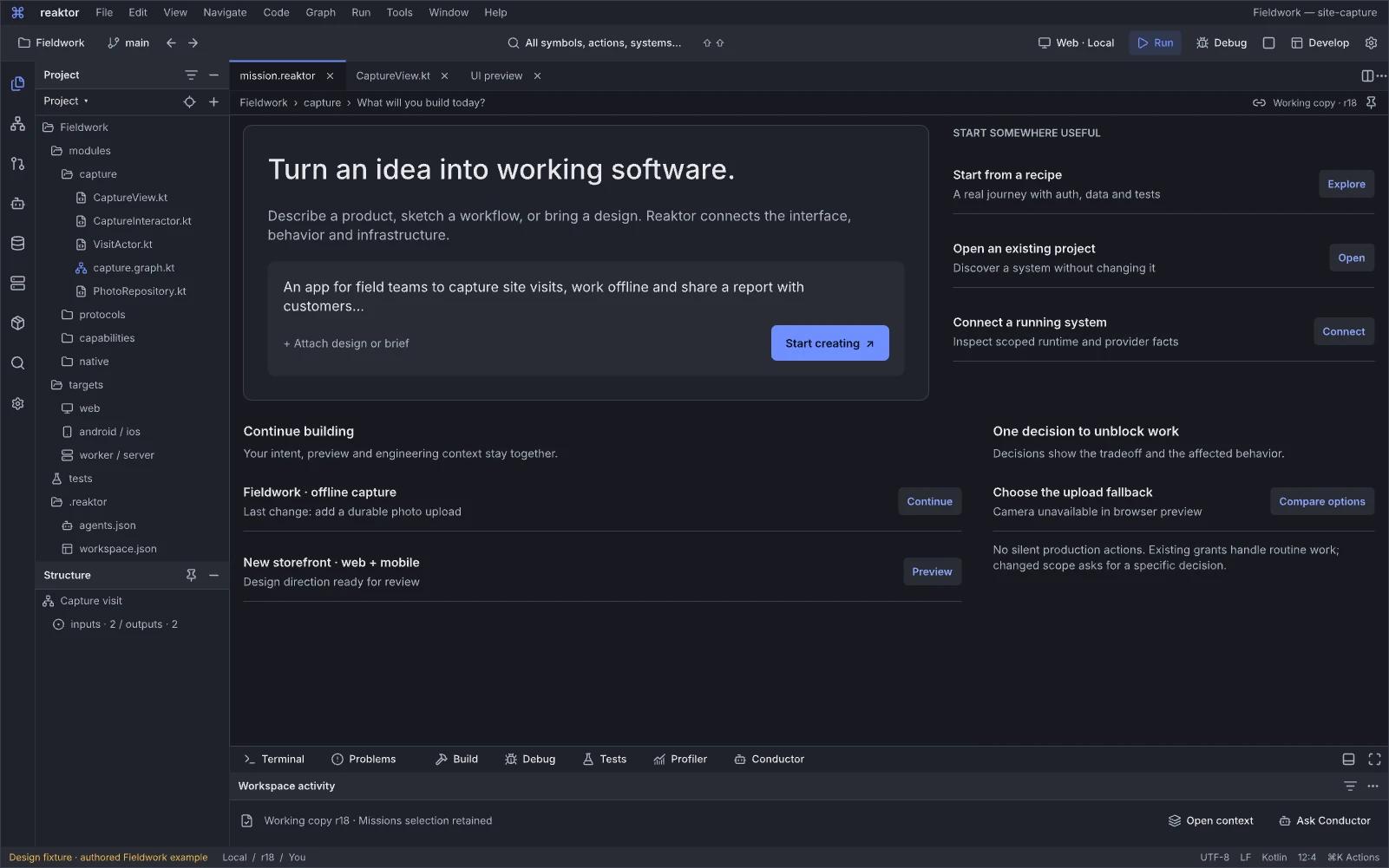
Design reference: Gbwnj · Reaktor workspace.
Question: Which project or working session should I open?
Project entry offers new/open/recent work and restores the developer session rather than beginning every task on a dashboard. A project can contain source, Blueprint, design, preview, run and evidence documents from the start.
Next action and handoff. Open or create the project and restore its tabs, layout, dirty work and pinned contexts. Choose source, composition, a run configuration or Conductor as the next tool. Missing sources or disconnected runtime sessions explain their state without discarding the rest of the workspace.
Fieldwork is taking shape
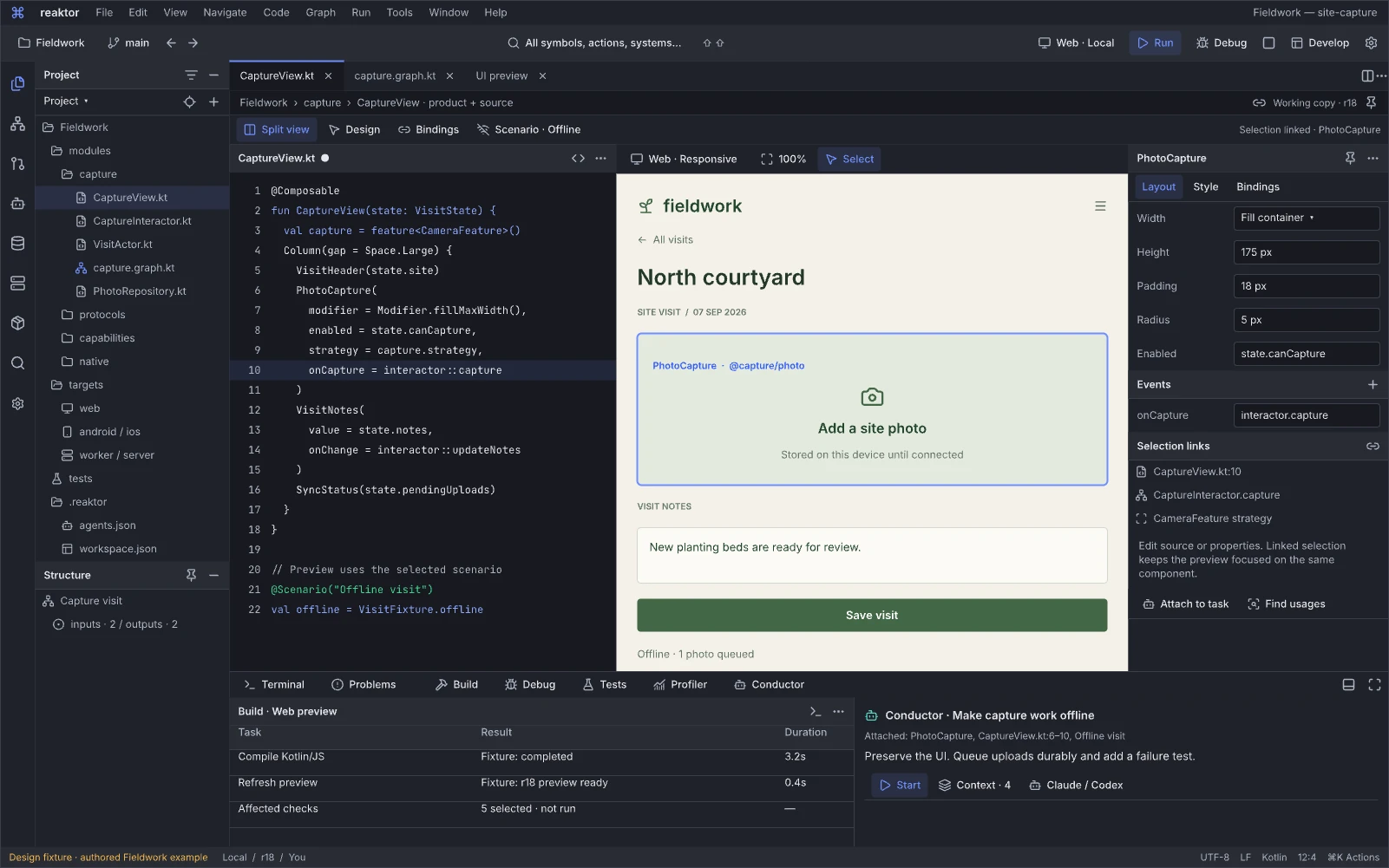
Design reference: gVWV6 · Reaktor workspace.
Question: How do source, the selected product element and its properties change together?
This working view places editable source, the selected Fieldwork product preview and component properties inside persistent editor groups. Project files and document tabs stay available, so creation continues as development in an ordinary project. Fieldwork keeps its own visual language inside Machine Signal.
Next action and handoff. Edit the source or selected property, inspect the resulting component/Blueprint correspondence and build the affected slice. Interact/Inspect governs preview input. Keep source dirty state, preview revision and pinned selection distinct; a stale preview remains usable without pretending it contains the new code.
Design the interaction, preserve the behavior
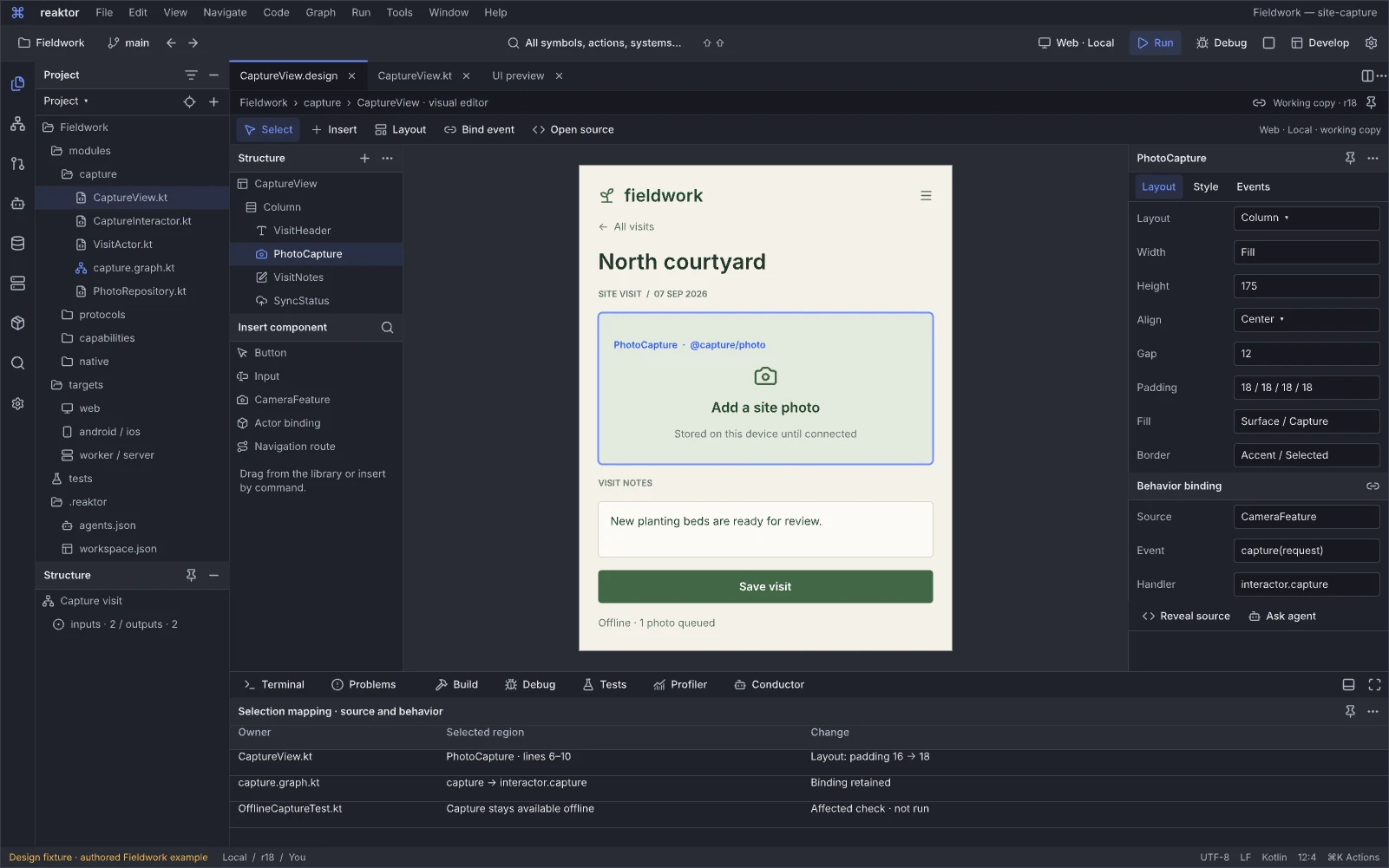
Design reference: Ruuut · Reaktor workspace.
Question: How can I compose the interface while keeping its source and bindings in view?
The visual composition editor combines the product canvas, selected component structure and editable properties with the common project/editor shell. It is a design instrument for layout, variants, tokens and behavior bindings; related source and preview documents remain accessible in their own groups.
Next action and handoff. Select or insert a component, edit its properties and inspect affected source, bindings and variants. Preserve unrelated behavior and styling through an owned change. When the visual mapping is incomplete, retain the component/source context and report the limitation instead of substituting a disconnected design mockup.
Make offline capture dependable
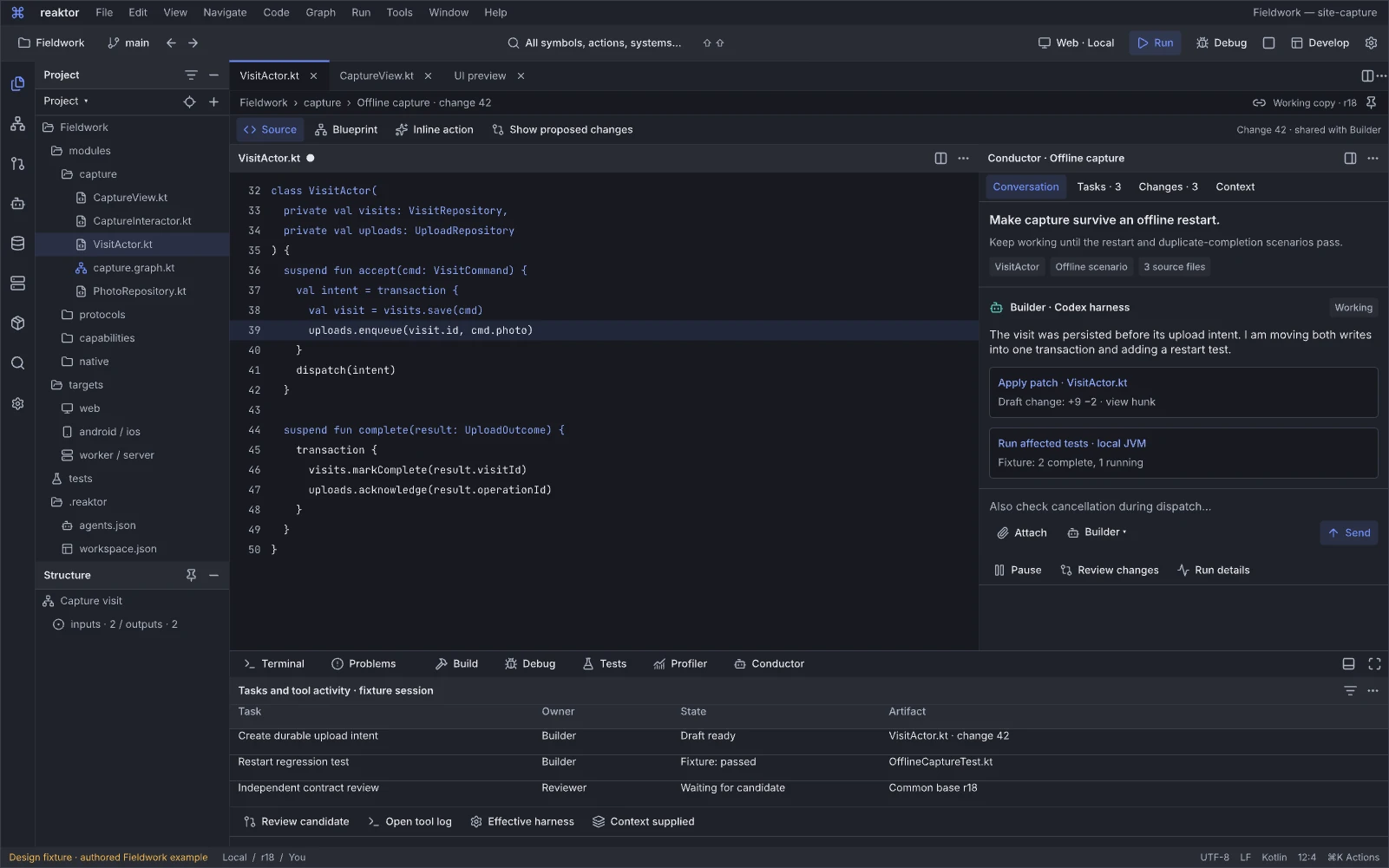
Design reference: Mmo0o · Reaktor workspace.
Question: Can Conductor improve this behavior while I keep editing the actual code?
Conductor works alongside an editable source/diff document, with context attachment and action outputs visible in the same developer session. The offline-capture task is grounded in selected files, symbols, checks or graph elements rather than an isolated chat page.
Next action and handoff. Attach the relevant code or failing scenario, run a bounded task, inspect tool outputs and review the actual working-copy/semantic diff. Continue editing or run permitted checks without replacing the workspace. Conflicts, effective scope, partial artifacts and uncertain external effects remain attached to the task and attempt.
Your team, your way of working
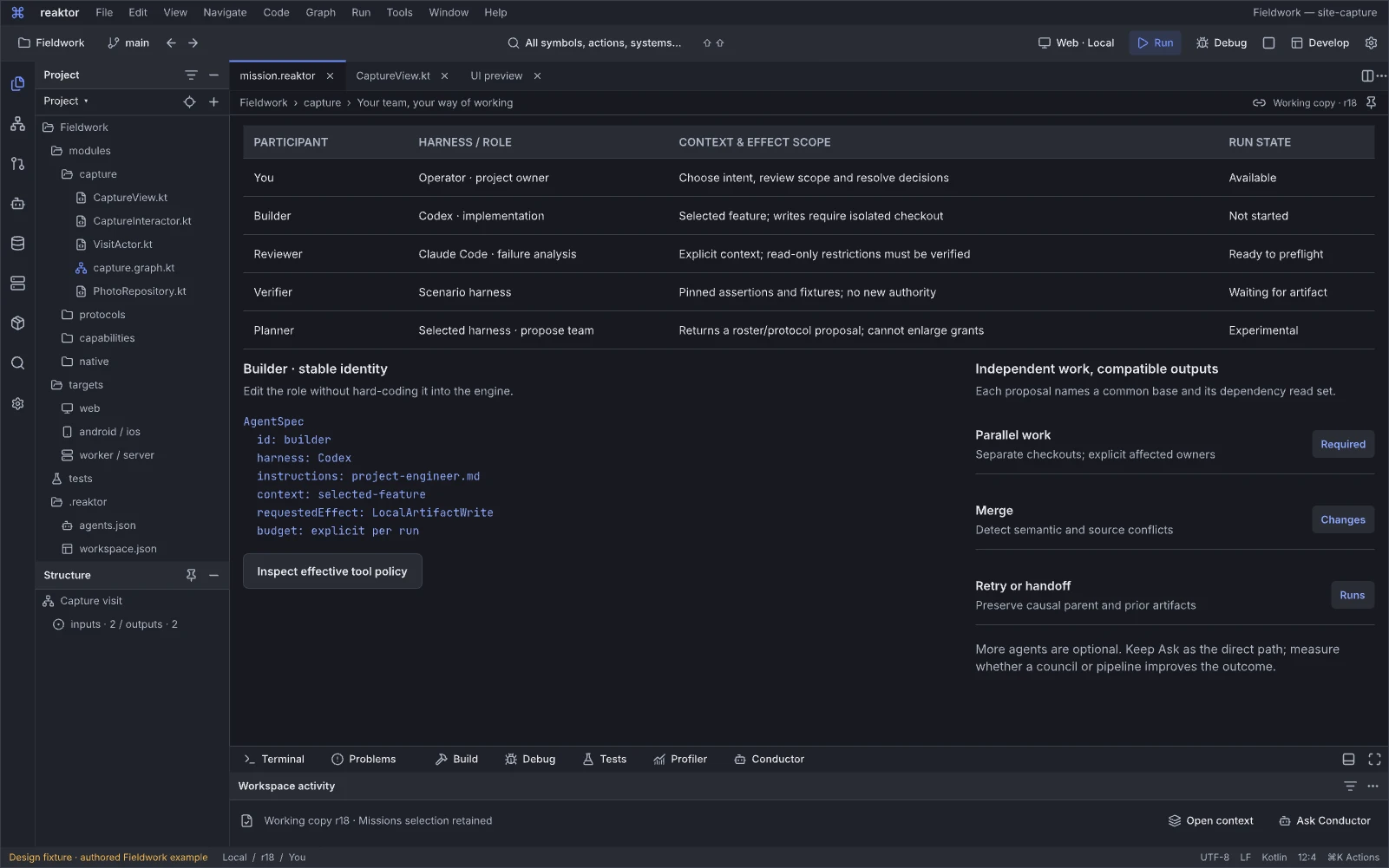
Design reference: Hzi6v · Reaktor workspace.
Question: Who should work on this mission, and what should each participant do?
The participant workspace treats agents as user-defined identities with editable purpose and instructions. Claude/Codex harness and model choices sit beneath that identity. A reusable roster supports a small team without turning Architect, Builder or Critic into mandatory framework roles.
Next action and handoff. Select or revise a participant and run the ordinary single-agent path, expanding collaboration only when useful. Bind later runs to the selected spec revision, effective scope and budget. Availability, requested settings and verified enforcement remain different facts.
Compose how agents collaborate
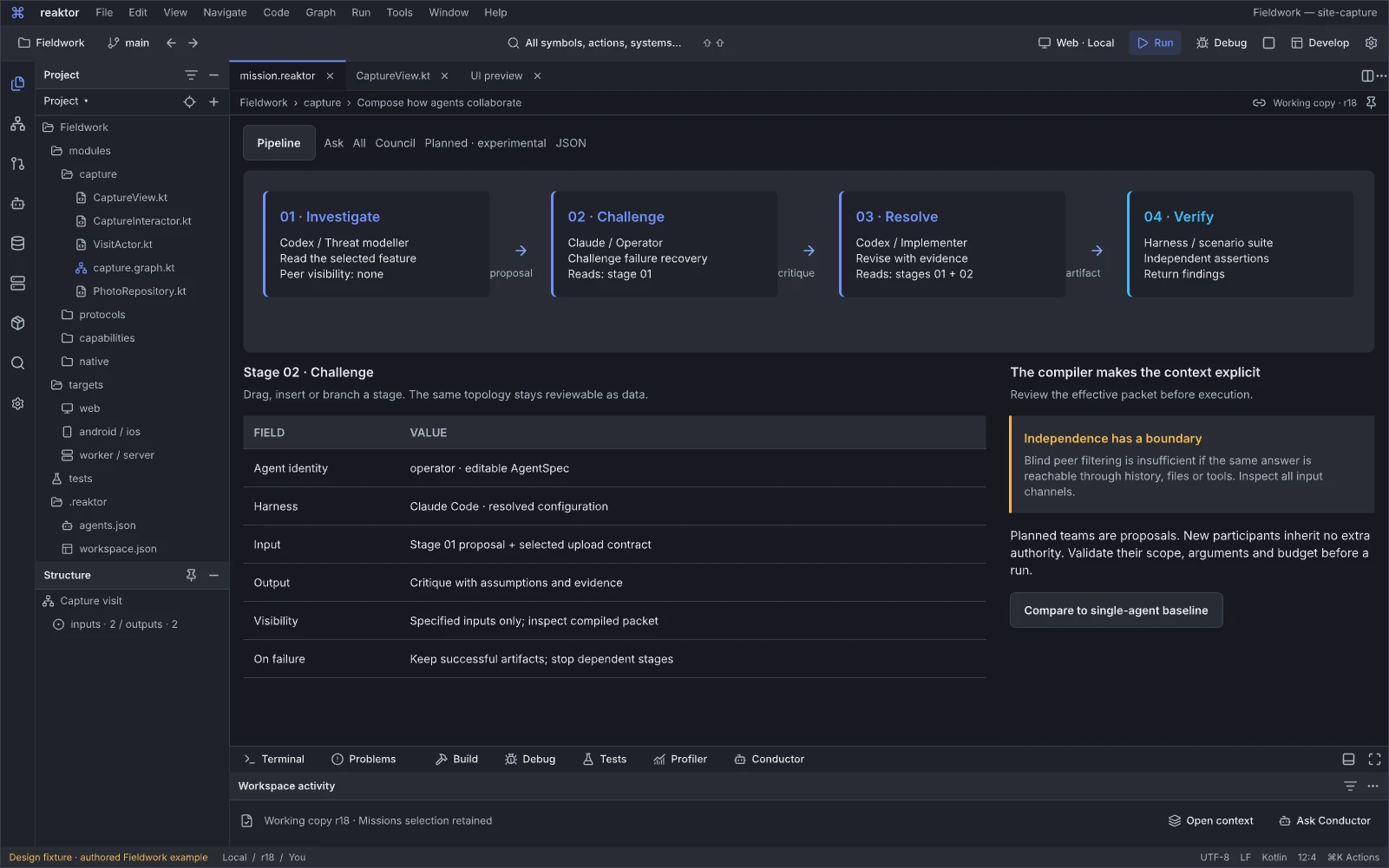
Design reference: L9r7am · Reaktor workspace.
Question: How should these contributions depend on one another?
The collaboration workspace makes protocol structure editable: a simple Ask, parallel approaches, independent proposals, critique or staged synthesis can share the same participant definitions. The visible topology explains work order and information flow rather than acting as a decorative team diagram.
Next action and handoff. Review the stages, visibility and expected artifacts, then prepare a bounded run. A planner-generated team is a proposal subject to effective grants and resource limits. Planned dependencies, observed conversation parents and artifact lineage must remain distinguishable.
What will this agent know?
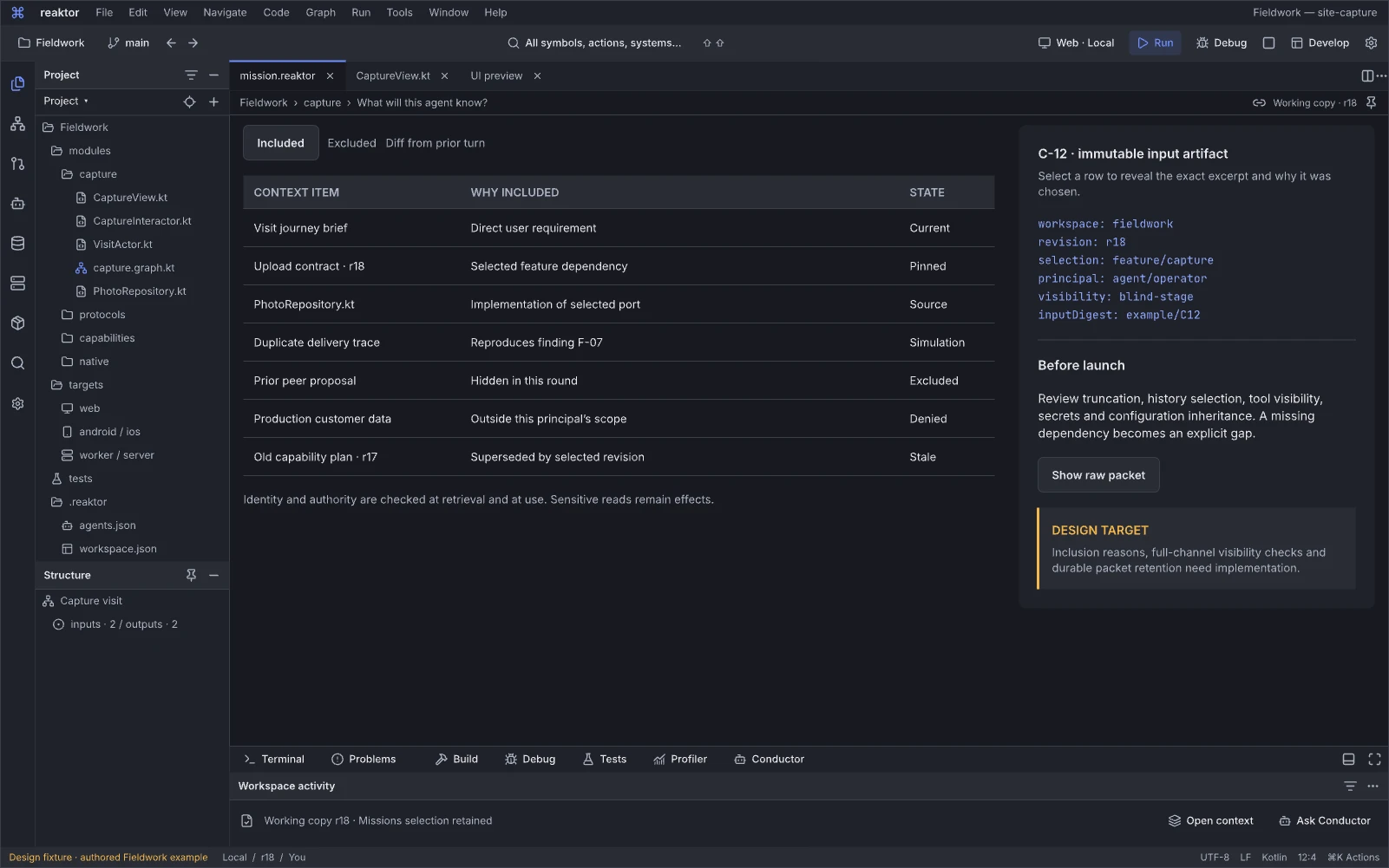
Design reference: DOTHj · Reaktor workspace.
Question: Which context will Reaktor supply to this agent, and what is missing?
The context workspace makes requirements, selected source/contracts, decisions, observations and exclusions inspectable before a turn. It links the agent task to the same product and revision that the human is viewing.
Next action and handoff. Inspect inclusion reasons, refresh stale inputs or narrow the packet before running. Record packet identity and omitted/truncated material. Harness-loaded tools, files and provider history require their own coverage statement; this view must not claim to capture every possible input the model saw.
Bring an existing system into focus
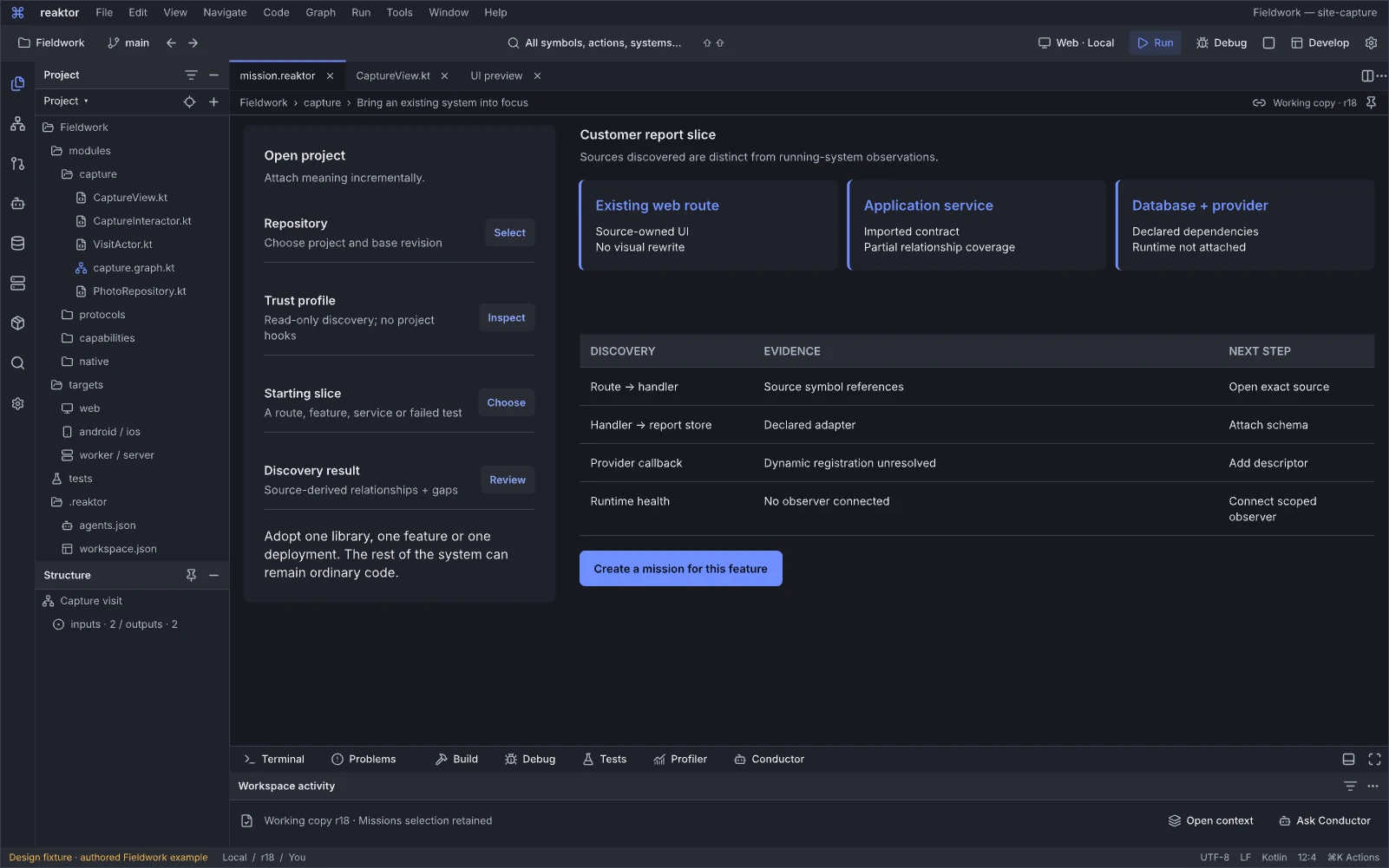
Design reference: gddyF · Reaktor workspace.
Question: Where can I make a useful change in this existing system?
Brownfield adoption opens a project around a feature and its important boundaries. Source-derived, wrapped, opaque and runtime-observed areas can coexist. The purpose is to find an improvement the developer can make without first rewriting the application.
Next action and handoff. Select the feature, inspect source and coverage, and create a scoped proposal. Open unsupported visual regions in the IDE. Follow the accepted change through affected checks and the existing app preview while preserving revision and source ownership.
Graph editors and instruments
The whole-system flagship and local Blueprint editor are shown above. Related editors and instruments below compose and inspect structure, behavior, data and target strategies within that same project shell.
Compose from a small, powerful basis
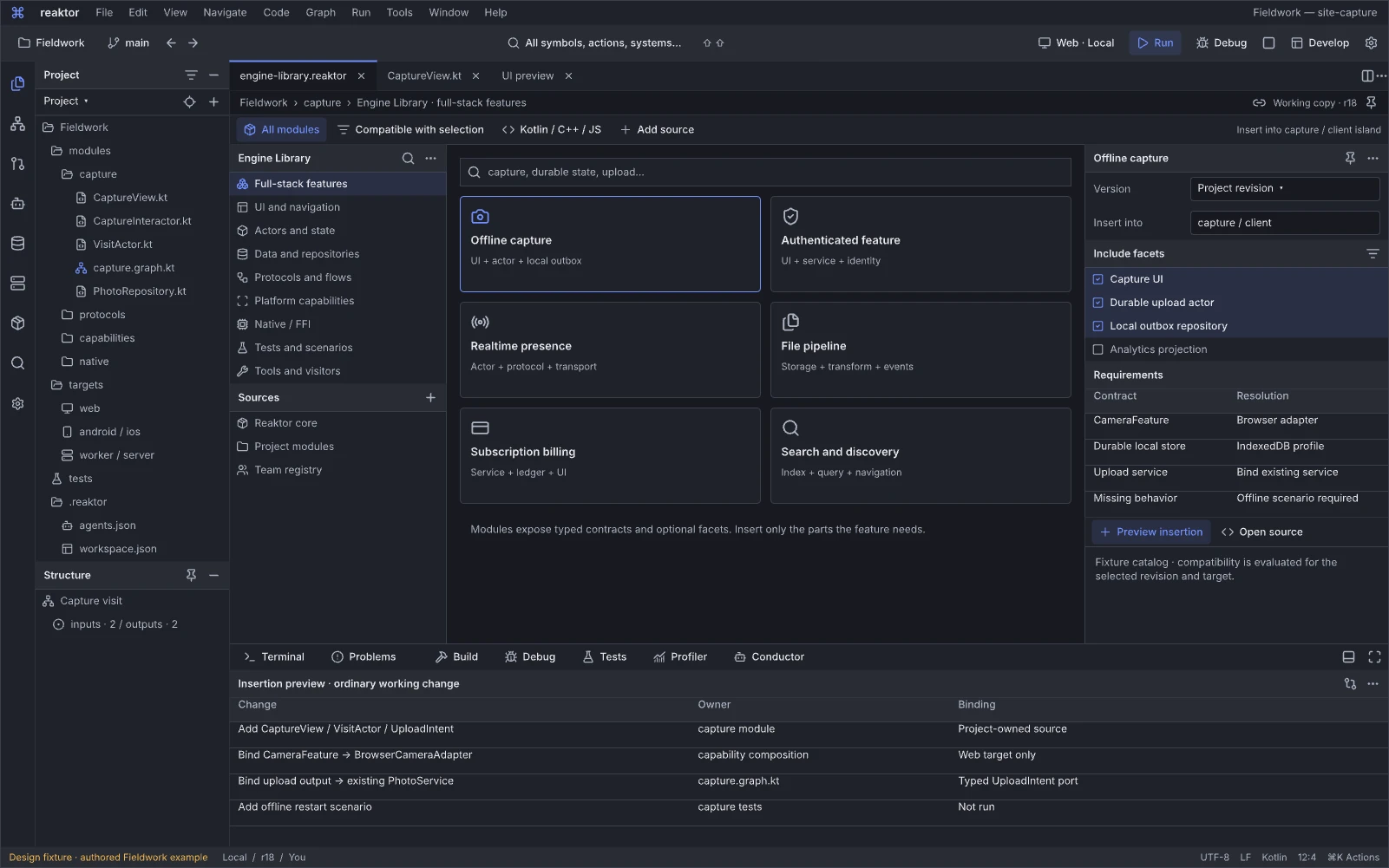
Design reference: fFimd · Reaktor workspace.
Question: Which engine mechanism can I compose into the current document?
The Engine Library combines discovery and composition: modules, feature recipes, contracts, components, protocols, adapters and low-level mechanisms can be inspected and inserted into the active source or Blueprint. Their versions, source and supported profiles remain accessible from the project workspace.
Next action and handoff. Filter by purpose or compatible contract, inspect a specimen/implementation, then insert or specialize the selected item as an ordinary change. Show required dependencies, assumptions and replacement points. Full-stack recipes accelerate development while lower-level mechanisms and custom source remain available.
One graph across runtime islands
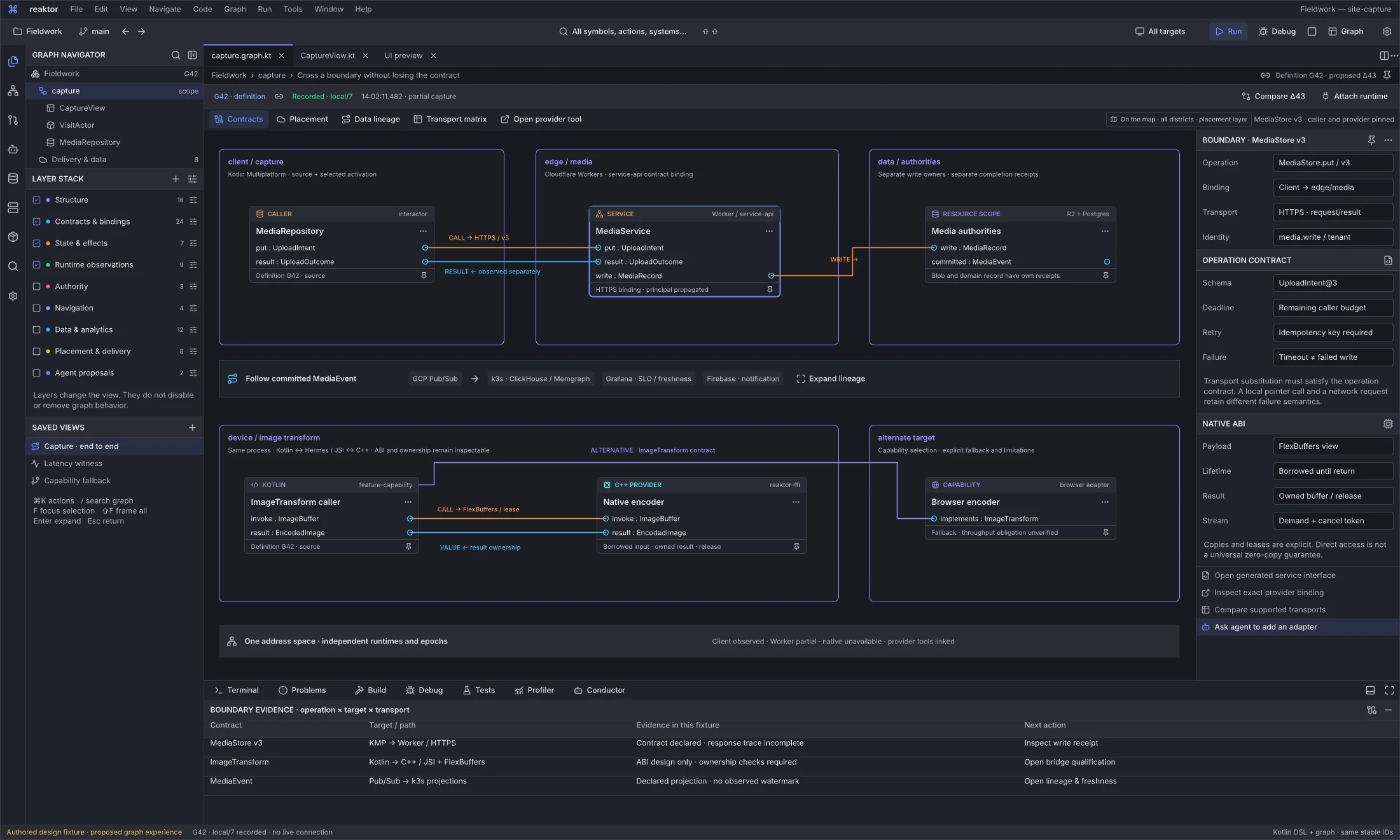
Design reference: QPAyL · Reaktor graph workspace.
Question: What does the selected service or native boundary promise across its actual targets?
MediaRepository calls a selected MediaService Worker binding through MediaStore v3. The resource scope preserves separate R2 blob and PostgreSQL record authorities and receipts; declared event lineage leads toward Pub/Sub, k3s projections, Grafana and Firebase tools. A second slice exposes a Kotlin-to-native image transform, FFI payload/lifetime rules and a browser capability alternative. These are related regions of one logical graph, not equivalent local and remote executions.
The inspector makes schema, principal scope, deadline, retry/idempotency and timeout uncertainty explicit. Native details distinguish borrowed input, owned result, release and cancellation; zero-copy is not universal. The fixture labels a partial service trace, design-only native qualification and absent projection watermark. The shared upload boundary declares UploadIntent v3; actual adapter conformance still requires qualification. Provider tools and target adapters remain separately qualified.
Next action and handoff. Open the exact binding, inspect an operation receipt, compare supported transport profiles or qualify the native bridge. A compatible contract identifies possible adapters; source/configuration and observed correlation identify the selected route. Follow the associated source, authority, resource and evidence without conflating independent writes or losing the pinned caller/provider context.
Query data with its system context
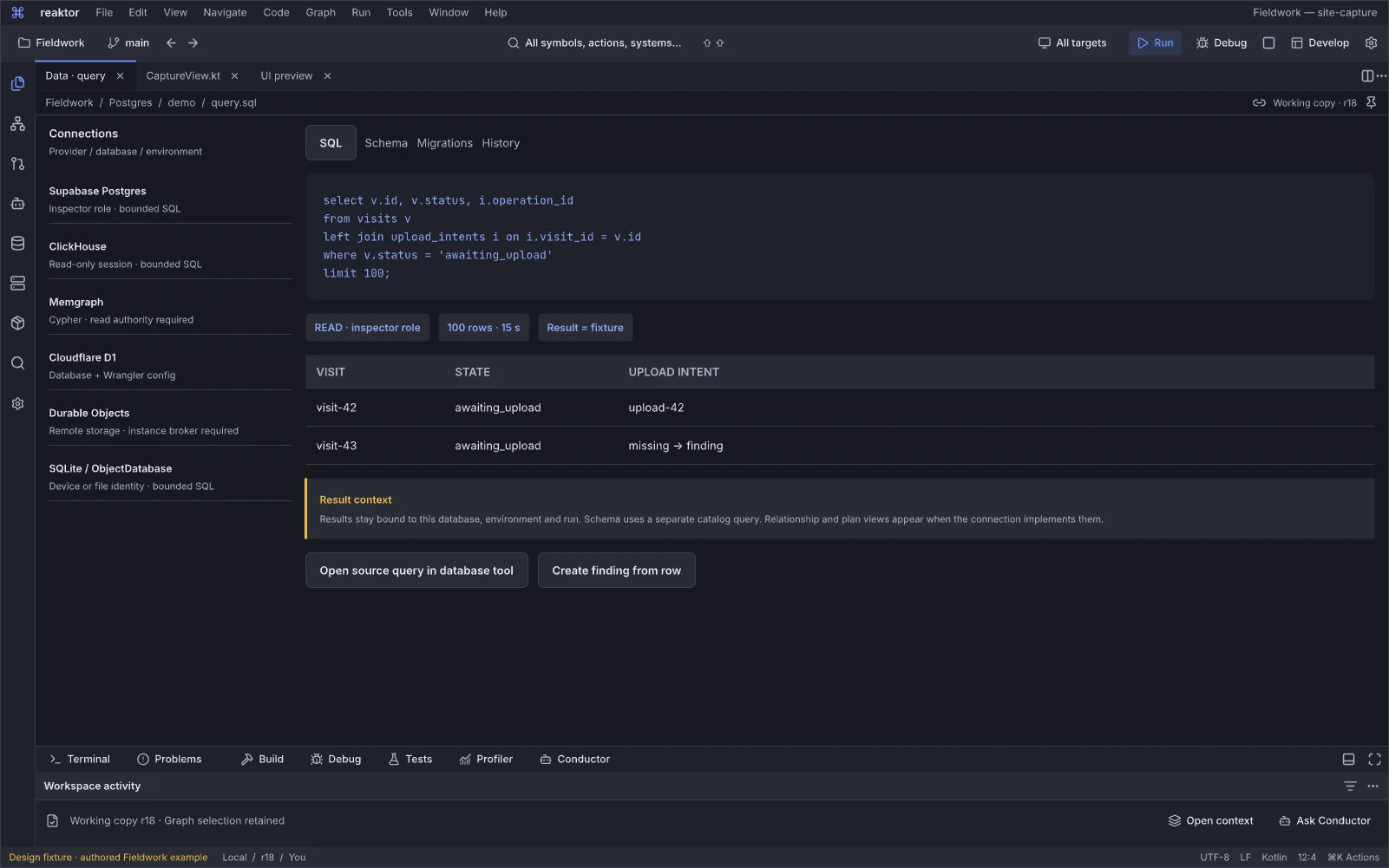
Design reference: yawya · Reaktor workspace.
Question: What does this query mean in the application and its data systems?
Data query work stays attached to the selected product operation, schema, authority and environment. The refined connection explorer distinguishes Postgres/Supabase, ClickHouse, Memgraph, D1, Durable Objects and local stores; each family retains its engine-specific capabilities and readiness. Query documents retain connection, query-purpose and result context, including an editable unbound draft. The result can be followed into its source, dependent UI and evidence without inventing a successful database call.
Next action and handoff. Prepare a scoped query, inspect parameters and limits, then examine results and their time/coverage. Masking, authorization and observed execution need actual adapters. A delayed projection, empty result, stale source and unknown data must remain distinct; schema changes move through Changes.
Program the Living Graph
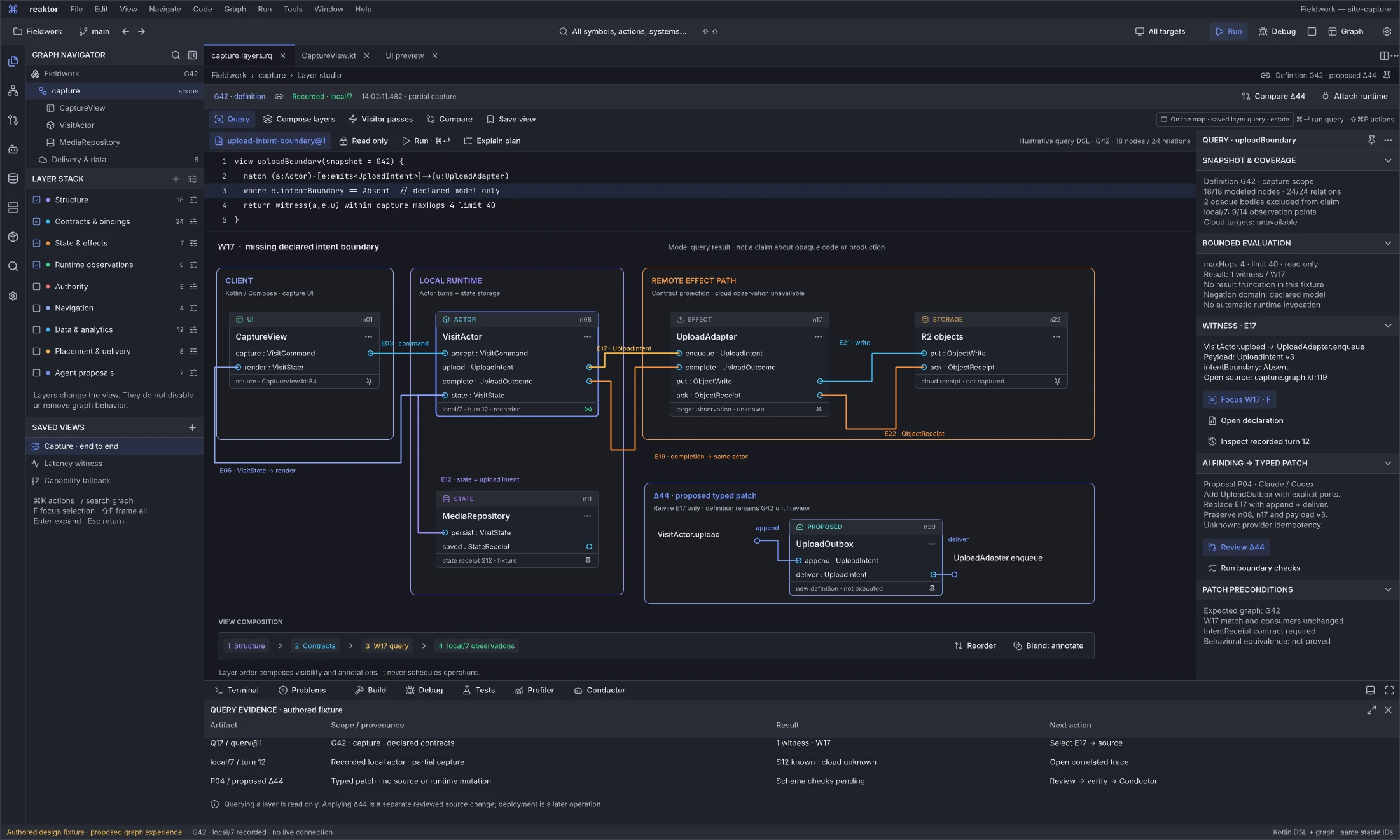
Design reference: Wx6KI · Reaktor graph workspace.
Question: How can I turn a graph query, layer stack or visitor into a reusable development instrument?
The query studio edits a bounded, typed, read-only query against capture at snapshot G42, with maximum four hops and forty results. An ordered projection stack and witness W17 connect CaptureView, VisitActor, UploadAdapter and R2 with correlated completion/state return relationships. Results carry their exact modeled scope and provenance: 18/18 modeled nodes and 24/24 relations, two opaque bodies excluded from the claim, local/7 observations at 9/14 points, unavailable cloud targets and pending schema checks. Those counts describe the fixture and query boundary; they do not establish complete production behavior.
An agent proposal P04 uses the same query and witnesses to propose Δ44, a typed Outbox insertion. Pure analysis computes findings and candidate changes; it does not execute the upload or mutate live state. Source, visitors, query results, layer projections and agent context remain inspectable together.
Next action and handoff. Change the query or layer order, inspect why each result is included, then save the instrument with its input, coverage and resource limits. Review Δ44 through the graph commit workspace, including its stale-base rebase and new schema obligations. Re-run or invalidate results when revisions, policy or coverage change. Query, rewrite proposal, instrumentation installation and runtime execution use distinct operation contracts.
Inspect every boundary in a pipeline
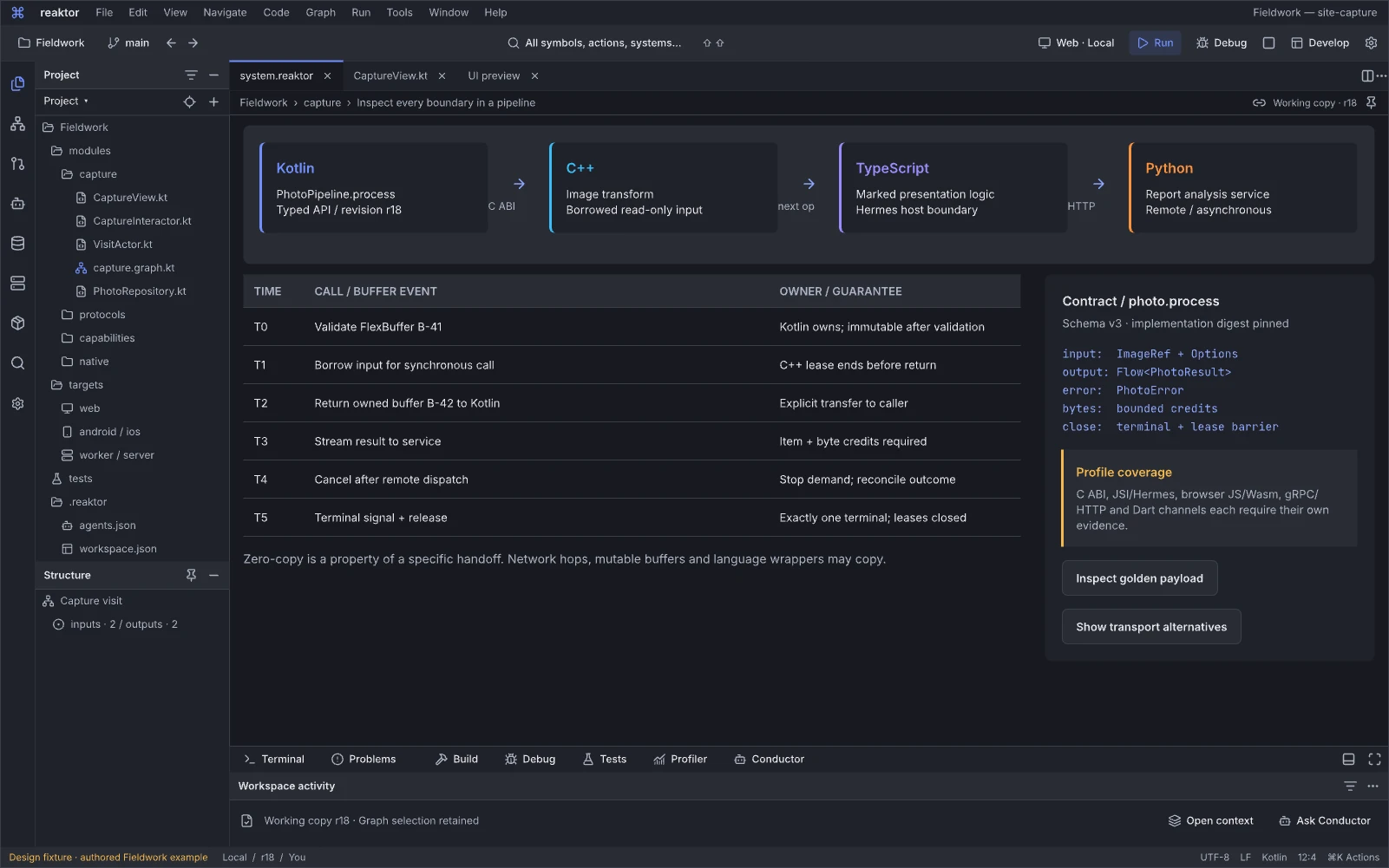
Design reference: iq3nC · Reaktor workspace.
Question: What happens to calls, buffers and cancellation across this pipeline boundary?
Boundary inspection exposes the actual transport/profile, contract and ownership handoff between language/runtime endpoints. The useful objects are calls, stream credits, retained buffers, callbacks and close behavior, rather than a count of supported language logos.
Next action and handoff. Select a boundary, inspect lifetime or a failing payload and open its conformance run. Distinguish borrowed/owned buffers, unary/streaming support and process failure. Zero-copy, cancellation and safe close are qualified per profile; the design does not establish universal FFI parity.
Choose behavior for each target
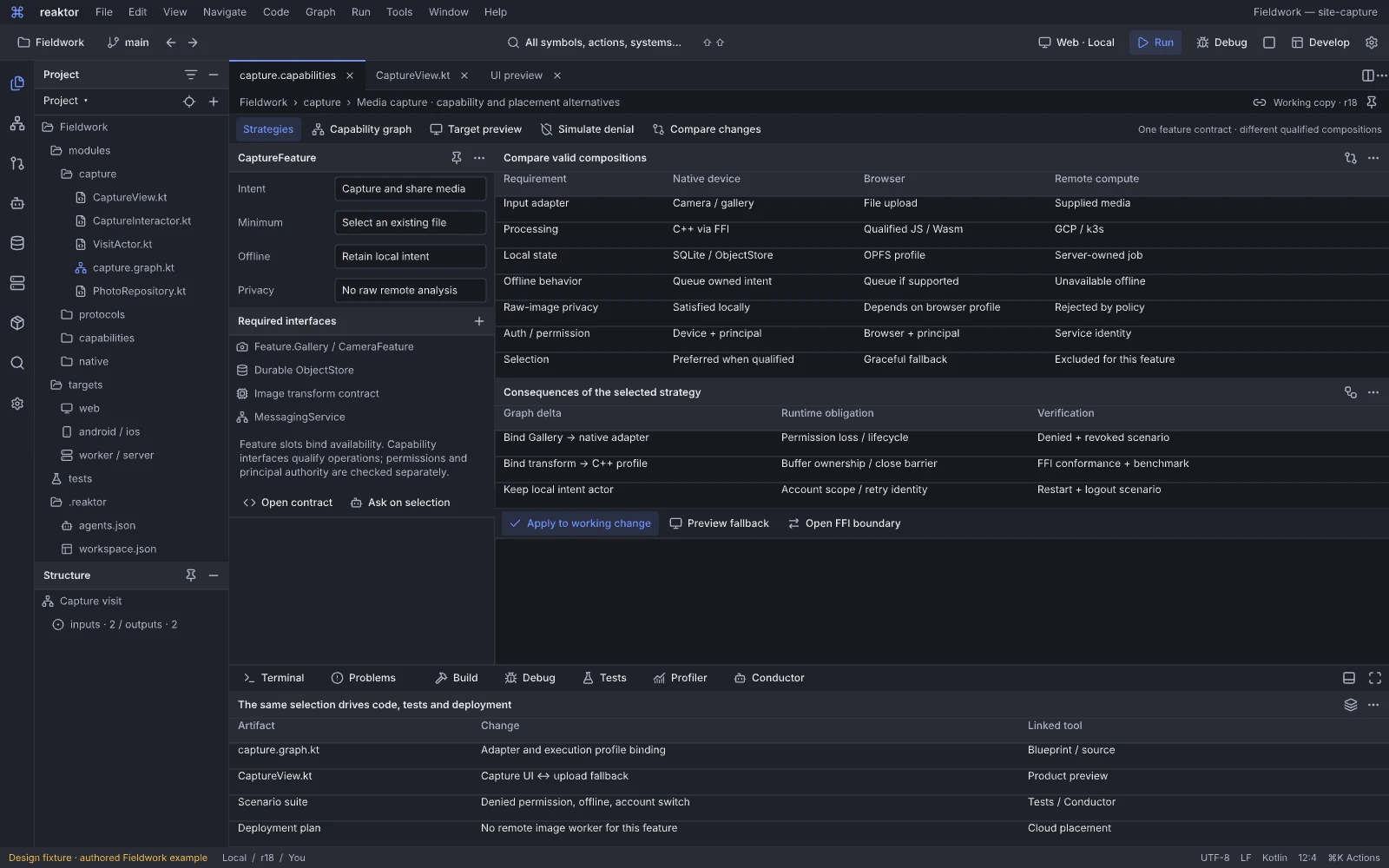
Design reference: Ri7Es · Reaktor workspace.
Question: How should this feature adapt across targets while preserving its required behavior?
The capability and placement editor compares eligible native, browser, local and remote strategies under explicit product requirements. A selected strategy changes the composition and its consequences together: source, user-facing behavior, FFI boundary, runtime placement and affected checks.
Next action and handoff. Inspect why an alternative is eligible or rejected, preview its product consequence, then propose the corresponding graph/source change and run its permission, offline and target cases. Keep installed adapter, offered capability, environment, permission, authority and strategy distinct. Rebinding future work differs from migrating an active operation; simulated behavior does not qualify a device profile.
04.05 · Reaktor Graph · Compose across every boundary
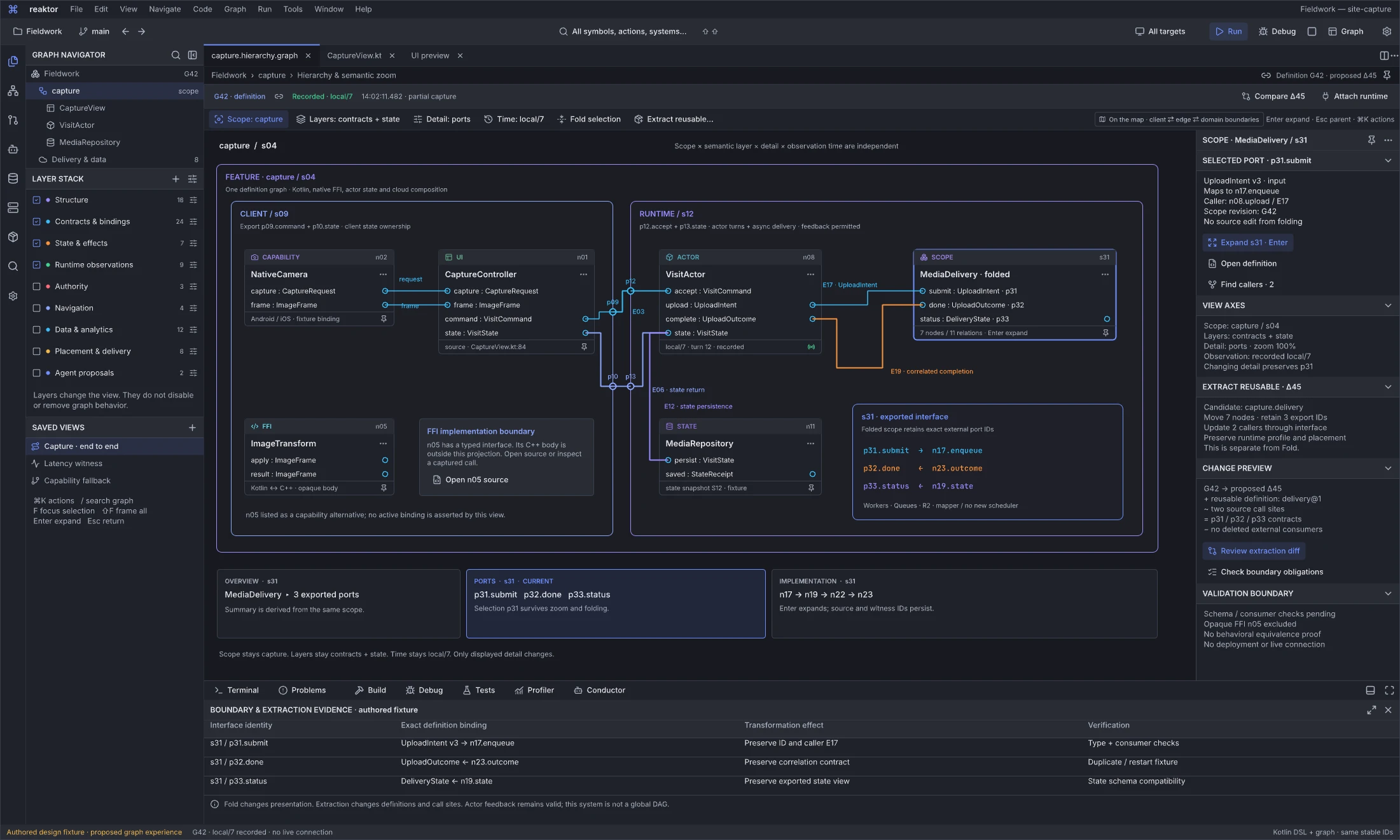
Design reference: Pr3Pv · Reaktor graph workspace.
Question: How do nesting, exported ports and reusable extraction preserve a complex feature?
Nested client, runtime and native scopes expose explicit p09/p10/p12/p13 ports. Folded composition s31 retains its exact mappings: p31.submit to n17.enqueue, p32.done from n23.outcome and p33.status from n19.state. Scope, layers, detail and time can change independently while the underlying relationship identities remain available. Native n05 is an unbound capability alternative with an opaque implementation, not a proven equivalent provider.
Visual Fold preserves the program. Proposed Δ45 extracts seven nodes into a reusable composition with three exported identities and two callers; that is a semantic/source change with interface and instance-state obligations. The G42 / local/7 display is a recorded design fixture with no live connection.
Next action and handoff. Fold or open the selected boundary, inspect each real endpoint, then preview Δ45’s preserved members, exported interface and caller changes. Validate the extraction under its declared semantics; grouping does not create an actor, network hop or transaction. Δ45 remains independent from Δ43 and Δ44 until a combined change is explicitly rebased and checked.
Changes and diff editors
Review the same source and semantic changes whether authored directly or with an agent.
Commit and semantic patch review
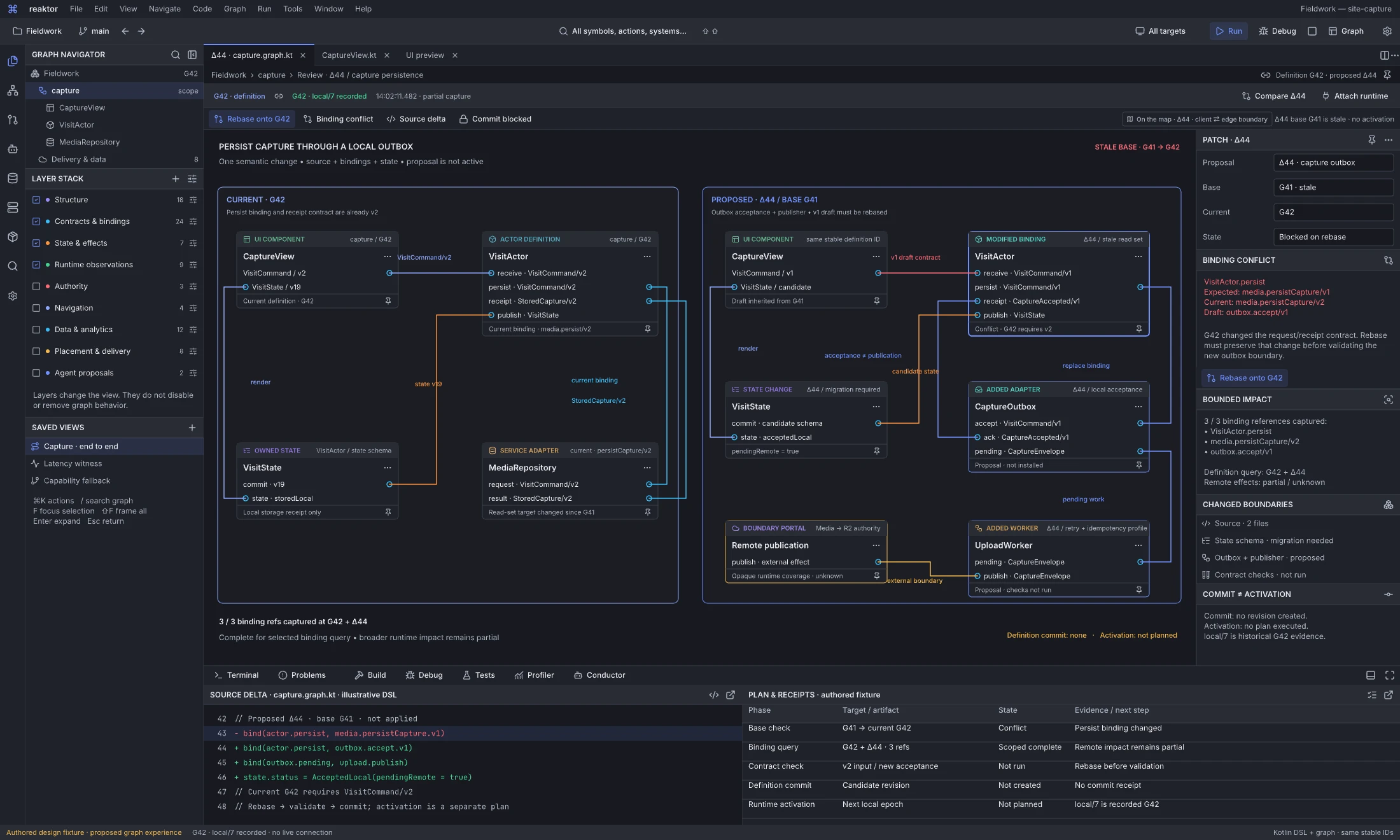
Design reference: hqJ9u · Reaktor graph workspace.
Question: Does this typed source/graph change still apply to the current definition?
The commit workspace reviews Δ44, the proposed Outbox insertion also shown in the visitor/query studio. Its inherited base G41 used the earlier persistCapture contract/binding; current G42 has media.persistCapture/v2, so the proposal requires semantic rebase. Source and graph diffs show the same owned change, with preserved identities, new structure, changed bindings and affected assumptions. File non-overlap cannot resolve this contract conflict.
The narrow binding query captures 3/3 references at G42 plus Δ44; broader remote impact remains partial and contract checks are not run. This is an authored review fixture. Commit is blocked, activation is not planned, and there is no actual commit or activation receipt. Rebase, validation, definition commit and activation are separate transitions. Δ43 idempotency repair and Δ45 reusable extraction are independent proposals; combining them with Δ44 requires another semantic rebase and validation.
Next action and handoff. Inspect the conflicting source/contract, rebase onto G42, regenerate the typed delta and run the required checks. A definition commit records an owned revision only after its preconditions hold. Prepare a runtime activation separately, with state/effect compatibility and actual execution authority. Reversing the draft does not undo previously sent messages or cloud effects.
Evolve a marked runtime boundary
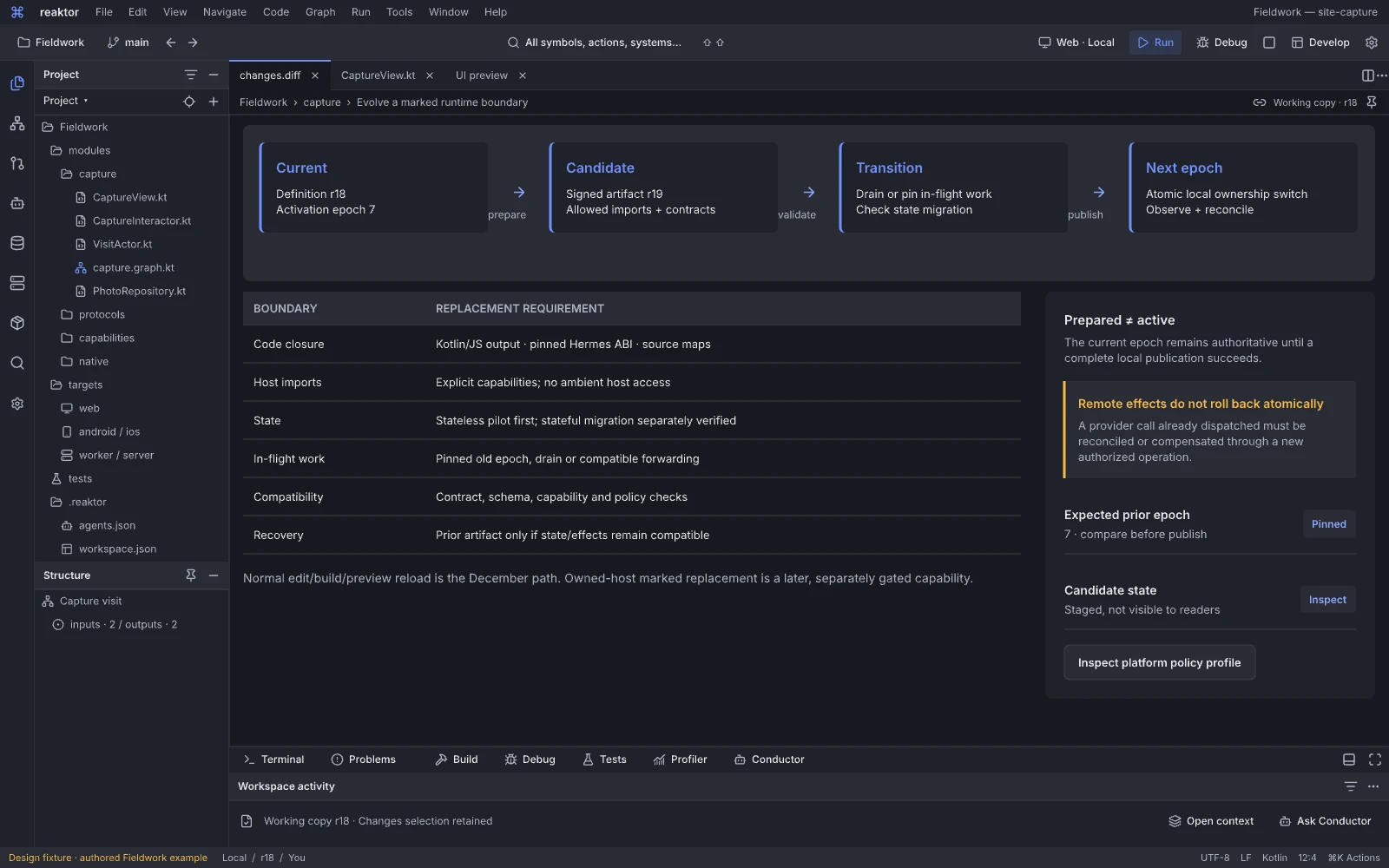
Design reference: p4vwb · Reaktor workspace.
Question: Can this marked runtime boundary change under its compatibility contract?
This north-star workspace distinguishes a selected dynamic update boundary from ordinary preview reload. It relates old/new implementations, active work, authority and recovery assumptions, so live replacement is a deliberate operation rather than a blanket hot-update promise.
Next action and handoff. Review compatibility and probes, then prepare an update only for a qualified host/profile. Expose unsupported state migration, partial activation and unresolved external effects. December development reload and compatibility experiments do not establish production OTA or general stateful replacement.
Run and debugging tools
Follow owned execution, delivery and recovery with outcomes appropriate to each operation.
Publish the exact system you reviewed
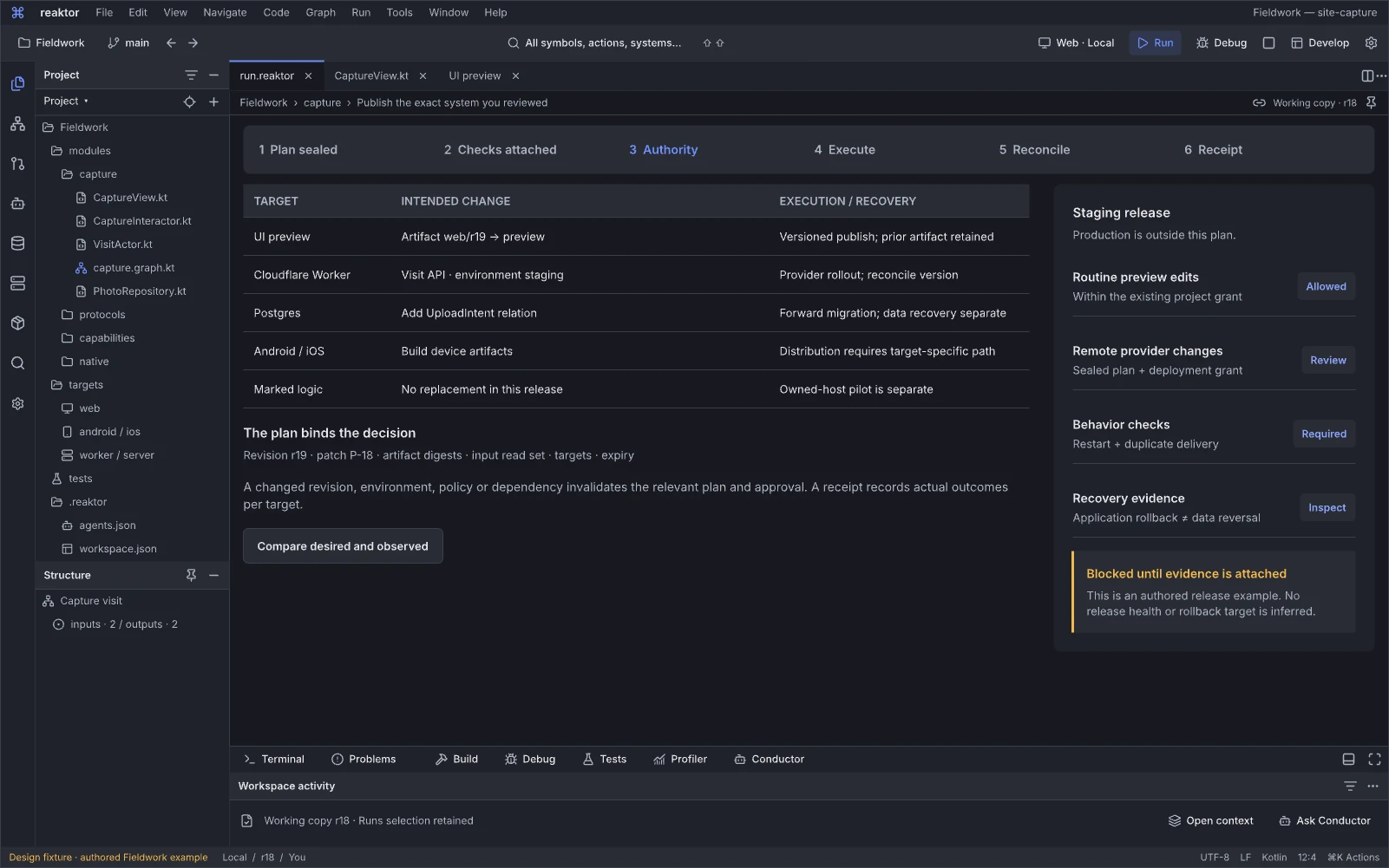
Design reference: Hr7rV · Reaktor workspace.
Question: Am I publishing the exact system and target set I reviewed?
The release workspace connects the app revision, source/artifacts, checks and destination to a concrete execution plan. Product publication is understandable first; deeper target operations, grants and recovery remain inspectable.
Next action and handoff. Review the scoped effects and required decisions, then execute through the shared run path. Existing authority need not be requested again. Source drift or changed plans invalidate incompatible approval; completion requires per-target observations rather than one unconditional healthy badge.
A visit, one owned turn at a time
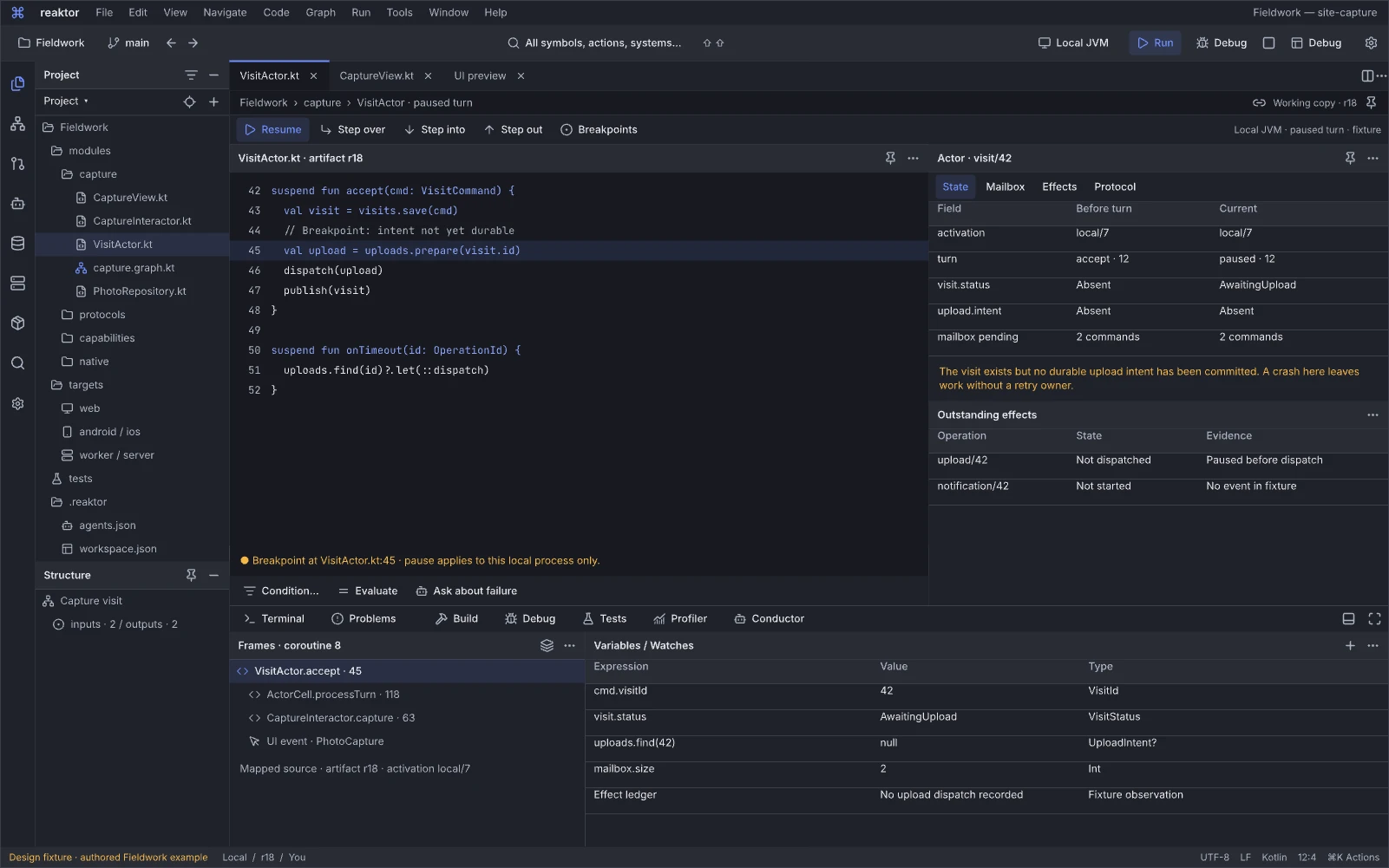
Design reference: w4EWt · Reaktor workspace.
Question: At this breakpoint, which actor turn owns the state and what is waiting?
The actor debugger supplies execution controls, stack/context and watches around the selected owned turn. Source or Blueprint location, state, mailbox admission and effect completion are inspectable in a persistent debugging session. Queue wait, execution and an asynchronous wait have different meanings.
Next action and handoff. Select a frame or turn, inspect state and watches, follow a pending effect or step under the supported runtime profile. Keep logical actor identity, activation epoch and source revision pinned to the session. A historical trace is not a live pause; late completions and unknown outcomes must remain explicit when a developer edits the next revision.
An attempt stopped. What actually happened?
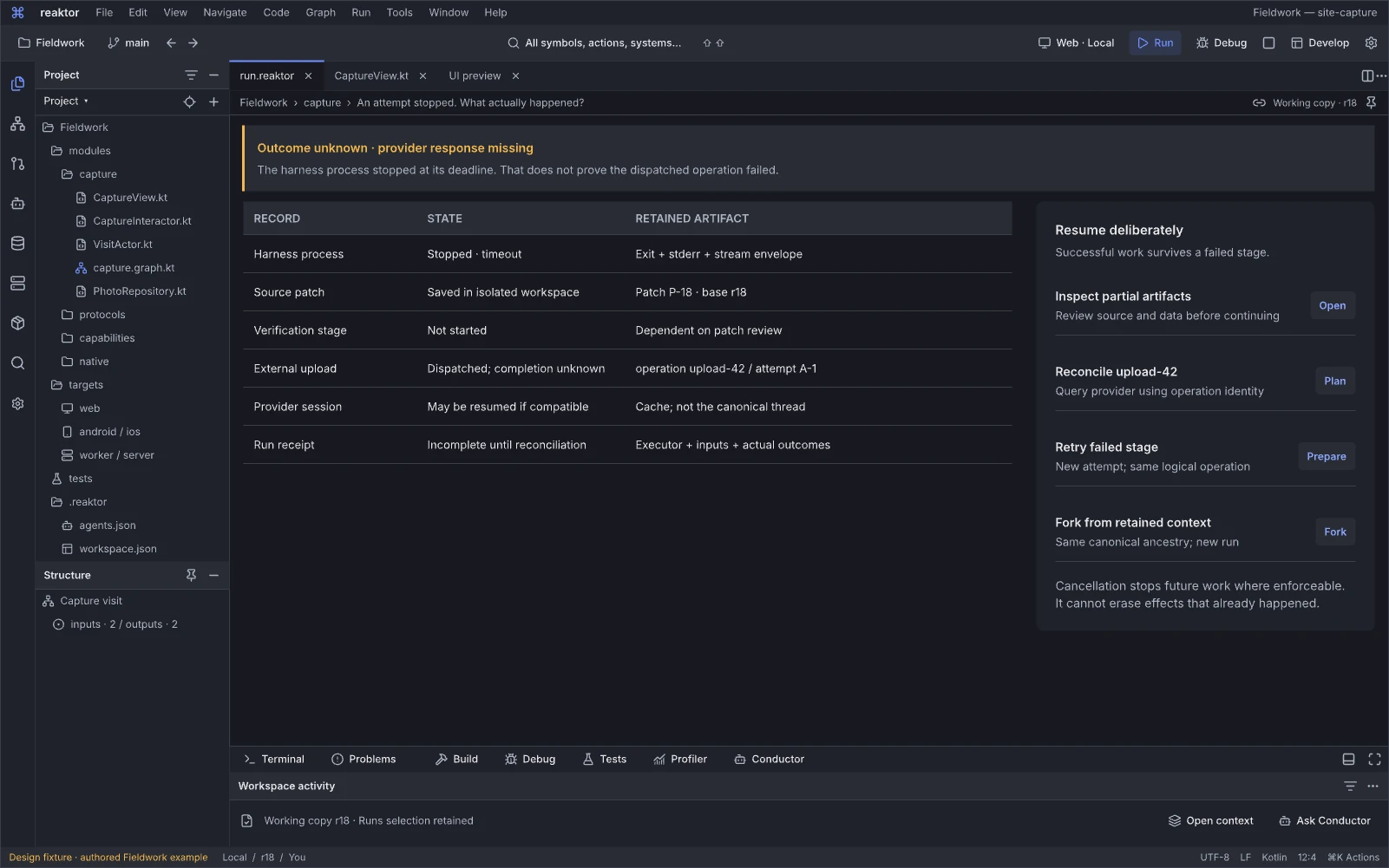
Design reference: LXase · Reaktor workspace.
Question: After this attempt stopped, what happened to its work?
The recovery workspace separates process status, produced artifacts and external business effects. It avoids the misleading assumption that stopping a harness reverses everything the harness requested.
Next action and handoff. Inspect partial artifacts and accepted operations, reconcile unknown effects and start a fresh supported attempt where appropriate. Preserve logical work and attempt lineage. Resume availability depends on recorded context and supported persistence; a transcript alone is not proof of durable recovery.
07.01 · Reaktor IDE · Device Lab
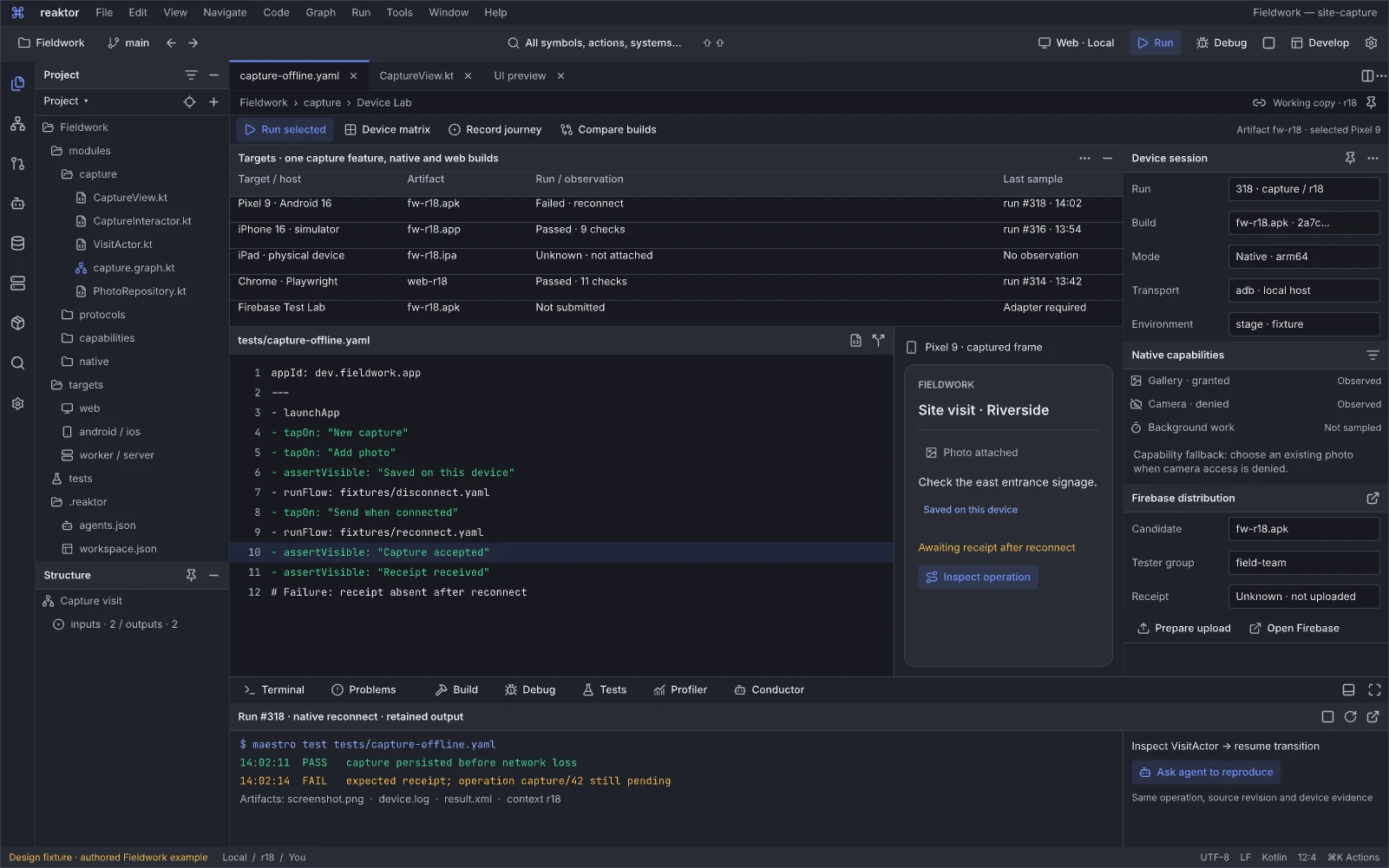
Design reference: GaN4a · Reaktor workspace.
Question: Does this exact feature and artifact work on the device profile that will run it?
The Device Lab combines a device/build matrix, an editable native capture/reconnect scenario, selected device UI and install/distribution/testing state. In the authored Fieldwork example, Android reconnect run #318 fails while iOS simulator and web checks pass; a physical iPad is unattached and unknown, and Firebase Test Lab is not submitted because its adapter is required. Each result retains its actual target and artifact.
Next action and handoff. Install the exact candidate and rerun a failed reconnect or capability case; provision or reconnect an unavailable target when supported. Inspect launch configuration, account/environment, device logs and the resulting feature trace. Distinguish application failure, infrastructure failure, not run and unavailable coverage; virtual-device evidence cannot silently satisfy a physical-device gate.
07.02 · Reaktor IDE · Pipeline
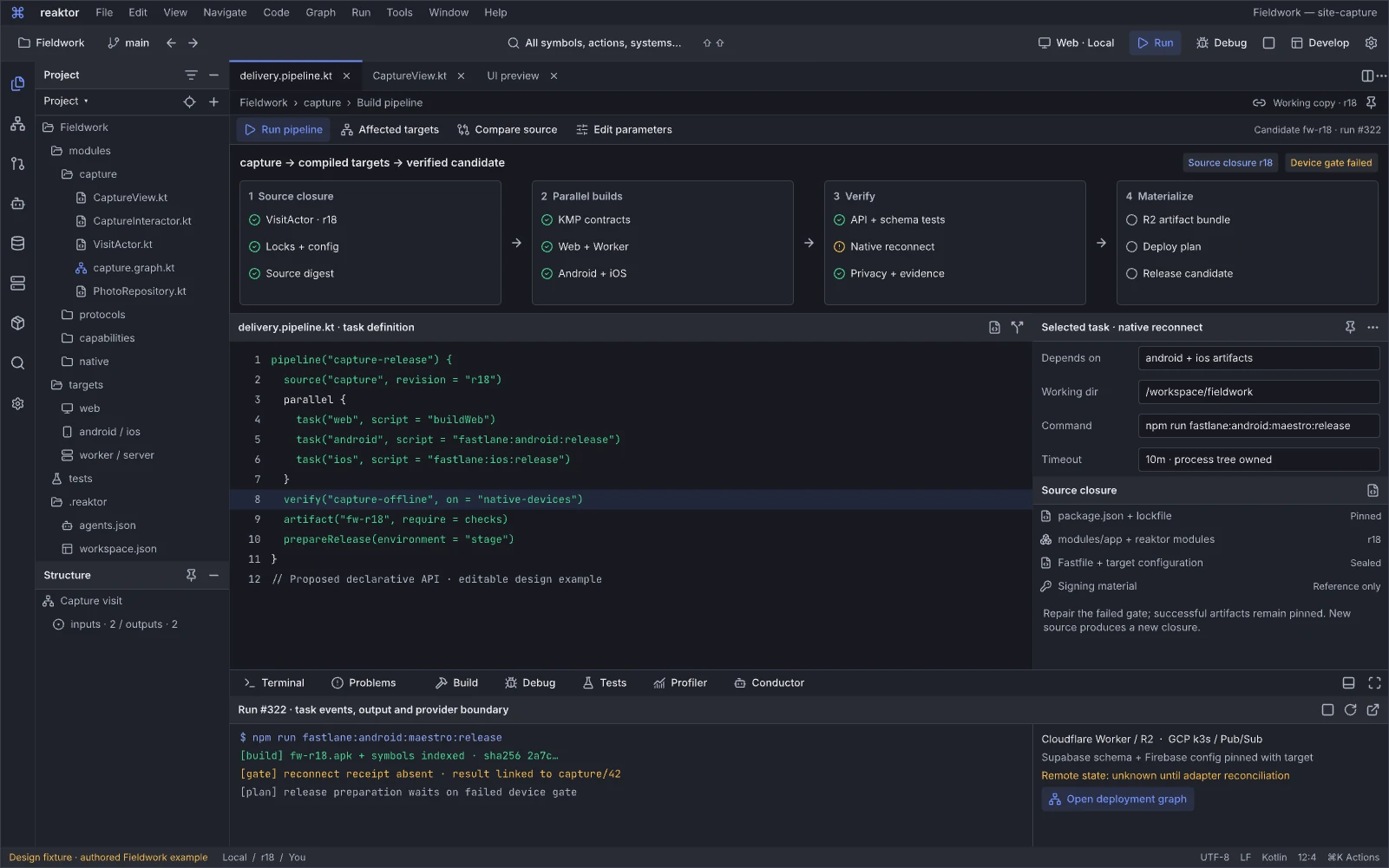
Design reference: O0ZFq9 · Reaktor workspace.
Question: Which source and resource closure produced this candidate, and what still blocks it?
The pipeline editor exposes the source closure, parallel KMP/web/Android/iOS builds, checks and candidate dependency graph. Selected-task configuration, arguments and outputs sit beside the same feature’s Cloudflare/GCP resource closure. The authored pipeline #322 remains blocked by reconnect failure #318 while preserving successful builds. The pictured pipeline DSL is a proposed API.
Next action and handoff. Open the failed gate, inspect its actual command and inputs, repair the source or configuration and rebuild the affected closure. Retain output digests, target/toolchain identity, cache provenance and check status. Skipped, not applicable, not run and passed remain distinct; a passing web task does not replace an unrun native check.
07.03 · Reaktor IDE · Releases
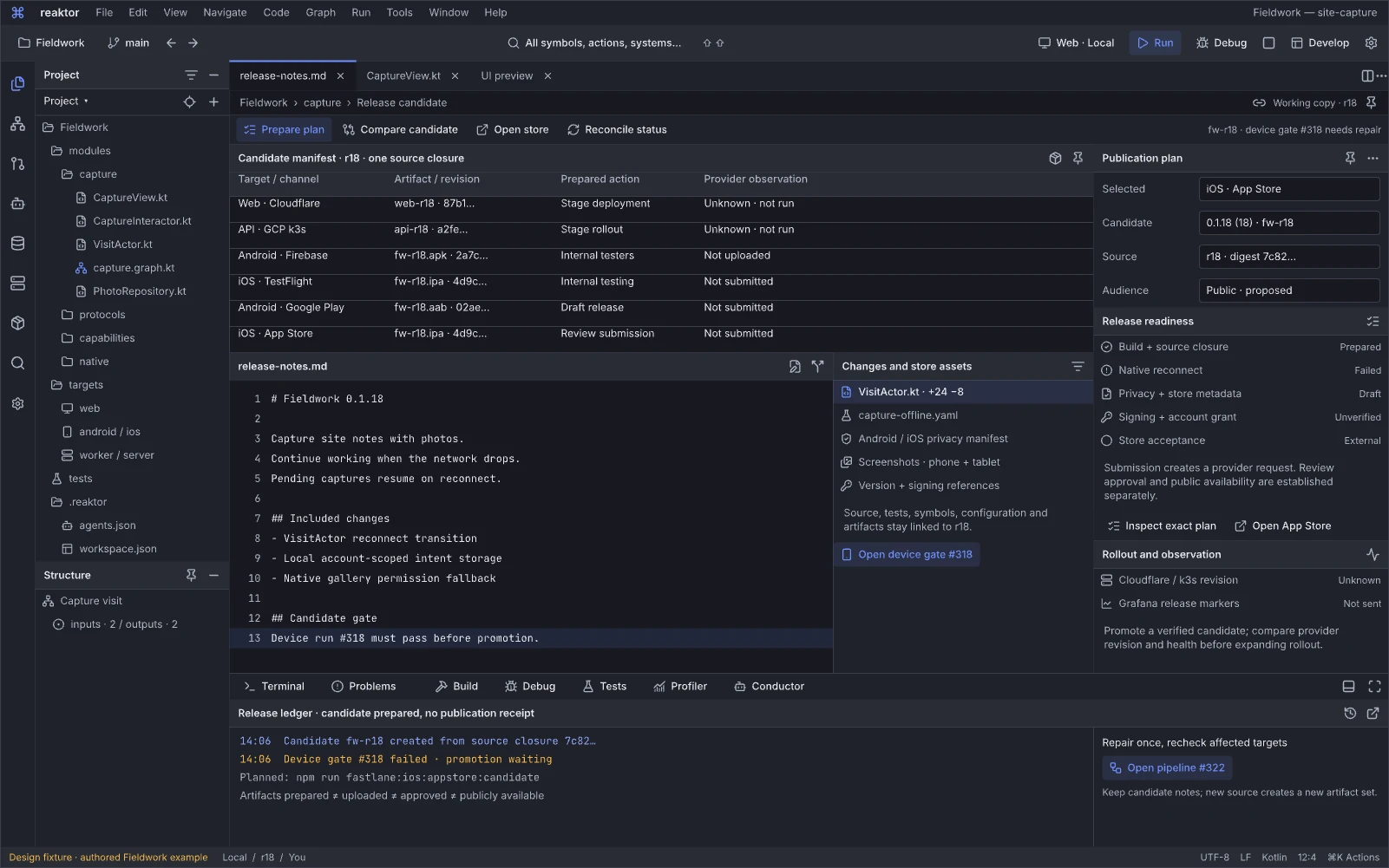
Design reference: Yb00x · Reaktor workspace.
Question: What exactly will be deployed or submitted, and what has each target established?
The release editor binds a candidate’s artifacts and digests to a target matrix, Cloudflare/k3s staging, Firebase/test tracks and app-store distribution. The authored release draft fw-r18 exists, but promotion waits for the failed gate; provider actions have not run and artifacts have not been uploaded or submitted. Provider observations and the submission checklist distinguish readiness, dispatch, processing and actual activation.
Next action and handoff. Prepare the exact deployment or submission from the candidate and its evidence, then inspect each provider’s receipt and observations. Open a failed target or missing check without losing the candidate context. Store acceptance remains externally decided and may be pending or unknown; a successful upload does not establish review approval, rollout completion or runtime health.
06.04 · Reaktor Graph · Runtime and causal trace
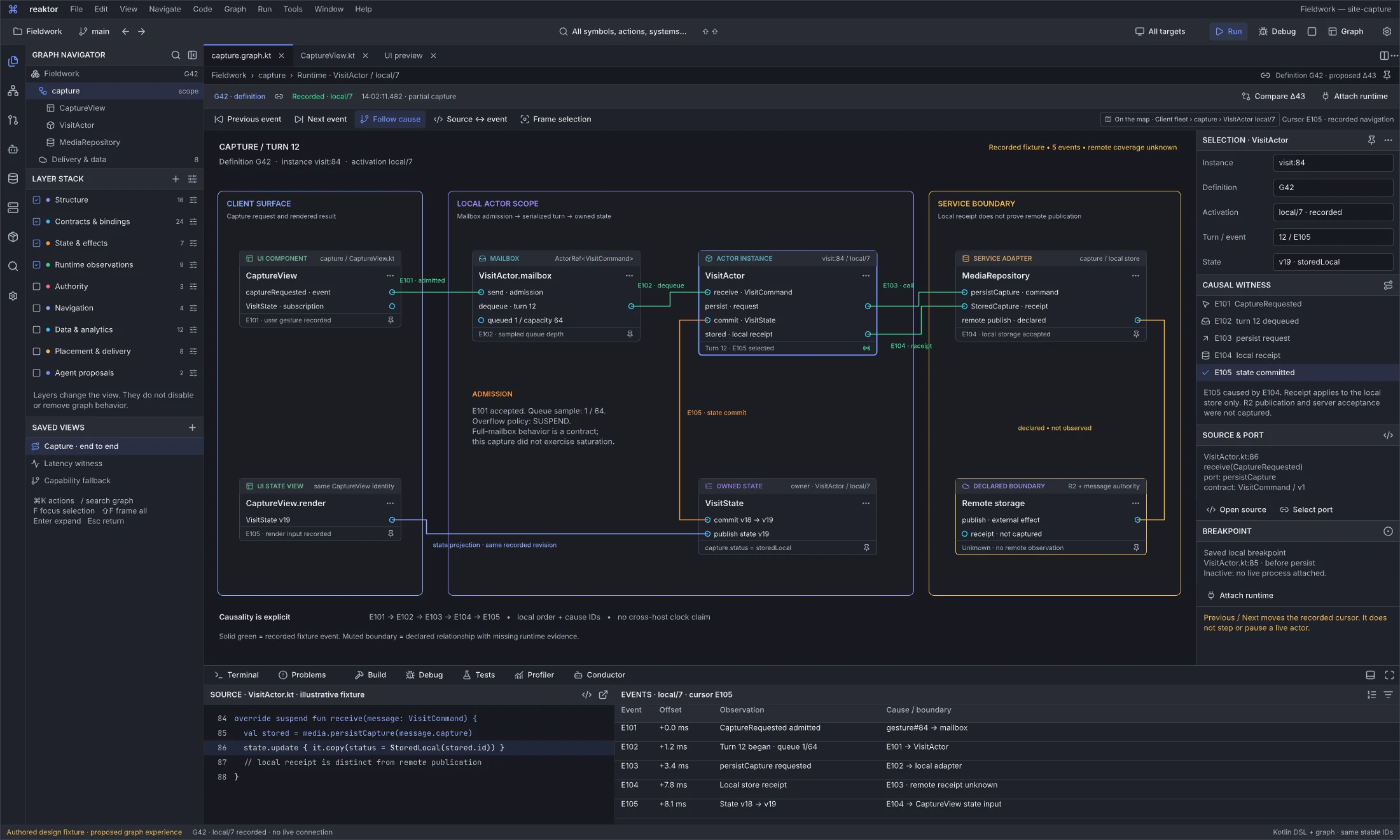
Design reference: izozd · Reaktor graph workspace.
Question: Which concrete events and state changes explain this capture result?
The Fieldwork G42 fixture pins recorded activation local/7, actor visit:84 and turn 12. CaptureView sends a VisitCommand (CaptureRequested) through the mailbox to VisitActor, which reaches a local MediaRepository receipt and VisitState v18 to v19 (storedLocal), then renders the result. Five ordered events E101–E105 retain cause links and source line 86. The queue sample is 1/64; SUSPEND is the declared overflow policy, with saturation not exercised.
The view is not connected to a live runtime. Remote R2/message-authority acceptance remains unknown. Previous/Next changes the recorded cursor; the saved local breakpoint at line 85 is inactive until runtime attachment. Local stored state is not proof of remote publication or a recipient receipt.
Next action and handoff. Follow an event into its exact actor state, operation and source, compare the selected values, or turn the failure into a fixture. Attach a supported runtime before enabling live breakpoint/step controls. Preserve the definition/artifact/activation and observation coverage when opening current source; causal evidence, time correlation and inferred explanations must remain distinguishable.
Evidence editors and instruments
Find reasons, reproduce failures and measure changes against their applicable claims.
Counterexample to reviewed repair
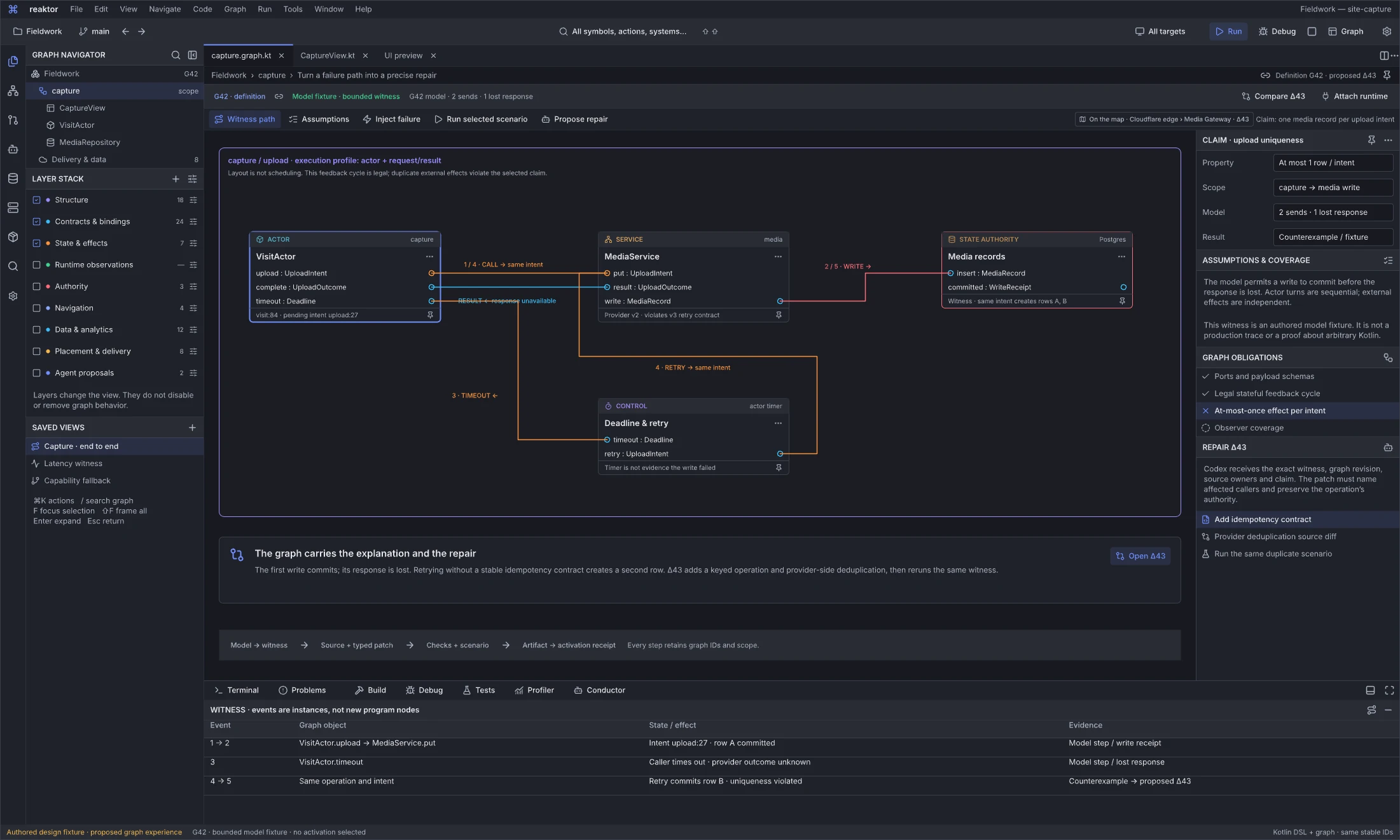
Design reference: A0KF5 · Reaktor graph workspace.
Question: Why can an upload retry create two records, and which change addresses that exact failure?
The bounded model fixture follows one upload intent through VisitActor, a MediaService v2 without enforced idempotency and the PostgreSQL record authority. The provider violates the declared v3 retry contract. The first write commits, its response is lost, the caller times out and a retry creates another row. The legal actor feedback cycle is not the bug: duplicate external effects violate the selected at-most-one-row-per-intent claim. A timeout does not prove the write failed.
The witness names two sends and one lost response. It is an authored model scenario, not a production trace or a proof about arbitrary Kotlin. Proposed Δ43 adds a keyed operation contract and provider-side duplicate handling. The graph preserves the witness, source owners, callers and authority requirements needed to assess that repair.
Next action and handoff. Inspect assumptions and each witness step, open the typed/source repair and rerun the same duplicate scenario against the bounded model and supported implementation. Keep model checks, schema checks, implementation tests and deployment observations separate. Only subsequent artifacts and receipts can establish that the repair was built, activated and observed.
Optimize the selected behavior
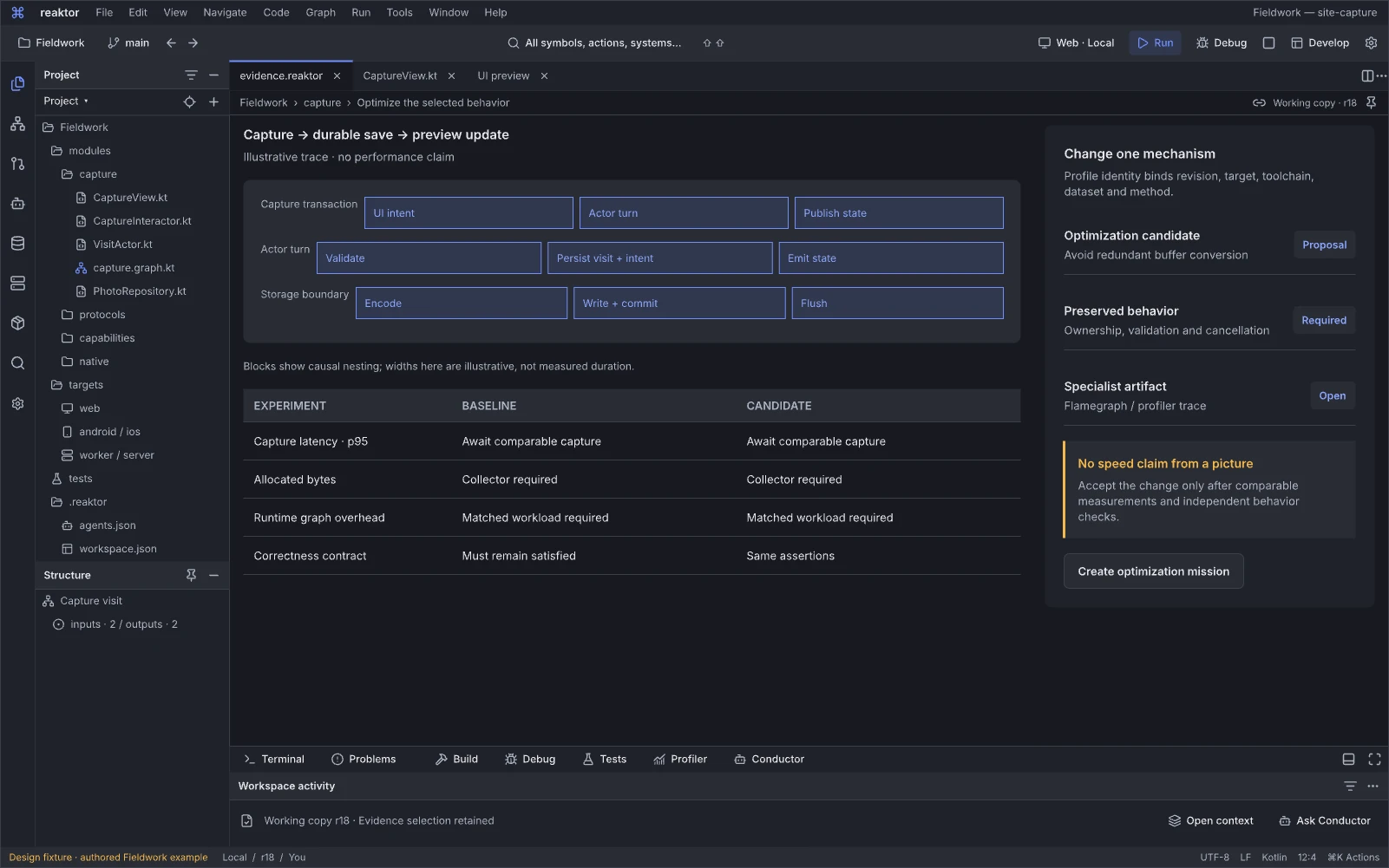
Design reference: ObFUi · Reaktor workspace.
Question: Which change would improve the selected behavior, and how would we know?
Performance investigation starts from the affected product operation rather than unrelated CPU or throughput tiles. Profiles, boundary costs and placement choices can be related to source and the same user journey.
Next action and handoff. Inspect the selected bottleneck, propose a scoped optimization and compare measured outcomes under a stated workload. Cached, batched or relocated work still has freshness, ordering, privacy and failure obligations. A simulated benefit remains an estimate until target profiling confirms it.
Find the reason, not just the answer
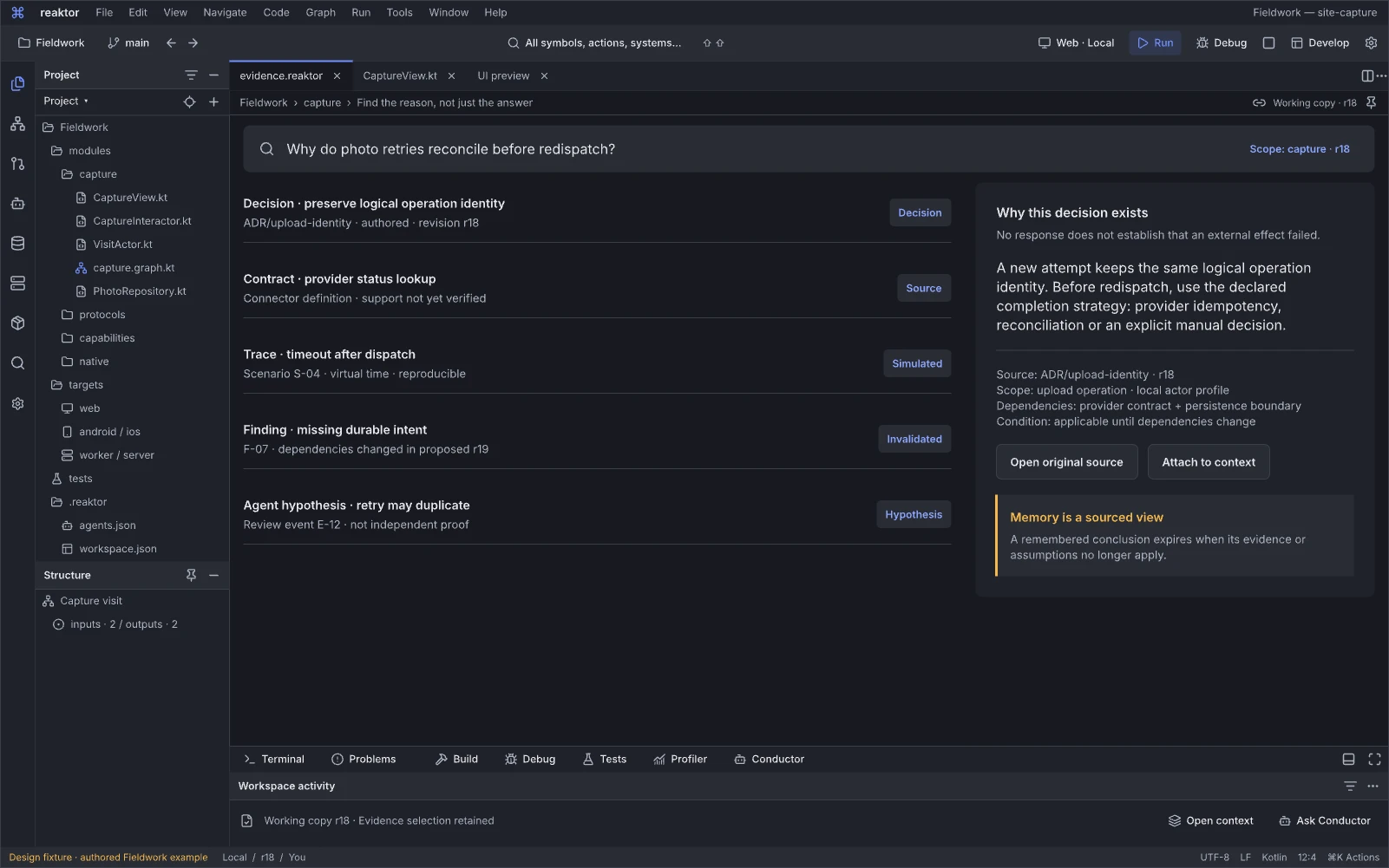
Design reference: KM61m · Reaktor workspace.
Question: What supports this explanation, and which decision or source should I inspect?
The knowledge workspace connects answers to source, decisions, tests and their history. It helps a newcomer understand why a feature exists while preserving the distinction between authored facts, extracted relationships and model-generated summaries.
Next action and handoff. Open supporting or contradicting evidence, follow its revision-scoped source, or propose a correction. Keep access filtering, freshness, omissions and supersession visible. A plausible answer is not a new system of record.
Capture · telemetry and profile
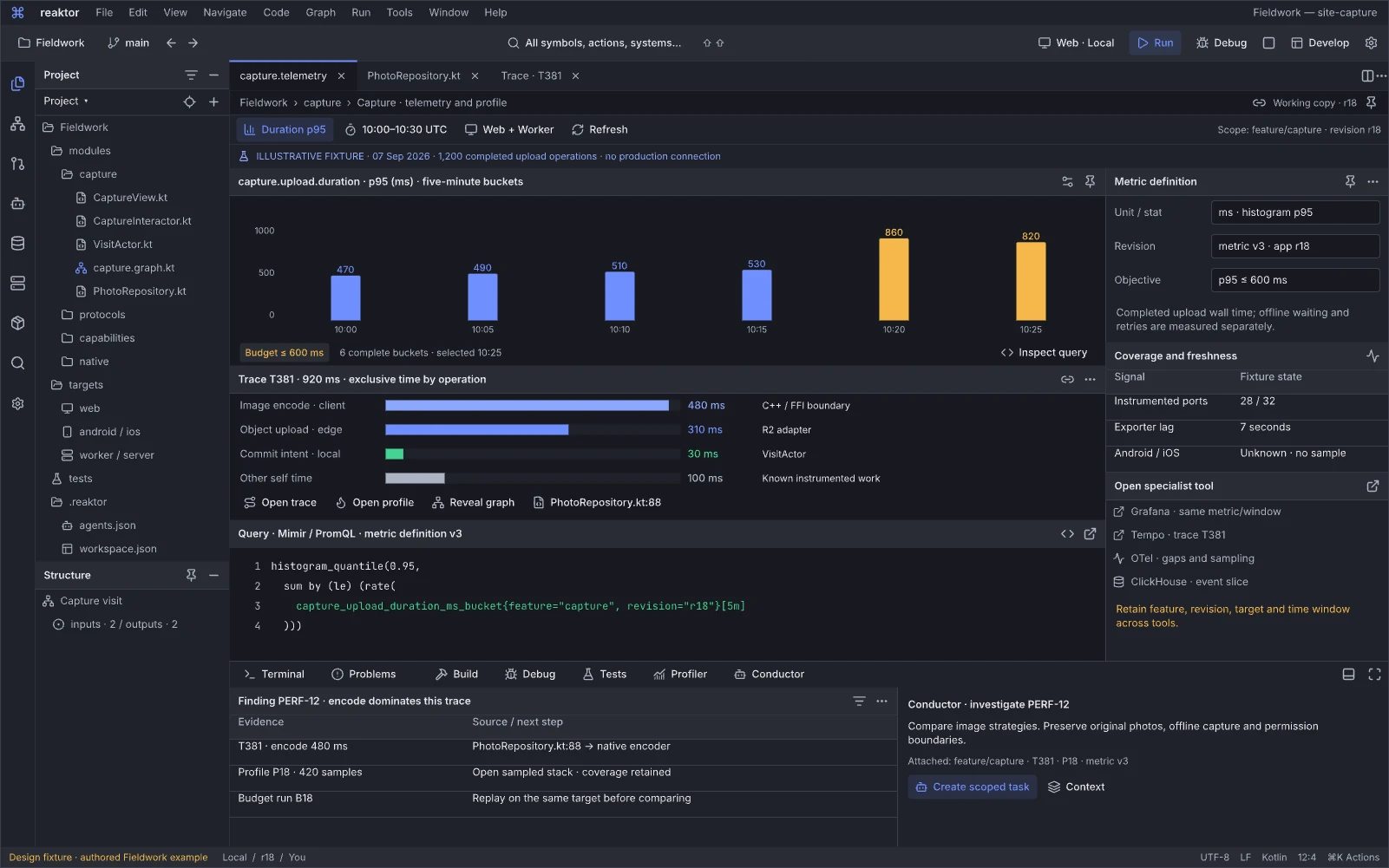
Design reference: GqUVw · Reaktor workspace.
Question: Where is the selected journey slow, and which parts were actually measured?
The telemetry workspace combines six p95 latency buckets and a stated budget with instrumentation coverage, a Mimir/PromQL query and selected trace T381’s exclusive-time profile. Grafana, Tempo, OTel and ClickHouse handoffs preserve feature, source, release and time context. The authored example reports 28/32 coverage with native coverage unknown and connects finding PERF-12 to profiling, source and Conductor.
Next action and handoff. Select a slow bucket or covered span, inspect the responsible source and runtime boundary, then reproduce or profile the case. Attach the evidence to Conductor or edit a scoped repair and compare a new run. Missing instrumentation, query lag and changed populations remain visible; an aggregate chart alone does not establish the cause of a regression.
Capture · outcomes and regressions
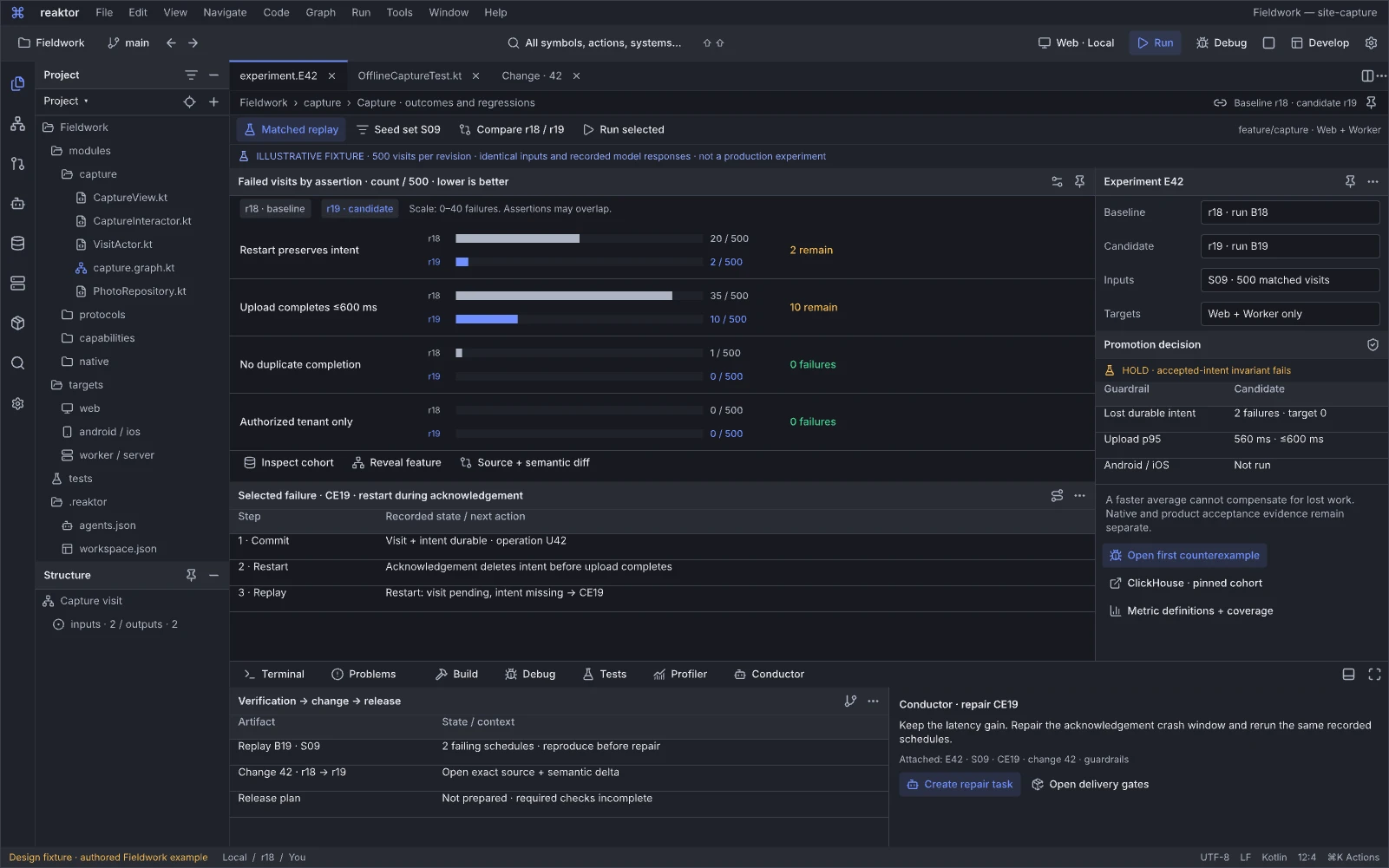
Design reference: Nm5QX · Reaktor workspace.
Question: Did this change improve the intended journey for the stated population?
The outcomes editor compares matched r18/r19 replay experiment E42 with 500 visits in each population, alongside editable experiment configuration and guardrails. Its failure-count bars can include overlapping assertions. Counterexample CE19 records an acknowledgement crash; two remaining intent failures and native checks not run keep the authored candidate on hold, with no release prepared. Cohort, source, evidence and patch navigation connect learning to the same feature.
Next action and handoff. Inspect the population, exposure, window and counterevidence; reproduce the relevant failure or revise the experiment before proposing a product change. Run required checks and keep excluded targets explicit. Correlated movement creates a hypothesis, while a causal claim needs its stated method and assumptions; a favorable web result cannot promote an unqualified native target.
Capture · cost attribution
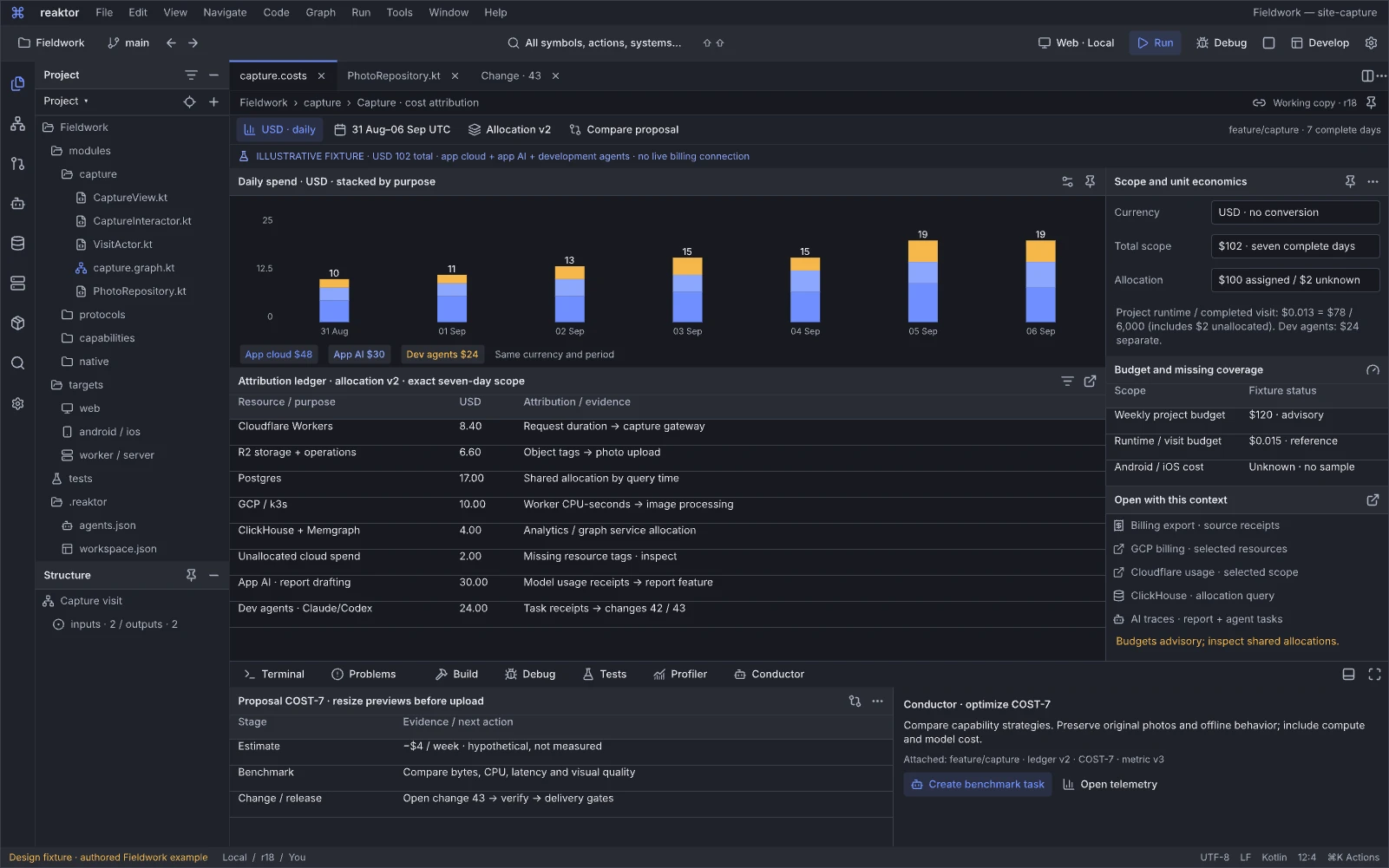
Design reference: OYUup · Reaktor workspace.
Question: What does a completed journey cost, and which change could improve it without harming the product?
The cost editor separates application cloud, application AI and development-agent spend in a daily USD plot. Its authored week totals $102: $78 of application runtime, including $2 unallocated, and $24 of development-agent work. Cost per completed journey uses the $78 runtime amount and 6,000 journeys. Proposal COST-7’s potential saving is hypothetical until its benchmark and change/release path supply evidence.
Next action and handoff. Inspect the billing period, allocation rule and denominator, then compare a proposed route or implementation through a benchmark and source/graph change. Carry quality, latency, reliability, privacy and test consequences into the release decision. Keep estimates, measured usage and invoice-backed amounts distinct; unexplained spend remains unallocated rather than forced onto a feature.
System configuration and tools
Understand the effective tools, authorities and interaction states that support the current project.
Workspace layout and pinned context
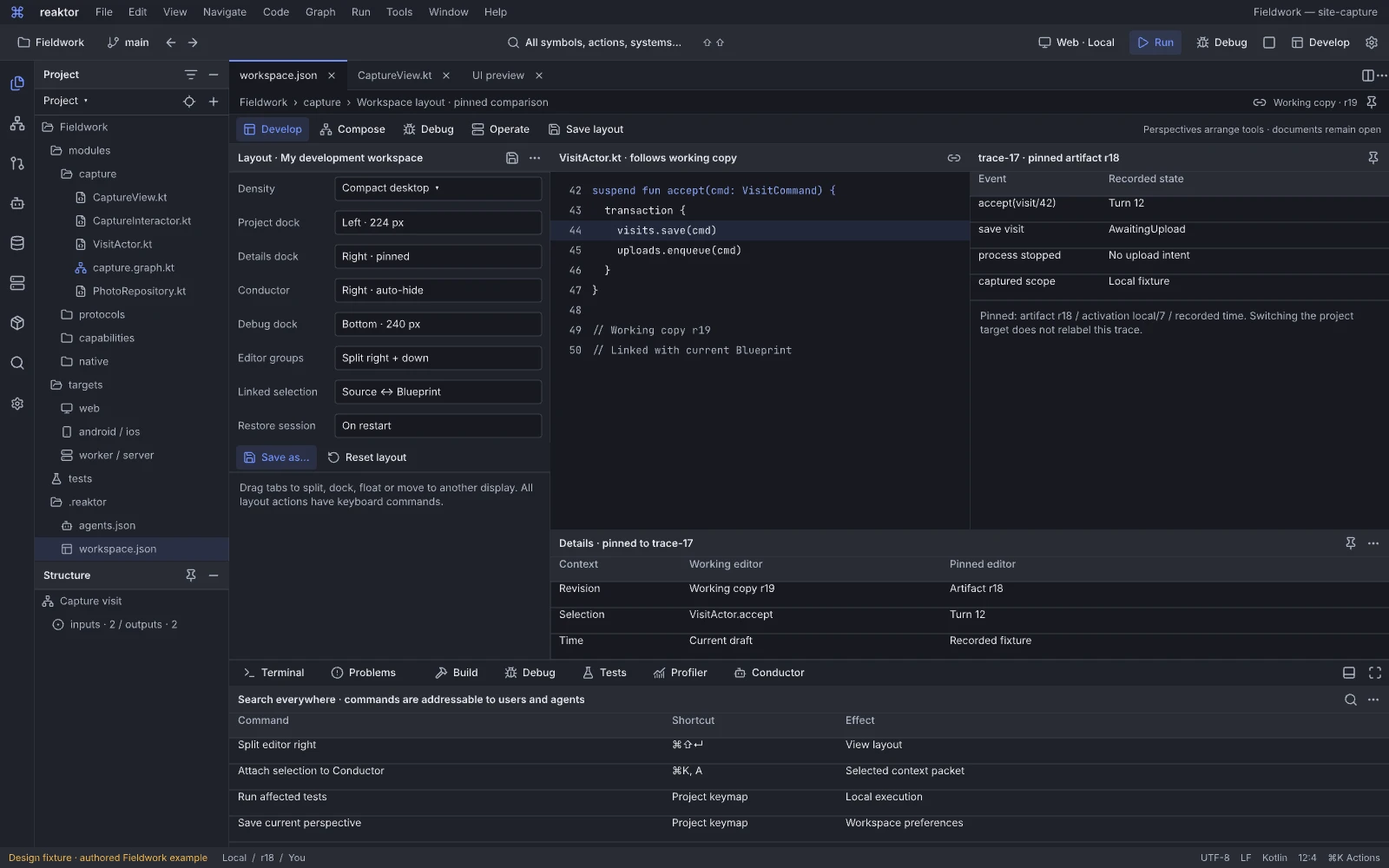
Design reference: A0a5je · Reaktor workspace.
Question: How can I arrange and program the workspace while preserving each editor’s meaning?
The workspace.json editor exposes Develop, Compose, Debug and Operate perspectives with Save layout, density and dock controls. Project sits left, pinned Details right, Conductor can auto-hide, Debug docks below, and editor groups split right/down with linked Source–Blueprint selection. A context comparison shows VisitActor.kt following working revision r19 while trace-17 remains pinned to artifact r18, activation local7 and recorded time.
Next action and handoff. Change the layout or bindings, save the perspective and restore it across restart. Invoke Split editor right, Attach selection to Conductor, Run affected tests or Save perspective through the searchable command registry and keyboard bindings. Changing the target must not relabel the pinned trace; preserve each document’s revision, selection and time independently of project defaults, and report a disconnected session without discarding the layout.
Harness engineering
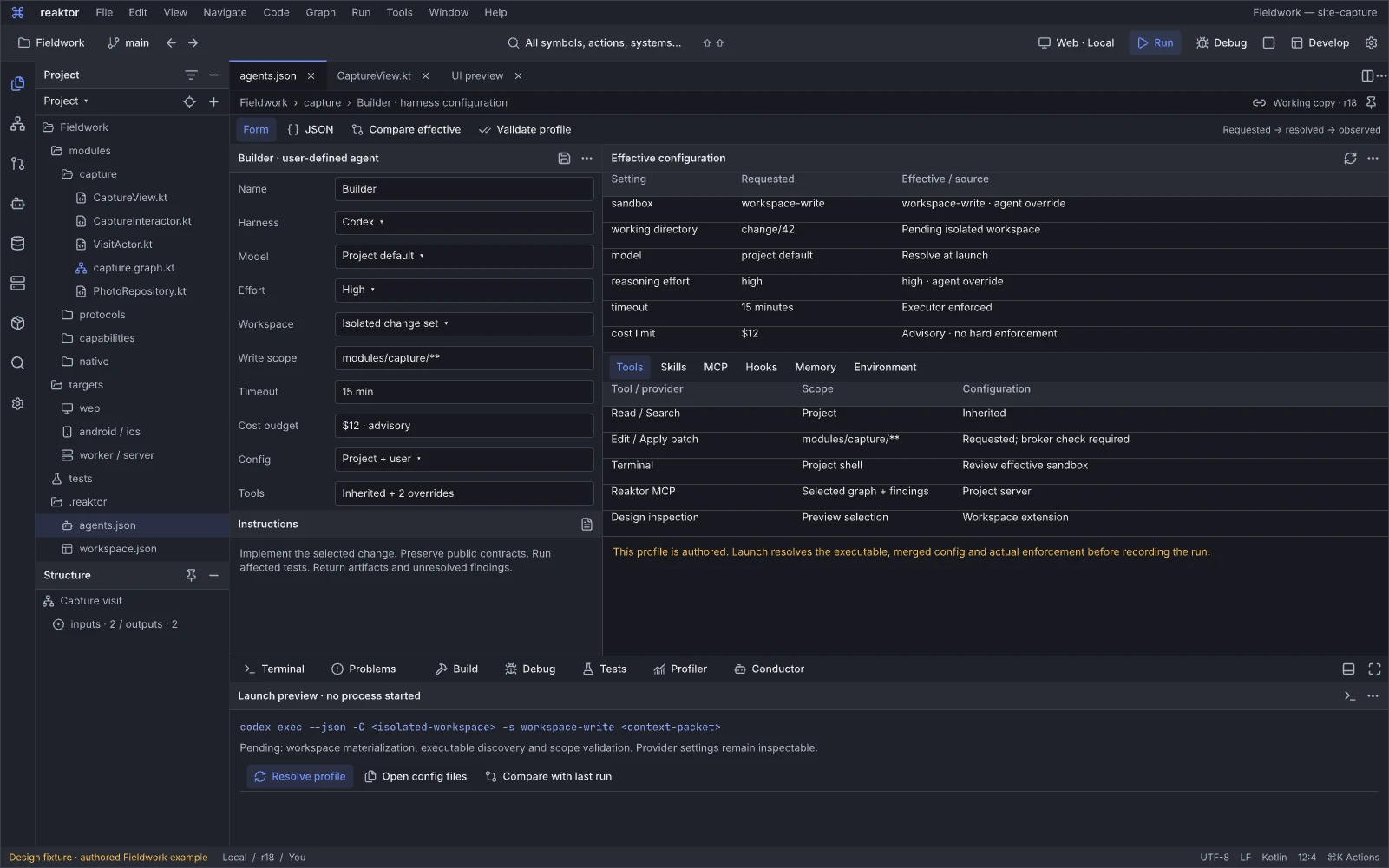
Design reference: sW0d1 · Reaktor workspace.
Question: Which harness configuration will this run actually use?
Harness engineering provides configuration controls for the selected participant alongside effective configuration and tool information. Harness/model, config sources, workspace, supported arguments, skills and MCP are developer inputs; the tool window also explains which requested restrictions are applied, unsupported or unverified.
Next action and handoff. Change a supported setting, inspect the resolved command/configuration and preflight the intended run. Open its configuration or skill source in an editor. Pin configuration identity to the attempt and retain diagnostics in the common tools; selectable controls do not establish cost, isolation or permission enforcement by themselves.
Why is this action allowed?
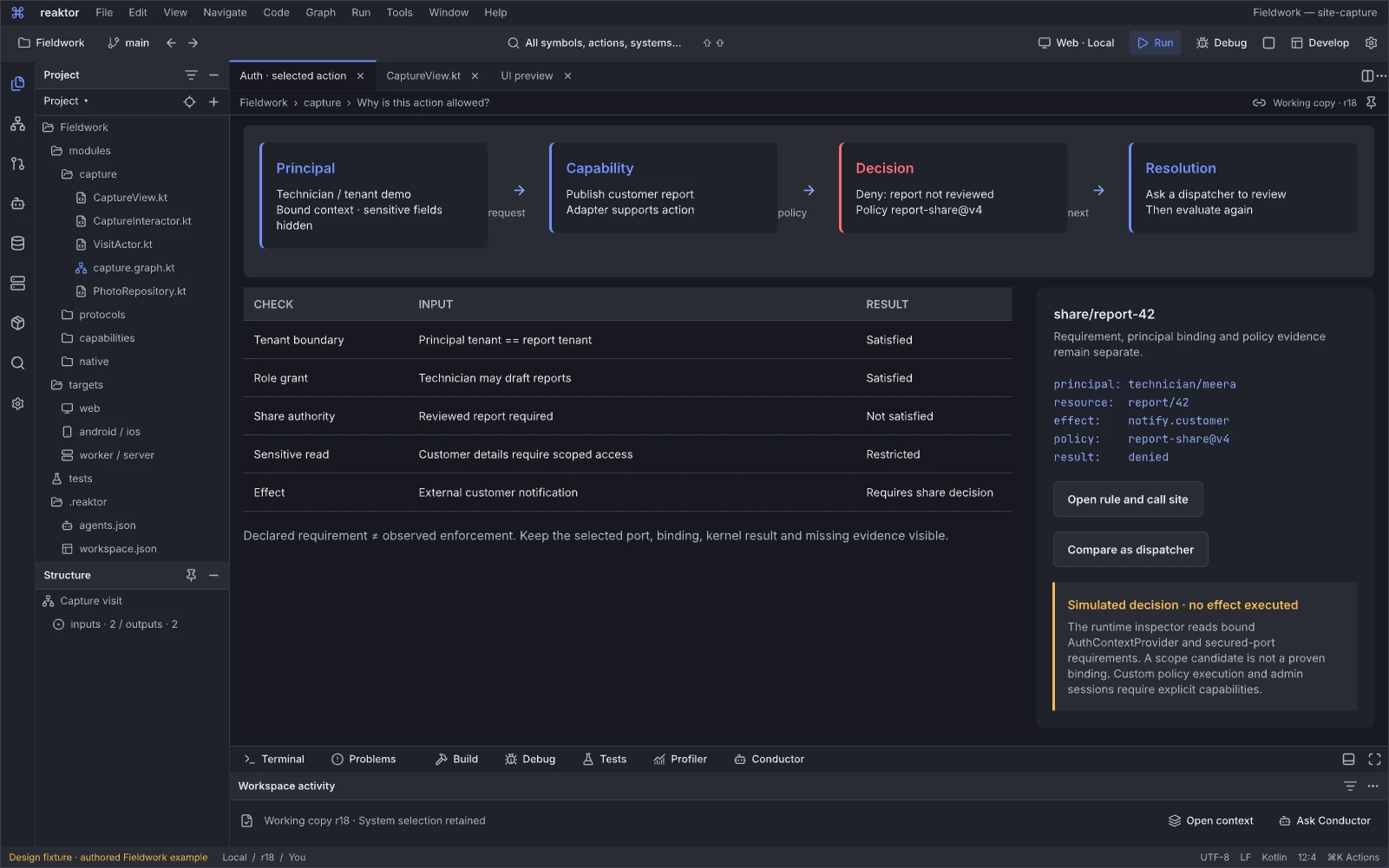
Design reference: j8If5 · Reaktor workspace.
Question: Why is this particular action allowed or denied?
The policy workspace connects the selected subject and its secured-port requirements to principal, resource, operation and environmental context. Direct binding, an ancestor-scope candidate, local policy simulation and actual enforcement evidence remain distinct. Provider/source contracts and unavailable directory/session/audit reads have their own evidence states; an illustrative decision is never presented as a live authorization receipt.
Next action and handoff. Inspect the decision inputs or run a labeled negative scenario, then propose a bounded policy change if needed. Show enforcement coverage and the exact revision; a simulated rule result is not an observed authorization decision. Denied views do not disclose unauthorized resources.
One system, explicit authorities
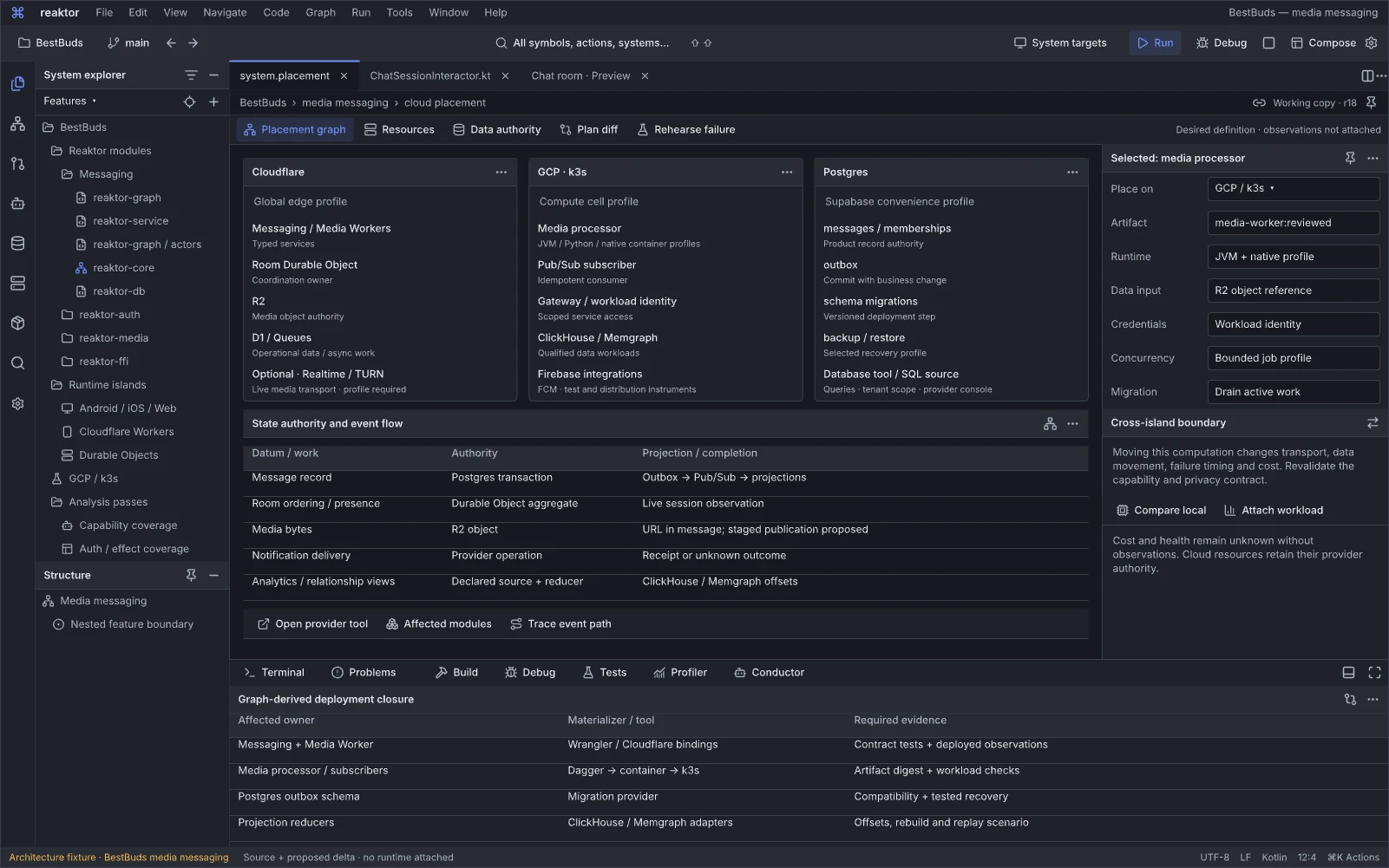
Design reference: P29oV8 · Reaktor workspace.
Question: How do the selected feature’s provider, data and deployment boundaries fit together?
The BestBuds cloud-placement scenario relates Cloudflare edge services and storage, GCP/k3s workloads, primary records, durable work and derived views to the feature’s cross-island deployment closure. It applies the same module and authority principles as the Fieldwork Living Graph flagship, while retaining its own BestBuds scenario and identities. Optional Cloudflare Realtime/TURN and Firebase instruments sit alongside the core provider roles, source bindings and operational tools; the scenario does not establish that every adapter or deployment is implemented.
Staged blob publication is a proposed improvement in this scenario. The existing media upload and message-record write are separate operations; neither the placement graph nor a successful relay establishes an atomic blob/database publication or delivery receipt.
Next action and handoff. Select an authority or resource, inspect its contract, configuration and observations, then open the relevant query, provider or deployment instrument. Review the affected artifacts, bindings and migrations together. Preserve source/definition/activation identity and each datum’s write owner; projection lag, a disconnected provider or an unknown applied state remain explicit.
A useful next step in every state
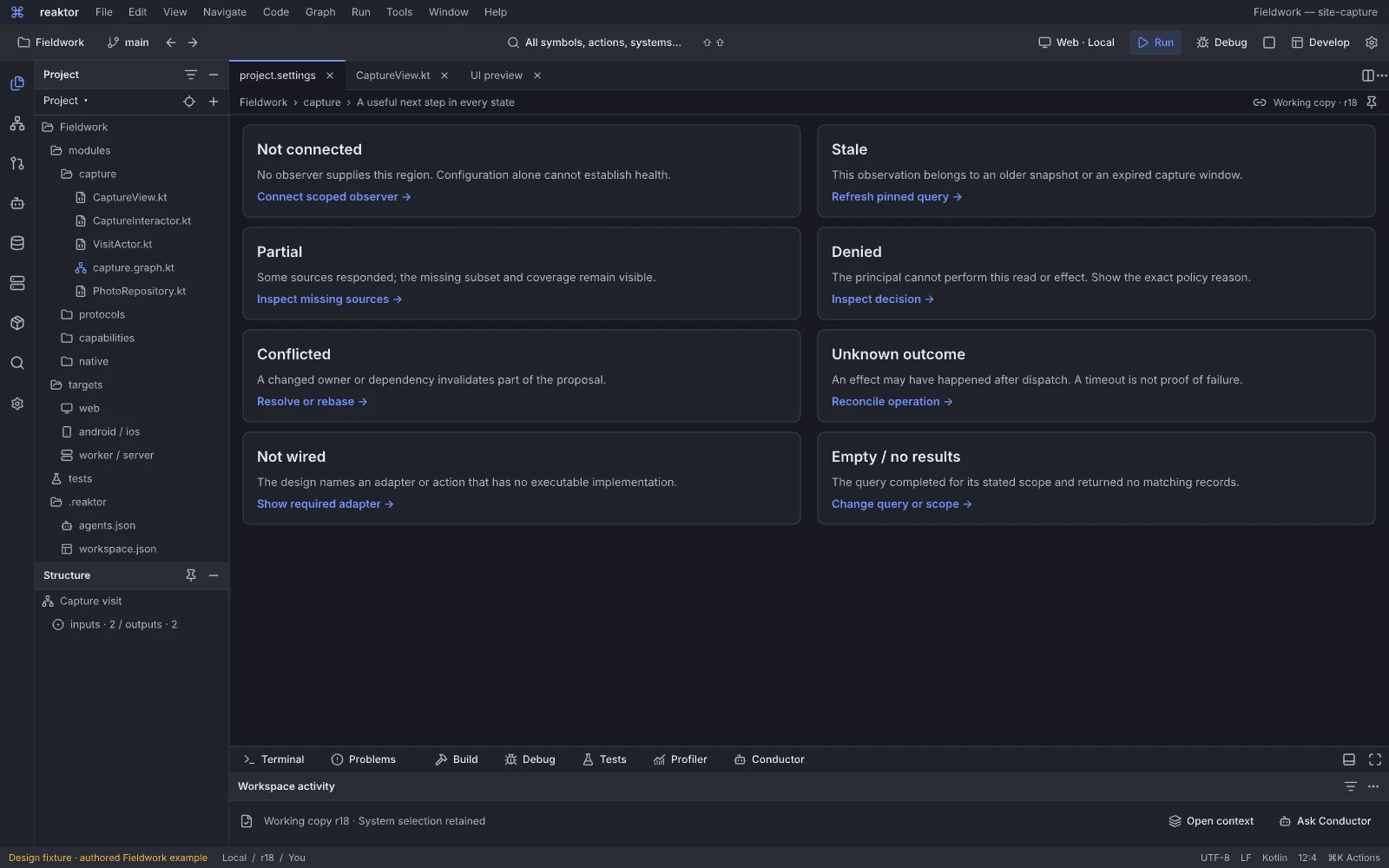
Design reference: oKbaW · Reaktor workspace.
Question: What useful action remains in an empty, unavailable or failed state?
This state reference supplies interaction variants for loading, no selection, denied access, missing adapters, stale data, conflict and failure. Each state has a specific explanation and next step instead of a generic gray card or spinner.
Next action and handoff. Choose a variant and verify its relevant action, focus behavior and data-disclosure boundary. Implementations reuse the state contract while preserving domain meaning. Known empty, unknown, denied and failed cannot be rendered as interchangeable zeros.
Creation and recovery states
These states are document and tool-window states inside a persistent project session. They replace the old mandatory five-step architecture wizard and cloned provisioning outcomes; moving between them does not close editors or require approval at every stage. The sequence follows the brief, product shape, meaningful tradeoffs, a working slice, failure/repair and compatible preview recovery, then target-level release and unresolved recovery.
Start with the product brief
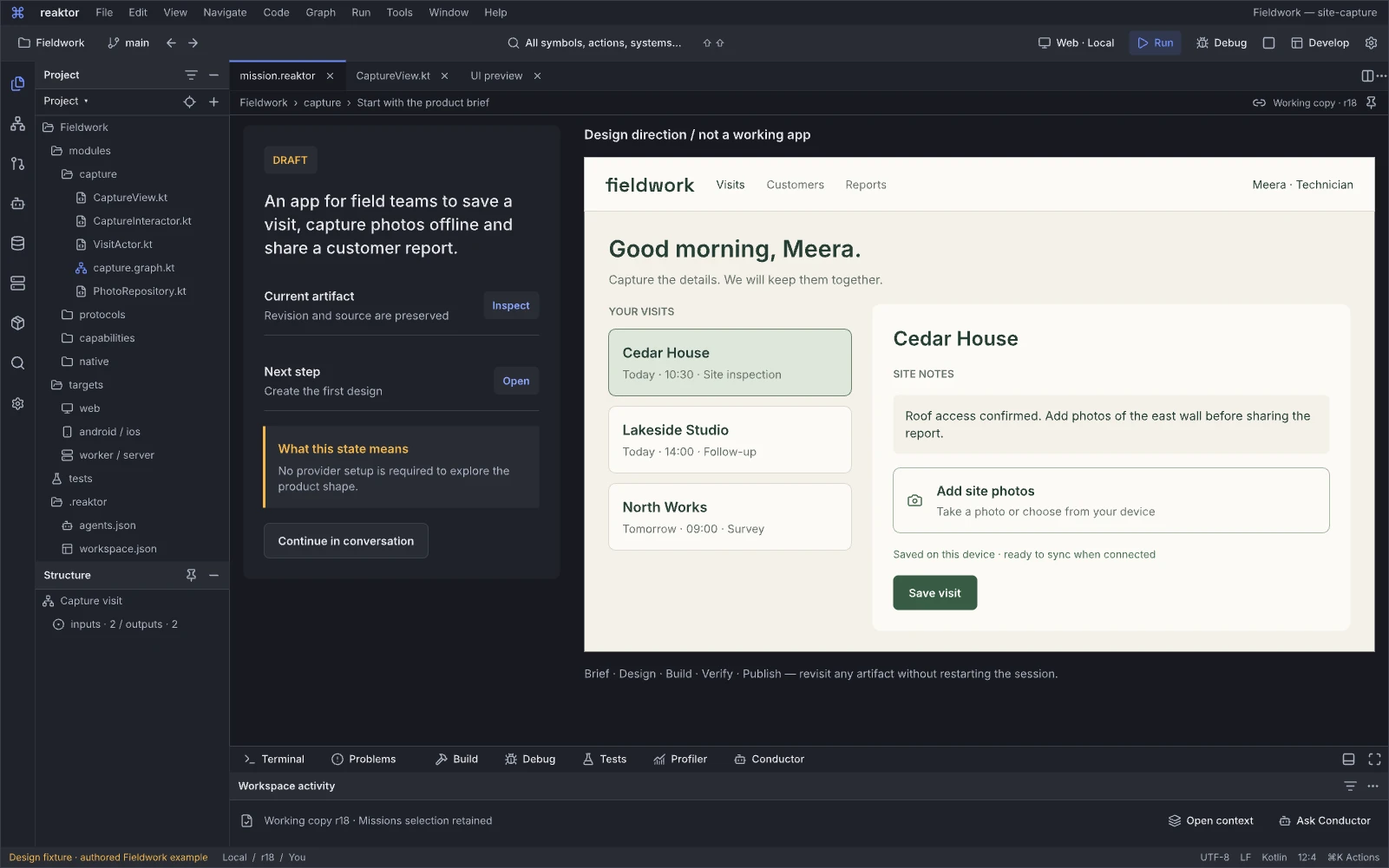
Design reference: oxhTK · Reaktor workspace.
Question: What product should we build, and which needs matter first?
The empty creation state gathers a brief and useful references without requiring complete architecture setup. It begins the Fieldwork journey through product intent, users and desired behavior.
Next action and handoff. Submit or revise the brief and keep assumptions editable. The result is a retained mission/intent artifact feeding a first useful slice; missing optional details need not block independent creation work.
Agree on the product shape
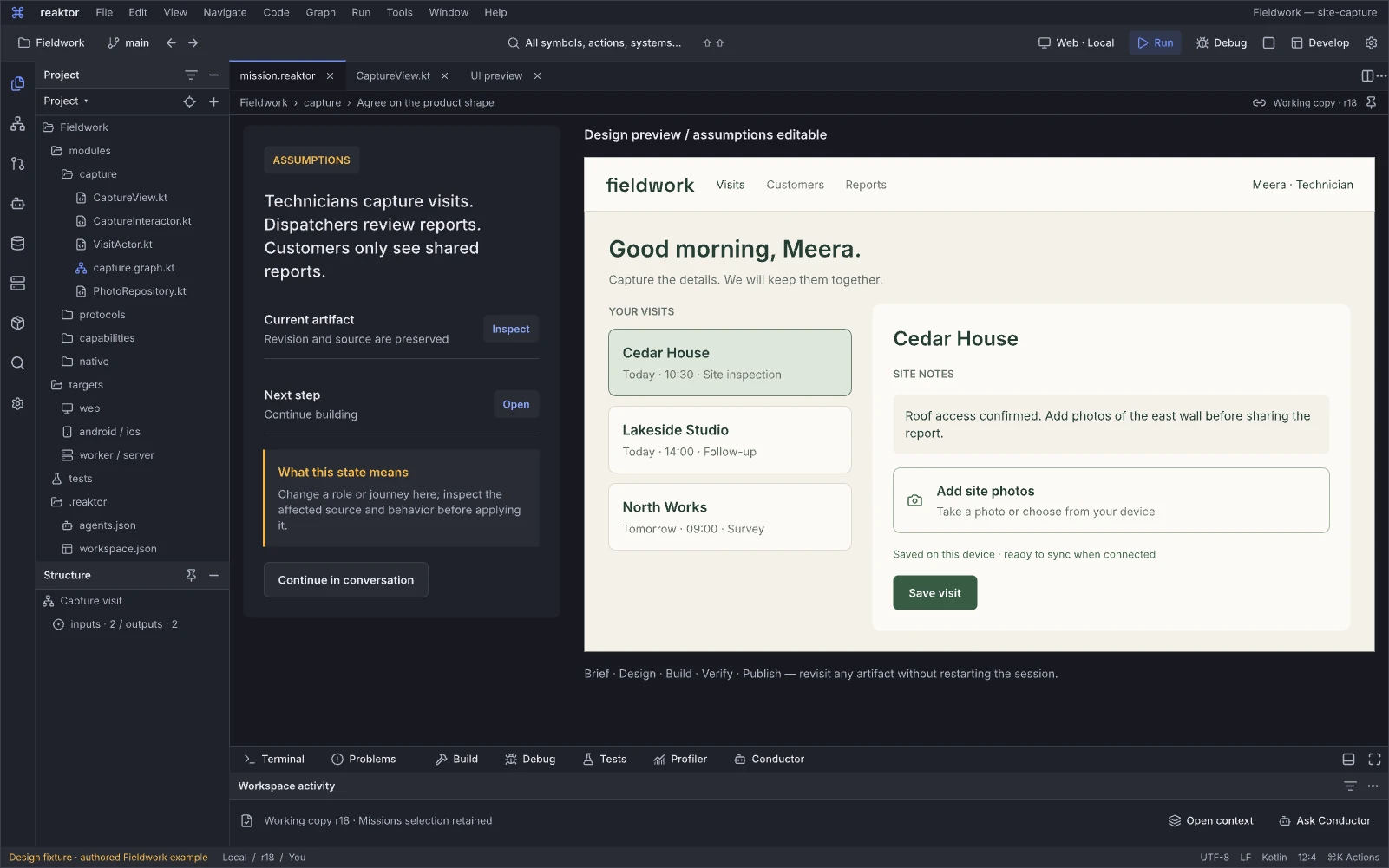
Design reference: ZqZ5F · Reaktor workspace.
Question: Does the proposed product shape express the intended users and journeys?
This state makes the emerging product structure reviewable before detailed implementation. Screens, roles and the primary journey can be changed together while the brief remains accessible.
Next action and handoff. Revise the product shape or continue into a working slice. Accepted decisions acquire a revision and influence design/modules; a later brief change invalidates only affected work rather than silently leaving stale assumptions.
Decide when a tradeoff matters
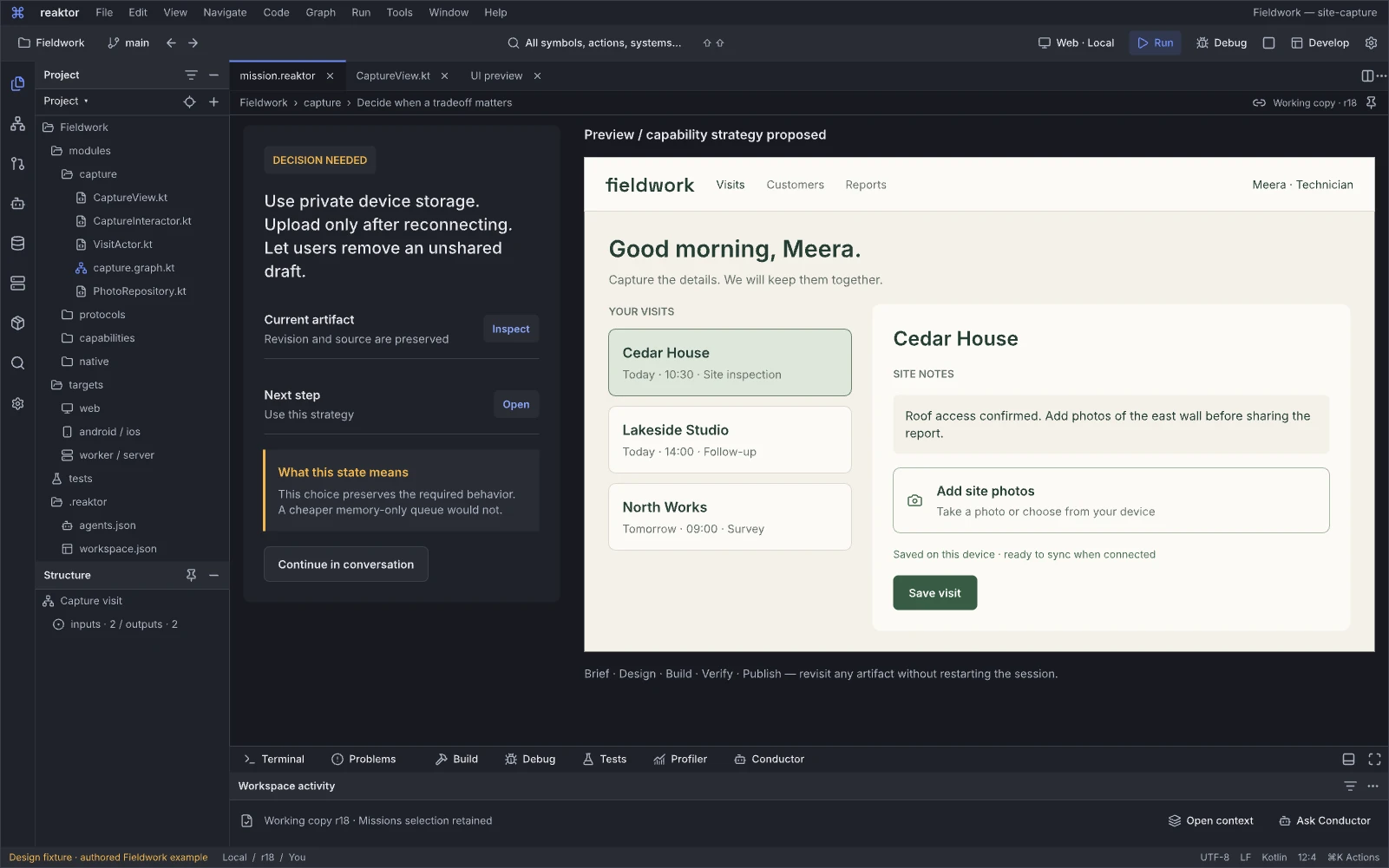
Design reference: j7OsB · Reaktor workspace.
Question: Which choice changes the product enough to need a decision now?
The tradeoff state brings a concrete consequence forward at the relevant point in creation. Platform behavior, privacy, persistence, cost or degraded experience can require a user choice; routine engine plumbing can remain behind defaults.
Next action and handoff. Compare eligible alternatives and select an explicitly permitted outcome. Record the reason and constraints for later capability planning. Missing adapters, permissions and authority must remain separate from a product preference.
Ready for the first working slice
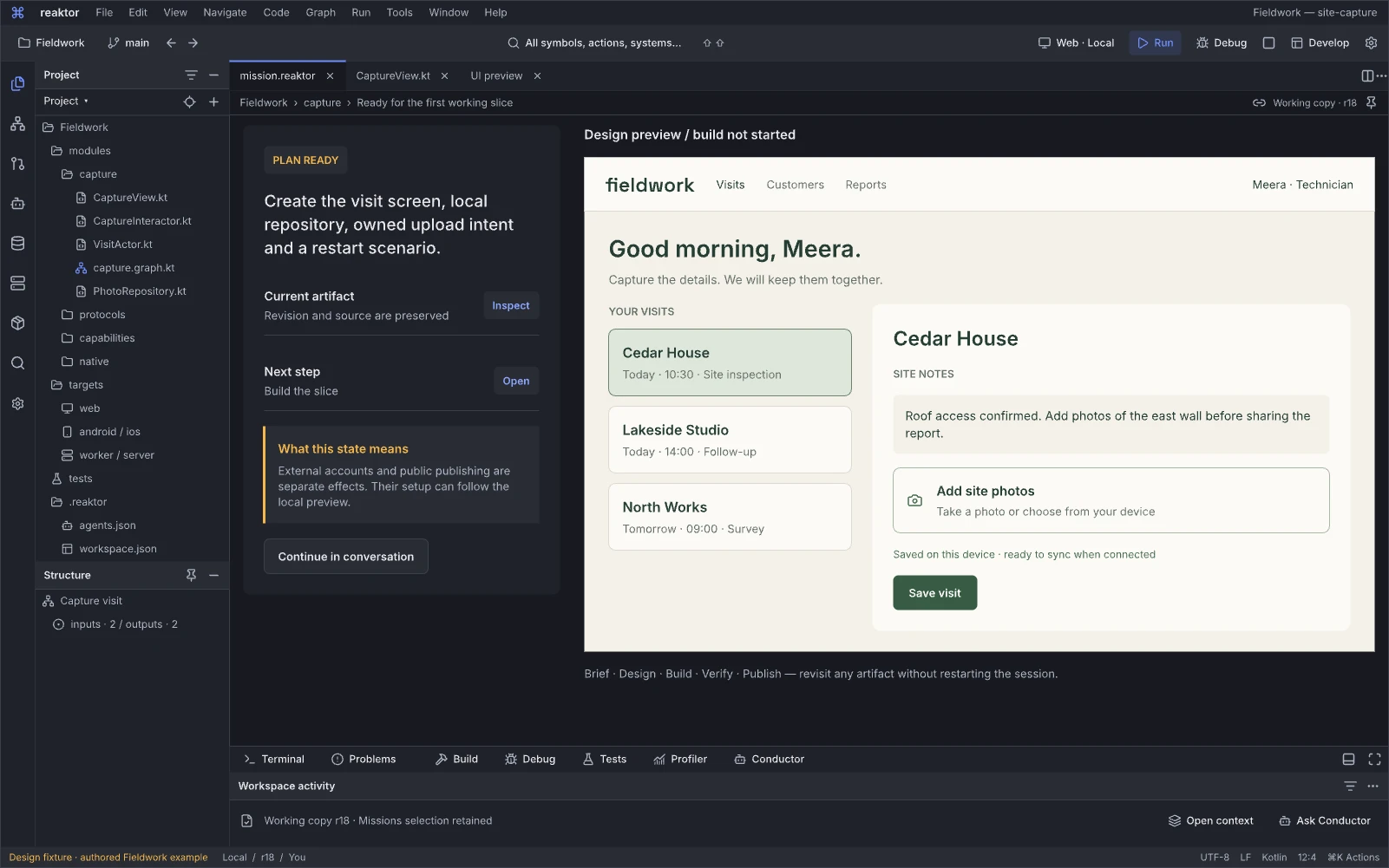
Design reference: aFYsq · Reaktor workspace.
Question: Is there enough agreed structure to build the first useful journey?
Readiness is scoped to a working slice instead of complete infrastructure provision. It connects product decisions, selected modules and the source/preview work about to run.
Next action and handoff. Start the bounded build under the effective local/preview grant or resolve a named blocker. Retain the base, expected artifacts and assumptions. Ready describes preparation; it does not claim resources or runtime behavior already exist.
Building the visit journey
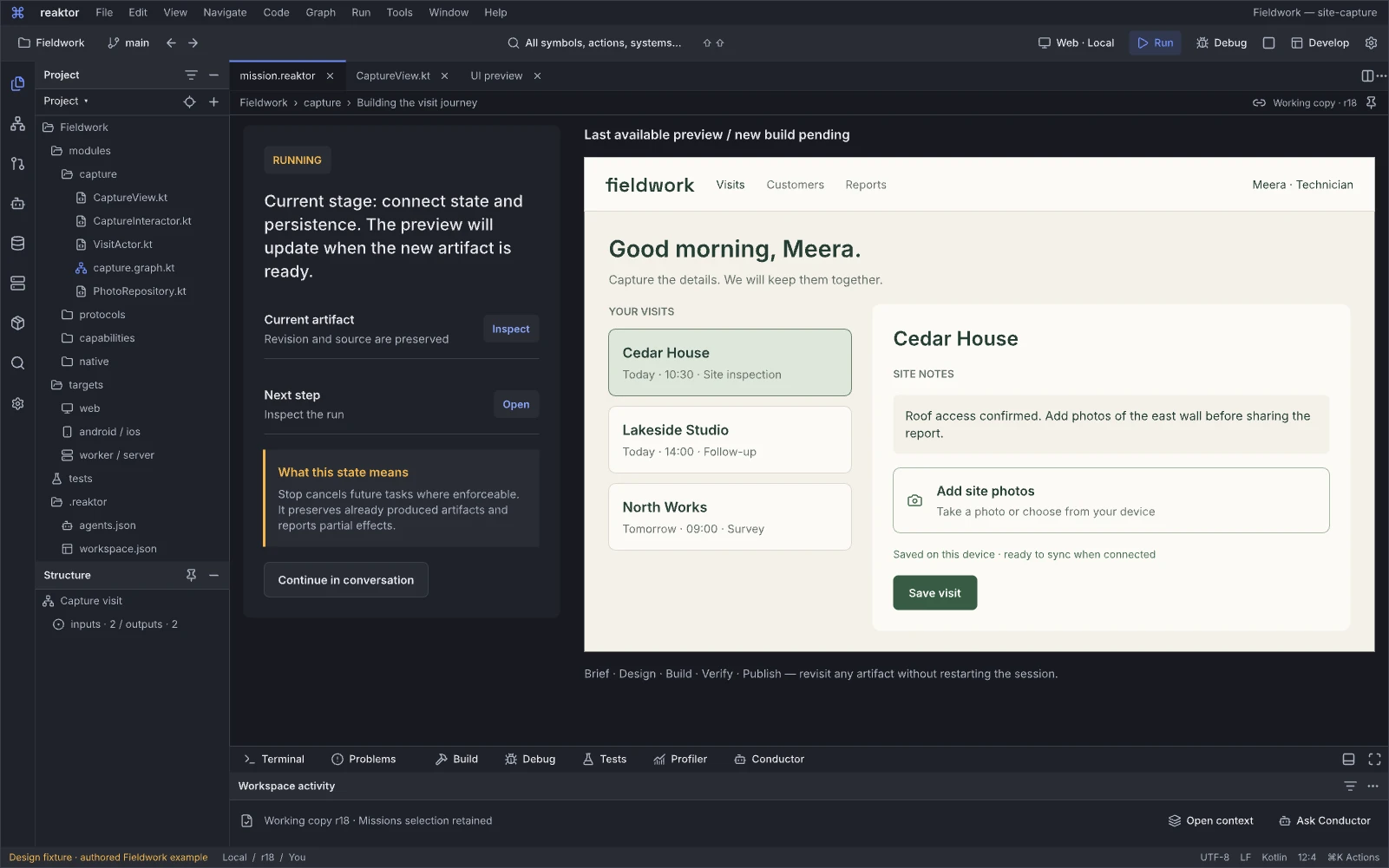
Design reference: Ipum2 · Reaktor workspace.
Question: What concrete part of the visit journey is being built?
The active-build state tracks delivered slices, current work and the latest usable preview. Progress remains tied to artifacts rather than invented percentages.
Next action and handoff. Inspect ongoing work, adjust an independent design decision or interrupt the attempt. Run events identify the affected revision and stage; a finished subprocess does not by itself establish that the journey works.
The first journey is ready to try
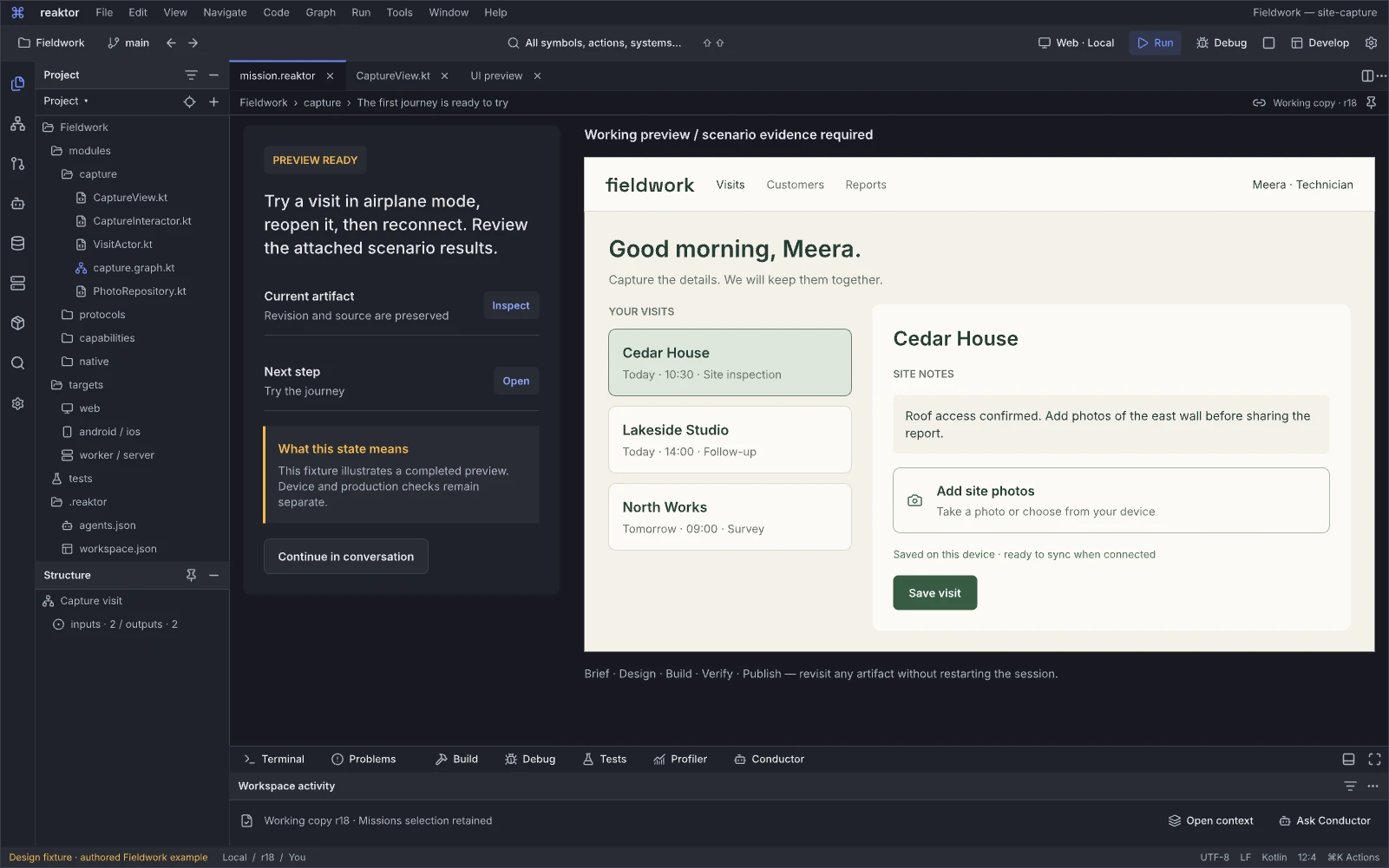
Design reference: j0RpiZ · Reaktor workspace.
Question: Can I now exercise the first product journey?
The ready-to-try state moves attention from construction to using and refining the app. It is the continuation point for interaction, role/data scenarios and focused follow-up requests.
Next action and handoff. Try the preview, inspect a component or request a change. Distinguish simulated services from connected behavior and link the exact preview revision. Trial completion is scoped evidence, not automatic production readiness.
The new build needs a repair
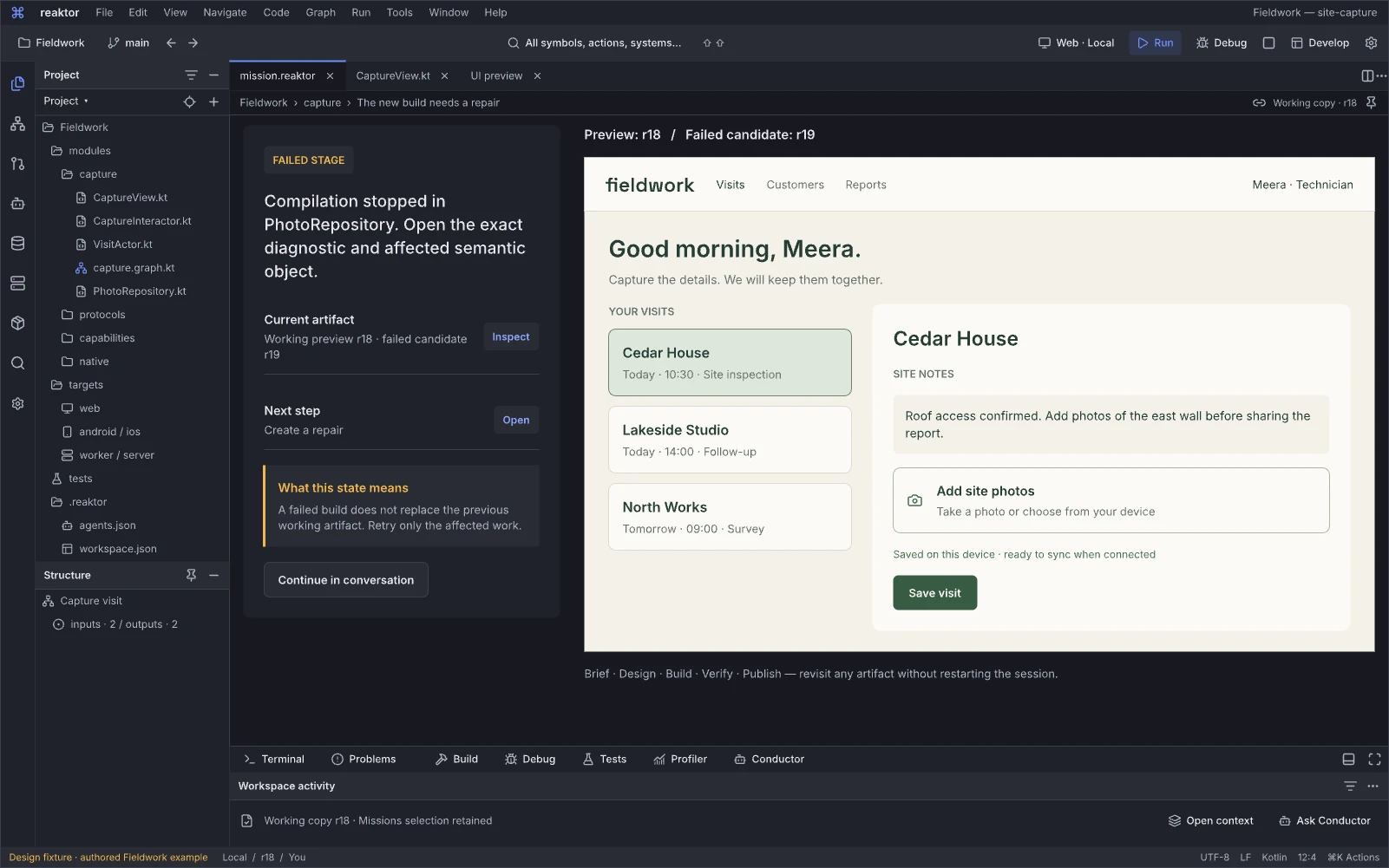
Design reference: VsGDs · Reaktor workspace.
Question: What failed in the new build, and what still works?
This repair state retains the last compatible preview while exposing the failing revision and the relevant diagnostic. Product progress remains visible even when a new slice cannot run.
Next action and handoff. Open the failure, request a scoped repair and rerun the affected check/build. Keep previous artifacts labeled with their own revision; do not repaint an old working preview as the failed new revision.
Retry the failed work
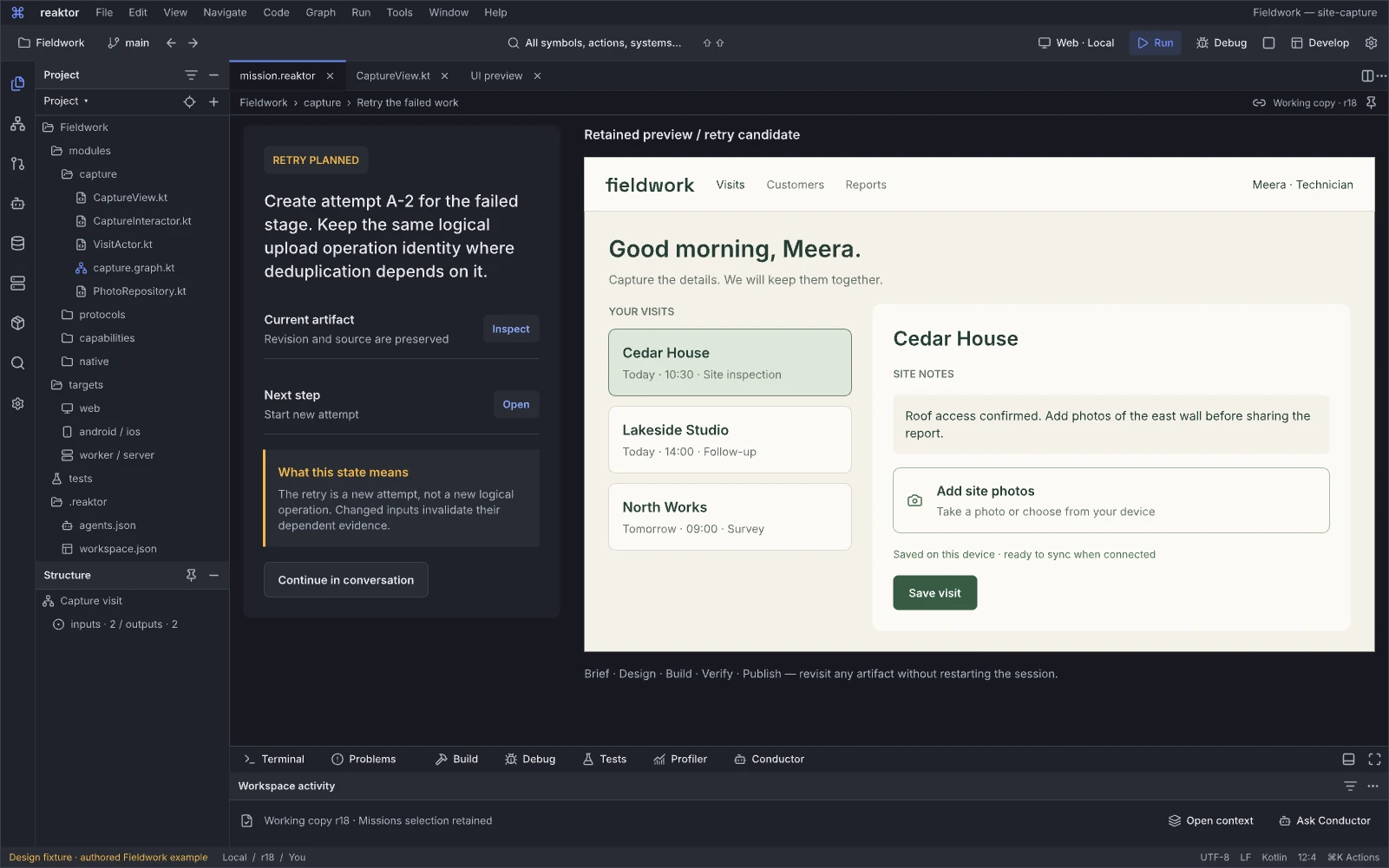
Design reference: X45qZ · Reaktor workspace.
Question: Which failed work is safe and useful to attempt again?
Retry is a new attempt over known prior results. Successful steps and useful artifacts can be retained, while changed assumptions or unresolved effects are made explicit.
Next action and handoff. Inspect the retry scope and revalidate its inputs before continuing. Preserve the logical operation and contract-required idempotency identity while giving the attempt its own ID. Unknown external outcomes need reconciliation before a blind redispatch.
Restore a compatible preview
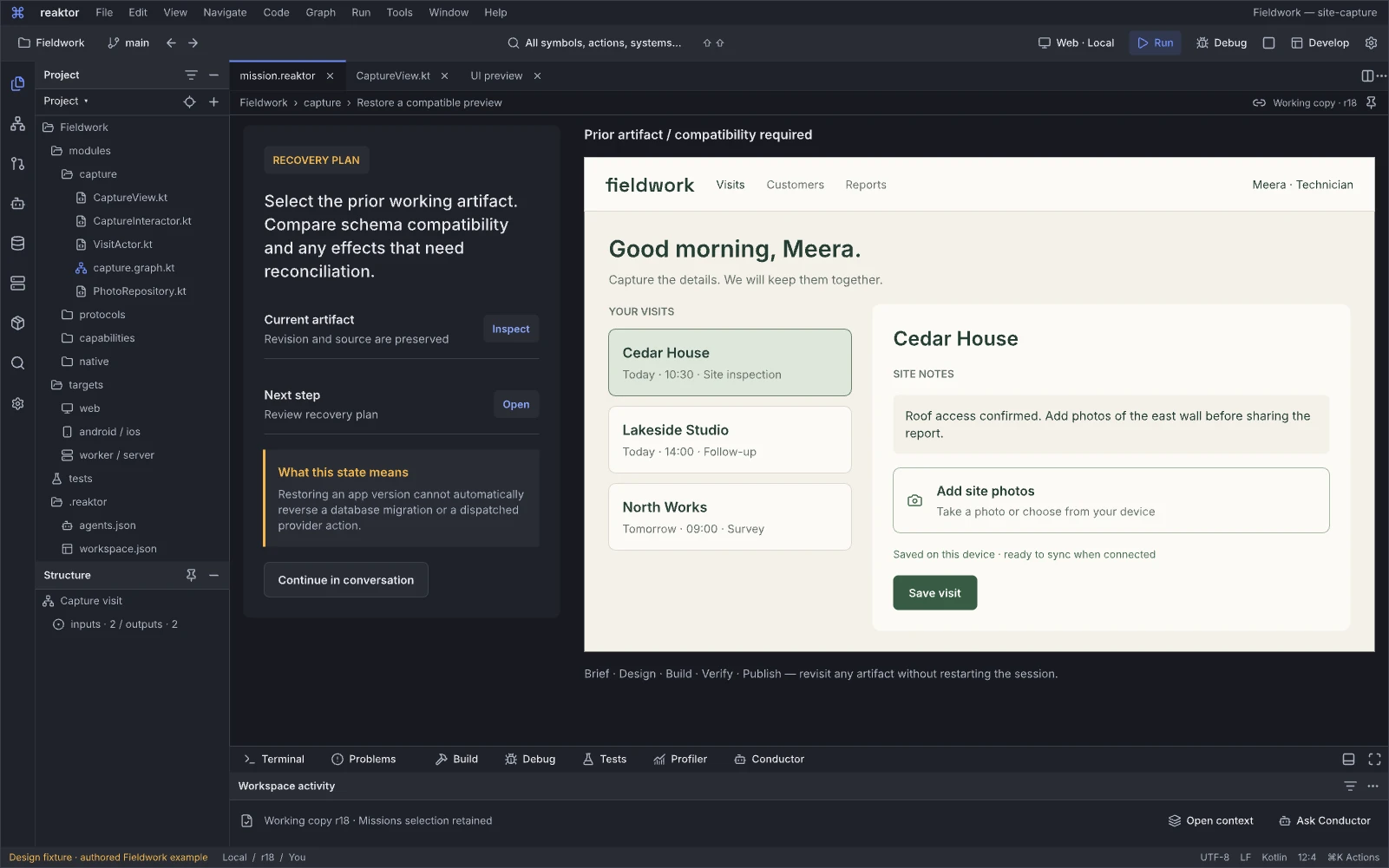
Design reference: ag6vT · Reaktor workspace.
Question: Can I restore a compatible preview without losing the current work?
This state distinguishes selecting/restoring a known preview artifact from reverting source or undoing external data effects. Compatibility and the retained working change remain visible.
Next action and handoff. Restore the supported preview or choose a repair path. Record the revision and resources affected; do not imply that returning to an older UI also restores database state or reverses dispatched operations.
A release gate needs attention
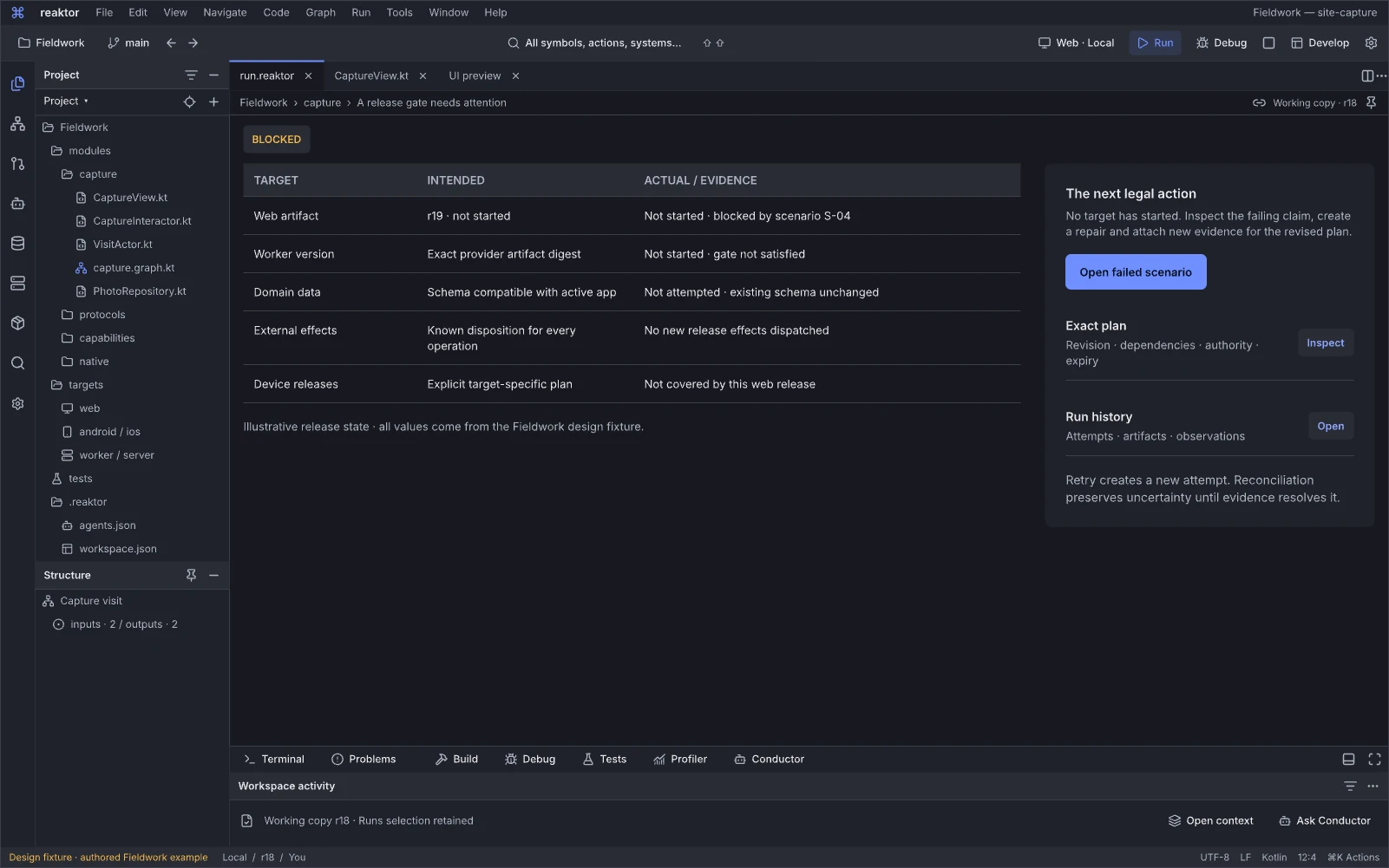
Design reference: r7L5v · Reaktor workspace.
Question: Which release obligation prevents this publication?
The blocked-release state identifies a particular failed or missing gate and relates it to the app and target. It replaces an unexplained disabled Deploy button with a useful repair path.
Next action and handoff. Open the failing evidence or prepare a scoped correction, then rerun applicable checks. A missing observation, a failed test and an expired approval require different actions; none can become passed through a visual state toggle.
Recovery has a compatibility boundary
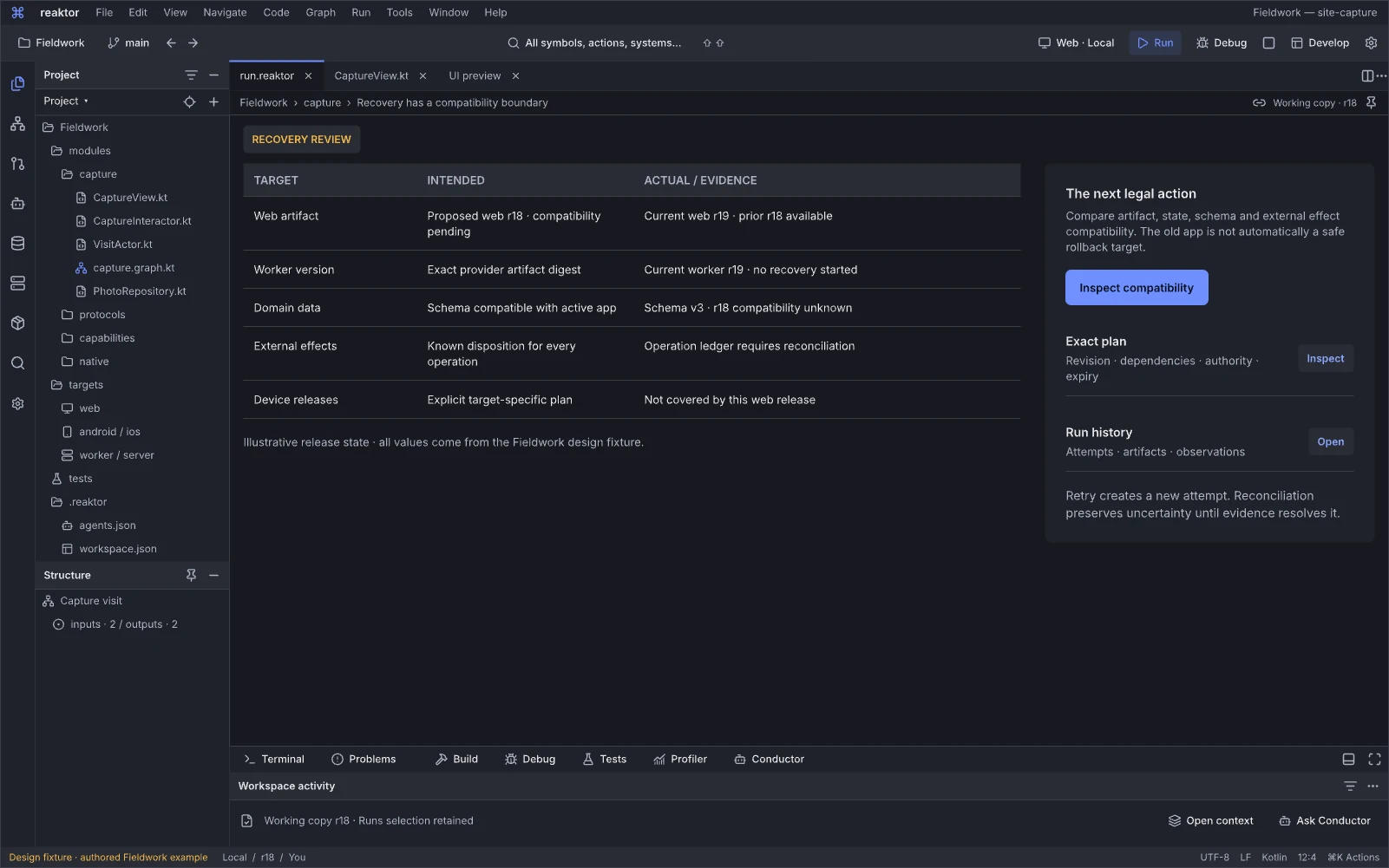
Design reference: KWocx · Reaktor workspace.
Question: Which parts of this recovery are compatible and reversible?
Recovery preparation considers source/artifacts, runtime and data compatibility together. It exposes irreversible or uncertain steps rather than promising a universal rollback.
Next action and handoff. Review the supported restore, compensation or roll-forward plan and its target scope. Applicable authority, postconditions and possible loss travel with the operation; a previously healthy artifact is not sufficient evidence of current compatibility.
The release is progressing by target
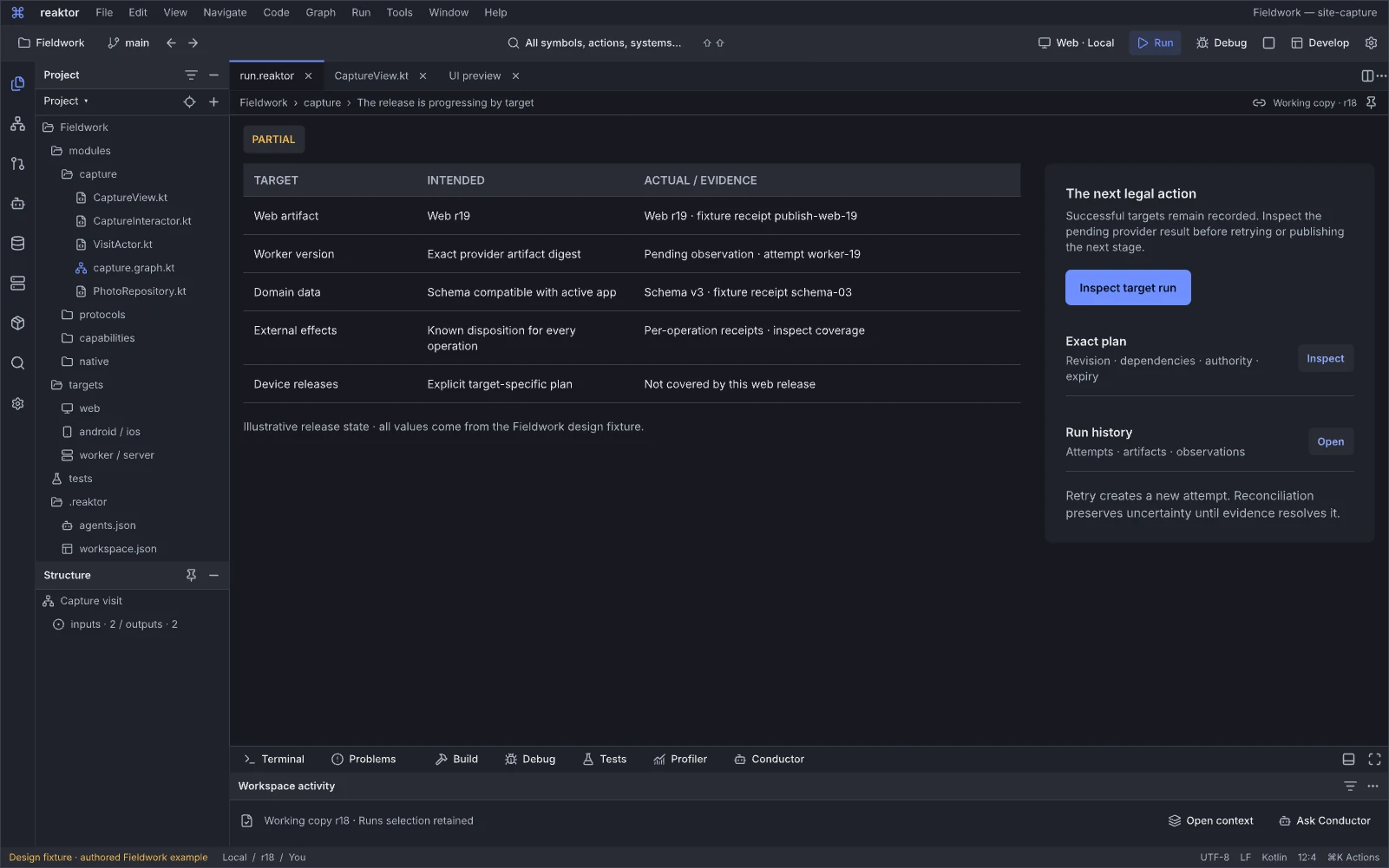
Design reference: Xd3s4 · Reaktor workspace.
Question: What has the release established on each target so far?
The running-release state follows target-level execution and observation. Different lanes can be preparing, applying, verifying or blocked without being collapsed into one progress claim.
Next action and handoff. Inspect a target or its event/evidence trail, and interrupt only under the operation's supported semantics. Keep the sealed plan, attempt, artifact and last observation linked. Missing events require an incomplete/stale indication.
Release observations match the scoped plan
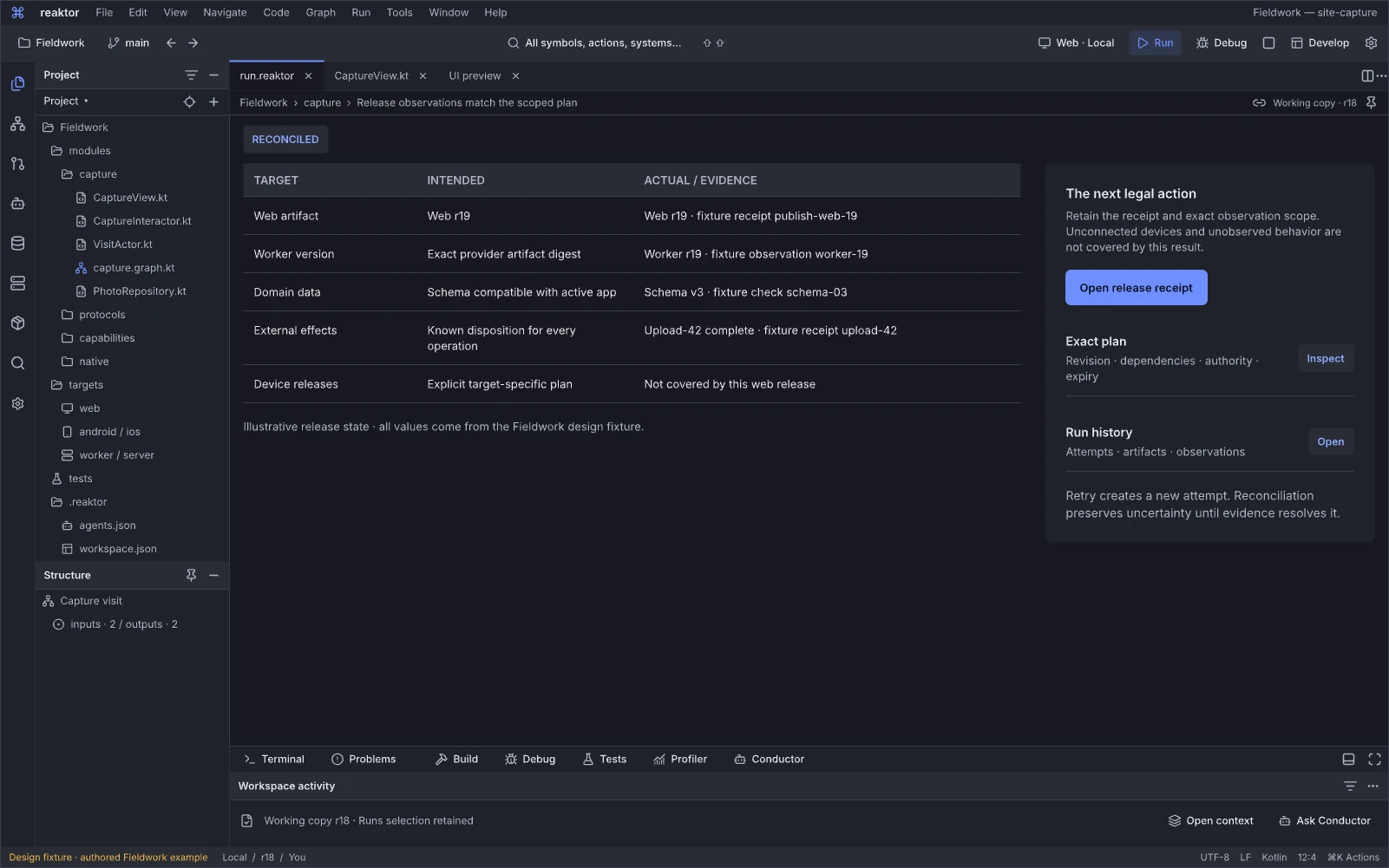
Design reference: of8K7 · Reaktor workspace.
Question: Which observed postconditions match the reviewed release plan?
Completion is expressed as scoped agreement between intended release work and recorded observations. It connects the published app to its exact artifacts, targets and checks.
Next action and handoff. Open the released app, inspect the receipt or continue product work. State residual unknowns and the observation window. This design fixture is not production evidence, and verified postconditions are narrower than a blanket claim that the whole system is healthy.
Recovery still has an unresolved effect
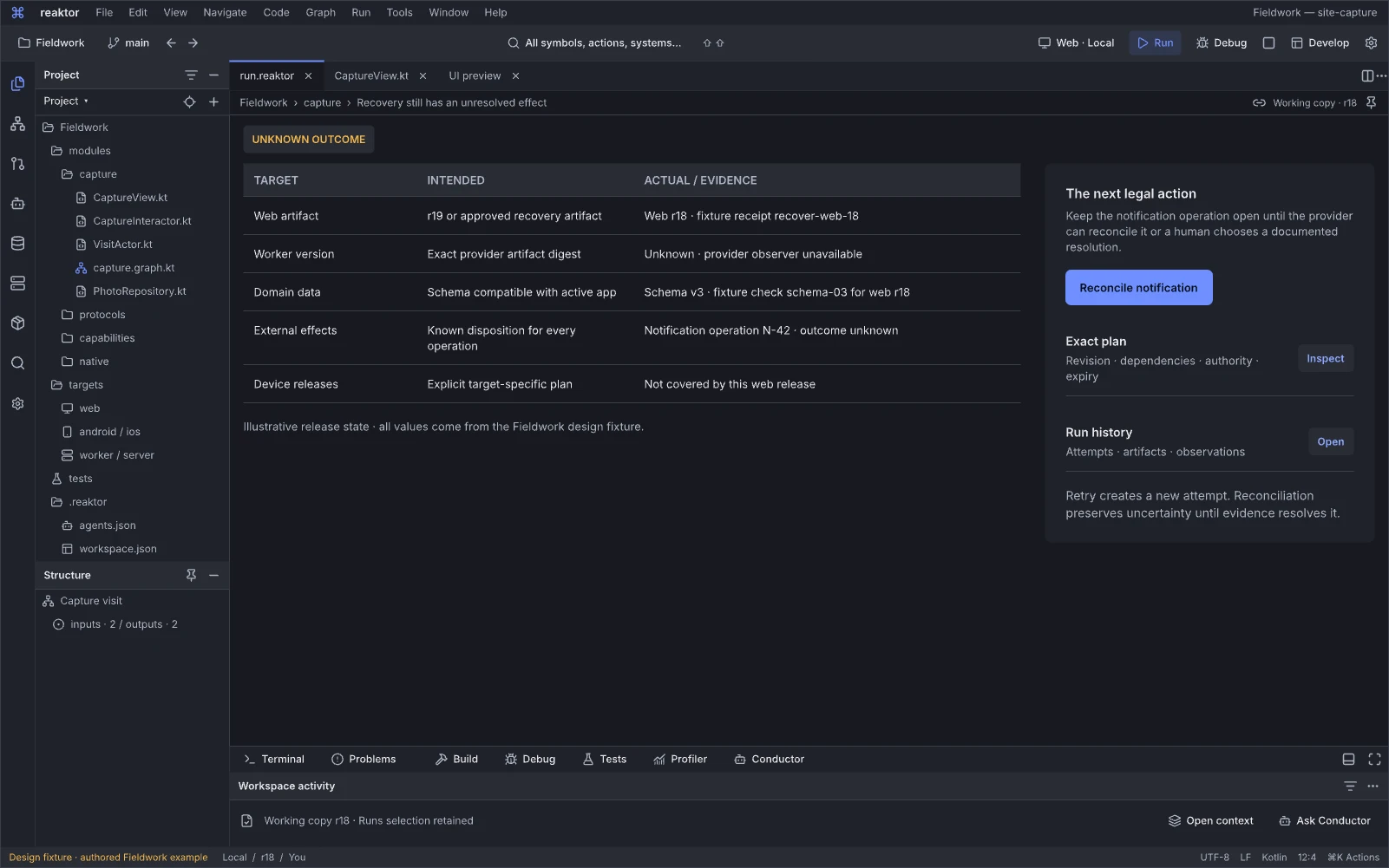
Design reference: HfRjK · Reaktor workspace.
Question: What remains unresolved after recovery, and how can it be established?
The recovery outcome keeps an uncertain effect visible even if the surrounding process has finished. It provides a truthful continuation point instead of repainting every resource as restored.
Next action and handoff. Inspect the last confirmed state and reconcile the outstanding effect or follow its supported manual/roll-forward path. Retain operation identity and evidence; do not retry a potentially completed irreversible action merely to produce a green result.
Retained specialist references
These boards are retained specialist references, including responsive shells and earlier interiors. They preserve domain requirements and design history; the current super-IDE workspaces are cataloged above. Legacy page navigation, movement labels, tab structures or example values inside a retained reference are subordinate to the persistent editor/tool-window contract. Historical source-audit findings are regression and qualification inputs, not a fresh claim about the current source revision.
The board-specific guidance below carries forward useful requirements from the earlier atlas. It is design/implementation guidance, not a fresh measurement that every previously noted defect persists. Historical findings and the original measured critique remain available in the original atlas review and Desktop Master Plan. Runtime claims require current adapters, handlers and evidence for the named profile.
Graph, system and boundary references
01.02 · North Star · Auth System Slice
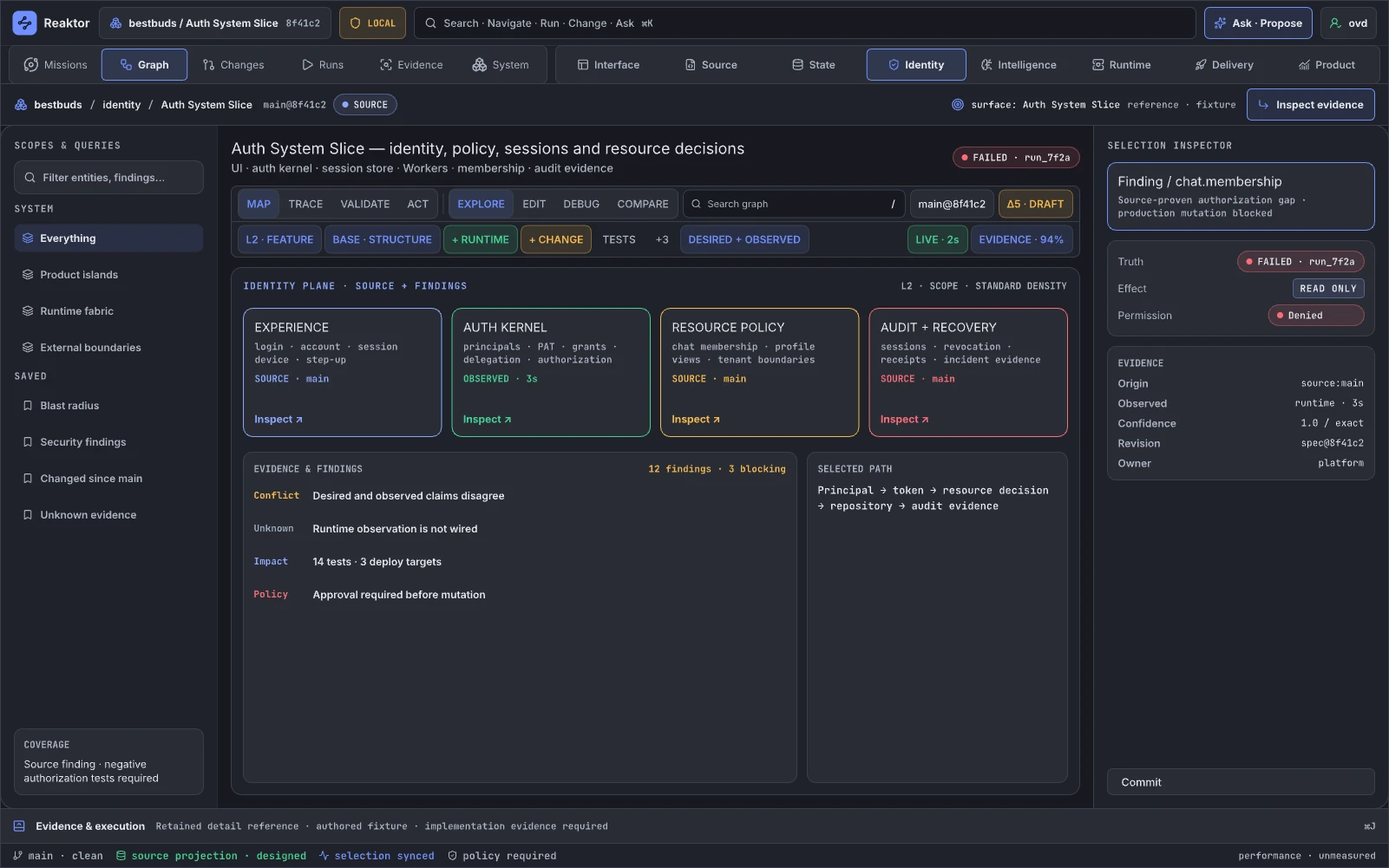
Design reference: Mw1gH · Retained specialist reference.
The slice demonstrates Reaktor's central differentiator: follow one authentication capability across UI, API, identity provider, session store, policy, telemetry, and deployment. This is how a developer investigates login failures or plans a provider migration. It is the full-stack counterpart of opening a Blueprint and seeing its referenced components and runtime instances; it augments Auth0, IAM, API gateway, and code search by connecting them.
Retained guidance. Replace the generic four-card template with an actual slice graph: entry points, credential/token boundaries, principal transformations, policies, stores, provider calls, and observed activation health. Add a sample request decision trace, call-site census, tenant/environment scope, session revocation path, and explicit gaps. Every policy decision must show inputs and authority; every metric must identify query and time window.
02.02 · Create · Design System Graph
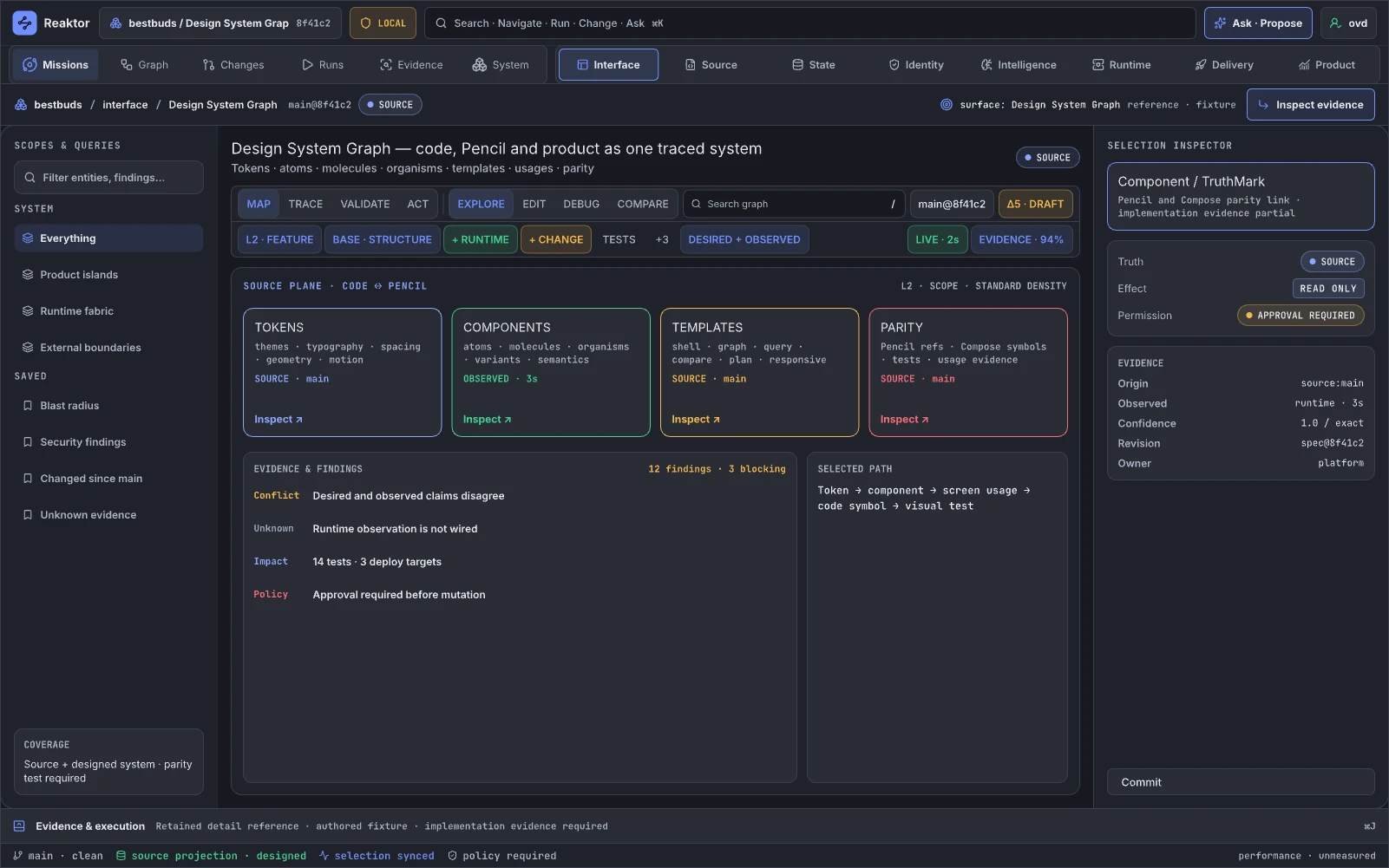
Design reference: D0yQo · Retained specialist reference.
This page maps tokens, primitives, components, screens, flows, screenshots, tests, source implementations, and product usage. Designers and engineers use it for impact analysis and consistency. It is analogous to Unreal's material/function dependency graphs and asset references; it augments Figma, Storybook, screenshot testing, and code search.
Retained guidance. Replace generic evidence cards with the actual dependency graph and a synchronized component canvas. Show token inheritance, variant constraints, platform implementations, usage counts, accessibility evidence, screenshot baselines, visual diff history, and ownership. “Fix with AI” must create a scoped proposal/diff with affected screenshots and tests, never directly mutate source or Figma.
02.04 · Create · BestBuds Feature Graph
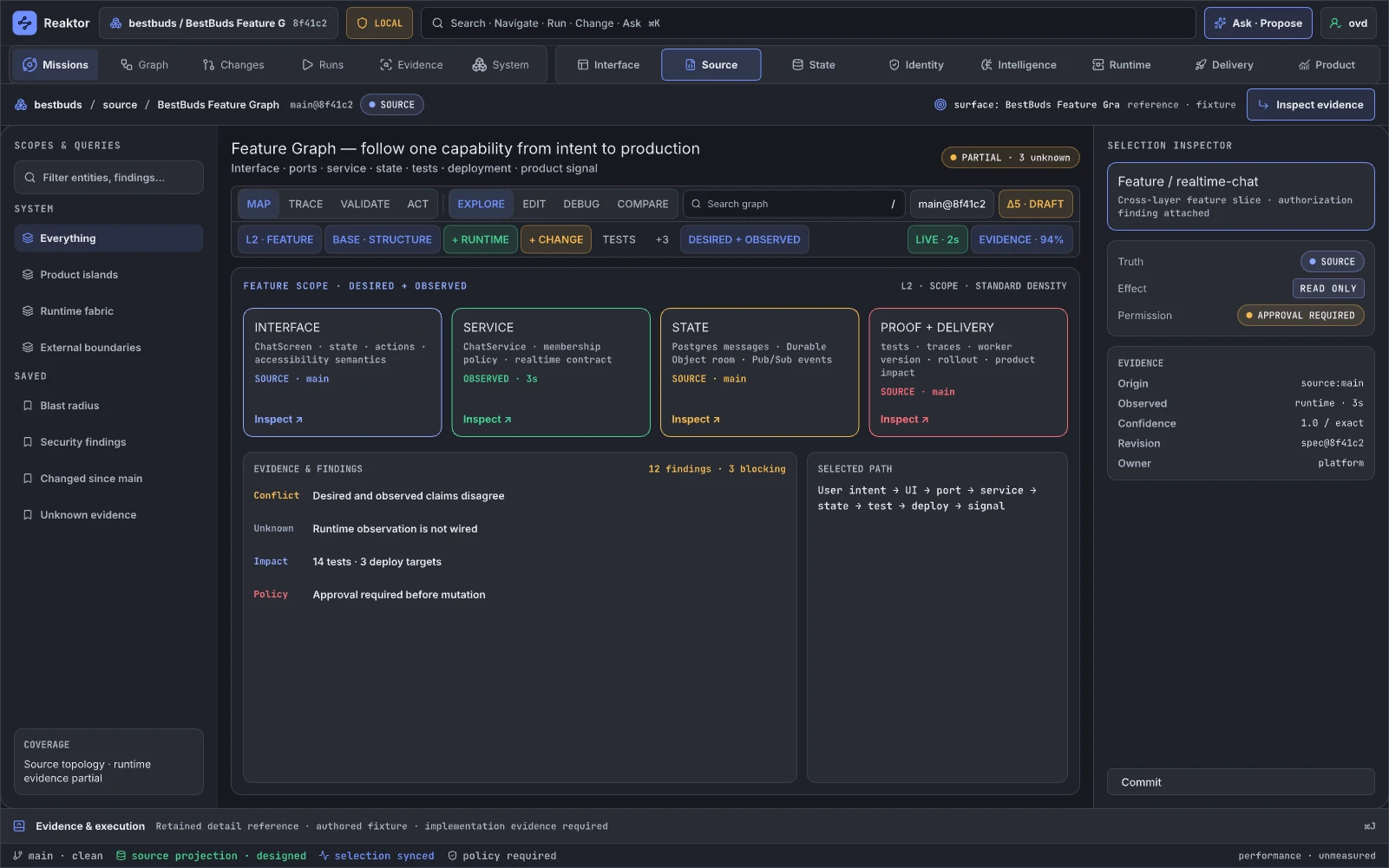
Design reference: blRVd · Retained specialist reference.
This is the vertical proof: a real BestBuds feature followed from product surface through graph definitions, auth, data, workers/server, telemetry, tests, deploy, and outcomes. It is how the framework demonstrates that its abstractions survive product reality. In Blueprint terms it is a complete playable feature graph with native nodes beneath it; it replaces a one-off architecture diagram and augments every underlying tool.
Retained guidance. Bind the page to source-derived BestBuds identities and current revision instead of authored fixture values. Add a feature capsule containing entry journeys, principal/tenant, data touched, external effects, failure modes, owning team, tests, deploy targets, SLOs, cost, and product outcome definitions. Provide a golden “change this feature” walkthrough whose graph impact, plan, checks, rollout, trace, and receipt are reproducible.
03.02 · Extend · Polyglot Boundary Studio
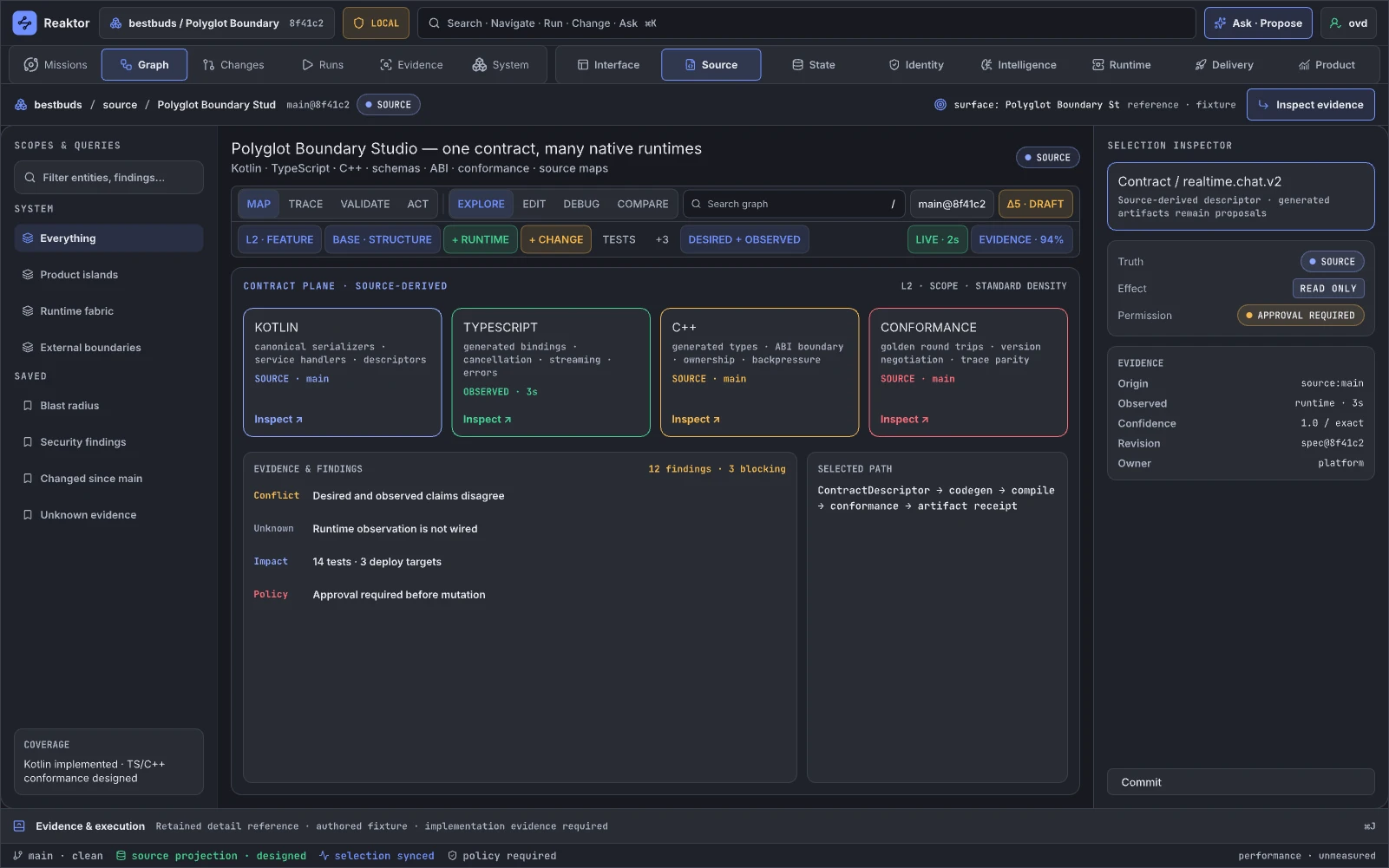
Design reference: ysUFy · Retained specialist reference.
This page defines and verifies boundaries between Kotlin's semantic center and TypeScript, Swift, C++, Worker, server, and other hosts. Teams use it for schema evolution, adapter compatibility, cancellation, ownership, and conformance. Its Blueprint equivalent is the boundary between native C++ nodes and Blueprint-visible contracts; it augments IDL tooling, FFI tests, and integration docs.
Retained guidance. Show contract identity, canonical schema/fingerprint, generated bindings, ownership rules, wire format, error algebra, streaming/backpressure, cancellation, target support, and last conformance artifact. Add compatibility diff and round-trip test matrices. Mark the current FFI plane as designed/partial where appropriate; do not show observed parity merely because declarations exist.
03.04 · Scale · Constraint Optimizer
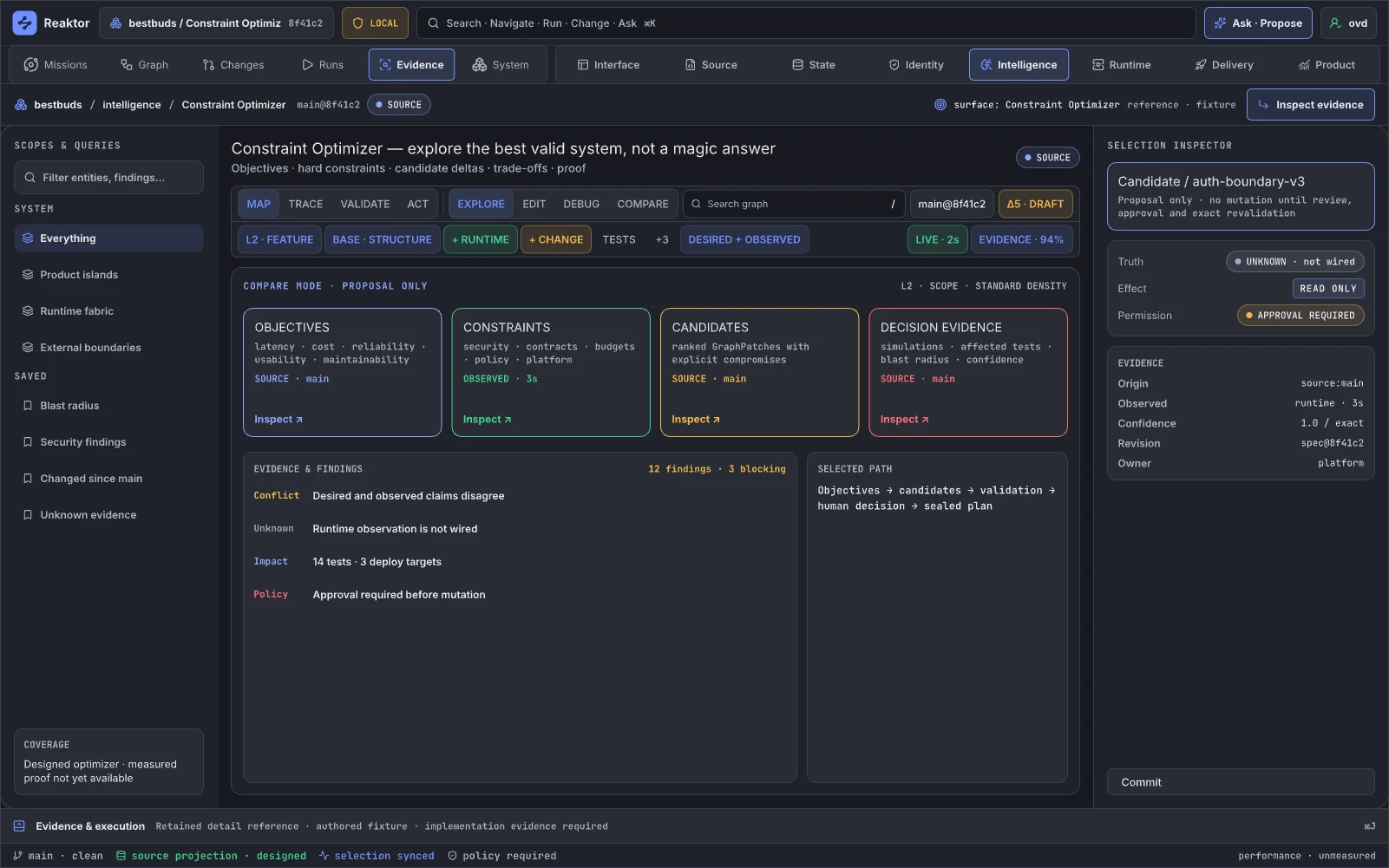
Design reference: qoZHY · Retained specialist reference.
The optimizer explores placement, dependency, cost, latency, resilience, policy, and rollout tradeoffs over the graph. It supports architecture decisions and resource planning. Its Blueprint analogue is a construction-script or compiler optimization pass with a preview, not a magic runtime mutator; it augments capacity planners, cloud calculators, and bespoke solvers.
Retained guidance. State the objective function, constraints, input evidence, assumptions, solver, alternatives, sensitivity, and unverifiable variables. Separate “candidate,” “simulated,” and “approved plan.” Never pair UNKNOWN · not wired with confidence 1.0. Show Pareto alternatives and the reason a constraint binds. Applying a recommendation creates a patch through the governed plan path.
04.01 · Graph · System Graph
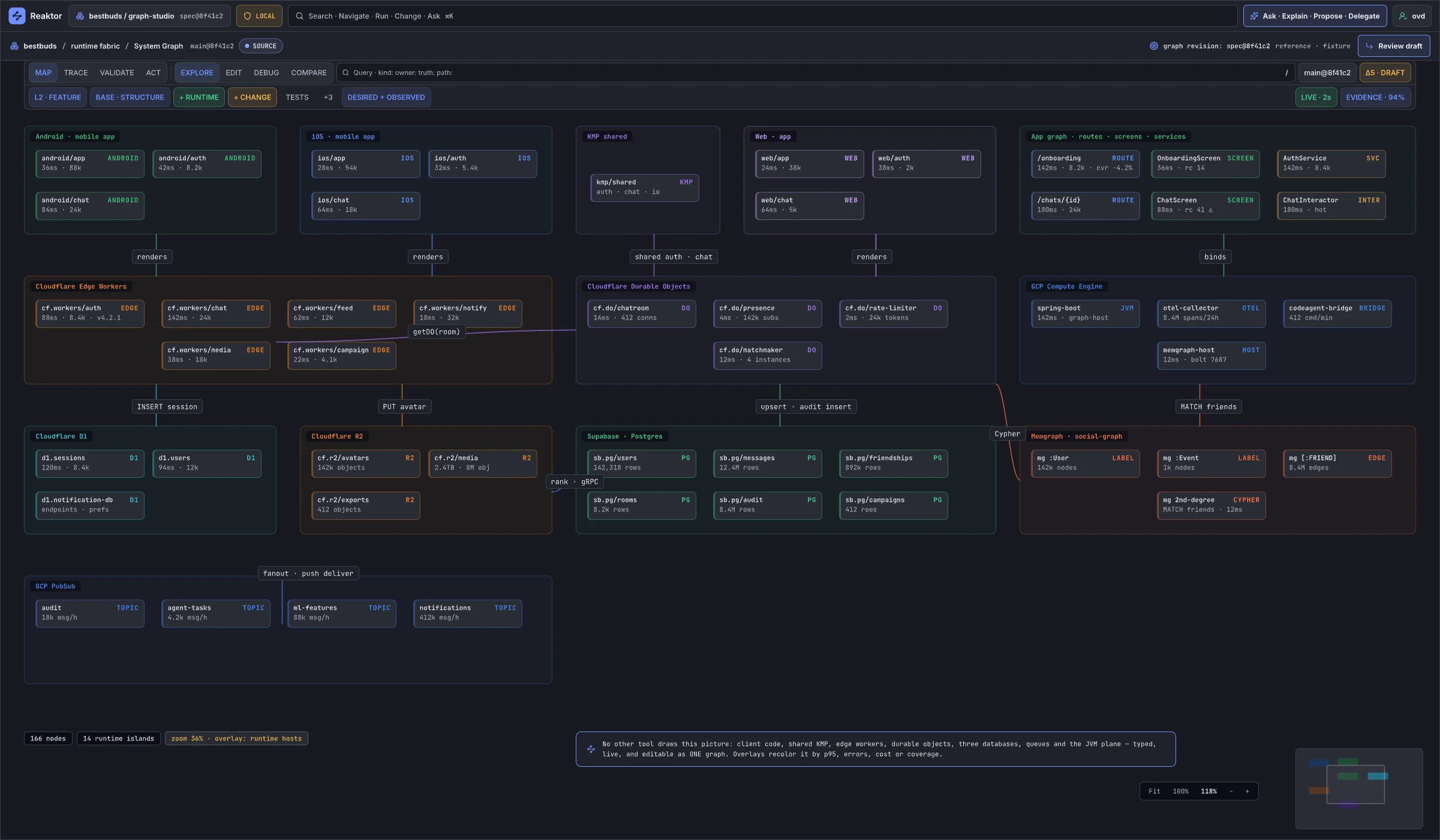
Design reference: l4tkKY · Retained specialist reference.
System Graph is the canonical exploration projection: components, boundaries, ports, dependencies, activations, resources, and cross-layer relationships. Developers use it for architecture comprehension, impact analysis, incident scope, and navigation. It is closest to Unreal's Blueprint graph, World Outliner, and Reference Viewer combined; it augments IDE structure views, service catalogs, and architecture diagrams.
Retained guidance. Make the snapshot/revision and identity class explicit. Visually distinguish definition edges, runtime interactions, ownership, data flow, authority delegation, deployment placement, and derived relationships. Every edge needs origin, derivation method and limits, applicable epoch, and openable evidence. Replace unproven fixture throughput with bound observations. Add compare, path explanation, conflicting-source resolution, saved semantic scopes, and “why is this here?” queries.
04.04 · Graph · Launch
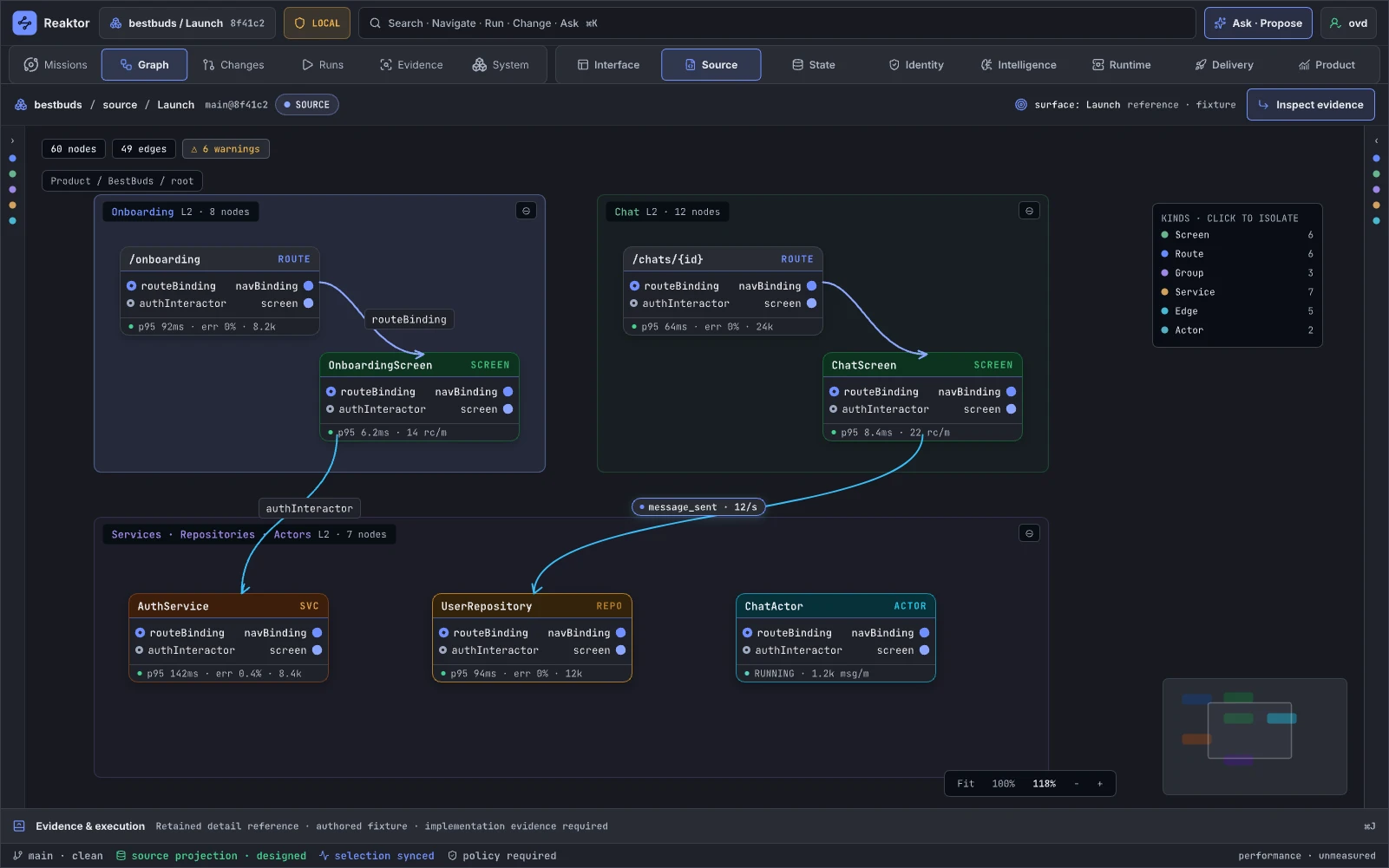
Design reference: okDnx · Retained specialist reference.
Launch is a palette of graph element kinds and initial construction patterns. It supports starting a graph or adding a semantic capability. Its Blueprint analogy is the New Blueprint/Class and node palette; it augments project generators and framework recipes.
Retained guidance. Do not give every kind cloned ports. Each template needs a real contract, required capabilities, lifecycle, authority, target support, generated artifacts, and example topology. Add search by problem (“receive webhook,” “persist state,” “run supervised actor”), not only type name. Preview the patch and dependencies before insertion, and distinguish stable primitives from experimental recipes and organization templates.
04.06 · Graph · Editing Connections
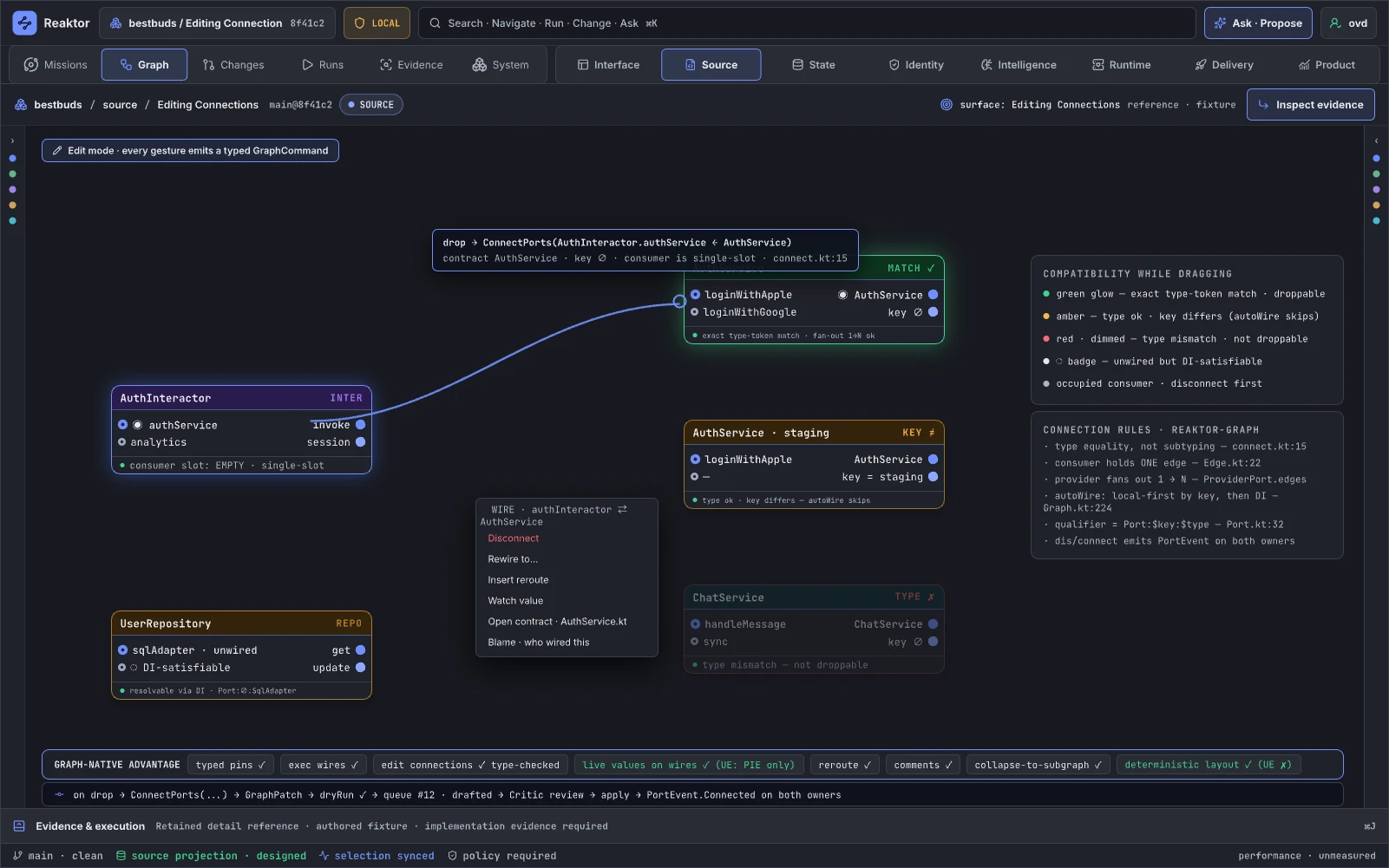
Design reference: n7tbP · Retained specialist reference.
Connection editing is the type-directed grammar for wiring ports, inserting adapters, explaining incompatibility, and previewing consequences. It is directly comparable to Blueprint's typed pins and automatic conversion nodes; it can replace unsafe configuration wiring and augment code-level APIs.
Retained guidance. Ground compatibility in the selected schema/type contract. The earlier foundation audit’s D-6 finding supplies a regression case for inconsistent port identity; qualification must establish the supported compatibility rules. Show payload schema, direction, cardinality, lifecycle, error/cancellation semantics, trust boundary, authority, backpressure and wire compatibility. Suggestions create explicit adapter changes. A committed source/definition revision and an observed runtime connection remain different states.
04.06A · Graph · Editing Connections — Connected
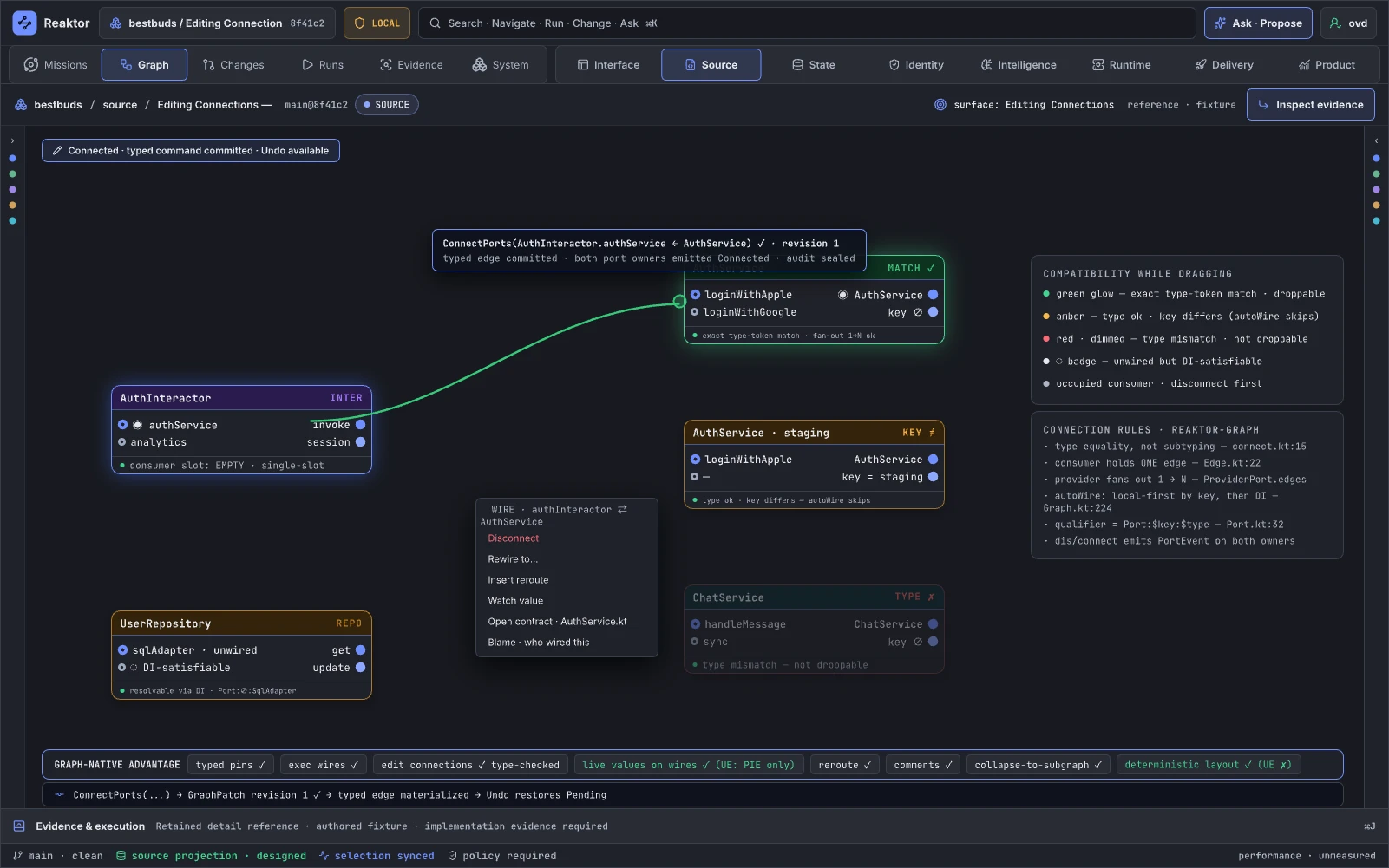
Design reference: pj1eK · Retained specialist reference.
This state should show a successfully committed definition change and, separately, any observed runtime activation. It is analogous to a compiled Blueprint connection followed by a live instance update.
Retained guidance. Divide the state into definition committed, activation requested, and activation observed. Show revision and activation epochs, plan/receipt IDs, the exact compatibility proof, and any pending replicas. If runtime activation is not wired, the final state remains “definition ready; observation unknown,” not “connected.”
04.06B · Graph · Editing Connections — Rerouted
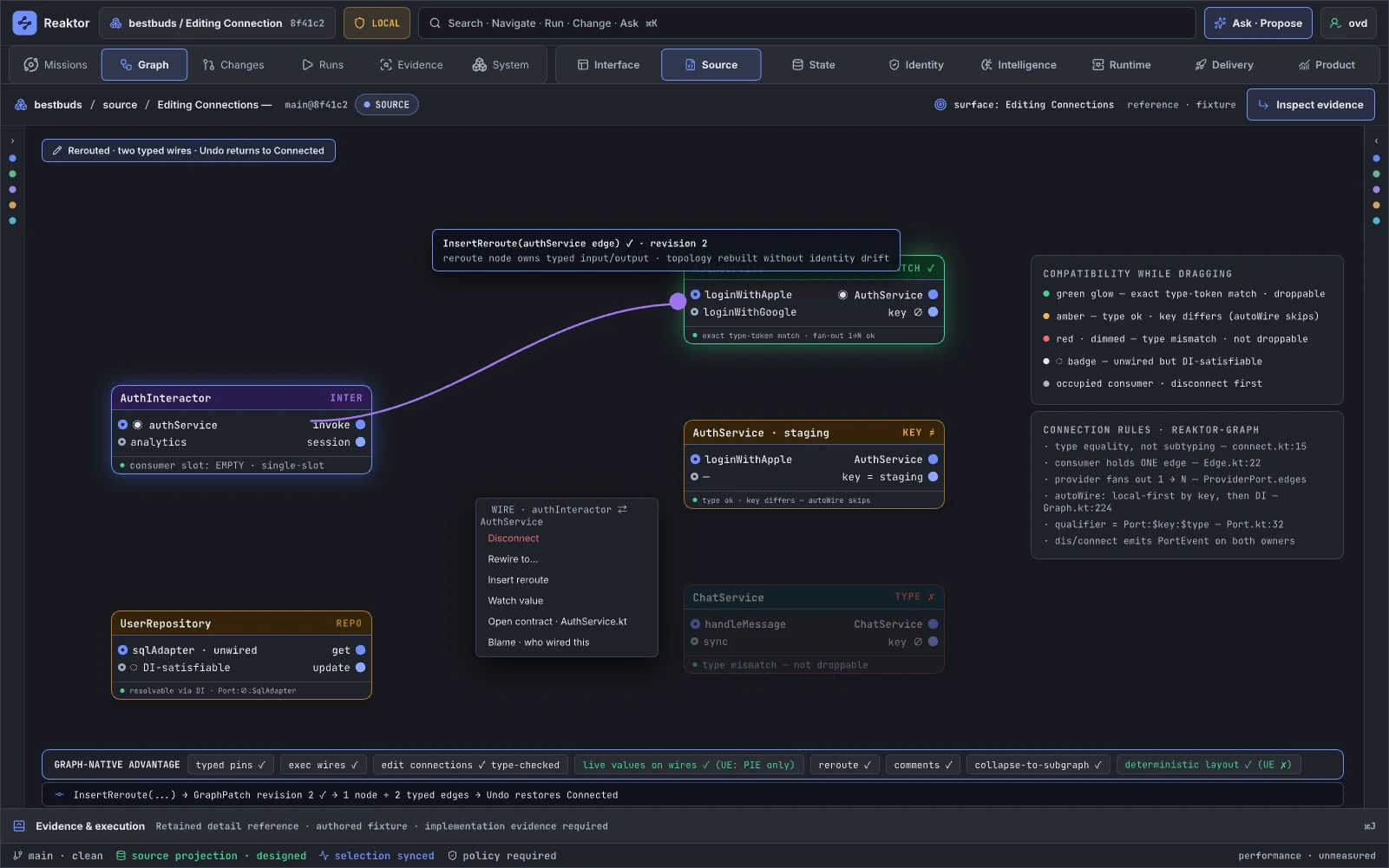
Design reference: a1cWFd · Retained specialist reference.
Rerouting should preserve semantic intent while changing visual path or inserting explicit topology. It supports graph cleanup and adapter introduction. Unreal similarly distinguishes moving wires visually from modifying execution/data flow.
Retained guidance. Separate a ViewState reroute—which never affects the system—from a semantic reroute—which creates a patch. If an adapter or relay is inserted, show new ownership, latency, failure, policy, and deployment consequences. Provide before/after path explanation and keep layout-only changes out of operational approval.
04.07 · Map · Zoom & Level of Detail
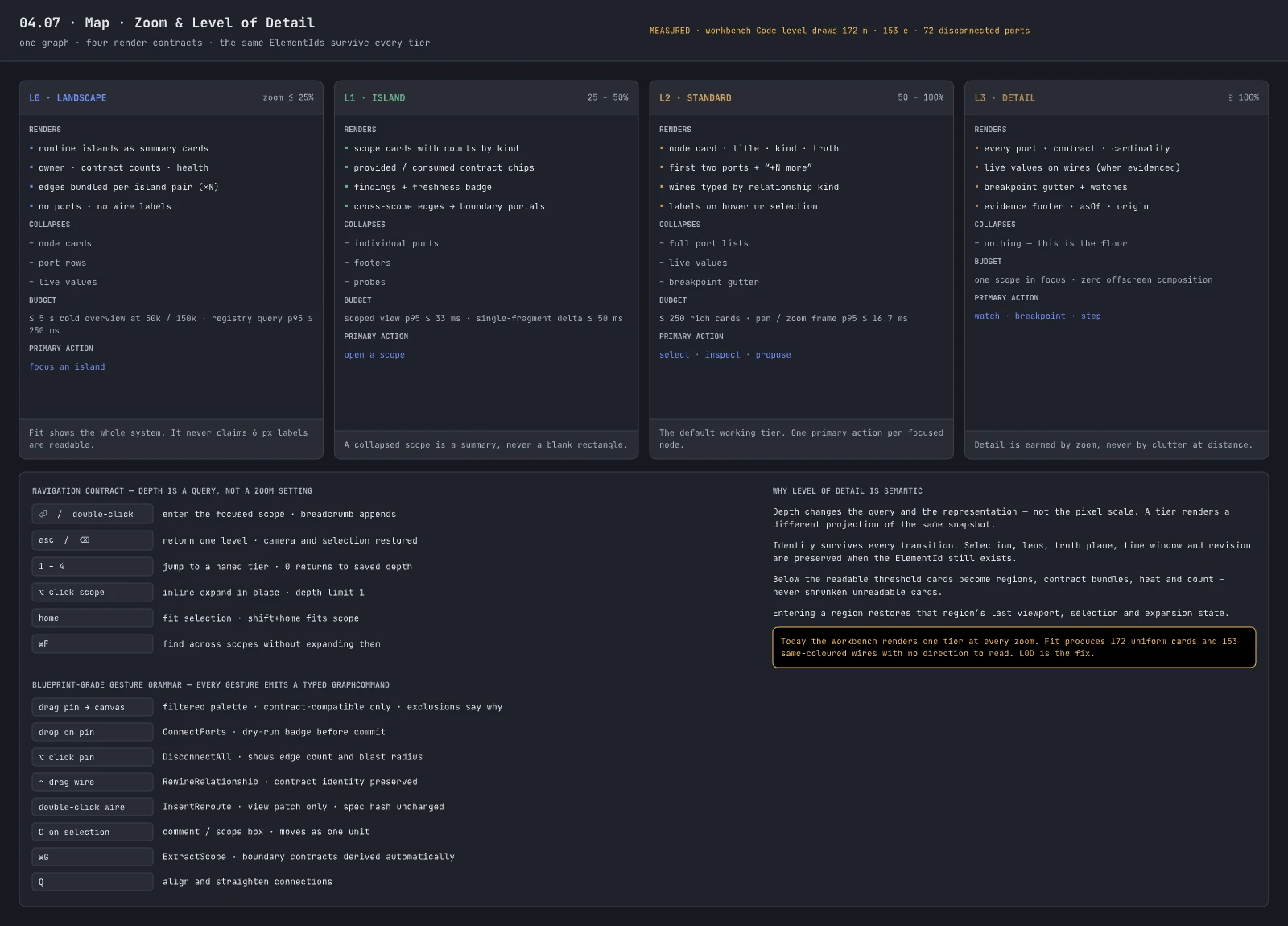
Design reference: L8el1 · Retained specialist reference.
Zoom and level-of-detail make one graph usable from portfolio to port level. It enables incident commanders, architects, and implementers to share the same object at different resolution. It maps strongly to Unreal's hierarchical editor navigation and collapsed graphs.
Retained guidance. Keep this specification but bind it to semantic aggregation rules. At each band define what is grouped, how counts are computed, which alerts bubble, and which interactions remain legal. Preserve selection while crossing levels and animate stable identity transitions. Add keyboard and screen-reader alternatives and test worst-case labels and high-contrast mode.
13.02 · Trace + Runtime · System Fabric Resource Explorer
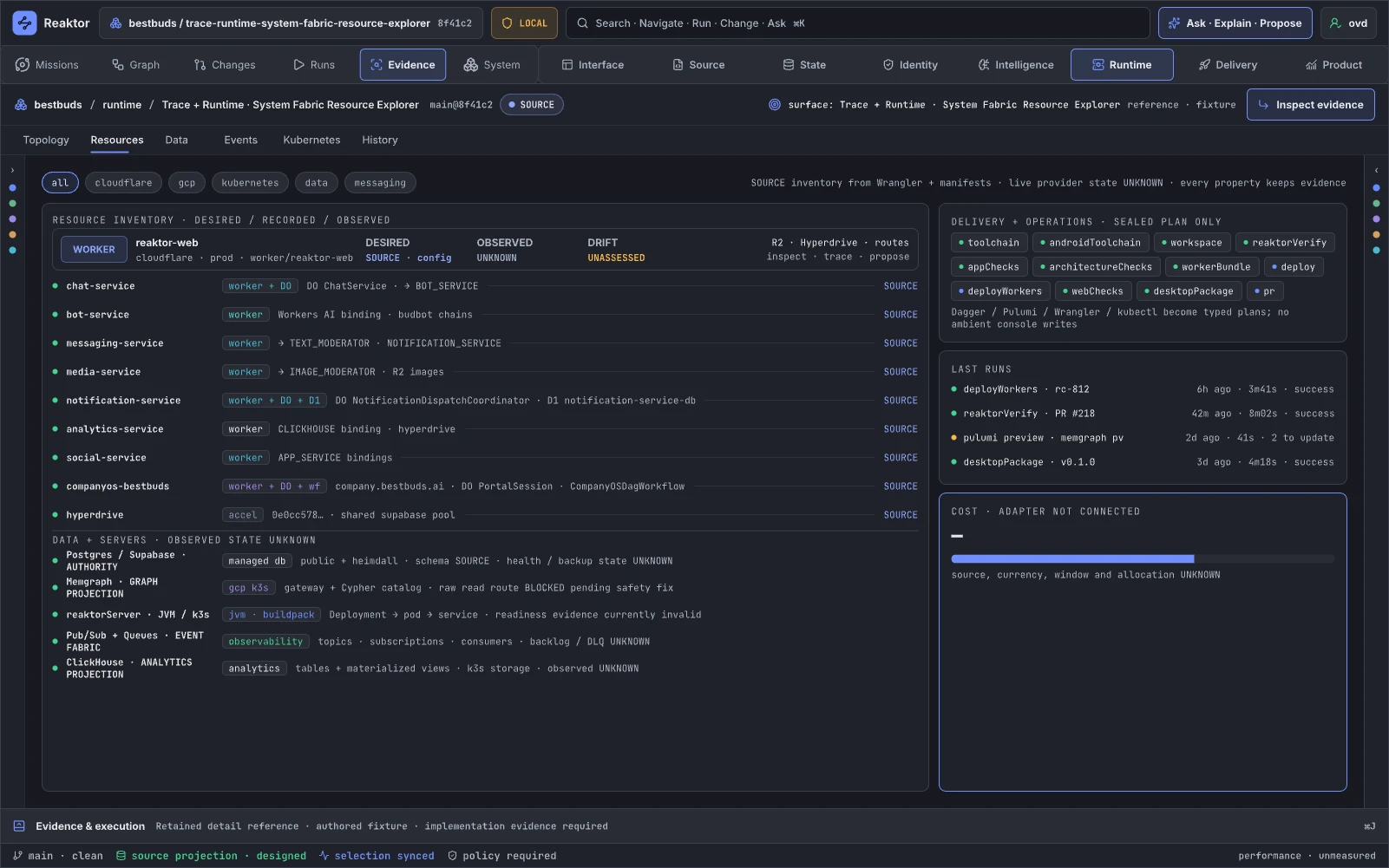
Design reference: OhclB · Retained specialist reference.
Resource Explorer provides dense searchable inspection of runtime/cloud/data resources and their relationships. It supports inventory, troubleshooting, and drift repair. It augments provider inventory and K9s while preserving graph semantics.
Retained guidance. Treat this as a table/tree projection of the System/Fabric model, not a separate data model. Add typed facets, saved scopes, grouped unknown causes, field-level desired/source/observed compare, dependency path, owner, activation epoch, authority, evidence freshness, and adapter-connect workflow. A drift fix becomes a patch/plan and remains pending until reconciliation.
13.04 · Extend · Graph Projections
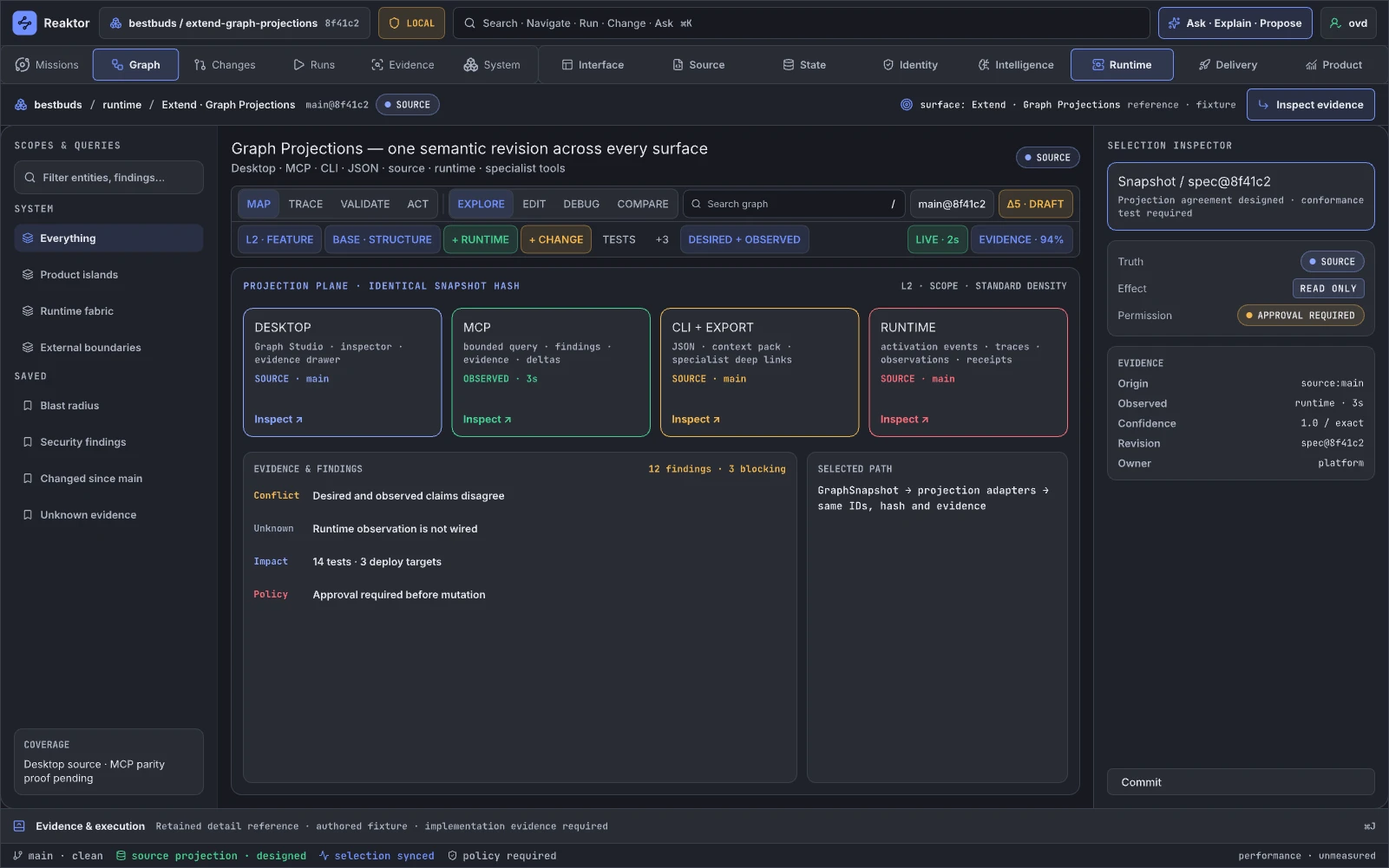
Design reference: AgsbM · Retained specialist reference.
This page proves that Desktop, web, CLI, MCP, source exports, and external integrations remain views of one semantic snapshot. It supports tool interoperability and agent access. Its Blueprint analogue is the same asset represented in editor, source, runtime, and tooling; it augments all tools through stable GraphLinks.
Retained guidance. Do not claim identical snapshot hashes until canonical snapshotting and conformance exist. Build a projection conformance dashboard: snapshot/fingerprint, semantic ID coverage, omitted fields, lossy transformations, evidence preservation, supported actions, authority model, freshness, GraphLink round-trip, and smallest mismatch counterexample. Distinguish a read-only MCP projection from a future authenticated mutation plane.
Interface and responsive references
05.00 · Interface System — Machine Signal Design System
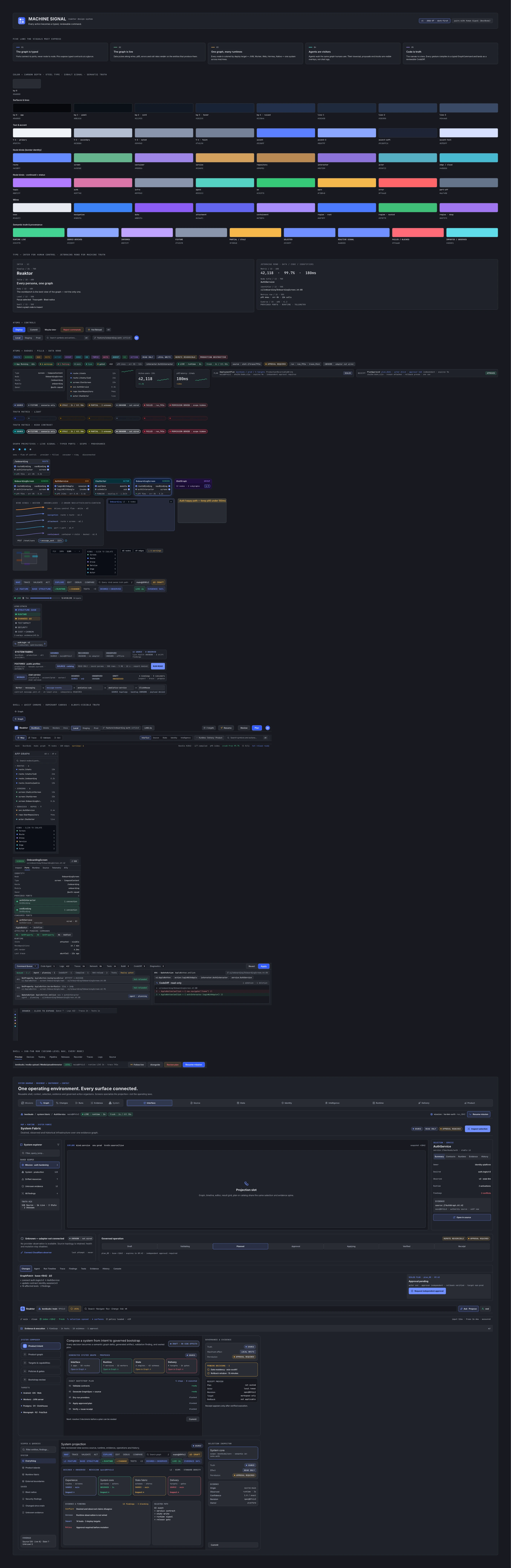
Design reference: LzukO · Retained specialist reference.
This is the language through which Reaktor communicates truth, risk, permission, effect, selection, progress, and evidence. It is more than styling: it is the operator's safety model. It corresponds to Unreal's consistent editor grammar and augments a normal design system with operational semantics.
Retained guidance. Split semantic channels so one color never means both “observed,” “allowed,” “healthy,” and “safe.” Define tokenized encodings for plane, assurance, condition, severity, effect, permission, and freshness, with icon/text redundancy. Promote critical text above annotation sizes. Preserve readable port labels under resizing and text scaling. Generate component examples from real enums, publish accessibility results, and add a truth-rendering conformance suite.
05.01 · Interface · Atomic Catalog
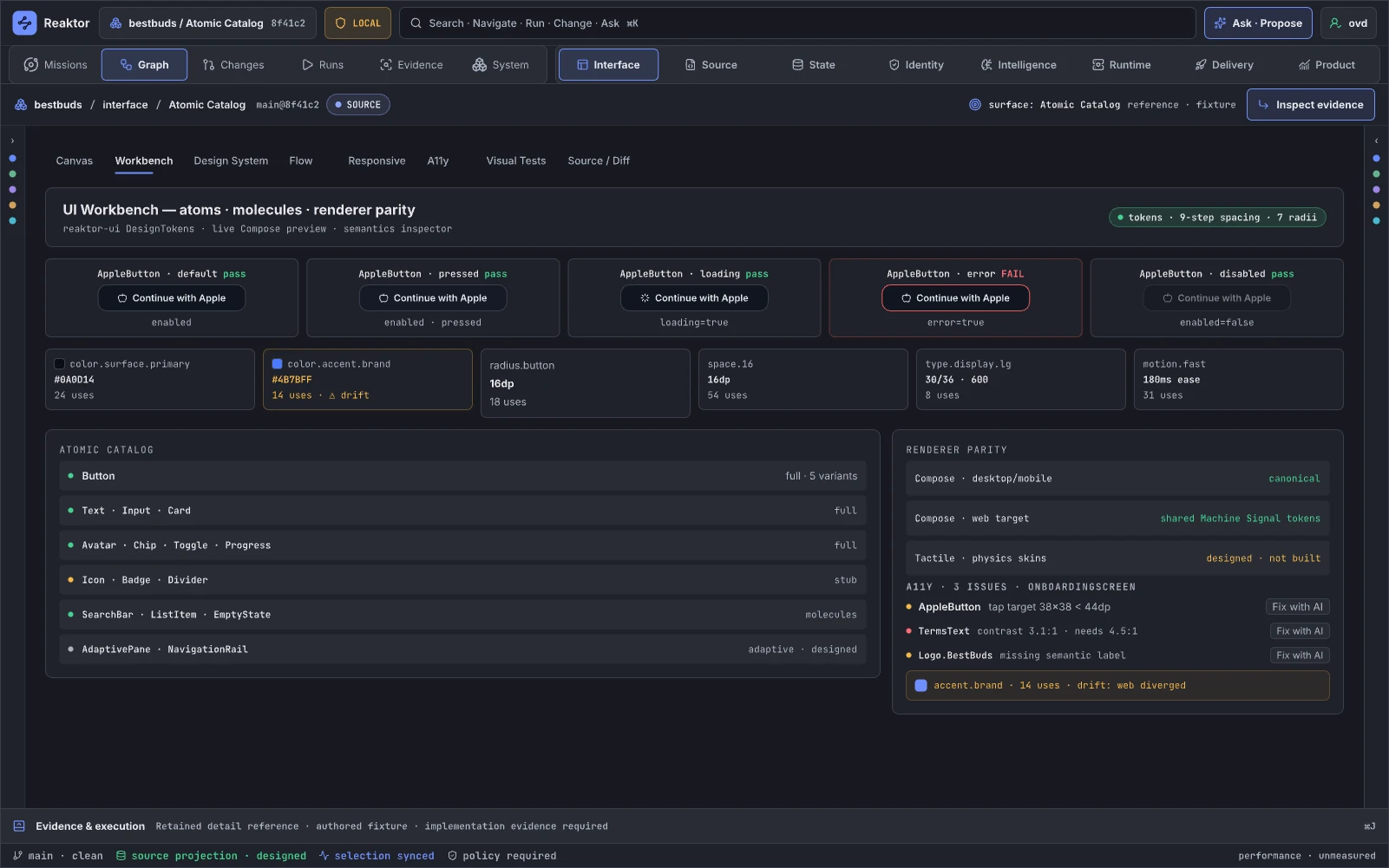
Design reference: GiULy · Retained specialist reference.
Atomic Catalog inventories controls, rows, chips, ports, cards, timelines, editors, and evidence components used throughout the studio. It plays the role of an editor widget library and Storybook.
Retained guidance. Each atom should demonstrate state semantics, not only appearance: loading, empty, stale, partial, denied, offline, not wired, conflict, failed, outcome unknown, and irreversible. Link to production implementation and usage count. Add keyboard behavior, focus, truncation, localization, performance, and screenshot evidence. AI repairs produce inspectable changes and applicable checks; granted routine edits can run in the current editor session.
05.02 · Interface · Responsive & Visual Tests
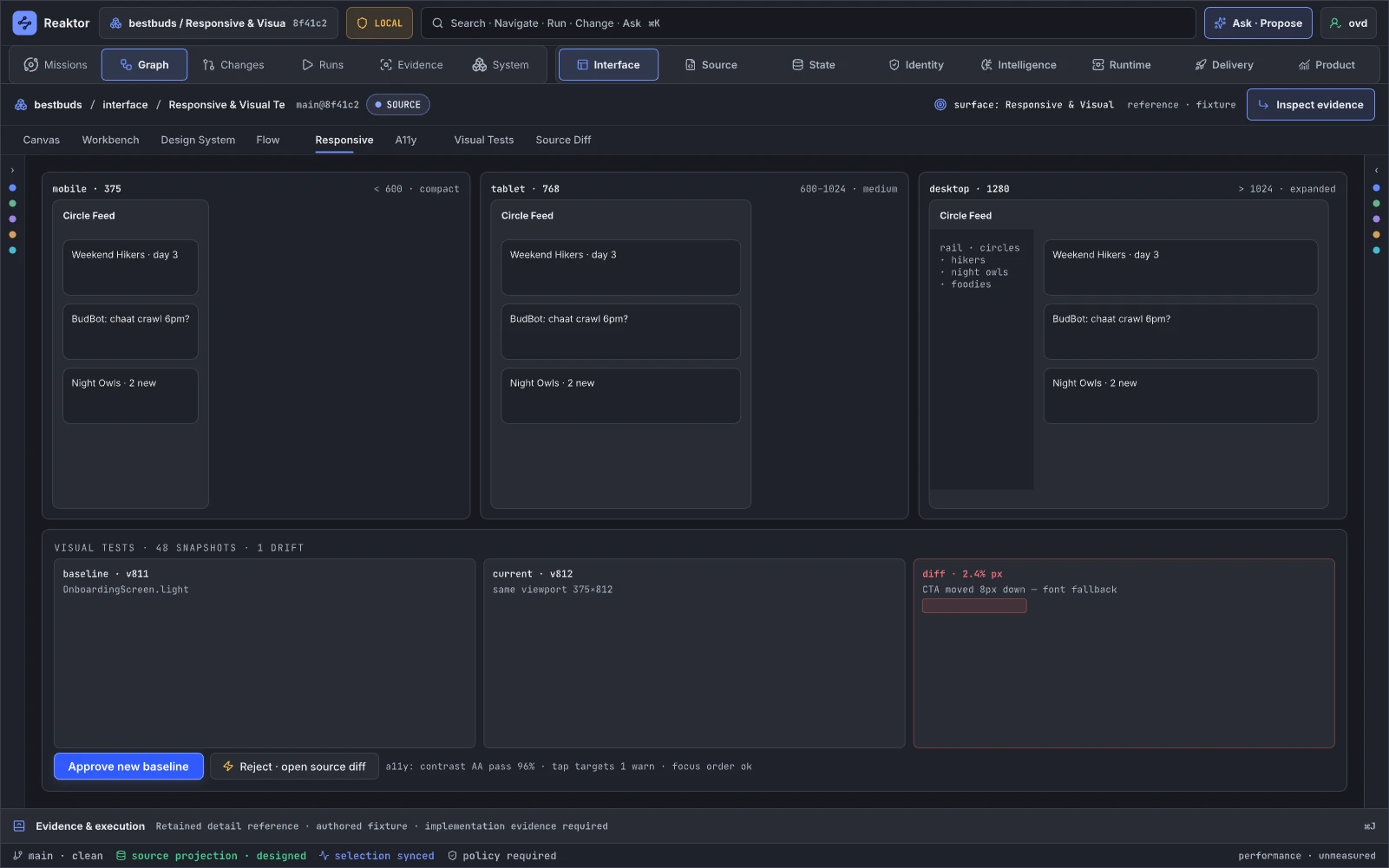
Design reference: U4IpH · Retained specialist reference.
This page proves that critical workbench capabilities survive screen size, theme, density, and rendering change. It supports UI review and release gating. It augments Storybook, screenshot testing, Playwright, and device farms.
Retained guidance. Make baselines signed evidence tied to component version, theme, viewport, renderer, platform, font, and capture environment. Show perceptual diff plus semantic violations—for example, a hidden approval warning is more severe than a pixel shift. Baseline approval is a governed action with owner and receipt. Add compact capability-equivalence checks so responsive design cannot silently remove Propose or truth categories.
05.03 · Interface · Command Palette
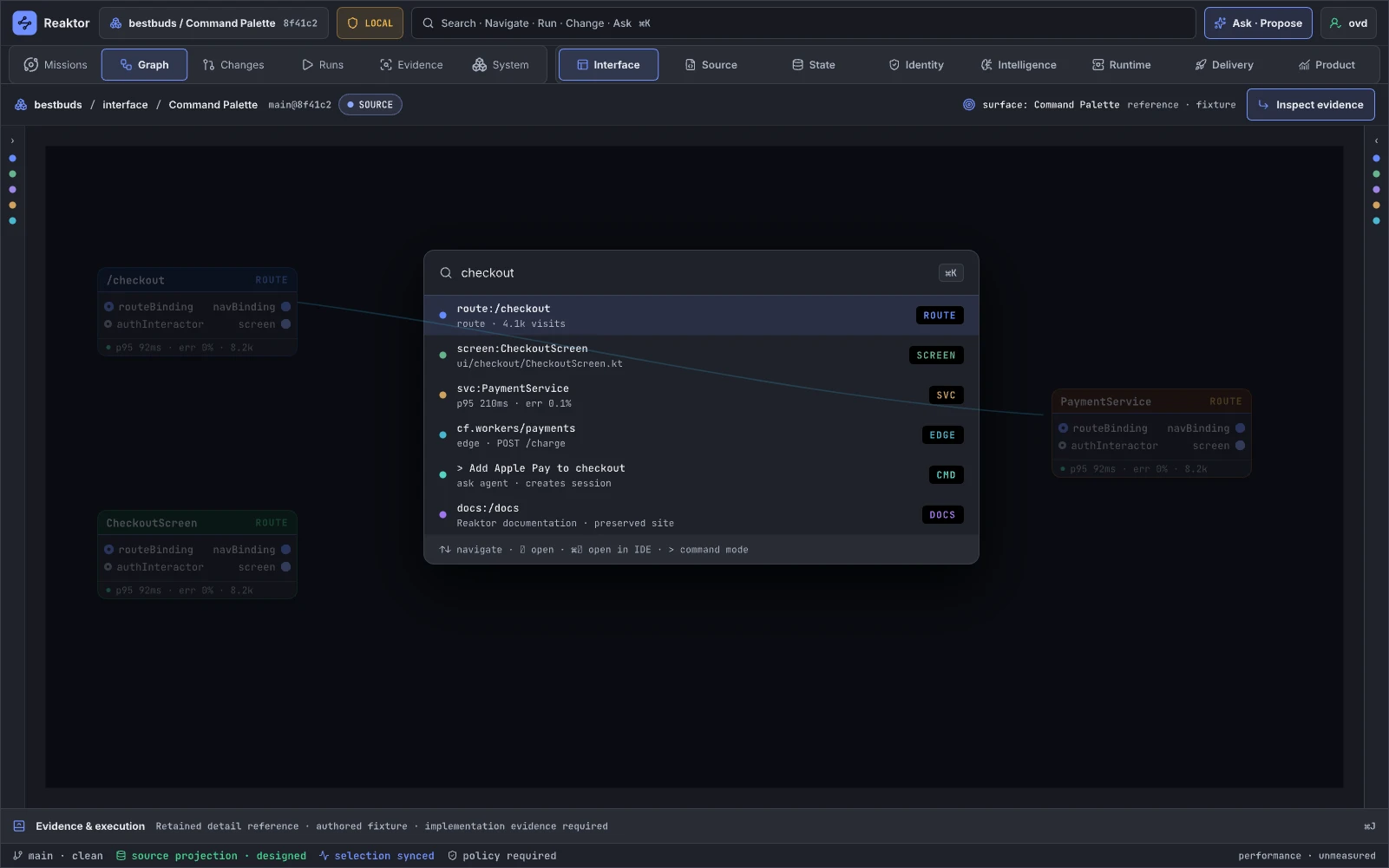
Design reference: kvPHW · Retained specialist reference.
The palette is the universal entry point for identities, navigation, queries, actions, evidence, and help. It corresponds to Unreal's action menu and IDE command/search surfaces; it can replace multiple disconnected searches.
Retained guidance. Use one typed result protocol: Entity, Surface, Query, Action, Evidence, Plan, Run, and Documentation. Show active context, scope, required authority, effect, handler status, and preview before an action. Support natural language only as a compiler into inspectable structured queries/actions. Unify header search, graph query, local pane filters, favorites, recents, and deep links.
05.04 · Interface · Drawer States
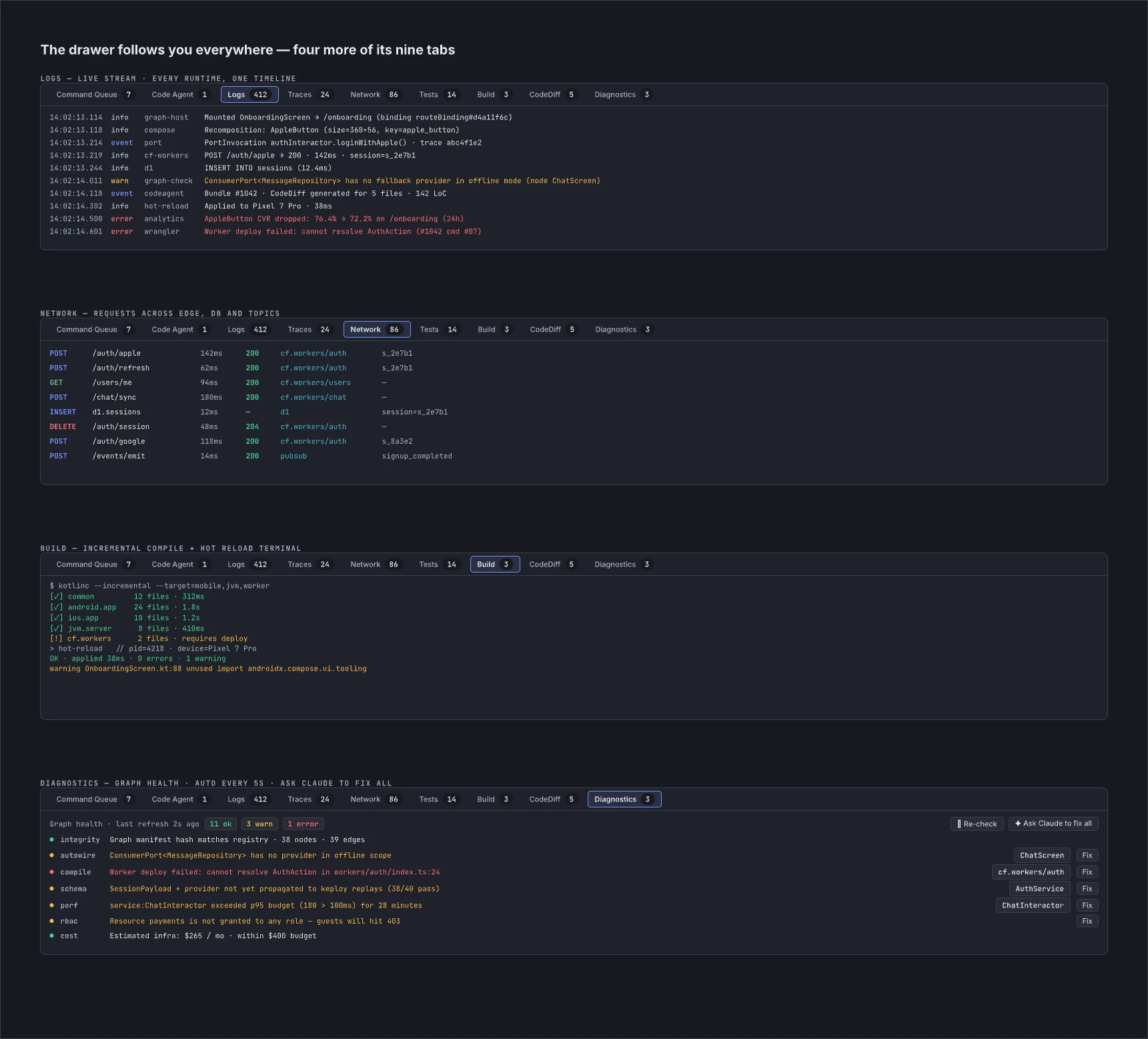
Design reference: wXLgg · Retained specialist reference.
The drawer is intended as a persistent evidence and execution plane for runs, logs, traces, network, tests, builds, diagnostics, and command queues. It resembles Unreal's Output Log, Message Log, and Session Frontend.
Retained guidance. Replace separate hand-authored lists with projections of normalized EvidenceRecord, RunArtifact, DecisionRecord, and Receipt streams. Preserve selection and time; link every row to affected semantic IDs. Keep task readiness separate from completed run evidence. Restore the command queue as a real typed change queue, and ensure tabs such as Network show actual requests/connections rather than cloud resource inventory.
STATE · System Studio Shell · Compact 390
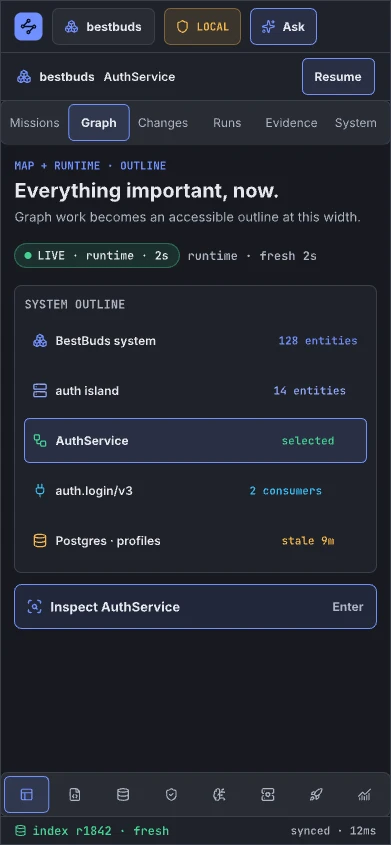
Design reference: gt7MZ · Retained specialist reference.
Compact mode supports inspection, acknowledgement, and safe lightweight actions on phones or narrow panes. It is an outline/inspector projection of the same graph, not a lesser product identity.
Retained guidance. Preserve selection, truth/evidence, context and the available next action. Add labeled navigation, history and drill-down sheets, and identify authoring operations that need a wider or supported input layout. This retained specimen omits Propose; the implemented responsive workspace must make any capability difference explicit rather than silently removing the action.
STATE · System Studio Shell · Expanded 1600 · Dark
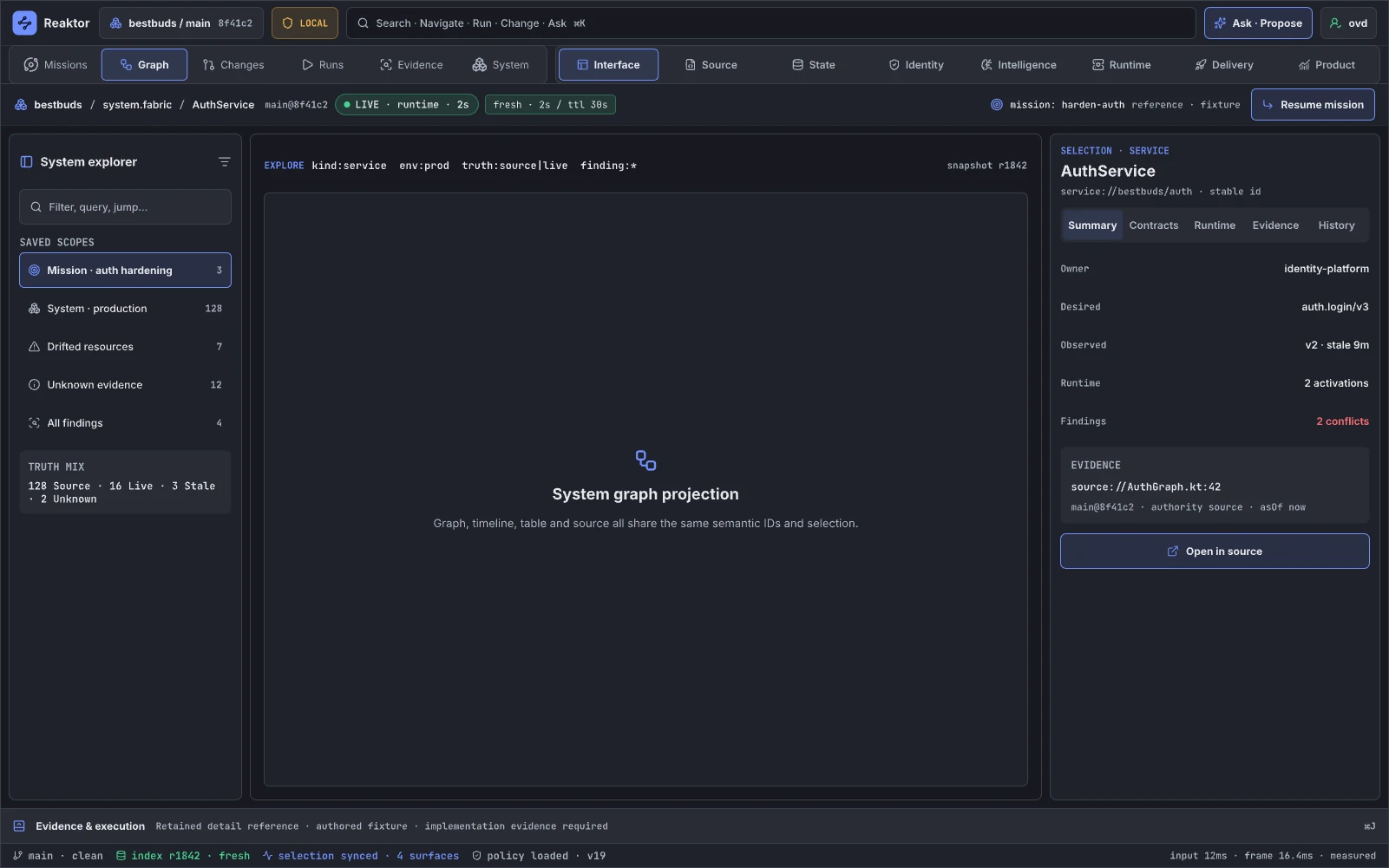
Design reference: xqQrc · Retained specialist reference.
This is the primary sustained-work layout for graph, source, inspector, evidence, and changes. It corresponds to Unreal's full desktop editor.
Retained guidance. Demonstrate a real workflow rather than chrome. Add resizable/pinnable panels, saved layout, focus/zen mode, coherent density tiers, and one dominant task. Critical text must not live at 10–11 px. Validate worst-case labels and 50k-entity LOD behavior.
STATE · System Studio Shell · Expanded 1600 · High Contrast
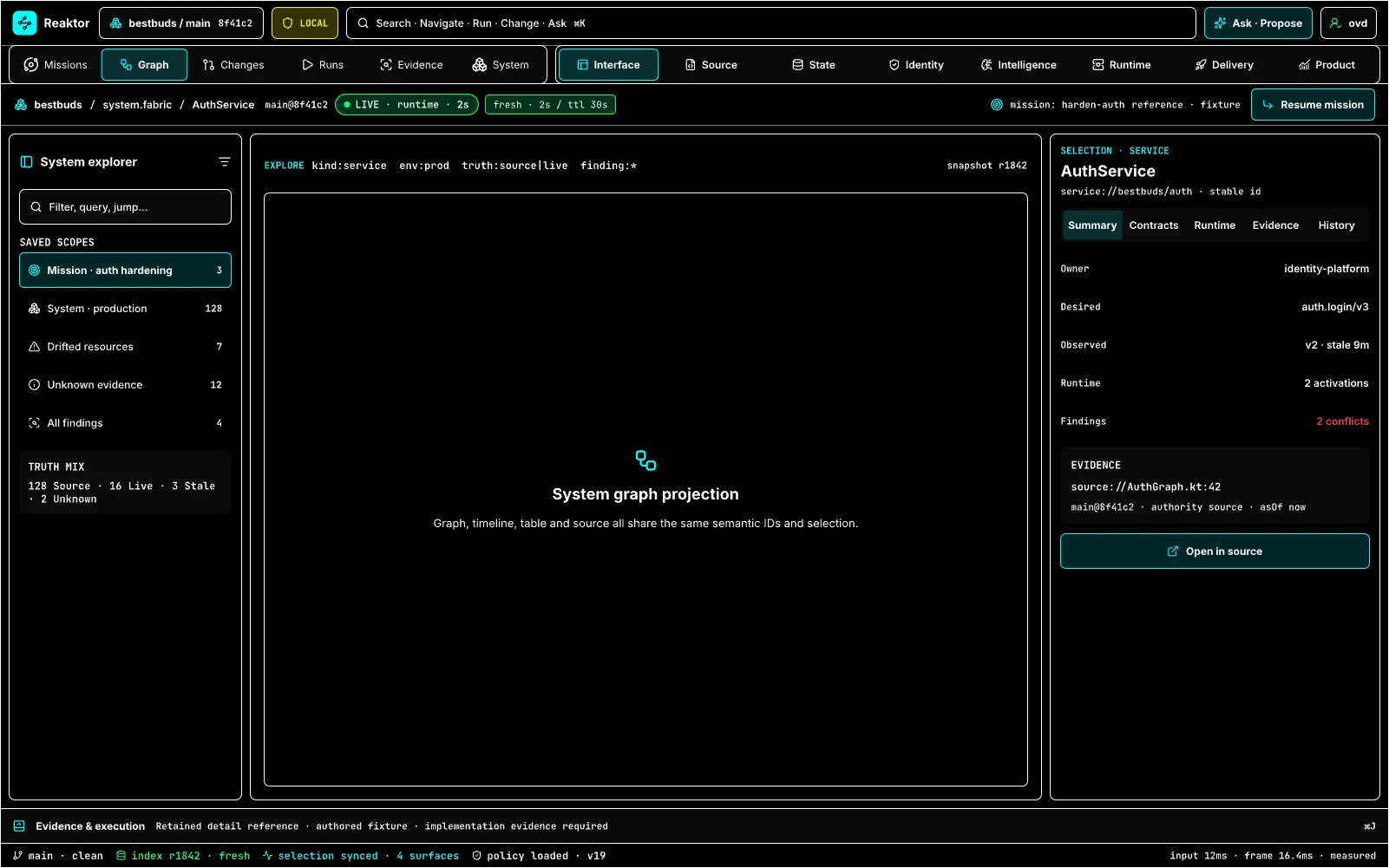
Design reference: V2GduQ · Retained specialist reference.
High-contrast mode is a safety and accessibility projection for the same operations.
Retained guidance. Use OS forced-colors support, stronger borders/focus, shape and stroke patterns, text labels, non-color selection, and reduced visual noise. Run screen-reader, keyboard, zoom, and common color-vision checks; do not treat a palette swap as conformance.
STATE · System Studio Shell · Expanded 1600 · Light
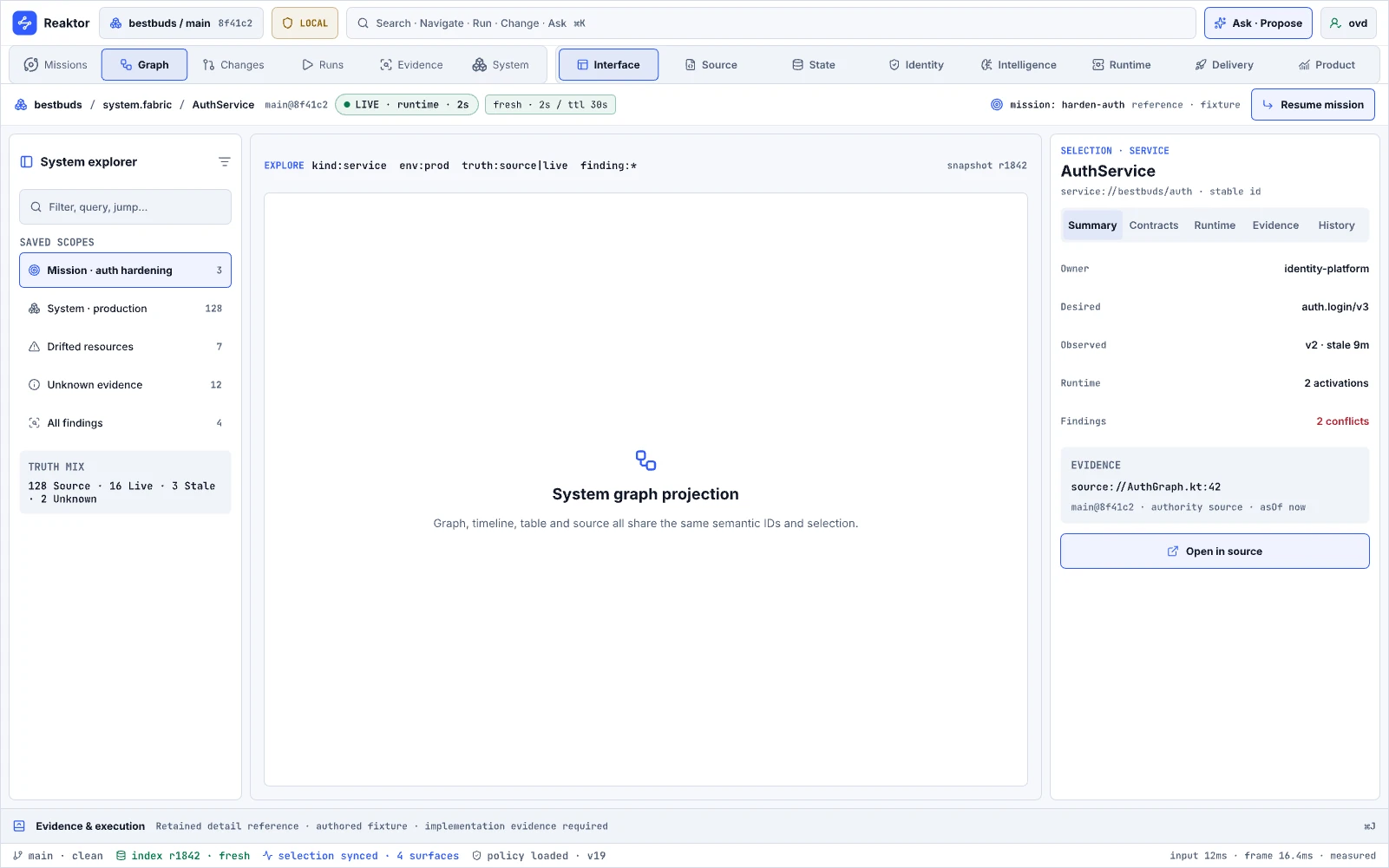
Design reference: VLrsK · Retained specialist reference.
Light mode proves semantic parity across theme, not merely color substitution.
Retained guidance. Exercise graphs, wires, code, tables, diffs, charts, status tuples, focus, disabled states, and overlays. Each meaning also uses labels/icons/shape/stroke so light theme cannot erase truth or selection distinctions.
STATE · System Studio Shell · Medium 768
Design reference: v0bjJ · Retained specialist reference.
Medium mode supports list/detail and limited canvas work on tablets or split screens. It augments on-call and review workflows.
Retained guidance. Replace the empty specimen with a real mission and selection. Prove resizable list/detail, inspector sheet, evidence access, loading/empty/error/stale/denied states, touch and keyboard operation, rotation, and capability equivalence.
Inner-loop and delivery references
06.03 · Inner Loop · Recorder
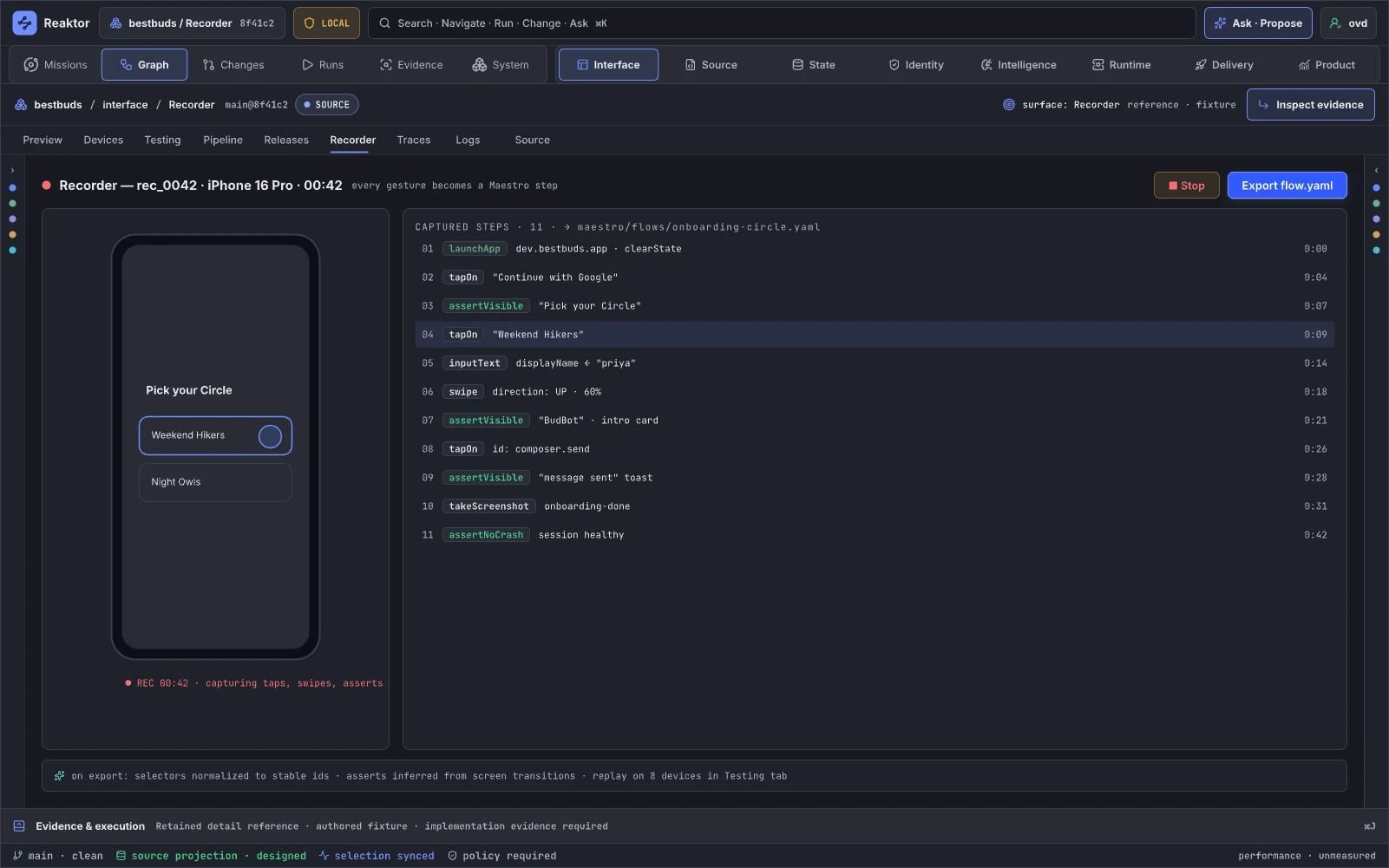
Design reference: YdwCE · Retained specialist reference.
Recorder captures interactions and associated runtime signals into a reusable scenario. It supports reproductions, regression tests, demos, and support handoff. It augments browser recorders, Maestro/Playwright recorders, and screen capture.
Retained guidance. Record stable semantic IDs instead of brittle coordinates/selectors wherever possible. Include environment, revision, data seed, principal, network stubs, permissions, timing policy, redaction, and replay class. Show which steps are deterministic, approximate, or non-replayable. Generated assertions and cleanup become ordinary owned changes; execute their supported checks under granted authority and retain the results before claiming the replay works.
State and trust references
09.02 · Trust · Auth Sessions
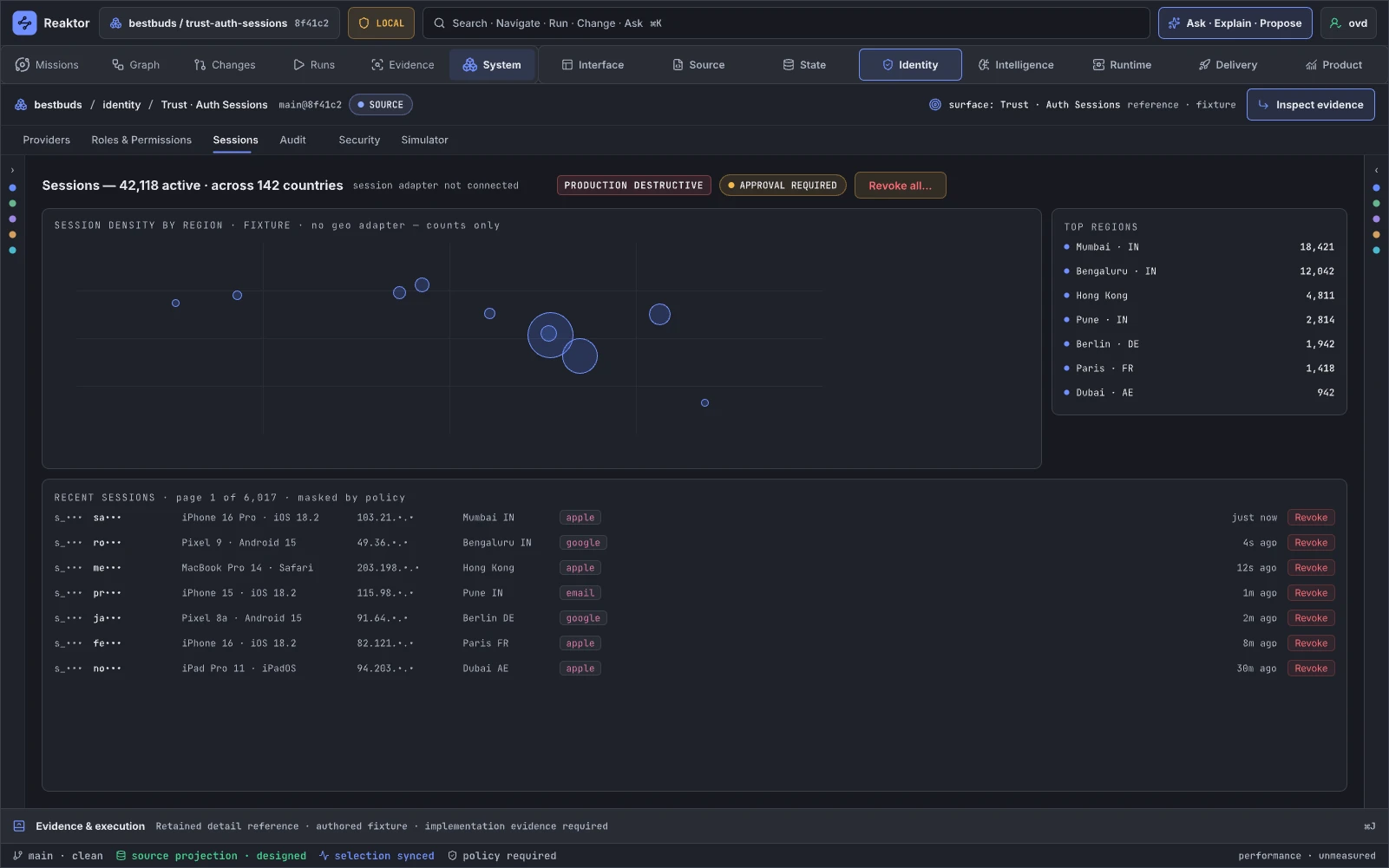
Design reference: T51iyD · Retained specialist reference.
Auth Sessions projects active identity/session instances against their definitions and policies. It supports anomaly investigation and revocation. It resembles runtime Blueprint instance inspection and augments identity-provider session consoles.
Retained guidance. Do not display a “42k active” operational count beside “adapter not connected” unless it is unmistakably fixture data. Show definition ID, activation/session ID, epoch, token lineage, principal/tenant, device/client, provider, policy, risk evidence, last observation, and masking scope. Revoke creates a governed idempotent plan with provider receipt and post-revocation verification; it is never ambient per-row authority.
09.03 · Trust · Security Simulator
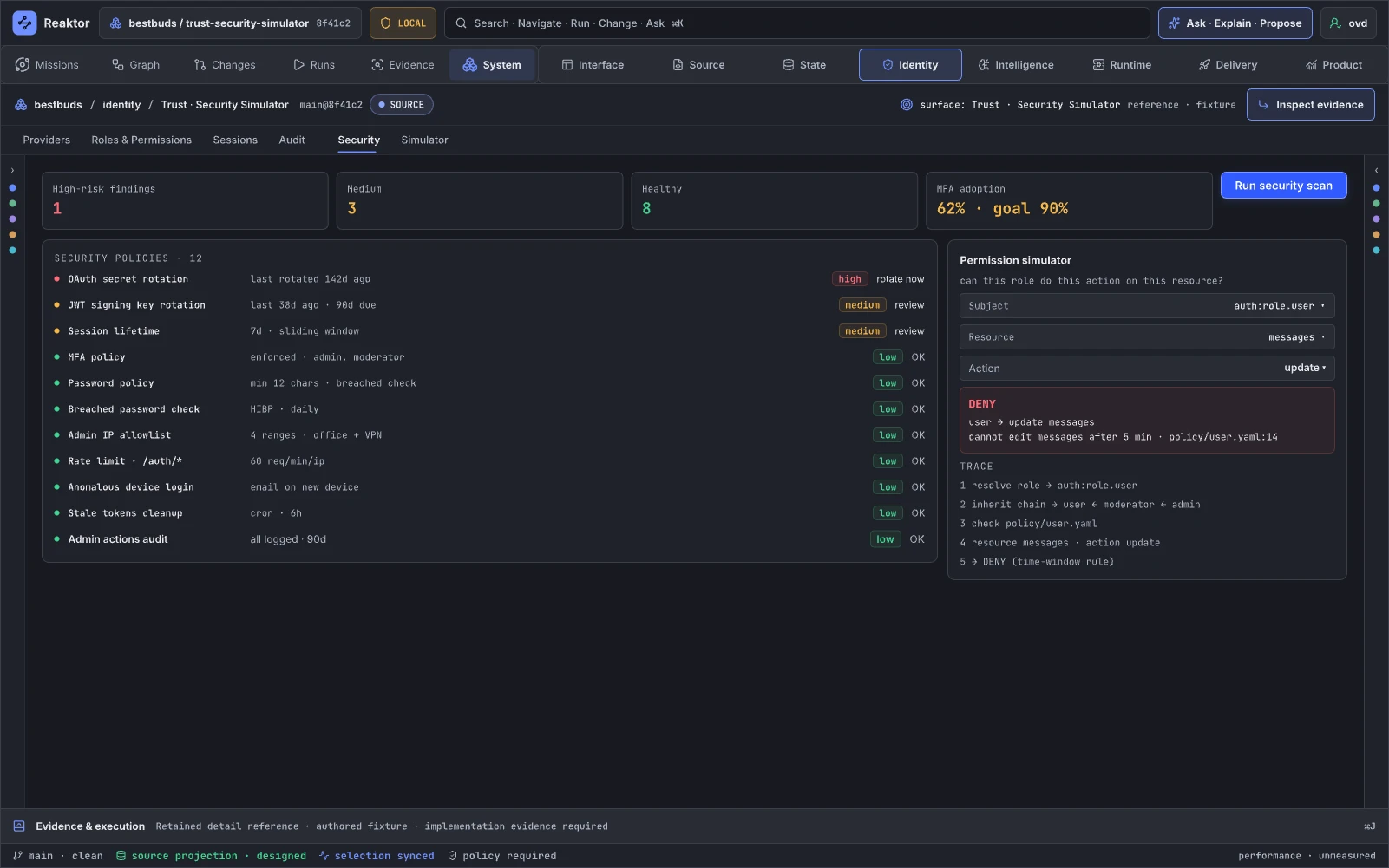
Design reference: jmEA1 · Retained specialist reference.
Security Simulator evaluates attack paths, policy configurations, trust boundaries, and remediations without production side effects. It supports secure design and release gating. It maps to Blueprint simulation with guarded nodes and augments scanners, policy simulators, and threat-model tools.
Retained guidance. Distinguish configuration presence from verified enforcement. The earlier audit’s S-1 finding motivates a call-site census and a “checks not performed” result: a declared policy needs actual mediation at the relevant boundaries. Add threat/asset graph, concrete attacker capabilities, counterexamples, affected call sites, scanner/source/runtime evidence, exception state, owner and scope. Connect findings to the appropriate assurance methods and conformance cases, including lifecycle and actor concurrency. A credential rotation names its target, authority, effect and expiry/recovery policy; extra review follows the configured policy rather than every tool action.
09.05 · State · Query Plan & Governed Migrations
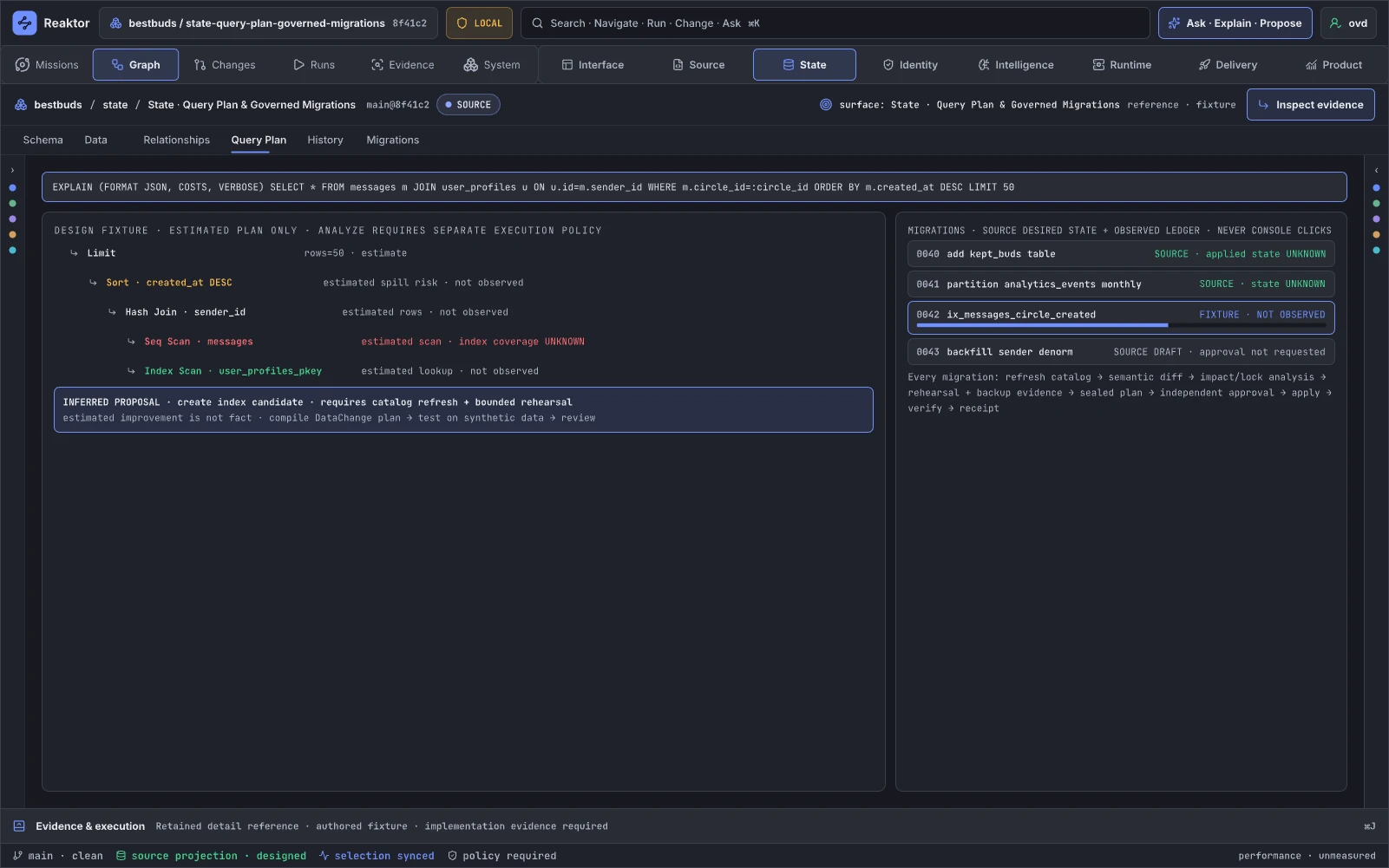
Design reference: z6gUa2 · Retained specialist reference.
This page analyzes query behavior and turns schema changes into staged, governed migrations. It supports performance work and safe evolution. Its Blueprint analogue is compiler/execution-plan inspection plus a structured refactor; it augments EXPLAIN, Flyway, Liquibase, and provider migration consoles.
Retained guidance. Separate estimated plans from measured runs. Show catalog/statistics fingerprint and age, parameter distribution, lock/storage/latency risk, affected graph contracts and source, target-specific syntax, rehearsal evidence, backup/restore readiness, expand/contract stages, dual-read/write period, irreversible steps, and rollback class. A migration is a patch plus ordered plan; postconditions must be observed before completion.
09.06 · State · Data Evidence & History
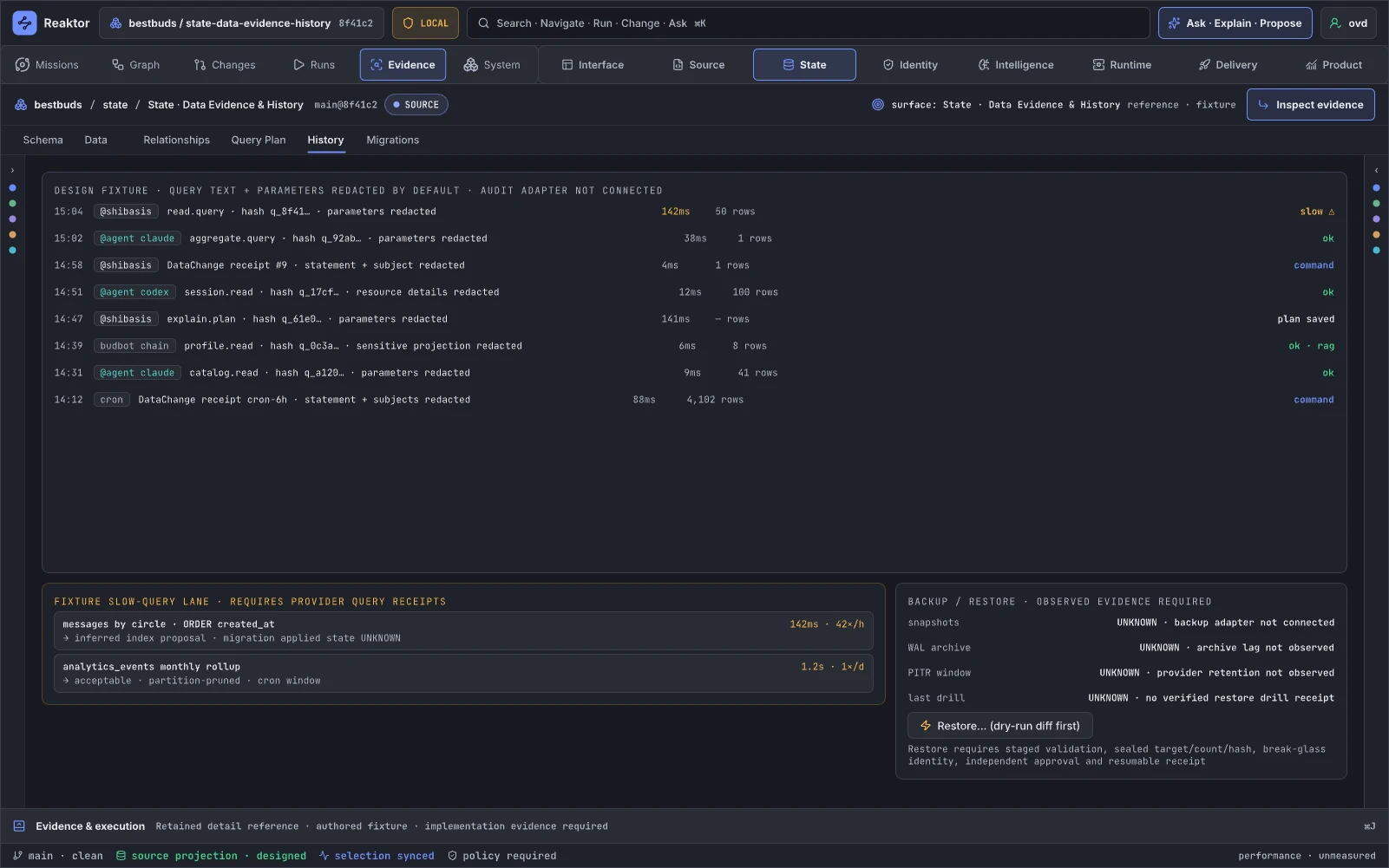
Design reference: lN1J9 · Retained specialist reference.
This is the ledger of query, migration, backup, restore, reconciliation, and data-policy evidence. It supports audit and recovery. It resembles Unreal transaction/history inspection extended to distributed data effects; it augments database audit and backup consoles.
Retained guidance. Preserve its honesty-first direction and add tamper-evident chain, principal/delegation, operation/causation/idempotency IDs, query/schema fingerprints, provider receipt, resource and tenant scope, redaction policy, access log, retention, restore-point compatibility, and outcome-unknown states. Provide a guided connector path when backup evidence is not wired rather than showing invented readiness.
Observe and product-learning references
10.01 · Trace + Runtime · Spans, eBPF & Evidence
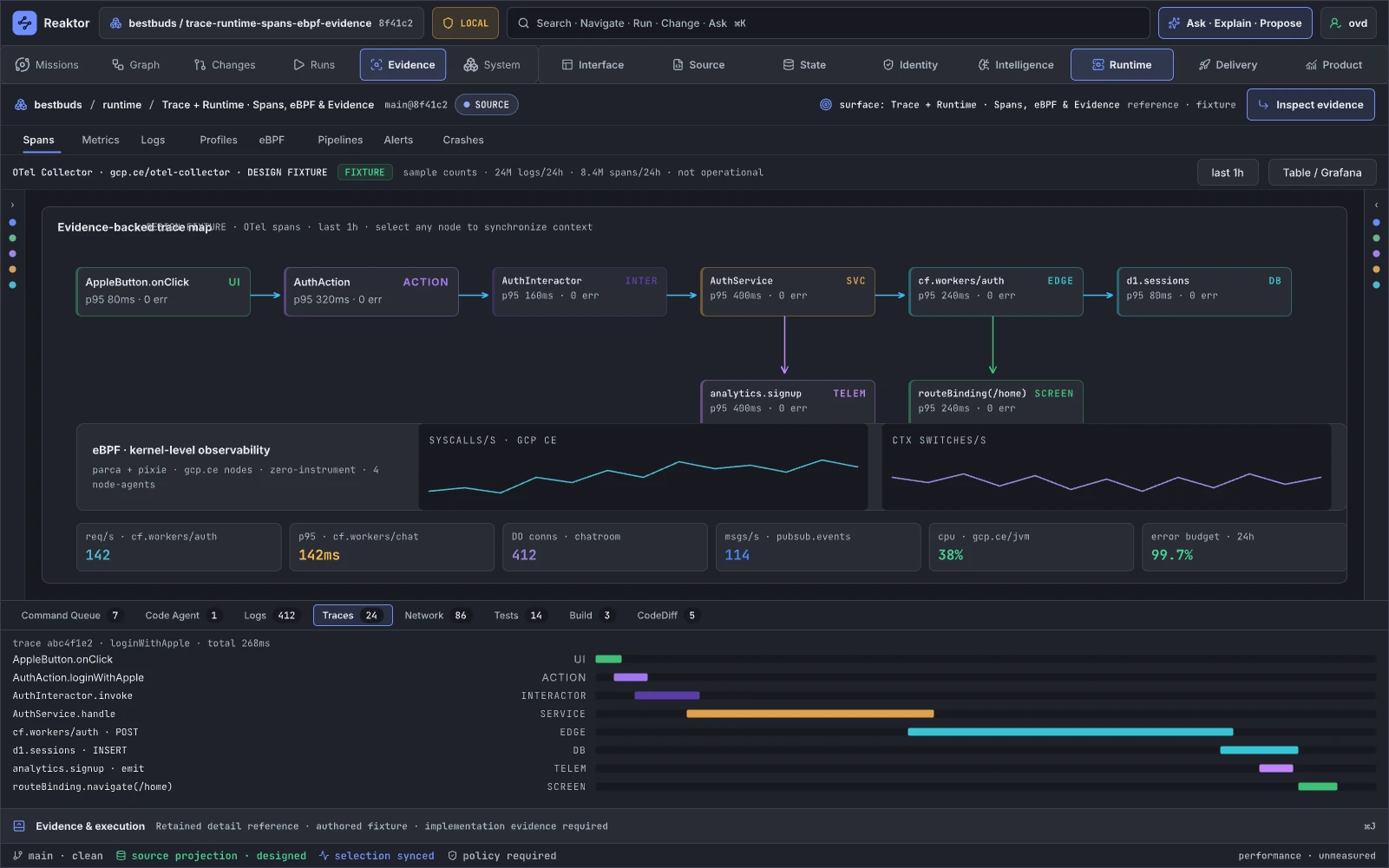
Design reference: ZlHaI · Retained specialist reference.
This page attaches runtime observations to semantic definitions and activations, from application spans to kernel-level evidence. It supports distributed diagnosis. It is full-system Blueprint execution highlighting and augments OpenTelemetry, Jaeger/Tempo, eBPF tools, logs, and source navigation.
Retained guidance. Use the same causal model as 06.04 and provide infrastructure-focused projections. Show observation adapter, sampling, missing instrumentation, propagation confidence, clock uncertainty, activation epoch, release/config, kernel-to-user symbol mapping, and privacy/redaction. Do not let fixture telemetry appear live. Add a Span Coverage page or lens that shows which graph paths cannot currently be observed.
10.04 · Observe · Errors
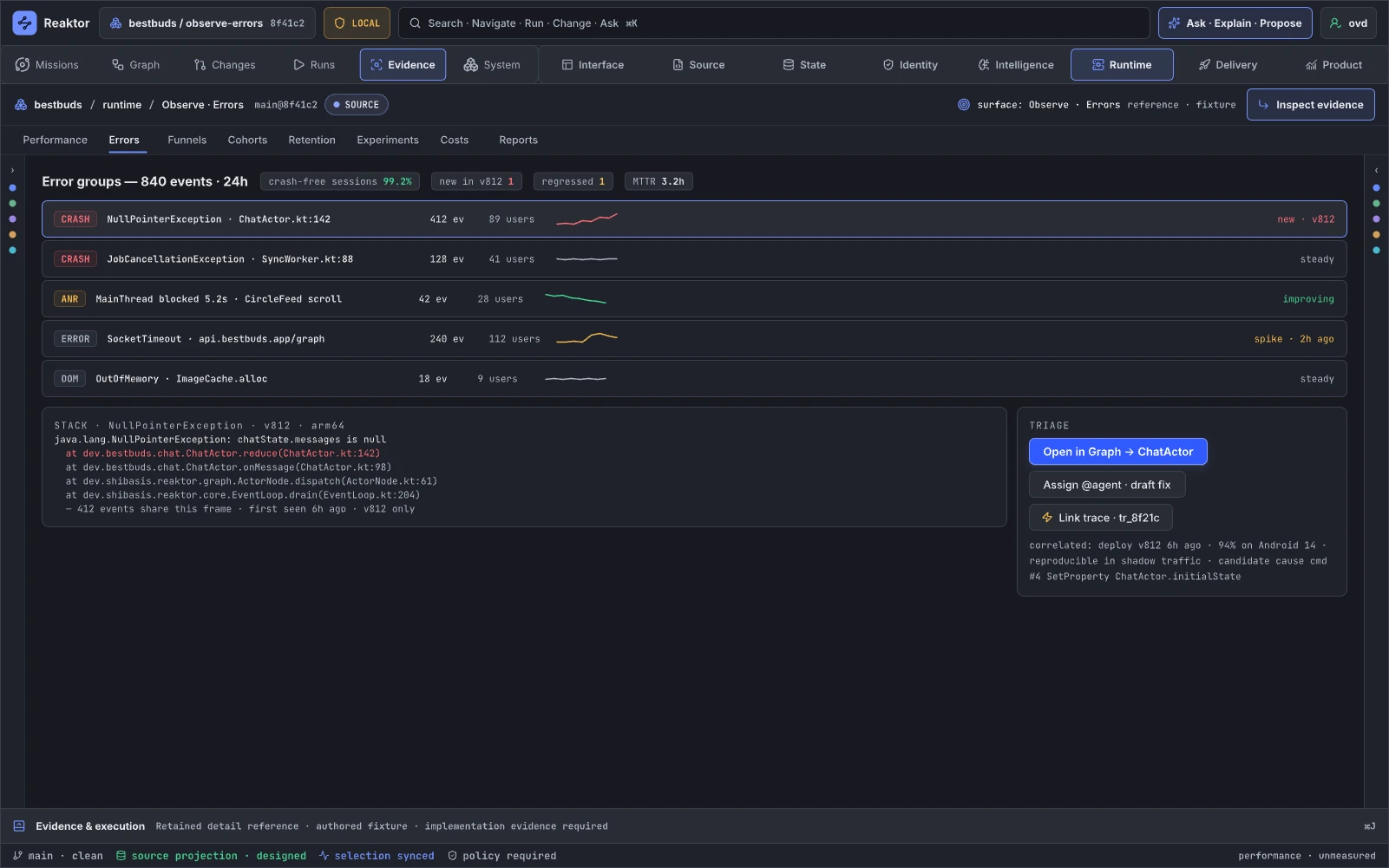
Design reference: cvqmo · Retained specialist reference.
Errors groups failures and connects them to traces, graph scope, source, releases, users, and plans. It supports triage and repair. It augments Sentry/Crashlytics with cross-system context.
Retained guidance. Show grouping confidence, first/last seen, first/last good revision, affected activations, reproduction state, causal path, privacy, owner/SLA, and linked change history. “Draft fix” packages a bounded context for an agent and produces finding → patch → checks → critic result. It does not imply the issue is fixed until a release and observed postcondition reconcile.
10.05 · Observe · Alerts & Pipelines
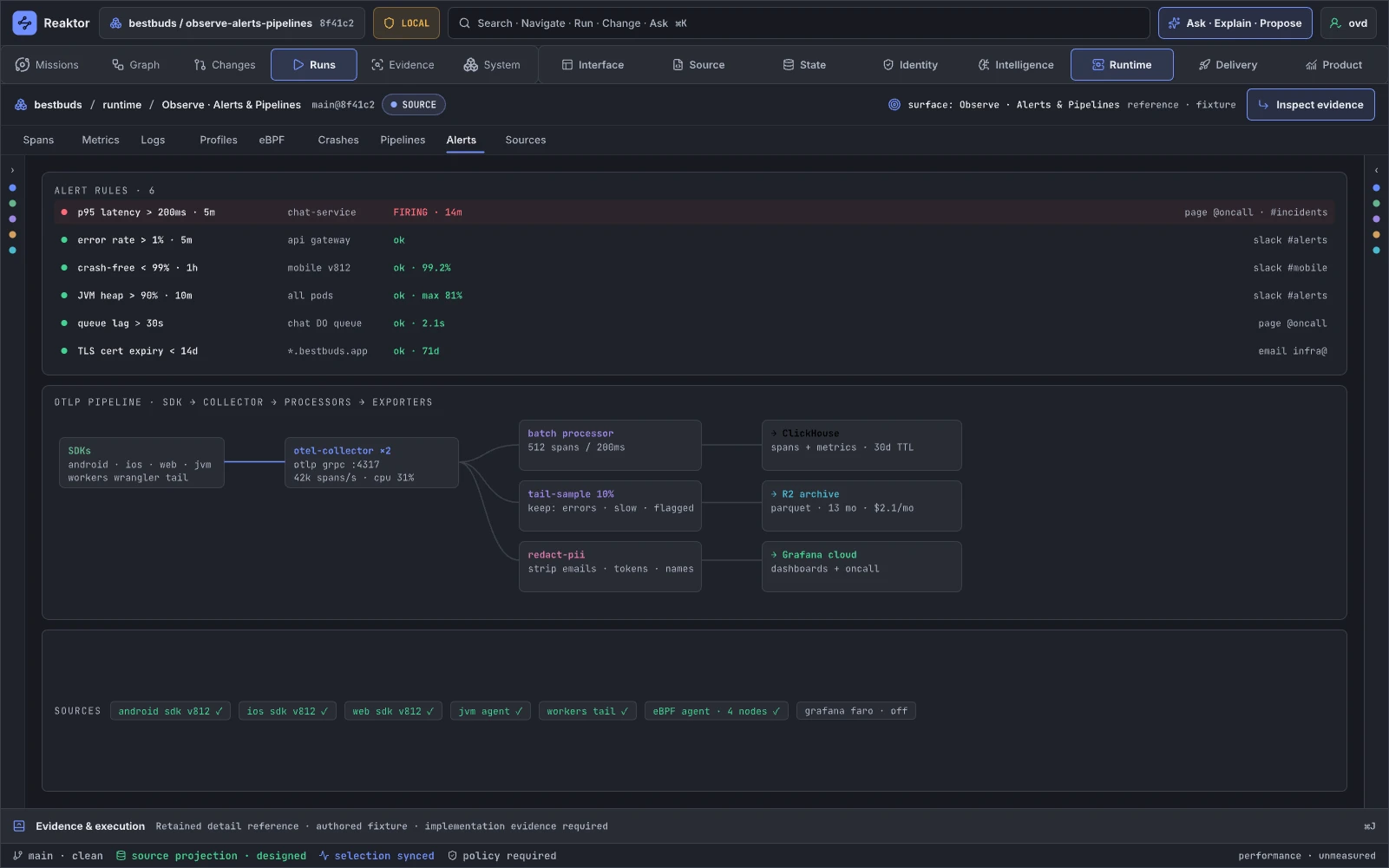
Design reference: DeFQh · Retained specialist reference.
Alert and telemetry pipelines are graph objects with owners, transformations, delivery, and runbooks. Teams use the page to govern detection and response. It maps to dataflow Blueprints and augments Alertmanager, OpenTelemetry Collector, PagerDuty, and provider pipelines.
Retained guidance. Add rule definition/provenance, SLO link, query, owner, severity, dedup/grouping, silence/exception policy, synthetic rehearsal, destination receipts and runbook. For pipelines show queue, drop, backpressure, retry/idempotency, redaction, schema, target cost and freshness. Qualify the actual queue/work adapter: host-scoped background work does not itself establish durable acceptance, and partial or unknown outcomes remain valid states. Changes retain their applicable checks and reveal any gap in monitoring coverage.
11.02 · Learn · Cohorts & Retention
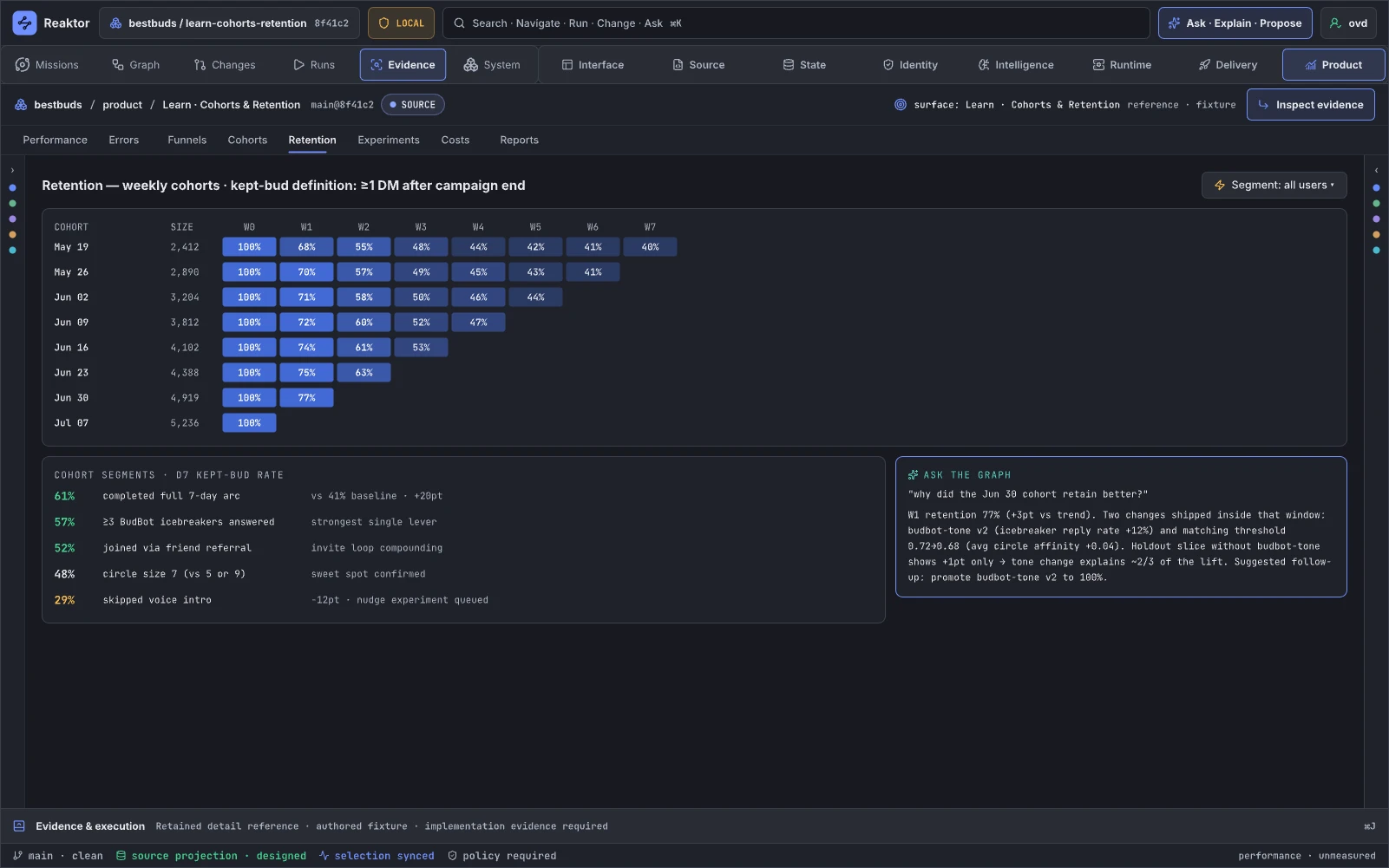
Design reference: i1enWz · Retained specialist reference.
Cohorts connect user populations and retention behavior to product experiences and system changes. It supports product investigation. It augments Amplitude/Mixpanel while using graph identity to reach code, releases, and experiments.
Retained guidance. Replace monotone authored demo data and overconfident AI attribution. Show cohort definition/version, inclusion/exclusion, sample size, censoring, confidence intervals, time zone, data freshness, exposure integrity, candidate changes, and confounders. Agent answers are explicitly hypotheses with cited cells/queries and suggested validation designs.
11.03 · Learn · Experiments
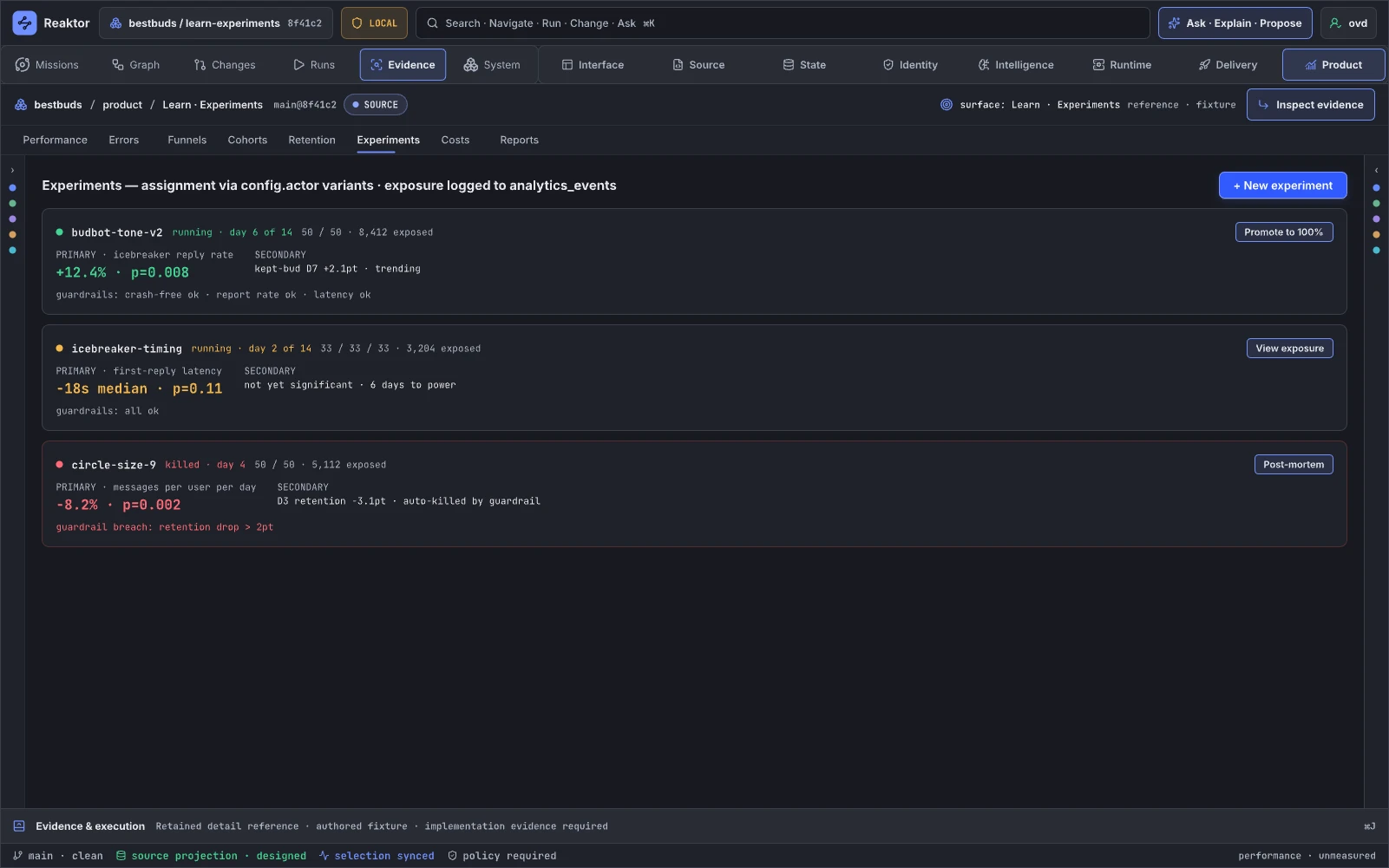
Design reference: ITreE · Retained specialist reference.
Experiments govern hypothesis, assignment, exposure, variants, outcomes, guardrails, and promotion. They support safe product change. In Blueprint terms variants are guarded execution branches; the page augments LaunchDarkly/Statsig/Optimizely.
Retained guidance. Add assignment unit and hash, population, power target, sample-ratio mismatch, exposure logging, novelty/seasonality, multiple-testing policy, metric definitions, guardrails, confidence/credible intervals, and privacy. Promote to 100% is a plan with artifact/revision, gate evidence, authority, rollout, and abort criteria.
11.05 · Learn · Reports
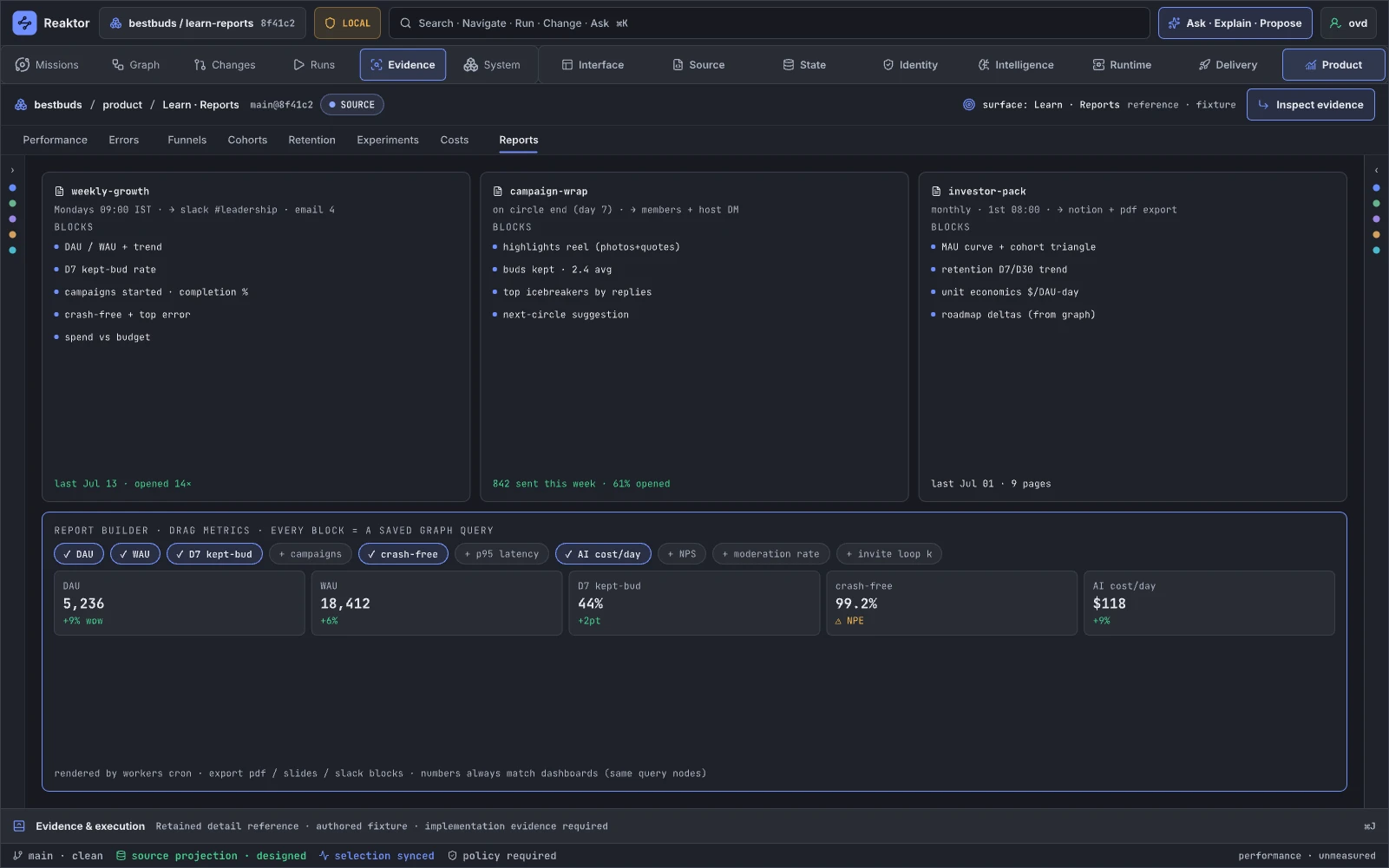
Design reference: D3PIAz · Retained specialist reference.
Reports save reproducible graph/data queries and narratives for teams and stakeholders. They support decisions without losing provenance. They augment Looker/Metabase/Notion rather than becoming a free-floating document tool.
Retained guidance. Replace “numbers always match” with a verifiable contract: every block carries query hash, semantic IDs, data snapshot, metric-definition version, filters, timezone, access/redaction policy, author, and freshness. Conflicting definitions produce a visible discrepancy state. Scheduled delivery gets a signed distribution receipt and audience policy.
AI engineering references
12.01 · AI · Models & Operators
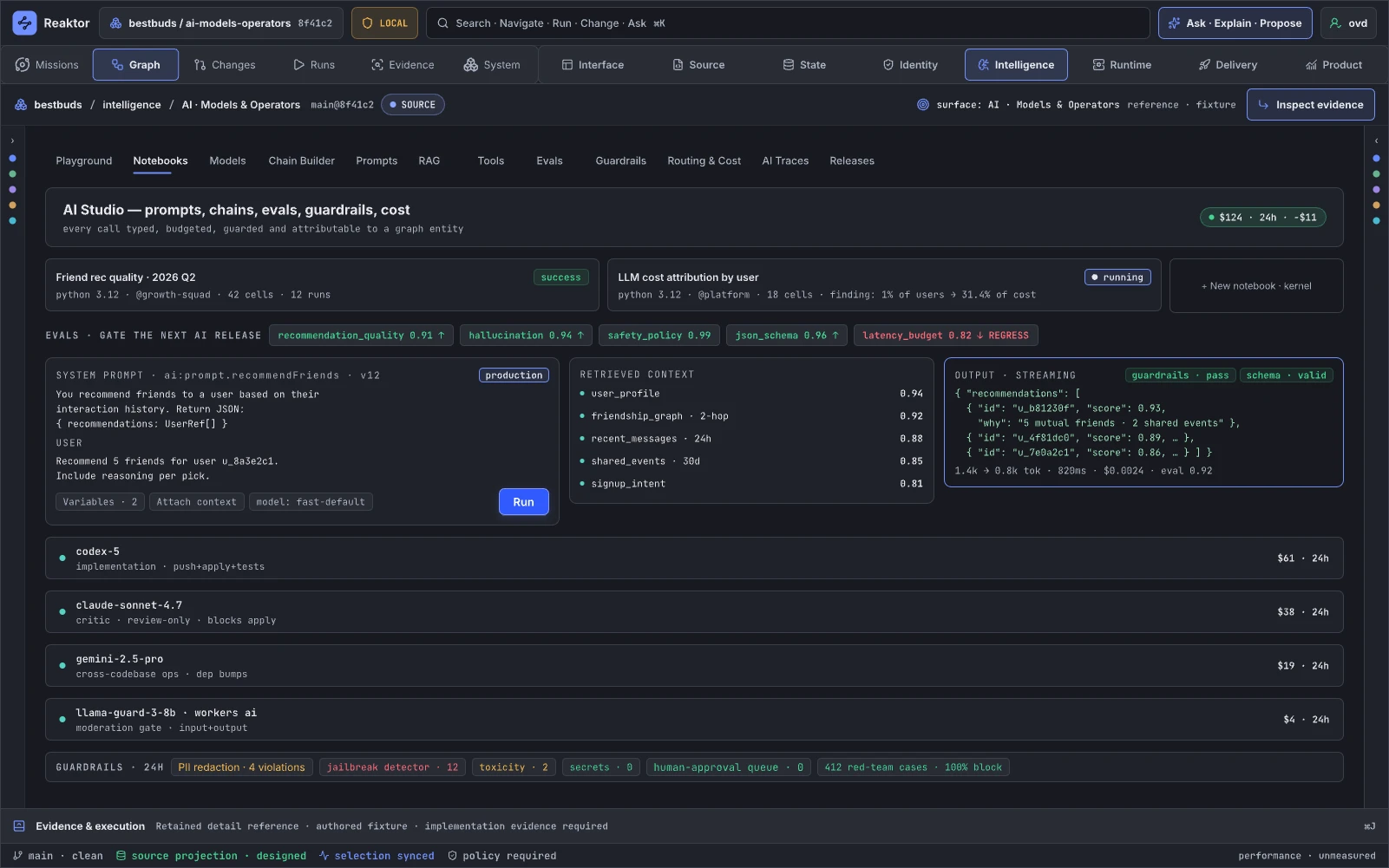
Design reference: zJrBc · Retained specialist reference.
This is the AI system registry: models, operators, prompts, tools, policies, evals, deployments, and owners as graph entities. It supports building and governing AI features. It maps AI chains into Blueprint-style components and augments model consoles, LangSmith, and internal registries.
Retained guidance. Contribute dedicated editors and tools to the shared workspace. Each operator declares input/output contracts, model/router, prompt/context versions, allowed tools/effects, data class, budget, latency/SLO, evaluation gate, target deployment and owner. Distinguish local edits/checks from external effects while using the same operation contracts and effective authority. A prompt or model does not supply additional permission; granted work need not open a separate approval flow.
12.02 · AI · Models & Routing
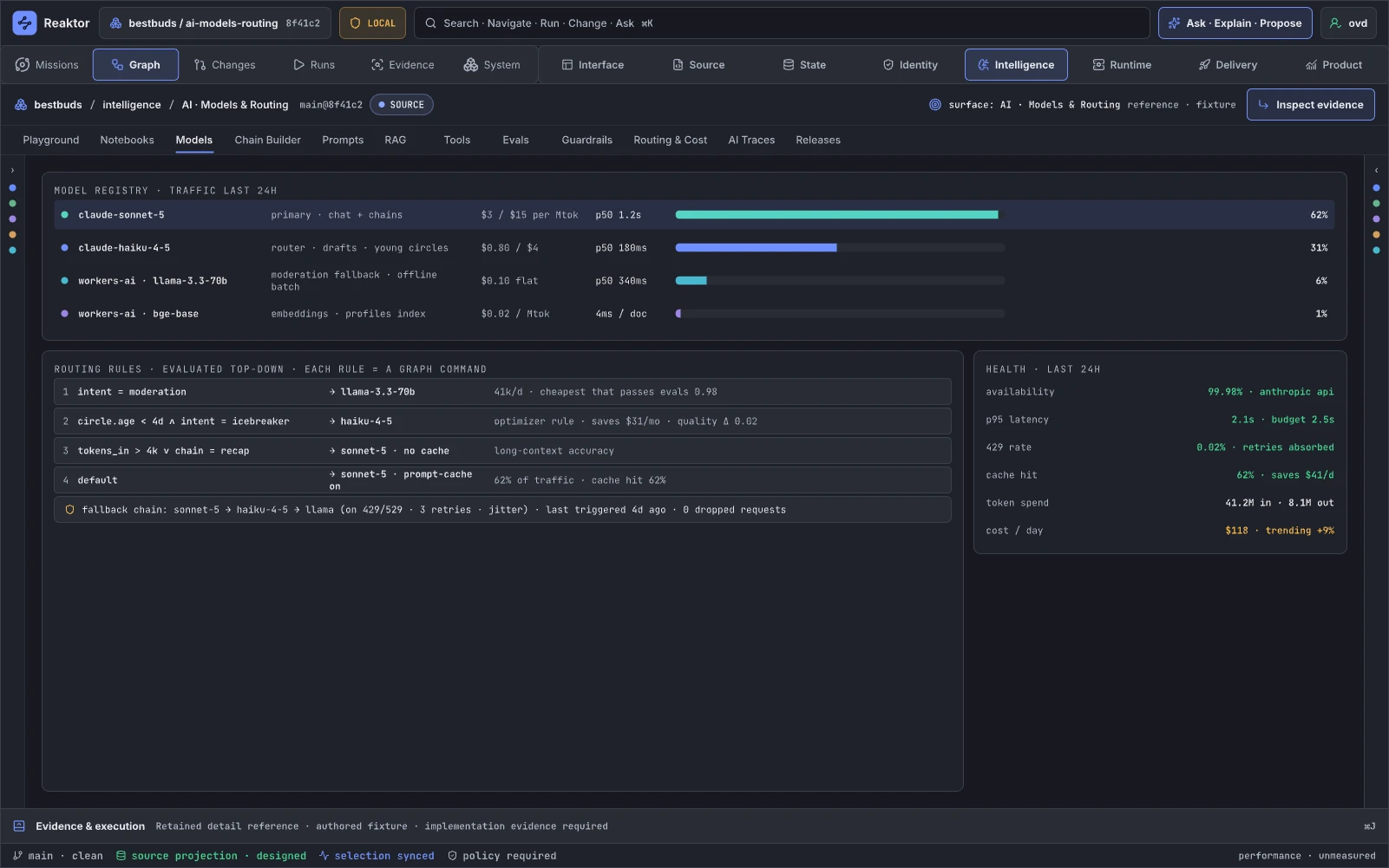
Design reference: Wjmfj · Retained specialist reference.
Routing chooses providers/models under capability, quality, policy, availability, and cost constraints. It supports reliable AI operation. It resembles guarded Blueprint branches and augments LiteLLM/router/provider consoles.
Retained guidance. Unify cost facts with the metric registry. Add input/output/schema compatibility, context limits, regions and data policy, rate/quota, health evidence, cache semantics, circuit breakers, fallback scenarios, rule hit traces, eval deltas, and budget. Editing a route creates a candidate, simulation/eval, and governed rollout plan.
12.03 · Map + Intelligence · Governed Chain Builder
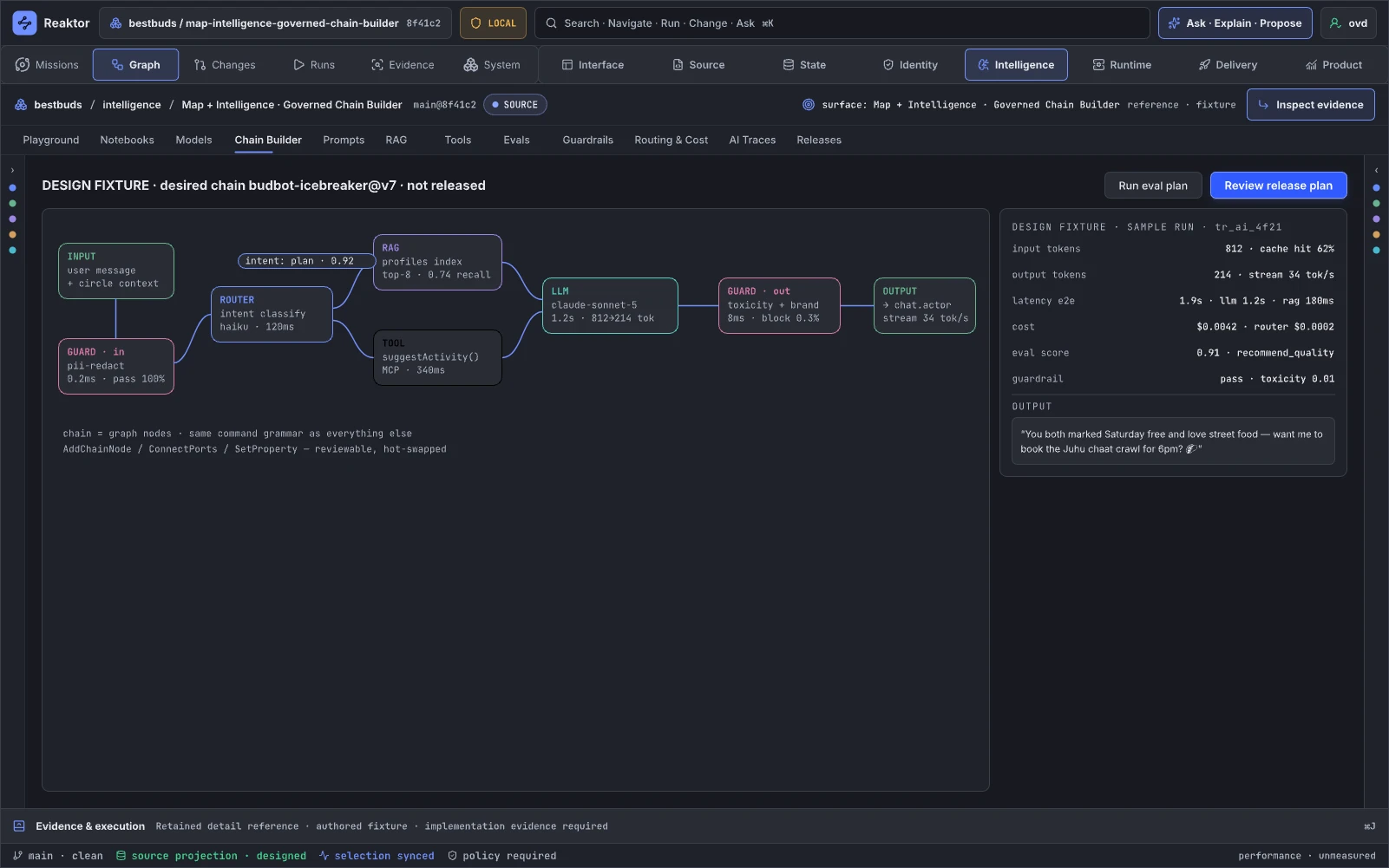
Design reference: qtbd3 · Retained specialist reference.
This page is the clearest AI-specific Blueprint surface: typed prompt/model/retrieval/tool/guard/output nodes composed into an executable subgraph. It supports author, compile, test, trace, and release. It augments LangGraph/Dify/Flowise while adding Reaktor authority and evidence.
Retained guidance. Give every port a schema, cardinality, effect class, data classification, budget contribution, and error/cancellation semantics. Add branch/failure routes, retries/circuits, streaming/backpressure, redaction boundaries, tool capability checks, sample replay, semantic diff, eval coverage, and activation version. Keep structural chain, runtime trace, and deployment plan distinct.
12.04 · AI · RAG
Design reference: W3npMV · Retained specialist reference.
RAG maps source corpus through parsing, chunking, embedding, indexing, retrieval, generation, citations, and evaluation. It supports trustworthy knowledge features. It is a typed dataflow graph and augments vector database and RAG consoles.
Retained guidance. Add source ownership/consent/classification, tenant policy, document → chunk → embedding lineage and fingerprints, parser/model/index versions, tombstones/deletion SLA, access-filter enforcement, index diff, retrieval golden set, recall/precision, drift, citation coverage, and provider receipts. Reindex/drop actions follow the same plan spine and expose irreversible cost/data effects.
12.05 · AI · Prompts & Evals
Design reference: ZV3fR · Retained specialist reference.
Prompt and eval versioning treats AI behavior like software: changes, datasets, judges, results, regressions, gates, and releases. It supports reviewable improvement. It augments prompt registries and eval platforms.
Retained guidance. Show prompt/chain/model/router identity, dataset hash and provenance, contamination/leakage checks, rubric, judge model/version, human calibration and disagreement, sample counts, confidence intervals, failure clusters, safety red-team evidence, cost/latency, and exact release gate. A score is never an unqualified truth badge.
12.06 · AI · Notebooks
Design reference: QMram · Retained specialist reference.
Notebooks provide exploratory analysis over graph snapshots and evidence while preserving enough context to reproduce decisions. They augment Jupyter/Hex and can emit proposed queries, findings, and reports.
Retained guidance. Make the execution environment explicit rather than defaulting an exploratory notebook to production. Pin package/runtime identity, principal/authority, graph/data snapshot, query IDs, credential scope, resource limits, cached-result provenance, redaction and output retention. A command cell uses the shared operation contract and applicable authority. Publishing preserves audience and data policy and produces an immutable evidence artifact.
12.07 · AI · Traces
Design reference: ED2r5 · Retained specialist reference.
AI Traces follows prompt, context, routing, retrieval, model, tokens, tools, guards, evals, cost, and feedback for one activation. It supports AI debugging. It is runtime highlighting for an AI chain and augments LangSmith/Arize/Phoenix.
Retained guidance. Replace the generic evidence-card template with chronological and causal trace projections. Show prompt/context/retrieval versions, router decision, streamed tokens, redacted tool inputs/outputs, authority decisions, retries, guard outcomes, costs, citations, evals, user feedback, release/experiment, and retention policy. Tie every step to definition and activation IDs.
Components and atlas dividers
The component boards provide reusable Reaktor interaction, product-preview and editor-shell references. Chapter/library dividers organize the design atlas; they are not separate workbench destinations or runtime features. The final export registry determines the catalog census and design-check result.
16.00 · Reaktor Graph · Living graph instruments
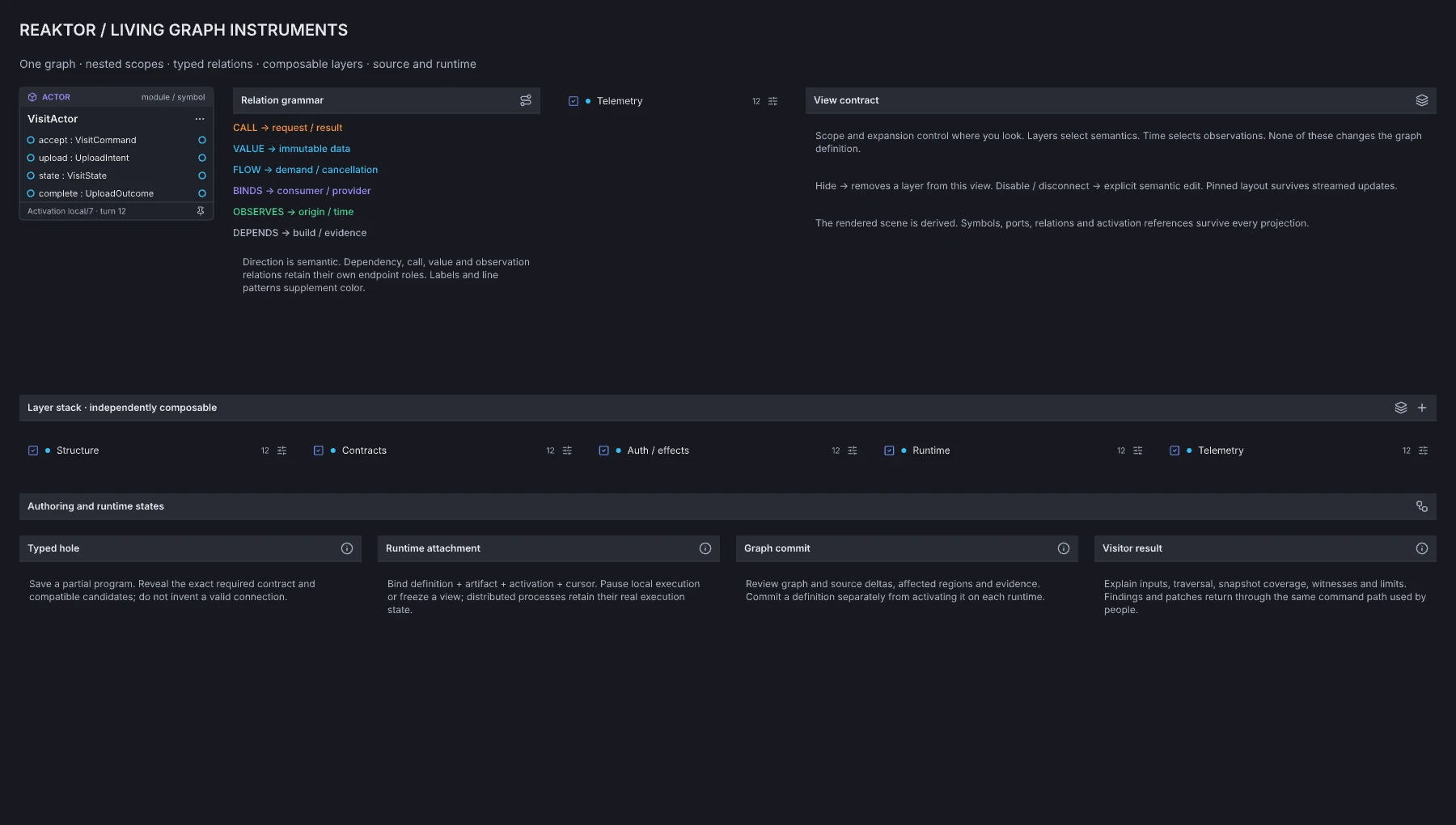
Design reference: p0Fgf · Living Graph component library.
The graph kit provides reusable anatomy for typed node/port interaction, relation and boundary presentation, graph context and evidence states. Its consumers must preserve stable semantic references, accessible names, keyboard alternatives and the distinction between view commands and program/runtime changes. This is authored component guidance, not a shipped graph runtime or a guarantee that every depicted interaction is wired.
Reaktor / Workbench system
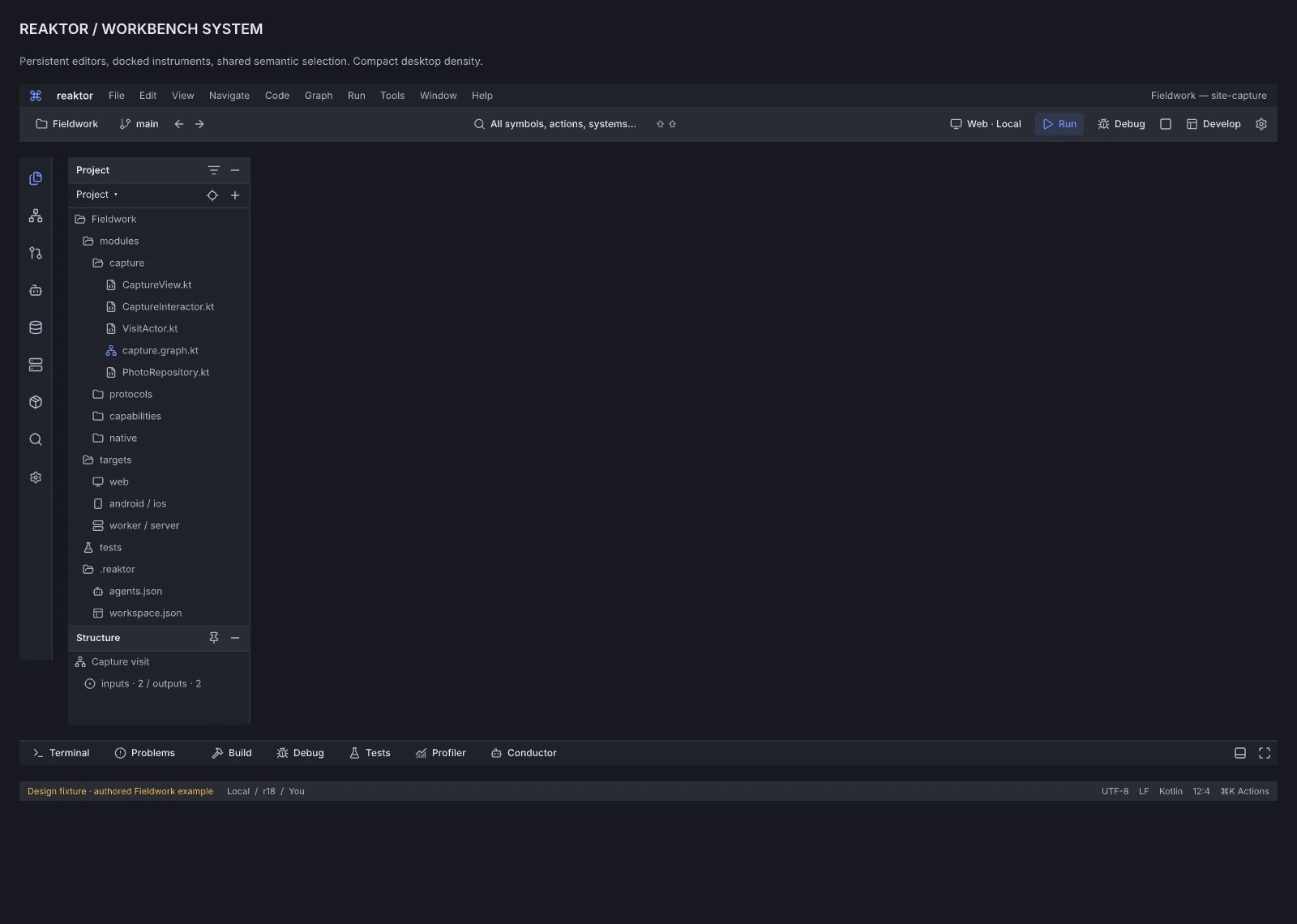
Design reference: LI1ng · Reaktor component library.
The workbench kit isolates the menu/run toolbar, tool strip, Project/Structure explorer, bottom tools and status anatomy used by the compact IDE boards. Domain editors contribute the working interior while reusing these selection, navigation and execution controls. Implement the kit as shared tokenized components with dock/focus/persistence contracts; this component specimen is not a complete application or a runtime asset.
14.00 · Reaktor · Machine Signal interaction kit
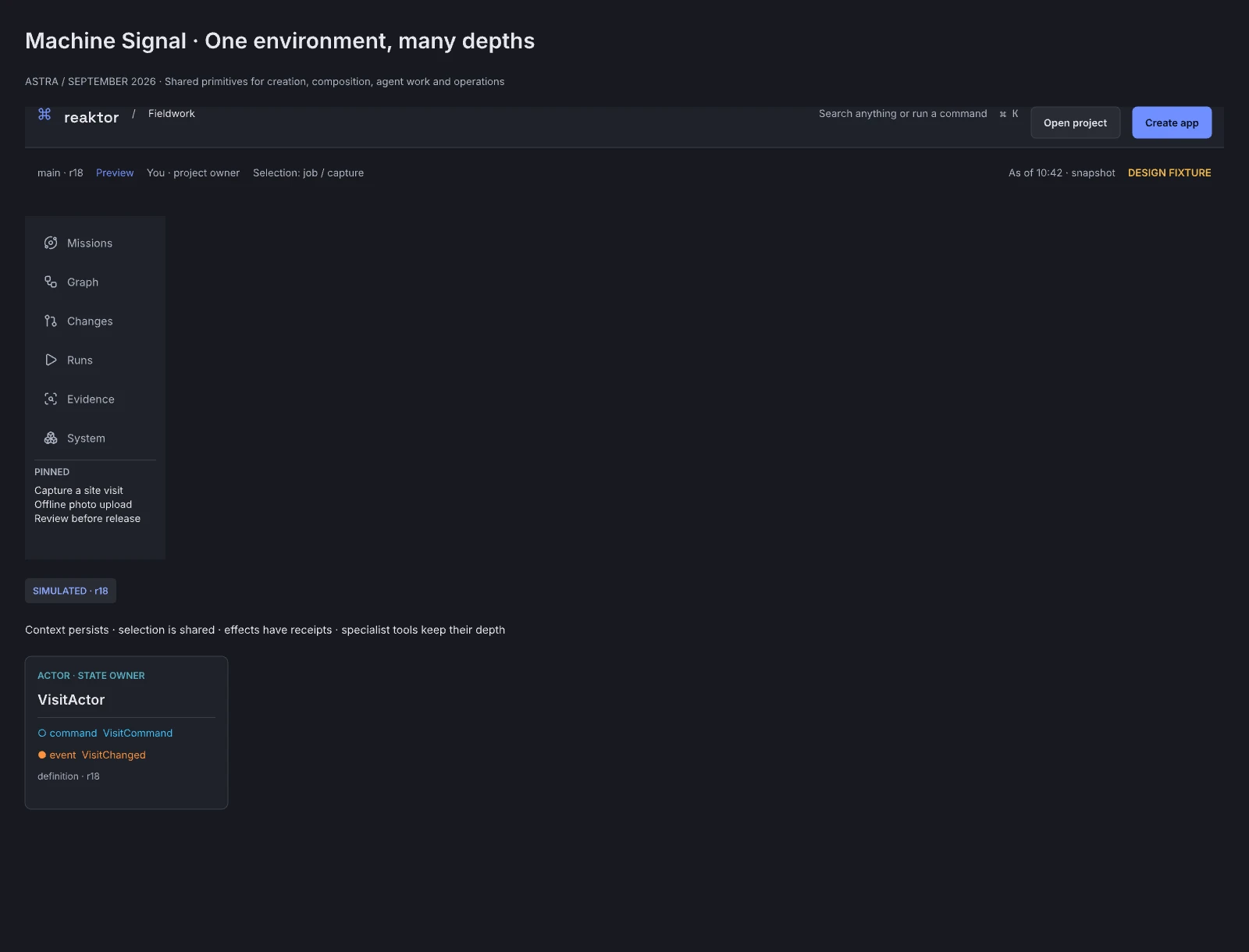
Design reference: CU5sk · Reaktor component library.
The Machine Signal interaction kit supplies common navigation, contextual controls and reusable state anatomy for the Reaktor workspaces. Implementations should consume shared tokens/components while preserving domain-specific representations. Verify instance overrides and focus/state behavior when the kit changes.
14.01 · Reaktor · Fieldwork product preview component
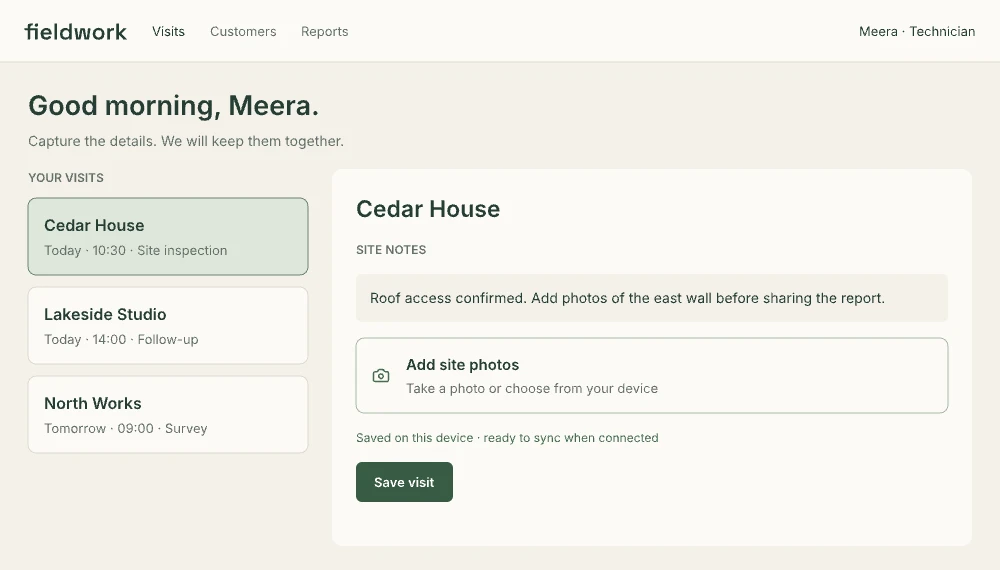
Design reference: mmz92 · Reaktor component library.
The Fieldwork preview component demonstrates an application-owned design inside Reaktor. It is reusable authored example content, not a screenshot-backed runtime asset. Generated products can use different tokens, composition and visual identity; the preview-to-source mapping must come from actual implementation.
REFERENCE LIBRARY · MACHINE SIGNAL

Design reference: o1sWu8 · Library divider.
This divider groups reference material in the Pencil atlas. Use the persistent editor shell, tool categories and saved perspectives for the product itself.
SECTION 01 · NORTH STAR / UNDERSTAND

Design reference: uVvPE · Section divider.
This divider groups reference material in the Pencil atlas. Use the persistent editor shell, tool categories and saved perspectives for the product itself.
SECTION 02 · CREATE / COMPOSE

Design reference: z2yKVY · Section divider.
This divider groups reference material in the Pencil atlas. Use the persistent editor shell, tool categories and saved perspectives for the product itself.
SECTION 03 · GOVERN / EXTEND / SCALE

Design reference: fSDjL · Section divider.
This divider groups reference material in the Pencil atlas. Use the persistent editor shell, tool categories and saved perspectives for the product itself.
SECTION 04 · GRAPH SUBSTRATE

Design reference: jvUo9 · Section divider.
This divider groups reference material in the Pencil atlas. Use the persistent editor shell, tool categories and saved perspectives for the product itself.
SECTION 05 · INTERFACE SYSTEM

Design reference: Z2axVY · Section divider.
This divider groups reference material in the Pencil atlas. Use the persistent editor shell, tool categories and saved perspectives for the product itself.
SECTION 06 · INNER DEVELOPMENT LOOP

Design reference: wTkHR · Section divider.
This divider groups reference material in the Pencil atlas. Use the persistent editor shell, tool categories and saved perspectives for the product itself.
SECTION 07 · SHIP & RELEASE

Design reference: d1l54 · Section divider.
This divider groups reference material in the Pencil atlas. Use the persistent editor shell, tool categories and saved perspectives for the product itself.
SECTION 08 · AGENT OPERATIONS

Design reference: O36J3u · Section divider.
This divider groups reference material in the Pencil atlas. Use the persistent editor shell, tool categories and saved perspectives for the product itself.
SECTION 09 · STATE & TRUST

Design reference: H20qZ · Section divider.
This divider groups reference material in the Pencil atlas. Use the persistent editor shell, tool categories and saved perspectives for the product itself.
SECTION 10 · OBSERVE

Design reference: TtM5J · Section divider.
This divider groups reference material in the Pencil atlas. Use the persistent editor shell, tool categories and saved perspectives for the product itself.
SECTION 11 · LEARN & OPTIMIZE

Design reference: uicyy · Section divider.
This divider groups reference material in the Pencil atlas. Use the persistent editor shell, tool categories and saved perspectives for the product itself.
SECTION 12 · AI ENGINEERING

Design reference: e2iRw · Section divider.
This divider groups reference material in the Pencil atlas. Use the persistent editor shell, tool categories and saved perspectives for the product itself.
SECTION 13 · RUNTIME & EXTENSIBILITY

Design reference: FzAEr · Section divider.
This divider groups reference material in the Pencil atlas. Use the persistent editor shell, tool categories and saved perspectives for the product itself.